Utilities app screenshots that show the app icon
The app’s icon appears in the picture. The icon is what the reader will look for on the home screen after installing.
From the top 100 free Utilities apps on the US App Store, read on October 9, 2026. Screenshots are the developers’ own, shown from Apple’s servers with a link to each app.
The numbers
78 of the 549 Utilities screenshots read (14%) do this, across 47 of the top 100 apps (47%). 2 of the top ten do it (20%), against 45 of the other 90 (50%): the top ten do it less than the rest. Of the 23 categories read so far, Utilities is 8th for this. It is most common in Business (54% of apps) and least common in Games (20%).
12 examples from the chart.
12 of the 78 Utilities app screenshots that show the app icon, one from each app, the highest on the chart first.
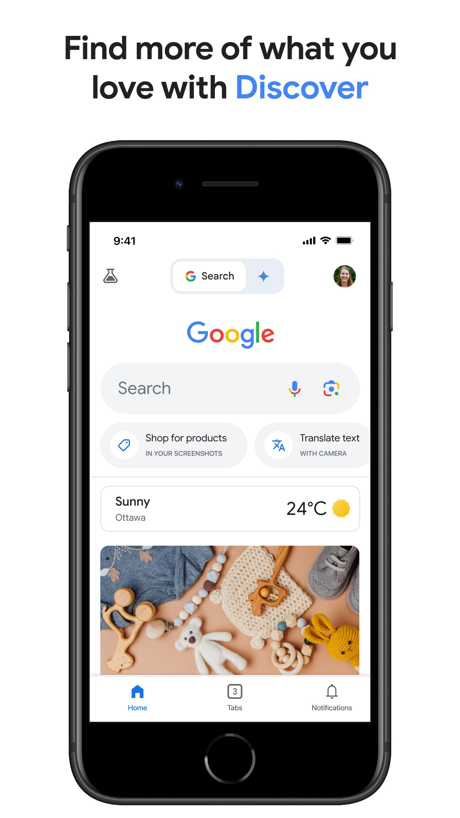
“Find more of what you love with Discover”

“What starts here, gets done here”
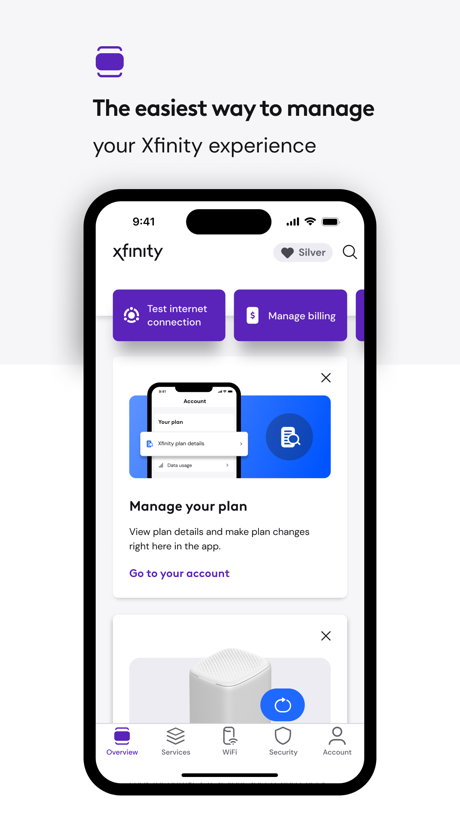
“The easiest way to manage”

“Unlimited Online Protection”

“Authenticator App”

“Protection Peace of”
“The app has been renewed!”


“The Privacy Browser”

“Go big on your online protection”

“Complete anonymity and no data collection”
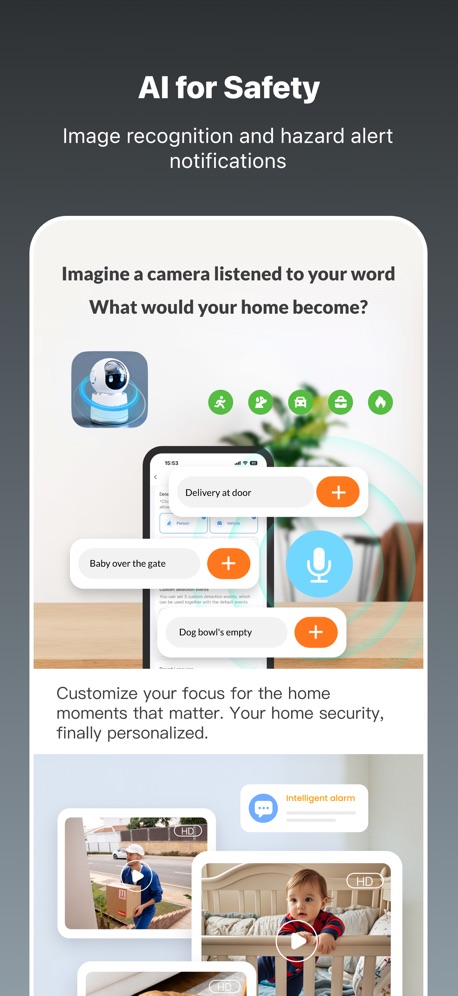
“AI for Safety”
What these screenshots say, word for word.
The words on 40 of the 75 that carry any, as each app wrote them.
“Find more of what you love with Discover”
Google · #1 · screenshot 1“What starts here, gets done here”
Microsoft Edge · #7 · screenshot 1“The easiest way to manage”
your Xfinity experienceXfinity · #11 · screenshot 1“Unlimited Online Protection”
Proton VPN: Fast & Secure · #13 · screenshot 1- EASY QR CODE SET UP
“Authenticator App”
Authenticator ℠ App · #16 · screenshot 1 “Protection Peace of”
DuckDuckGo, optional Duck.ai · #19 · screenshot 1“The app has been renewed!”
Sony | Sound Connect · #20 · screenshot 1“The Privacy Browser”
Trusted by 125 million people“Trusted by 125 million people”Brave Browser & Search Engine · #23 · screenshot 1“Go big on your online protection”
150M+ downloadsNordVPN: VPN Fast & Secure · #24 · screenshot 1“Complete anonymity and no data collection”
Happ - Proxy Utility · #25 · screenshot 4“AI for Safety”
Image recognition and hazard alert notificationsTuya: Smart Life, Smart Living · #26 · screenshot 3“Open the Internet with Firefox”
Fast. Private. Safe.Firefox Fast & Private Browser · #27 · screenshot 1“Your Epic Games account on the go”
Epic Games · #32 · screenshot 1“Fraud & Spam Call Blocking”
Helps block calls from fraudsters & calls identified as potential spam.AT&T ActiveArmor® · #35 · screenshot 1“Get Notified”
about Laundry cycle completionsPayRange · #36 · screenshot 3“Cool Fonts”
Facemoji AI Emoji Keyboard · #37 · screenshot 4- JumpJump
“Trusted by 79,000,000+Users”
JumpJumpVPN: Fast & Secure · #39 · screenshot 1 “CAST CONTENT FROM BROWSER”
Screen Mirroring App: Smart TV · #40 · screenshot 4“#1 Photo and Storage Cleaner”
Swipewipe: Photo Cleaner · #41 · screenshot 1“Enable Custom Sounds for Every Ride”
myCar: Car Widgets & Dashboard · #43 · screenshot 3“Personalized App Selection”
Remote for Samsung TV Smart · #46 · screenshot 3“THE #1 VPN FREE APP”
Get Free VPN nowFree VPN by Free VPN .org™ · #54 · screenshot 1“Choose from thousands of apps to customize your Garmin device.”
Connect IQ™ Store · #57 · screenshot 1“Get notifications and reminders”
Countdown · #62 · screenshot 5“Manage your child’s apps”
Google Family Link · #63 · screenshot 2“notified of reports near you”
Watcho — Por La Comunidad · #64 · screenshot 3“Adjust web video playback speed”
UC Browser · #66 · screenshot 5“MANAGE YOUR ACCOUNT.”
Boost Mobile · #67 · screenshot 2“No registration required”
VPNIFY - Unlimited VPN · #68 · screenshot 6- INCY
“Safe Connection right now”
Support for various protocolsincy · #69 · screenshot 1 “All Your Favorite Apps”
Universal TV Remote Control* · #73 · screenshot 3“Authenticator App”
Easy QR SetupAuthenticator© App · #75 · screenshot 1“One tap to connect”
Fast, secure and stable connection.Zyra VPN · #76 · screenshot 1- Translate AI
“Breaking Language Barriers, Connecting the World”
Translate AI: Voice & Photo · #84 · screenshot 1 “PAYMENTS”
Enroll in automatic payments and view payment history.Extra Space Storage · #85 · screenshot 2“Recognize Insect Species”
Lens Scan: Identify Anything · #87 · screenshot 3“Welcome to no-nonsense wireless.”
See MyMetro app for current offers and details.myMetro® · #89 · screenshot 1“LOW-KEY SHARING”
frenzy - friends only · #91 · screenshot 4“PDF Toolbox”
PDF Reader - Easy Editor · #93 · screenshot 1“Recommended”
Joyhub · #94 · screenshot 3
Top ten Utilities apps that do it.
- #1Google3 of its 6 screenshots
- #7Microsoft Edge2 of its 6 screenshots
The same tactic in other categories.
| Category | Apps that do it | Screenshots | Top ten |
|---|---|---|---|
| Business | 54% 54 of 100 | 15% 84 of 554 | 7 of 10 |
| Finance | 54% 54 of 100 | 13% 75 of 581 | 6 of 10 |
| News | 52% 51 of 98 | 16% 83 of 517 | 4 of 10 |
| Productivity | 52% 51 of 99 | 16% 90 of 551 | 4 of 10 |
| Entertainment | 51% 51 of 100 | 22% 118 of 544 | 9 of 10 |
| Sports | 51% 51 of 100 | 13% 75 of 558 | 6 of 10 |
| Weather | 48% 48 of 100 | 19% 107 of 555 | 5 of 10 |
| Food & Drink | 47% 47 of 100 | 13% 68 of 540 | 5 of 10 |
| Social Networking | 47% 47 of 100 | 15% 84 of 554 | 3 of 10 |
| Utilities | 47% 47 of 100 | 14% 78 of 549 | 2 of 10 |
| Lifestyle | 45% 45 of 100 | 12% 66 of 556 | 6 of 10 |
| Developer Tools | 44% 44 of 100 | 17% 88 of 507 | 7 of 10 |
| Health & Fitness | 41% 41 of 100 | 12% 68 of 574 | 4 of 10 |
| Reference | 41% 41 of 100 | 11% 65 of 566 | 5 of 10 |
| Navigation | 40% 40 of 99 | 12% 67 of 566 | 6 of 10 |
| Travel | 40% 40 of 100 | 10% 57 of 561 | 3 of 10 |
| Graphics & Design | 37% 37 of 99 | 13% 71 of 564 | 5 of 10 |
| Education | 37% 37 of 100 | 11% 59 of 555 | 5 of 10 |
| Music | 37% 37 of 100 | 10% 54 of 550 | 5 of 10 |
| Shopping | 36% 36 of 100 | 10% 56 of 562 | 5 of 10 |
| Medical | 27% 27 of 100 | 8% 43 of 548 | 0 of 10 |
| Photo & Video | 24% 24 of 100 | 6% 35 of 566 | 2 of 10 |
| Games | 20% 20 of 100 | 9% 53 of 567 | 2 of 10 |
Related tactics.
Often on the same screenshot
- Words aligned left28% of these screenshots, against 14% of all Utilities screenshots
- A photograph47% of these screenshots, against 35% of all Utilities screenshots
- Leads with trust22% of these screenshots, against 10% of all Utilities screenshots
- No app screen at all14% of these screenshots, against 4% of all Utilities screenshots
- Headline readable at thumbnail size46% of these screenshots, against 36% of all Utilities screenshots
- Star rating shown12% of these screenshots, against 3% of all Utilities screenshots
More in layout
- Phone drawn98%
- Screen fills the picture98%
- Whole phone shown94%
- Words at the top94%
- Illustration or mascot80%
- Headline readable at thumbnail size78%
- A photograph70%
- Phone cut off at the foot49%
- Arrows or callouts48%
- A person in the picture43%
- Headline too small to read39%
- Words aligned left37%
- A hand holds the phone35%
- Two or more screens31%
- No phone, bare screen26%
- Zoomed detail of the UI23%
- Phone cut off at the head22%
- No app screen at all21%
- Screen is small21%
- Watch, iPad or Mac beside it20%
- Phone at an angle19%
- Words at the bottom17%
- Words over the screen6%
Questions, answered from the chart.
How many top Utilities apps have App Store screenshots that show the app icon?
Which Utilities apps have App Store screenshots that show the app icon?
Should my Utilities app have App Store screenshots that show the app icon?
See your own app against this.
Pagefully reads your screenshots the same way, and makes a custom product page for each search people type, from your real screens.
Preview your pages