Utilities app screenshots without a phone frame
The app’s screen edge to edge, with no device body. Without a device body, the app’s screen can be shown larger in the same space.
From the top 100 free Utilities apps on the US App Store, read on October 9, 2026. Screenshots are the developers’ own, shown from Apple’s servers with a link to each app.
The numbers
45 of the 549 Utilities screenshots read (8%) do this, across 26 of the top 100 apps (26%). 1 of the top ten do it (10%), against 25 of the other 90 (28%): the top ten do it less than the rest. Of the 23 categories read so far, Utilities is 17th for this. It is most common in Games (90% of apps) and least common in Productivity (20%).
12 examples from the chart.
12 of the 45 Utilities app screenshots without a phone frame, one from each app, the highest on the chart first.
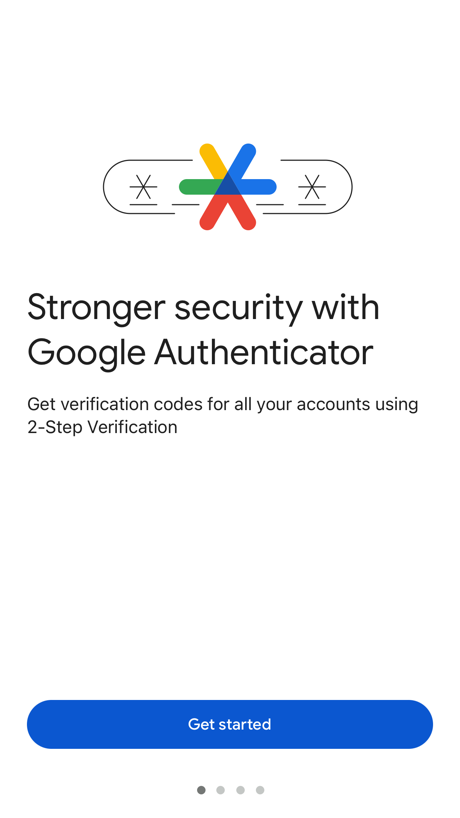
“Stronger security with Google Authenticator”
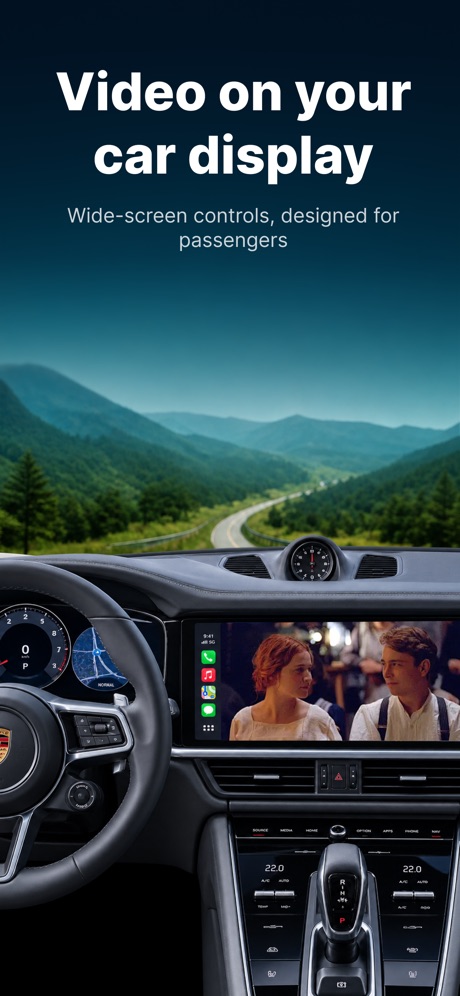
“Video on your car display”

“Discover the function that best fits “you.””

“How to apply for an ETA”


“Search with voice-to-text”
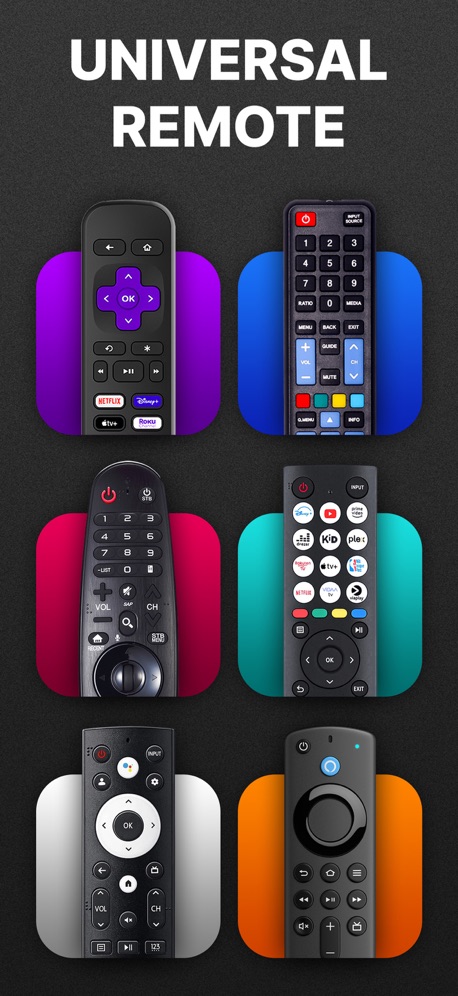
“UNIVERSAL REMOTE”
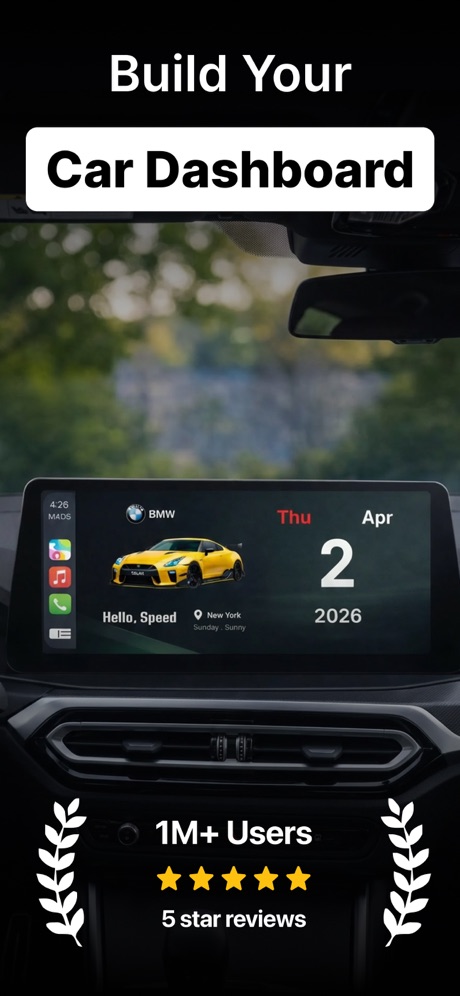
“Build Your Car Dashboard”
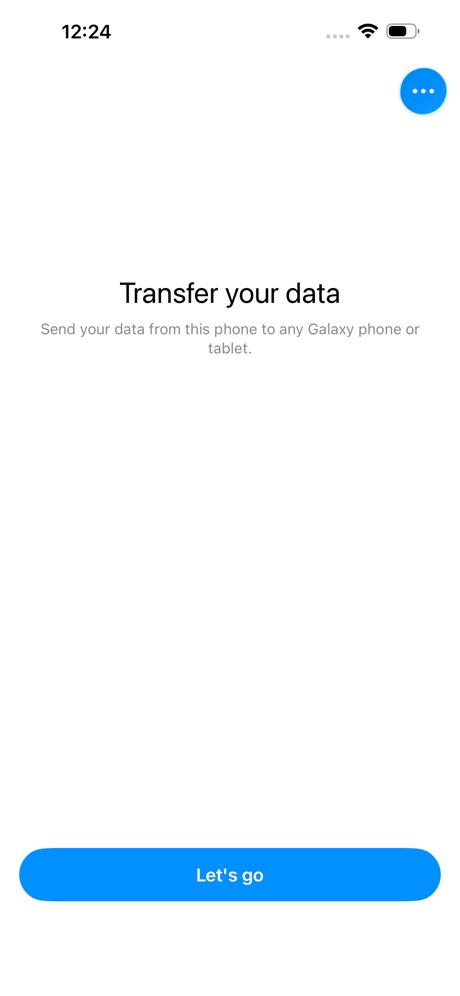

“Universal TV Remote”

“Never lose devices again”

“UNIVERSAL TV Remote”
What these screenshots say, word for word.
The words on all 27 that carry any, as each app wrote them.
“Stronger security with Google Authenticator”
Get verification codes for all your accounts using 2-Step VerificationGoogle Authenticator · #4 · screenshot 1“Video on your car display”
Wide-screen controls, designed for passengersCarTV - M3U IPTV Player & Cast · #18 · screenshot 1“Discover the function that best fits “you.””
“you.”Sony | Sound Connect · #20 · screenshot 3“How to apply for an ETA”
1. Confirm your identity 2. Answer some questions 3. Pay for your applicationUK ETA · #21 · screenshot 2“Search with voice-to-text”
Brave Browser & Search Engine · #23 · screenshot 4“UNIVERSAL REMOTE”
Universal Remote TV Control · · #33 · screenshot 1“Build Your Car Dashboard”
myCar: Car Widgets & Dashboard · #43 · screenshot 1“Universal TV Remote”
Universal TV Remote™ Control · #47 · screenshot 1“Never lose devices again”
4.6 users favourite star rating with 1.7M+ downloadsFind Air - My Device Tracker · #50 · screenshot 1“UNIVERSAL TV Remote”
Universal Remote・TV Control · #51 · screenshot 1“Universal TV Remote”
UniRemote:Universal TV Remote · #56 · screenshot 1“english & español friendly”
easy language setting configuración de idioma sencillaWatcho — Por La Comunidad · #64 · screenshot 6“Join 10M+ USERS WORLDWIDE”
“I like Smart Mirroring I'm a bit of a dinosaur, but once I figured it out, it was pretty easy. Now I have screen mirroring turbo. I think this is solving my problems as to getting videos on my TV. Thanks, Smart Mirroring.”Screen Mirroring | Cast to TV · #65 · screenshot 4“Stay Close & Feel Secure”
LocFind: GPS Family Tracker · #71 · screenshot 3“All Your Favorite Apps”
Universal TV Remote Control* · #73 · screenshot 3“Secure All Your Accounts”
Authenticator© App · #75 · screenshot 5“Easily activate your service”
We use both eSIM and traditional SIM technology to bring your service to life through the app in as little as 15 minutes.Visible mobile · #78 · screenshot 3“Identify Any Object”
Lens Scan: Identify Anything · #87 · screenshot 1“YOU'RE INVITED”
frenzy - friends only · #91 · screenshot 1“Cute Widgets for Couples”
Love8 - App for Couples · #97 · screenshot 6“Advanced Security”
Built-in features to keep you safe online.OwnVPN · #100 · screenshot 4“Simple setup using your camera”
To setup your account, you'll scan the QR code in your 2-Step Verification settings for Google or any third-party serviceGoogle Authenticator · #4 · screenshot 2“Ask your built-in AI assistant”
Brave Browser & Search Engine · #23 · screenshot 5“CURATE YOUR VIBE”
frenzy - friends only · #91 · screenshot 6“A unique code used to sign in”
When using 2-Step Verification, you'll enter your password and a code from this appGoogle Authenticator · #4 · screenshot 3“Unlock your browser with Face ID”
Brave Browser & Search Engine · #23 · screenshot 6“Cloud syncing”
Google Authenticator can save your codes to your Google AccountGoogle Authenticator · #4 · screenshot 4
Top ten Utilities apps that do it.
- #4Google Authenticator6 of its 6 screenshots
The same tactic in other categories.
| Category | Apps that do it | Screenshots | Top ten |
|---|---|---|---|
| Games | 90% 90 of 100 | 76% 432 of 567 | 8 of 10 |
| Weather | 47% 47 of 100 | 25% 141 of 555 | 3 of 10 |
| Photo & Video | 42% 42 of 100 | 23% 128 of 566 | 1 of 10 |
| Education | 40% 40 of 100 | 18% 98 of 555 | 3 of 10 |
| Entertainment | 40% 40 of 100 | 12% 67 of 544 | 4 of 10 |
| Shopping | 39% 39 of 100 | 11% 63 of 562 | 4 of 10 |
| Graphics & Design | 38% 38 of 99 | 13% 73 of 564 | 3 of 10 |
| News | 35% 34 of 98 | 16% 81 of 517 | 4 of 10 |
| Travel | 32% 32 of 100 | 12% 66 of 561 | 3 of 10 |
| Health & Fitness | 31% 31 of 100 | 10% 57 of 574 | 3 of 10 |
| Lifestyle | 31% 31 of 100 | 10% 54 of 556 | 5 of 10 |
| Sports | 30% 30 of 100 | 11% 64 of 558 | 4 of 10 |
| Business | 29% 29 of 100 | 12% 65 of 554 | 2 of 10 |
| Developer Tools | 27% 27 of 100 | 14% 71 of 507 | 5 of 10 |
| Music | 27% 27 of 100 | 9% 52 of 550 | 2 of 10 |
| Reference | 27% 27 of 100 | 9% 50 of 566 | 5 of 10 |
| Medical | 26% 26 of 100 | 12% 68 of 548 | 1 of 10 |
| Social Networking | 26% 26 of 100 | 7% 40 of 554 | 1 of 10 |
| Utilities | 26% 26 of 100 | 8% 45 of 549 | 1 of 10 |
| Food & Drink | 24% 24 of 100 | 8% 43 of 540 | 5 of 10 |
| Navigation | 23% 23 of 99 | 6% 36 of 566 | 3 of 10 |
| Finance | 23% 23 of 100 | 7% 38 of 581 | 5 of 10 |
| Productivity | 20% 20 of 99 | 7% 38 of 551 | 2 of 10 |
Related tactics.
Often on the same screenshot
- Black, white or grey67% of these screenshots, against 28% of all Utilities screenshots
- No words at all40% of these screenshots, against 7% of all Utilities screenshots
- The app itself is the background20% of these screenshots, against 2% of all Utilities screenshots
- Screen fills the picture93% of these screenshots, against 78% of all Utilities screenshots
- Solid background40% of these screenshots, against 25% of all Utilities screenshots
- Two or more screens24% of these screenshots, against 10% of all Utilities screenshots
More in layout
- Phone drawn98%
- Screen fills the picture98%
- Whole phone shown94%
- Words at the top94%
- Illustration or mascot80%
- Headline readable at thumbnail size78%
- A photograph70%
- Phone cut off at the foot49%
- Arrows or callouts48%
- App icon shown47%
- A person in the picture43%
- Headline too small to read39%
- Words aligned left37%
- A hand holds the phone35%
- Two or more screens31%
- Zoomed detail of the UI23%
- Phone cut off at the head22%
- No app screen at all21%
- Screen is small21%
- Watch, iPad or Mac beside it20%
- Phone at an angle19%
- Words at the bottom17%
- Words over the screen6%
Questions, answered from the chart.
How many top Utilities apps have App Store screenshots without a phone frame?
Which Utilities apps have App Store screenshots without a phone frame?
Should my Utilities app have App Store screenshots without a phone frame?
See your own app against this.
Pagefully reads your screenshots the same way, and makes a custom product page for each search people type, from your real screens.
Preview your pages