Travel app screenshots with a phone cropped below
The device runs off the bottom edge. Cropping the device at the bottom lets it be drawn larger, so the top of the screen is easier to read.
From the top 100 free Travel apps on the US App Store, read on October 9, 2026. Screenshots are the developers’ own, shown from Apple’s servers with a link to each app.
The numbers
90 of the 561 Travel screenshots read (16%) do this, across 47 of the top 100 apps (47%). 4 of the top ten do it (40%), against 43 of the other 90 (48%): the top ten do it about as often as the rest. Of the 23 categories read so far, Travel is 11th for this. It is most common in Finance (70% of apps) and least common in Games (6%).
12 examples from the chart.
12 of the 90 Travel app screenshots with a phone cropped below, one from each app, the highest on the chart first.

“Easily message your host and group”

“Text and voice translation at your fingertips”

“Find the perfect place to stay”
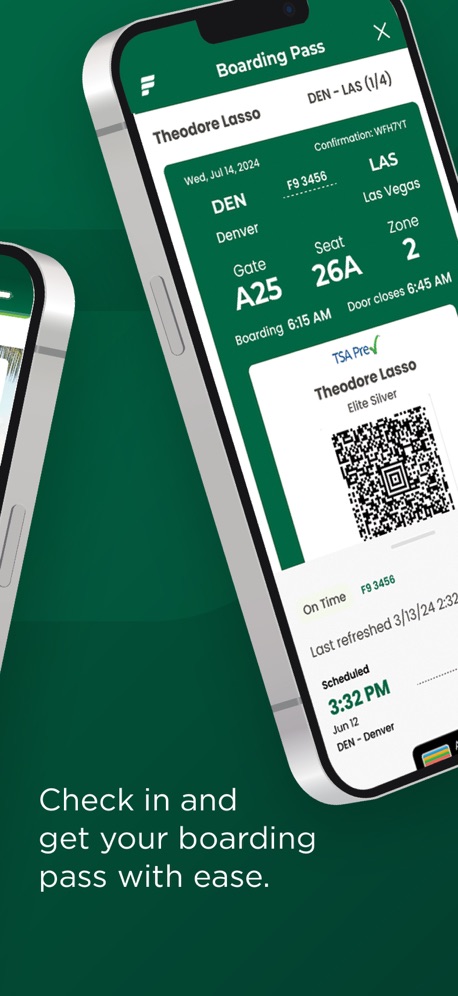
“Check in and get your boarding pass with ease.”
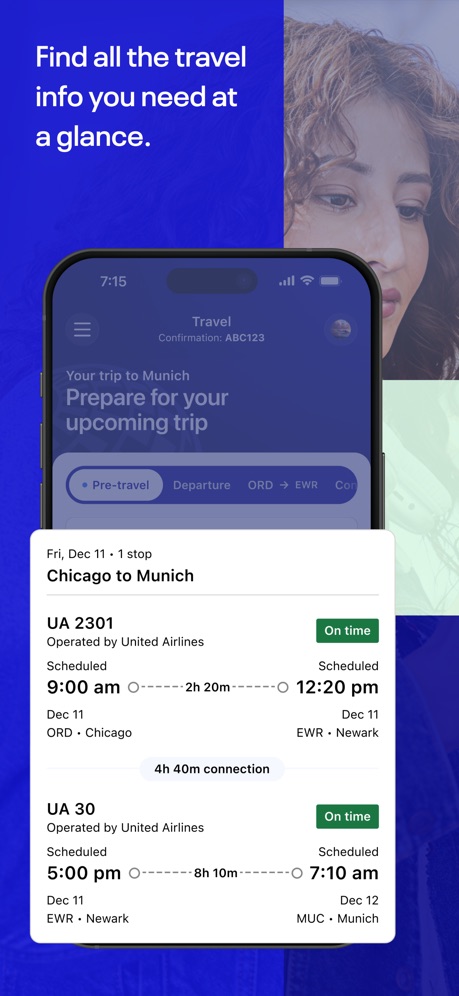
“Find all the travel info you need at a glance.”

“Search for personalized flight deals*”

“Make the most of your stay”
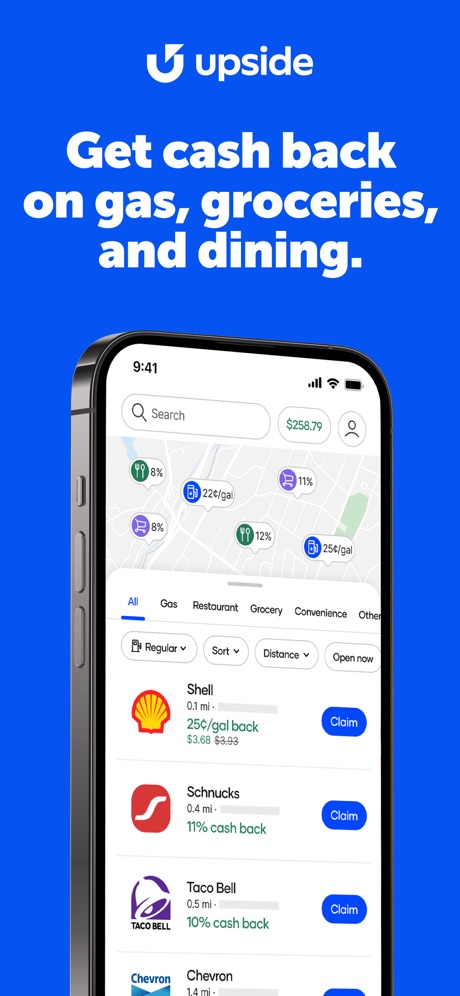
“Get cash back on gas, groceries, and dining.”


“Moving Made Easier®”
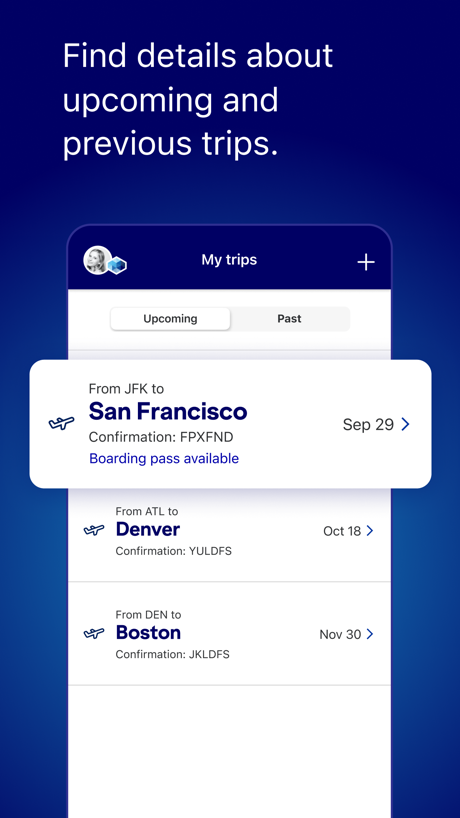
“Find details about upcoming and previous trips.”
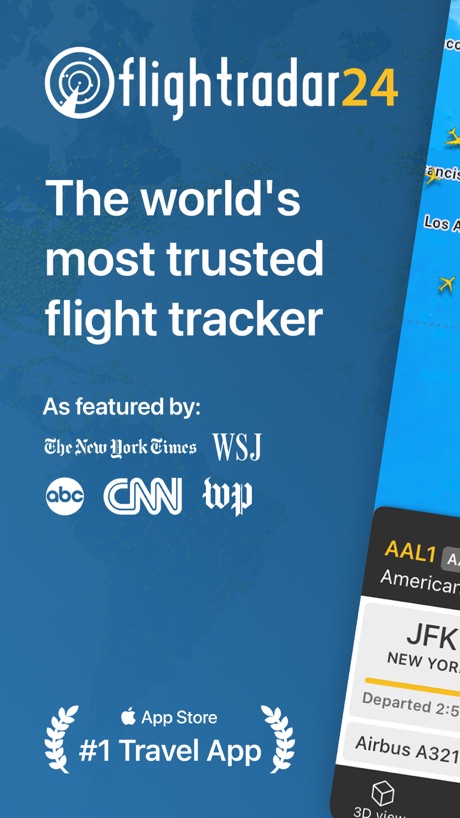
“The world's most trusted flight tracker”
What these screenshots say, word for word.
The words on 40 of the 87 that carry any, as each app wrote them.
“Easily message your host and group”
Airbnb · #3 · screenshot 5“Text and voice translation at your fingertips”
GlobeRoam: GPS Camera Map · #4 · screenshot 1“Find the perfect place to stay”
Booking.com: Hotels & Travel · #7 · screenshot 2“Check in and get your boarding pass with ease.”
Frontier Airlines · #8 · screenshot 2“Find all the travel info you need at a glance.”
United Airlines · #11 · screenshot 1“Search for personalized flight deals*”
Expedia: Hotels, Flights, Cars · #12 · screenshot 4“Make the most of your stay”
Marriott Bonvoy: Book Hotels · #14 · screenshot 5“Get cash back on gas, groceries, and dining.”
Upside: Gas & Food Cash Back · #17 · screenshot 1“View personalised itineraries to compliment your travels.”
Priority Pass+ · #24 · screenshot 5“Moving Made Easier®”
The Fastest Way to Manage Your RentalU-Haul: Moving Made Easier® · #25 · screenshot 1“Find details about upcoming and previous trips.”
JetBlue · #27 · screenshot 4- flightradar24
“The world's most trusted flight tracker”
As featured by:Flightradar24 | Flight Tracker · #33 · screenshot 1 “Quickly and easily manage your rentals 24/7”
Hertz Rental Car, SUV, Van · #34 · screenshot 3“Travel Essentials. Explore eSIM cards and attraction tickets”
Trip.com: Book Flights, Hotels · #35 · screenshot 5“View Wait Times,”
Showtimes and MoreMy Disney Experience · #36 · screenshot 3“No internet purchase”
required to use onboard!Royal Caribbean International · #37 · screenshot 4“Experience the Magic”
Disneyland® · #40 · screenshot 1“Going later? Book ahead”
Schedule rides up to 90 days in advanceBolt: Request a Ride · #42 · screenshot 4“What you see isn't always "the Best Price"”
Find hidden deals and price drops on the travel sites & apps you already use."the Best Price"TravelArrow · #46 · screenshot 1“Guest how you guest”
IHG One Rewards: Book Hotels · #48 · screenshot 2“No coins, No problem”
Pay quickly, securely with a cardPassport Parking · #50 · screenshot 2“NAVIGATE OUR UNIVERSE”
Find attraction wait times and more on our dynamic digital park map.Universal Orlando Resort · #51 · screenshot 3“JOIN A VIRTUAL LINE”
Save a spot in line at select attractions throughout Universal Studios Hollywood.Universal Studios Hollywood™ · #52 · screenshot 5“Get timely reminders and extend from anywhere”
PayByPhone Parking · #54 · screenshot 4“...and save your favs for later with wishlists”
Viator Tours & Attractions · #56 · screenshot 3“Book hotels, earn rewards”
Hotels.com: Book Hotel Deals · #59 · screenshot 1“Make money by driving”
Driver modeinDrive. Save on city rides · #60 · screenshot 5“Millions of pet parents agree, Rover is trusted worldwide”
“I was nervous to leave Sam with strangers, but my worries quickly faded. Going forward Rover will be my first choice for pet sitting. – Molly S.”Rover – Pet Sitters · #61 · screenshot 2“Your 24/7 lifeline”
Unlock a world of support with our assistance, your companion in unexpected moments.Allyz® · #65 · screenshot 3“Scan QR code to unlock”
Veo · #66 · screenshot 4“Trusted by Travelers”
Millions of verified reviewsKlook: Travel & Activities · #69 · screenshot 2“Filter flights by cheapest or fastest”
Skyscanner Flights & Travel · #70 · screenshot 4“First-class flight tracker”
Fly smarter.Flighty – Live Flight Tracker · #71 · screenshot 1- CHAT
“Stay connected with family and friends onboard”
Carnival HUB · #72 · screenshot 5 “We're with you on the day”
British Airways · #74 · screenshot 3“Your travel plans and itinerary, simplified”
Wanderlog - Travel Planner · #79 · screenshot 1“Budget-friendly travel in the US.”
FlixBus: Book Bus Tickets · #81 · screenshot 5“FLIGHT STATUS”
Travel stress-free with live flight updates: track departures, arrivals and discover more about your in-flight experienceAir Canada + Aeroplan · #82 · screenshot 3“Customize your booking”
with extra optionsAir France - Book a flight · #85 · screenshot 5“A "shore" thing - book & manage excursions.”
Norwegian Cruise Line · #87 · screenshot 4
Top ten Travel apps that do it.
- #3Airbnb2 of its 6 screenshots
- #4GlobeRoam: GPS Camera Map2 of its 4 screenshots
- #7Booking.com: Hotels & Travel3 of its 6 screenshots
- #8Frontier Airlines3 of its 4 screenshots
The same tactic in other categories.
| Category | Apps that do it | Screenshots | Top ten |
|---|---|---|---|
| Finance | 70% 70 of 100 | 33% 191 of 581 | 6 of 10 |
| Food & Drink | 62% 62 of 100 | 23% 122 of 540 | 5 of 10 |
| Health & Fitness | 62% 62 of 100 | 25% 145 of 574 | 5 of 10 |
| Business | 61% 61 of 100 | 21% 119 of 554 | 7 of 10 |
| Reference | 60% 60 of 100 | 21% 121 of 566 | 3 of 10 |
| Productivity | 53% 52 of 99 | 22% 122 of 551 | 4 of 10 |
| Lifestyle | 50% 50 of 100 | 18% 101 of 556 | 6 of 10 |
| Navigation | 49% 49 of 99 | 17% 95 of 566 | 4 of 10 |
| Utilities | 49% 49 of 100 | 18% 98 of 549 | 4 of 10 |
| Graphics & Design | 47% 47 of 99 | 14% 77 of 564 | 3 of 10 |
| Travel | 47% 47 of 100 | 16% 90 of 561 | 4 of 10 |
| Shopping | 46% 46 of 100 | 18% 102 of 562 | 6 of 10 |
| Medical | 45% 45 of 100 | 16% 90 of 548 | 7 of 10 |
| Music | 44% 44 of 100 | 17% 94 of 550 | 4 of 10 |
| Social Networking | 44% 44 of 100 | 17% 94 of 554 | 5 of 10 |
| Sports | 43% 43 of 100 | 15% 82 of 558 | 6 of 10 |
| News | 41% 40 of 98 | 15% 79 of 517 | 6 of 10 |
| Education | 38% 38 of 100 | 15% 83 of 555 | 5 of 10 |
| Entertainment | 36% 36 of 100 | 12% 65 of 544 | 3 of 10 |
| Weather | 32% 32 of 100 | 11% 63 of 555 | 3 of 10 |
| Photo & Video | 28% 28 of 100 | 10% 57 of 566 | 5 of 10 |
| Developer Tools | 26% 26 of 100 | 10% 52 of 507 | 0 of 10 |
| Games | 6% 6 of 100 | 2% 11 of 567 | 0 of 10 |
Related tactics.
Often on the same screenshot
- Phone drawn100% of these screenshots, against 85% of all Travel screenshots
- States a benefit62% of these screenshots, against 51% of all Travel screenshots
- Words at the top92% of these screenshots, against 82% of all Travel screenshots
- Light63% of these screenshots, against 54% of all Travel screenshots
- Has a subline34% of these screenshots, against 25% of all Travel screenshots
- Subline explains the headline27% of these screenshots, against 19% of all Travel screenshots
More in layout
- Phone drawn99%
- Screen fills the picture97%
- Words at the top95%
- A photograph94%
- Whole phone shown92%
- Headline readable at thumbnail size79%
- Illustration or mascot69%
- A person in the picture55%
- Headline too small to read48%
- Words aligned left41%
- App icon shown40%
- Arrows or callouts39%
- No phone, bare screen32%
- Phone cut off at the head24%
- Words at the bottom22%
- Phone at an angle21%
- Screen is small21%
- Zoomed detail of the UI18%
- Two or more screens17%
- A hand holds the phone15%
- No app screen at all15%
- Words over the screen13%
- Watch, iPad or Mac beside it6%
- Continues into the next screenshot2%
Questions, answered from the chart.
How many top Travel apps have App Store screenshots with a phone cropped below?
Which Travel apps have App Store screenshots with a phone cropped below?
Should my Travel app have App Store screenshots with a phone cropped below?
See your own app against this.
Pagefully reads your screenshots the same way, and makes a custom product page for each search people type, from your real screens.
Preview your pages