Travel app screenshots with an angled phone
The device is tilted or in perspective. A tilted device adds depth to the picture.
From the top 100 free Travel apps on the US App Store, read on October 9, 2026. Screenshots are the developers’ own, shown from Apple’s servers with a link to each app.
The numbers
29 of the 561 Travel screenshots read (5%) do this, across 21 of the top 100 apps (21%). 2 of the top ten do it (20%), against 19 of the other 90 (21%): the top ten do it about as often as the rest. Of the 23 categories read so far, Travel is 5th for this. It is most common in Food & Drink (30% of apps) and least common in Games (5%).
12 examples from the chart.
12 of the 29 Travel app screenshots with an angled phone, one from each app, the highest on the chart first.


“Snap and translate text with ease”
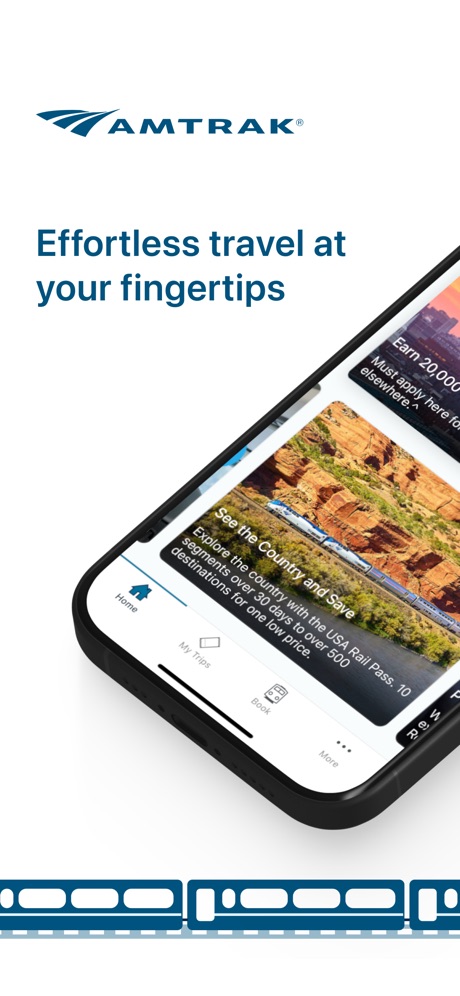
“Effortless travel at your fingertips”

“Find your ride nearby”

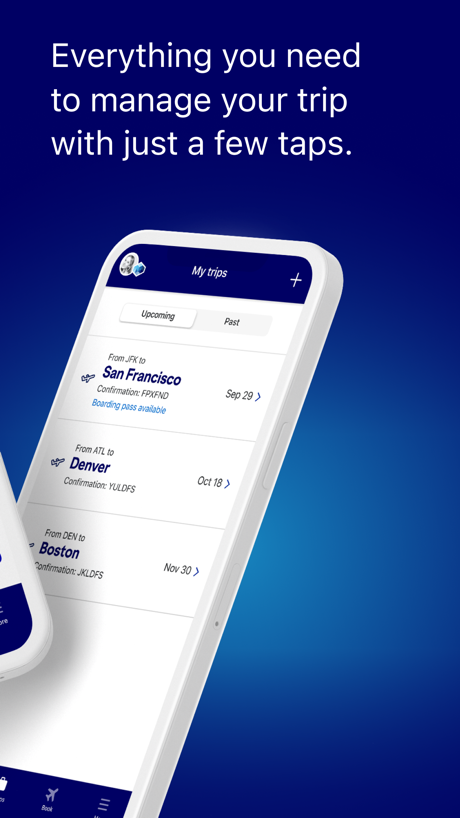
“Everything you need to manage your trip with just a few taps.”
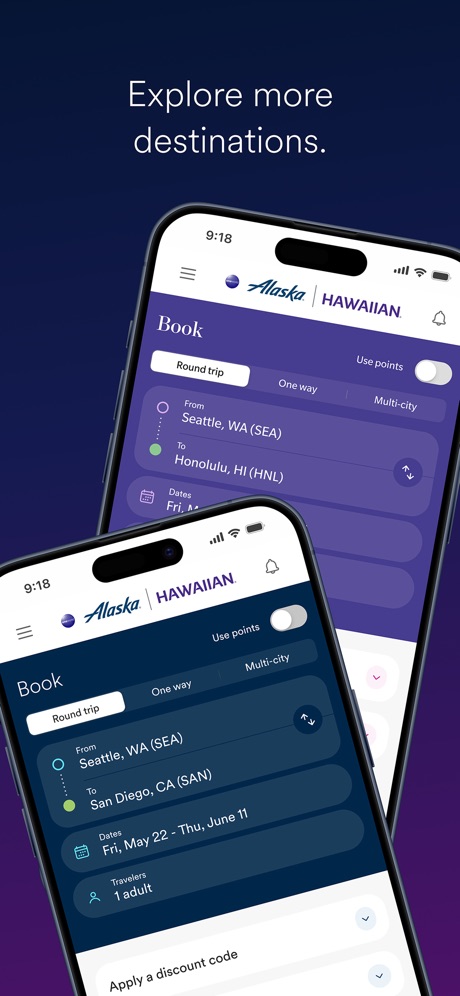
“Explore more destinations.”
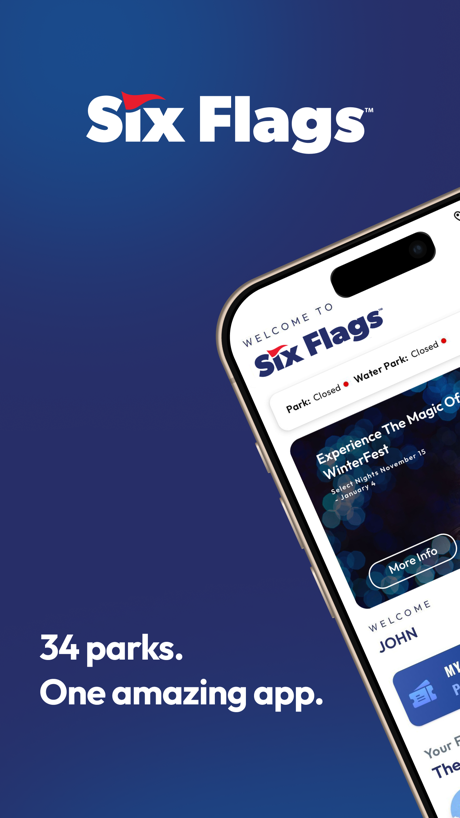
“34 parks. One amazing app.”


“Experience the Magic”

“Reserve dining, shore excursions, and more”

“Take Control of Your Travel Day”
What these screenshots say, word for word.
The words on all 22 that carry any, as each app wrote them.
“GO ANY- WHERE”
Uber - Rides, Eats, Hotels · #1 · screenshot 2“Snap and translate text with ease”
GlobeRoam: GPS Camera Map · #4 · screenshot 3“Effortless travel at your fingertips”
Amtrak · #20 · screenshot 1“Find your ride nearby”
Lime - #RideGreen · #22 · screenshot 3“Everything you need to manage your trip with just a few taps.”
JetBlue · #27 · screenshot 2“Explore more destinations.”
Alaska Hawaiian · #28 · screenshot 3“34 parks. One amazing app.”
Six Flags · #30 · screenshot 1“Experience the Magic”
My Disney Experience · #36 · screenshot 1“Reserve dining, shore excursions, and more”
Royal Caribbean International · #37 · screenshot 2“Take Control of Your Travel Day”
CLEAR: Travel Day Planning App · #39 · screenshot 1“AMPLIFY YOUR EXPERIENCE”
with the Universal Orlando Resort AppUniversal Orlando Resort · #51 · screenshot 1“Find local, loving pet care for your unique pet”
700K+ verified pet sittersRover – Pet Sitters · #61 · screenshot 1“Browse DINING OPTIONS 🍴”
right on your phoneCarnival HUB · #72 · screenshot 3“THE EASIEST CAR RENTAL EXPERIENCE”
Avis - Car Rental · #77 · screenshot 1“AIR CANADA APP”
TRAVEL LIKE AN EXPERTAir Canada + Aeroplan · #82 · screenshot 1“The official app of the MTA”
The Official MTA App · #83 · screenshot 2“Find & Visit Your National Parks”
Download parks before your visit for use without internetNational Park Service · #90 · screenshot 1“Welcome.”
Begin planning your trip and explore the world!Turkish Airlines: Book Flights · #98 · screenshot 1“First App Booking? Get up to 17% OFF”
*Valid for hotel and property bookings onlyAgoda: Cheap Flights & Hotels · #99 · screenshot 1“Learn new words quickly with flashcards”
GlobeRoam: GPS Camera Map · #4 · screenshot 4“Real time information on guests’ Sail & Sign”
ACCOUNT BALANCECarnival HUB · #72 · screenshot 6“Widen Your World.”
Turkish Airlines: Book Flights · #98 · screenshot 2
Top ten Travel apps that do it.
- #1Uber - Rides, Eats, Hotels2 of its 6 screenshots
- #4GlobeRoam: GPS Camera Map2 of its 4 screenshots
The same tactic in other categories.
| Category | Apps that do it | Screenshots | Top ten |
|---|---|---|---|
| Food & Drink | 30% 30 of 100 | 10% 54 of 540 | 1 of 10 |
| Music | 26% 26 of 100 | 6% 33 of 550 | 0 of 10 |
| Finance | 24% 24 of 100 | 5% 30 of 581 | 1 of 10 |
| Social Networking | 23% 23 of 100 | 7% 41 of 554 | 2 of 10 |
| Business | 21% 21 of 100 | 5% 29 of 554 | 1 of 10 |
| Travel | 21% 21 of 100 | 5% 29 of 561 | 2 of 10 |
| Medical | 20% 20 of 100 | 6% 31 of 548 | 4 of 10 |
| Sports | 20% 20 of 100 | 5% 28 of 558 | 2 of 10 |
| Navigation | 19% 19 of 99 | 5% 28 of 566 | 1 of 10 |
| Entertainment | 19% 19 of 100 | 6% 30 of 544 | 0 of 10 |
| Utilities | 19% 19 of 100 | 5% 27 of 549 | 2 of 10 |
| Shopping | 18% 18 of 100 | 5% 29 of 562 | 3 of 10 |
| Graphics & Design | 17% 17 of 99 | 4% 24 of 564 | 2 of 10 |
| Lifestyle | 16% 16 of 100 | 4% 21 of 556 | 0 of 10 |
| Reference | 14% 14 of 100 | 3% 19 of 566 | 2 of 10 |
| News | 13% 13 of 98 | 3% 18 of 517 | 1 of 10 |
| Education | 13% 13 of 100 | 4% 21 of 555 | 2 of 10 |
| Productivity | 11% 11 of 99 | 3% 18 of 551 | 1 of 10 |
| Health & Fitness | 11% 11 of 100 | 3% 15 of 574 | 0 of 10 |
| Weather | 11% 11 of 100 | 4% 22 of 555 | 2 of 10 |
| Developer Tools | 9% 9 of 100 | 2% 10 of 507 | 1 of 10 |
| Photo & Video | 6% 6 of 100 | 1% 7 of 566 | 0 of 10 |
| Games | 5% 5 of 100 | 1% 6 of 567 | 0 of 10 |
Related tactics.
Often on the same screenshot
- Gradient background59% of these screenshots, against 31% of all Travel screenshots
- Two or more screens28% of these screenshots, against 4% of all Travel screenshots
- Background is the icon’s colour66% of these screenshots, against 44% of all Travel screenshots
- Dark34% of these screenshots, against 16% of all Travel screenshots
- Words at the bottom24% of these screenshots, against 6% of all Travel screenshots
- High contrast words34% of these screenshots, against 17% of all Travel screenshots
More in layout
- Phone drawn99%
- Screen fills the picture97%
- Words at the top95%
- A photograph94%
- Whole phone shown92%
- Headline readable at thumbnail size79%
- Illustration or mascot69%
- A person in the picture55%
- Headline too small to read48%
- Phone cut off at the foot47%
- Words aligned left41%
- App icon shown40%
- Arrows or callouts39%
- No phone, bare screen32%
- Phone cut off at the head24%
- Words at the bottom22%
- Screen is small21%
- Zoomed detail of the UI18%
- Two or more screens17%
- A hand holds the phone15%
- No app screen at all15%
- Words over the screen13%
- Watch, iPad or Mac beside it6%
- Continues into the next screenshot2%
Questions, answered from the chart.
How many top Travel apps have App Store screenshots with an angled phone?
Which Travel apps have App Store screenshots with an angled phone?
Should my Travel app have App Store screenshots with an angled phone?
See your own app against this.
Pagefully reads your screenshots the same way, and makes a custom product page for each search people type, from your real screens.
Preview your pages