Travel app screenshots with two or more phones
More than one device or screen in the picture. Two screens in one picture can show a before and after, two steps of a flow, or two features at once.
From the top 100 free Travel apps on the US App Store, read on October 9, 2026. Screenshots are the developers’ own, shown from Apple’s servers with a link to each app.
The numbers
23 of the 561 Travel screenshots read (4%) do this, across 17 of the top 100 apps (17%). 4 of the top ten do it (40%), against 13 of the other 90 (14%): the top ten do it more than the rest. Of the 23 categories read so far, Travel is 18th for this. It is most common in Graphics & Design (55% of apps) and least common in Shopping (8%).
12 examples from the chart.
12 of the 23 Travel app screenshots with two or more phones, one from each app, the highest on the chart first.

“Snap and translate text with ease”

“Real-time updates with Live Activities”
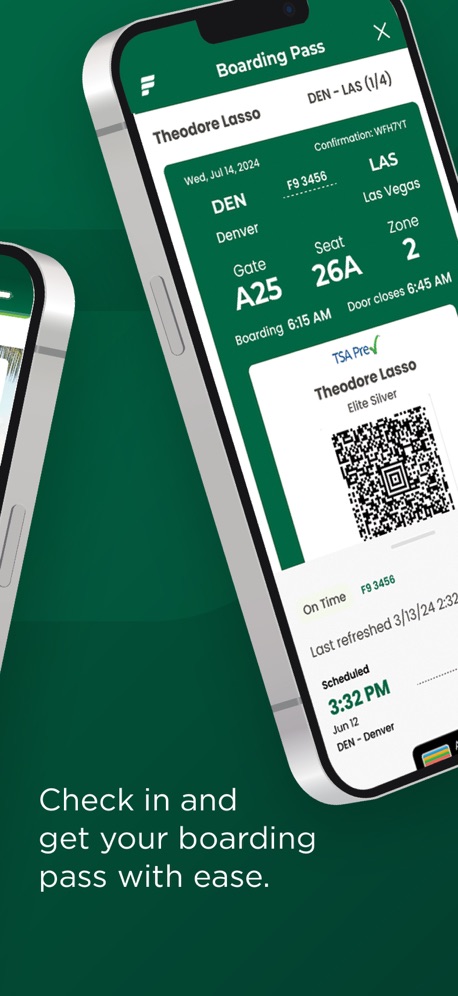
“Check in and get your boarding pass with ease.”

“Real-time flight updates at your fingertips”

“Get live updates on your lock screen and Apple Watch.”
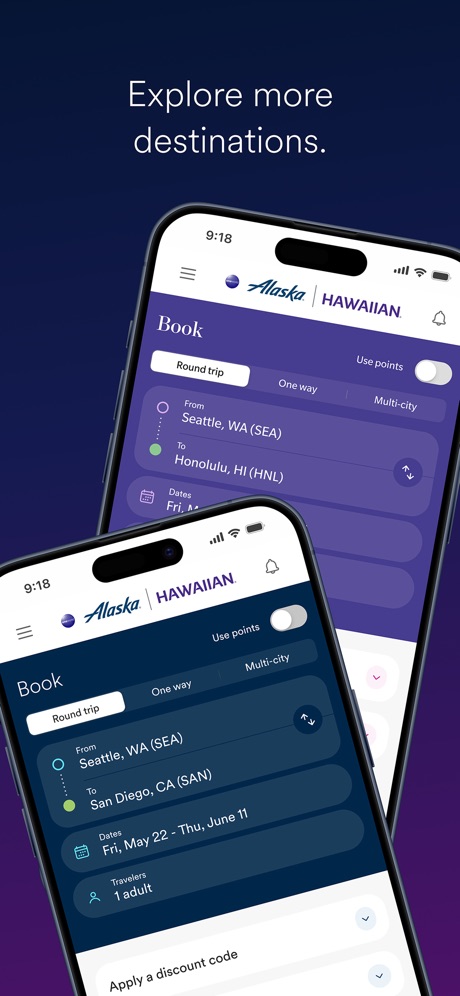
“Explore more destinations.”

“Live Activities & Dynamic Island”

“View your onboard expense account”
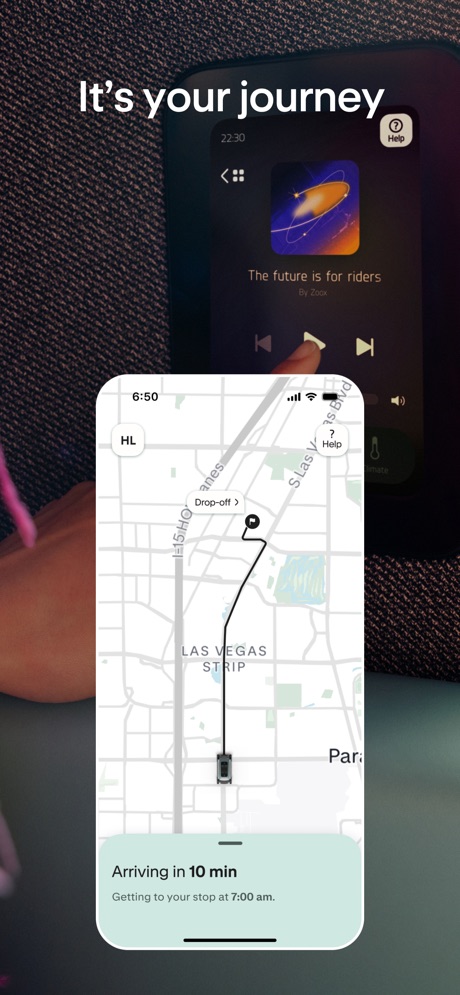
“It's your journey”

“Take Control of Your Travel Day”

“Explore New Places”
What these screenshots say, word for word.
The words on all 20 that carry any, as each app wrote them.
“Snap and translate text with ease”
GlobeRoam: GPS Camera Map · #4 · screenshot 3“Real-time updates with Live Activities”
American Airlines · #5 · screenshot 6“Check in and get your boarding pass with ease.”
Frontier Airlines · #8 · screenshot 2“Real-time flight updates at your fingertips”
Fly Delta · #9 · screenshot 4“Get live updates on your lock screen and Apple Watch.”
United Airlines · #11 · screenshot 4“Everything you need to manage your trip with just a few taps.”
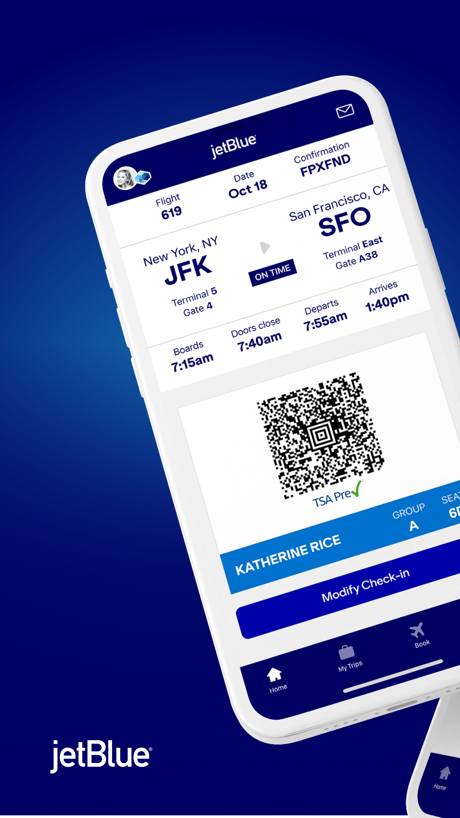
JetBlue · #27 · screenshot 2“Explore more destinations.”
Alaska Hawaiian · #28 · screenshot 3“Live Activities & Dynamic Island”
Follow a flight in real time from your home screen and dynamic islandFlightradar24 | Flight Tracker · #33 · screenshot 4“View your onboard expense account”
Royal Caribbean International · #37 · screenshot 3“It's your journey”
Zoox · #38 · screenshot 5“Take Control of Your Travel Day”
CLEAR: Travel Day Planning App · #39 · screenshot 1“Explore New Places”
Amex Travel · #47 · screenshot 1“Live Activities Dynamic Island”
Track your flight status on your lock and home screenFlighty – Live Flight Tracker · #71 · screenshot 3“Your next flight at your fingertips”
British Airways · #74 · screenshot 6“Buy & use Metra mobile tickets”
Ventra · #80 · screenshot 3“AIR CANADA APP”
TRAVEL LIKE AN EXPERTAir Canada + Aeroplan · #82 · screenshot 1“Transit info straight from the source”
The Official MTA App · #83 · screenshot 1“Learn new words quickly with flashcards”
GlobeRoam: GPS Camera Map · #4 · screenshot 4“Browse the best deals & new premium options.”
Frontier Airlines · #8 · screenshot 3“The official app of the MTA”
The Official MTA App · #83 · screenshot 2
Top ten Travel apps that do it.
- #4GlobeRoam: GPS Camera Map2 of its 4 screenshots
- #5American Airlines1 of its 6 screenshots
- #8Frontier Airlines2 of its 4 screenshots
- #9Fly Delta1 of its 6 screenshots
The same tactic in other categories.
| Category | Apps that do it | Screenshots | Top ten |
|---|---|---|---|
| Graphics & Design | 55% 54 of 99 | 15% 87 of 564 | 6 of 10 |
| Entertainment | 40% 40 of 100 | 11% 60 of 544 | 2 of 10 |
| Utilities | 31% 31 of 100 | 10% 54 of 549 | 3 of 10 |
| Education | 27% 27 of 100 | 9% 50 of 555 | 2 of 10 |
| Photo & Video | 27% 27 of 100 | 7% 41 of 566 | 2 of 10 |
| Social Networking | 27% 27 of 100 | 7% 40 of 554 | 2 of 10 |
| Music | 26% 26 of 100 | 7% 38 of 550 | 1 of 10 |
| Food & Drink | 25% 25 of 100 | 7% 39 of 540 | 2 of 10 |
| Health & Fitness | 24% 24 of 100 | 6% 37 of 574 | 2 of 10 |
| Lifestyle | 23% 23 of 100 | 6% 31 of 556 | 4 of 10 |
| Business | 22% 22 of 100 | 5% 30 of 554 | 1 of 10 |
| News | 21% 21 of 98 | 6% 29 of 517 | 2 of 10 |
| Reference | 21% 21 of 100 | 5% 30 of 566 | 1 of 10 |
| Sports | 21% 21 of 100 | 6% 33 of 558 | 1 of 10 |
| Productivity | 20% 20 of 99 | 4% 24 of 551 | 1 of 10 |
| Finance | 20% 20 of 100 | 5% 31 of 581 | 1 of 10 |
| Games | 18% 18 of 100 | 4% 23 of 567 | 1 of 10 |
| Developer Tools | 17% 17 of 100 | 5% 26 of 507 | 3 of 10 |
| Travel | 17% 17 of 100 | 4% 23 of 561 | 4 of 10 |
| Navigation | 15% 15 of 99 | 4% 21 of 566 | 2 of 10 |
| Weather | 13% 13 of 100 | 5% 28 of 555 | 2 of 10 |
| Medical | 12% 12 of 100 | 4% 21 of 548 | 3 of 10 |
| Shopping | 8% 8 of 100 | 2% 11 of 562 | 1 of 10 |
Related tactics.
Often on the same screenshot
- Gradient background65% of these screenshots, against 31% of all Travel screenshots
- Dark48% of these screenshots, against 16% of all Travel screenshots
- Phone at an angle35% of these screenshots, against 5% of all Travel screenshots
- Words at the bottom35% of these screenshots, against 6% of all Travel screenshots
- Watch, iPad or Mac beside it22% of these screenshots, against 1% of all Travel screenshots
- Background is the icon’s colour61% of these screenshots, against 44% of all Travel screenshots
More in layout
- Phone drawn99%
- Screen fills the picture97%
- Words at the top95%
- A photograph94%
- Whole phone shown92%
- Headline readable at thumbnail size79%
- Illustration or mascot69%
- A person in the picture55%
- Headline too small to read48%
- Phone cut off at the foot47%
- Words aligned left41%
- App icon shown40%
- Arrows or callouts39%
- No phone, bare screen32%
- Phone cut off at the head24%
- Words at the bottom22%
- Phone at an angle21%
- Screen is small21%
- Zoomed detail of the UI18%
- A hand holds the phone15%
- No app screen at all15%
- Words over the screen13%
- Watch, iPad or Mac beside it6%
- Continues into the next screenshot2%
Questions, answered from the chart.
How many top Travel apps have App Store screenshots with two or more phones?
Which Travel apps have App Store screenshots with two or more phones?
Should my Travel app have App Store screenshots with two or more phones?
See your own app against this.
Pagefully reads your screenshots the same way, and makes a custom product page for each search people type, from your real screens.
Preview your pages