Travel app screenshots with a zoomed-in detail
One part of the screen is enlarged and shown on its own. Enlarging one part of the interface makes a single feature readable at thumbnail size.
From the top 100 free Travel apps on the US App Store, read on October 9, 2026. Screenshots are the developers’ own, shown from Apple’s servers with a link to each app.
The numbers
28 of the 561 Travel screenshots read (5%) do this, across 18 of the top 100 apps (18%). 2 of the top ten do it (20%), against 16 of the other 90 (18%): the top ten do it about as often as the rest. Of the 23 categories read so far, Travel is 14th for this. It is most common in Graphics & Design (47% of apps) and least common in Weather (11%).
12 examples from the chart.
12 of the 28 Travel app screenshots with a zoomed-in detail, one from each app, the highest on the chart first.

“Real-time updates with Live Activities”
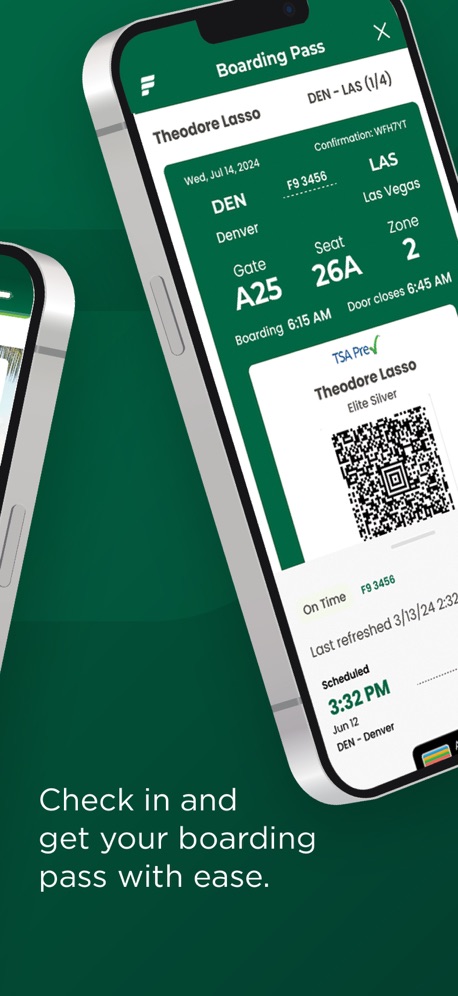
“Check in and get your boarding pass with ease.”
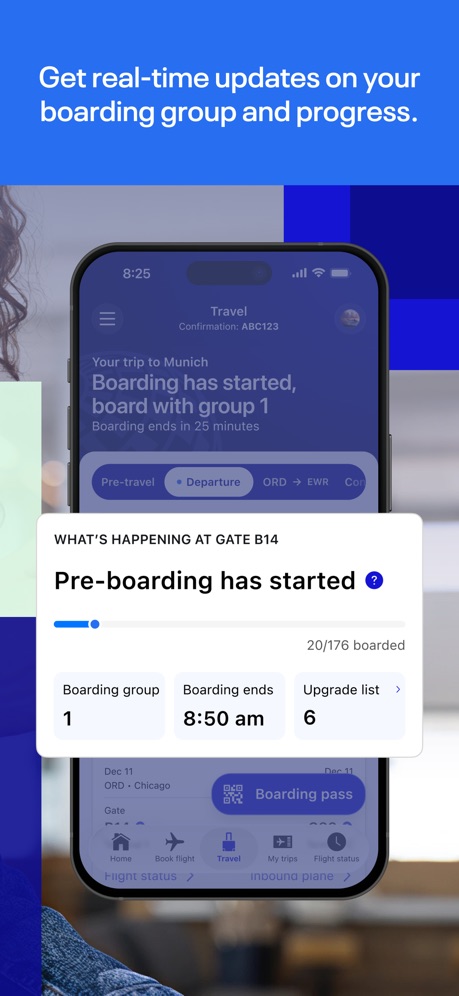
“Get real-time updates on your boarding group and progress.”

“Turn your phone into your key”
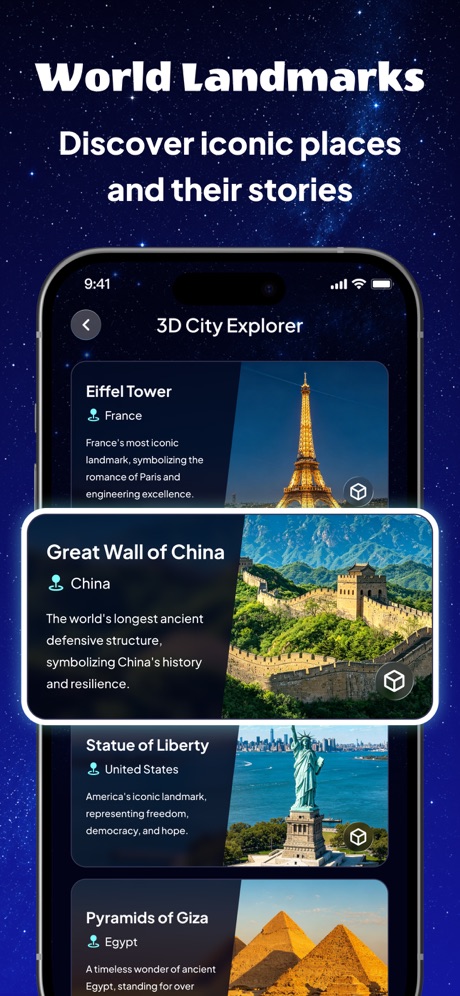
“World Landmarks”
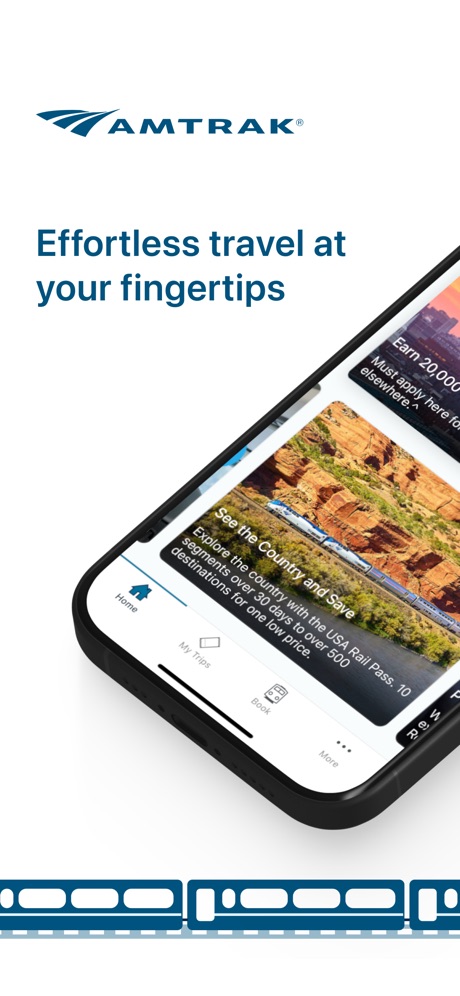
“Effortless travel at your fingertips”

“City for everyone”
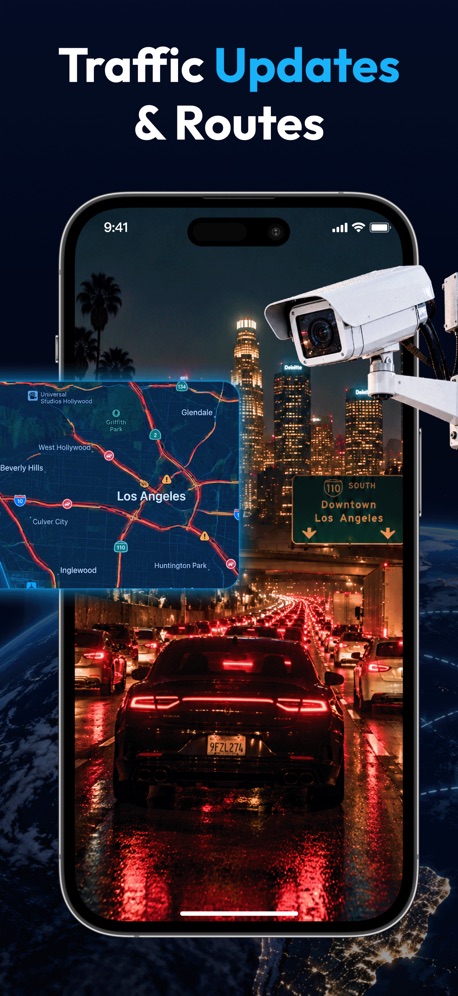
“Traffic Updates & Routes”
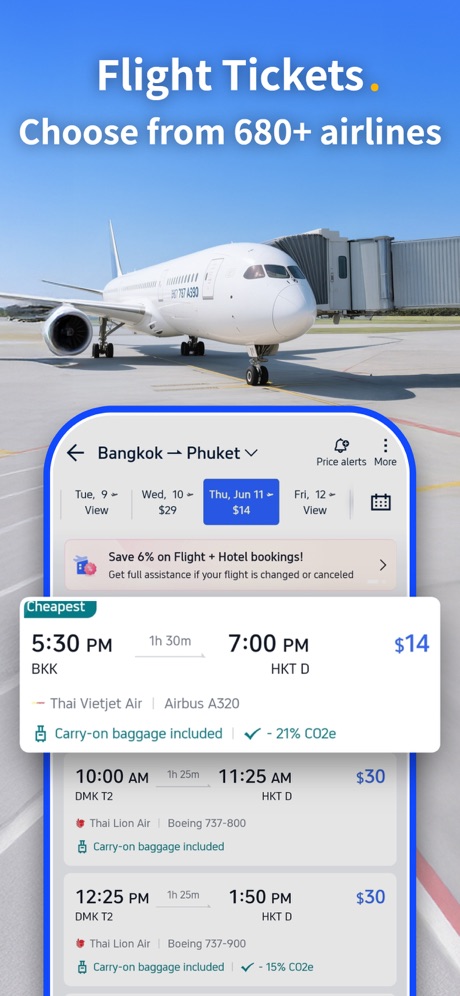
“Flight Tickets. Choose from 680+ airlines”

“Take Control of Your Travel Day”
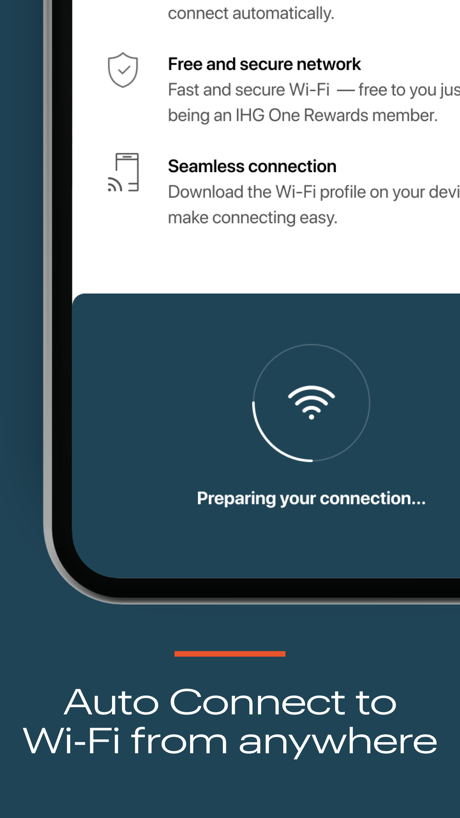
“Auto Connect to Wi‑Fi from anywhere”

“...and save your favs for later with wishlists”
What these screenshots say, word for word.
The words on all 27 that carry any, as each app wrote them.
“Real-time updates with Live Activities”
American Airlines · #5 · screenshot 6“Check in and get your boarding pass with ease.”
Frontier Airlines · #8 · screenshot 2“Get real-time updates on your boarding group and progress.”
United Airlines · #11 · screenshot 2“Turn your phone into your key”
Marriott Bonvoy: Book Hotels · #14 · screenshot 4“World Landmarks”
Discover iconic places and their storiesLocaris – GPS World Map · #19 · screenshot 3“Effortless travel at your fingertips”
Amtrak · #20 · screenshot 1“City for everyone”
Lime - #RideGreen · #22 · screenshot 5“Traffic Updates & Routes”
OrbiScope · #29 · screenshot 4“Flight Tickets. Choose from 680+ airlines”
Trip.com: Book Flights, Hotels · #35 · screenshot 2“Take Control of Your Travel Day”
CLEAR: Travel Day Planning App · #39 · screenshot 1“Auto Connect to Wi‑Fi from anywhere”
IHG One Rewards: Book Hotels · #48 · screenshot 5“...and save your favs for later with wishlists”
Viator Tours & Attractions · #56 · screenshot 3“Find local, loving pet care for your unique pet”
700K+ verified pet sittersRover – Pet Sitters · #61 · screenshot 1“Trusted by Travelers”
Millions of verified reviewsKlook: Travel & Activities · #69 · screenshot 2“Easily import your flight and hotel reservations”
Wanderlog - Travel Planner · #79 · screenshot 3“BOARDING PASS”
Breeze through the airport with instant access to your boarding pass from anywhere on the appAir Canada + Aeroplan · #82 · screenshot 5“Features for Overseas Tourists”
A confirmation number ensures you have the right taxi.GO / Taxi app for Japan visit · #91 · screenshot 5“Affordable mobile data”
Saily: eSIM Data for Travel · #95 · screenshot 4“Browse the best deals & new premium options.”
Frontier Airlines · #8 · screenshot 3“Global Flight”
Soar across Earth in 3DLocaris – GPS World Map · #19 · screenshot 4“1.7 Million Hotels.”
Get up to 50% offTrip.com: Book Flights, Hotels · #35 · screenshot 3“Earn as you stay”
IHG One Rewards: Book Hotels · #48 · screenshot 6“Read real reviews that matter to you”
“Exceptional and fun.”Viator Tours & Attractions · #56 · screenshot 5“Skip the Line”
Paperless e-ticketsKlook: Travel & Activities · #69 · screenshot 3“See time/distance between your destinations”
Wanderlog - Travel Planner · #79 · screenshot 5“Travel Essentials. Explore eSIM cards and attraction tickets”
Trip.com: Book Flights, Hotels · #35 · screenshot 5“Book with Ease”
24/7 live chat and supportKlook: Travel & Activities · #69 · screenshot 6
Top ten Travel apps that do it.
- #5American Airlines1 of its 6 screenshots
- #8Frontier Airlines2 of its 4 screenshots
The same tactic in other categories.
| Category | Apps that do it | Screenshots | Top ten |
|---|---|---|---|
| Graphics & Design | 47% 47 of 99 | 17% 94 of 564 | 4 of 10 |
| Photo & Video | 46% 46 of 100 | 13% 76 of 566 | 3 of 10 |
| Health & Fitness | 32% 32 of 100 | 9% 54 of 574 | 2 of 10 |
| Finance | 29% 29 of 100 | 6% 34 of 581 | 1 of 10 |
| Reference | 26% 26 of 100 | 7% 41 of 566 | 2 of 10 |
| Entertainment | 23% 23 of 100 | 6% 32 of 544 | 1 of 10 |
| Utilities | 23% 23 of 100 | 7% 37 of 549 | 1 of 10 |
| Business | 22% 22 of 100 | 5% 26 of 554 | 1 of 10 |
| Medical | 22% 22 of 100 | 5% 30 of 548 | 1 of 10 |
| Music | 22% 22 of 100 | 5% 30 of 550 | 2 of 10 |
| Shopping | 22% 22 of 100 | 5% 26 of 562 | 3 of 10 |
| Social Networking | 20% 20 of 100 | 4% 23 of 554 | 2 of 10 |
| Lifestyle | 19% 19 of 100 | 5% 26 of 556 | 0 of 10 |
| Travel | 18% 18 of 100 | 5% 28 of 561 | 2 of 10 |
| Productivity | 17% 17 of 99 | 4% 20 of 551 | 0 of 10 |
| Food & Drink | 17% 17 of 100 | 4% 21 of 540 | 2 of 10 |
| Sports | 17% 17 of 100 | 5% 28 of 558 | 2 of 10 |
| Navigation | 15% 15 of 99 | 5% 27 of 566 | 3 of 10 |
| Education | 15% 15 of 100 | 3% 17 of 555 | 1 of 10 |
| News | 13% 13 of 98 | 3% 16 of 517 | 1 of 10 |
| Developer Tools | 13% 13 of 100 | 4% 20 of 507 | 0 of 10 |
| Games | 13% 13 of 100 | 2% 14 of 567 | 0 of 10 |
| Weather | 11% 11 of 100 | 3% 17 of 555 | 1 of 10 |
Related tactics.
Often on the same screenshot
- Photo background50% of these screenshots, against 25% of all Travel screenshots
- States a benefit75% of these screenshots, against 51% of all Travel screenshots
- Arrows or callouts32% of these screenshots, against 12% of all Travel screenshots
- Phone cut off at the foot36% of these screenshots, against 16% of all Travel screenshots
- Background is the icon’s colour61% of these screenshots, against 44% of all Travel screenshots
- Plain tone89% of these screenshots, against 75% of all Travel screenshots
More in layout
- Phone drawn99%
- Screen fills the picture97%
- Words at the top95%
- A photograph94%
- Whole phone shown92%
- Headline readable at thumbnail size79%
- Illustration or mascot69%
- A person in the picture55%
- Headline too small to read48%
- Phone cut off at the foot47%
- Words aligned left41%
- App icon shown40%
- Arrows or callouts39%
- No phone, bare screen32%
- Phone cut off at the head24%
- Words at the bottom22%
- Phone at an angle21%
- Screen is small21%
- Two or more screens17%
- A hand holds the phone15%
- No app screen at all15%
- Words over the screen13%
- Watch, iPad or Mac beside it6%
- Continues into the next screenshot2%
Questions, answered from the chart.
How many top Travel apps have App Store screenshots with a zoomed-in detail?
Which Travel apps have App Store screenshots with a zoomed-in detail?
Should my Travel app have App Store screenshots with a zoomed-in detail?
See your own app against this.
Pagefully reads your screenshots the same way, and makes a custom product page for each search people type, from your real screens.
Preview your pages