Finance app screenshots with two or more phones
More than one device or screen in the picture. Two screens in one picture can show a before and after, two steps of a flow, or two features at once.
From the top 100 free Finance apps on the US App Store, read on October 9, 2026. Screenshots are the developers’ own, shown from Apple’s servers with a link to each app.
The numbers
31 of the 581 Finance screenshots read (5%) do this, across 20 of the top 100 apps (20%). 1 of the top ten do it (10%), against 19 of the other 90 (21%): the top ten do it less than the rest. Of the 23 categories read so far, Finance is 16th for this. It is most common in Graphics & Design (55% of apps) and least common in Shopping (8%).
12 examples from the chart.
12 of the 31 Finance app screenshots with two or more phones, one from each app, the highest on the chart first.

“Securely bank, save and invest with Chase Mobile.”
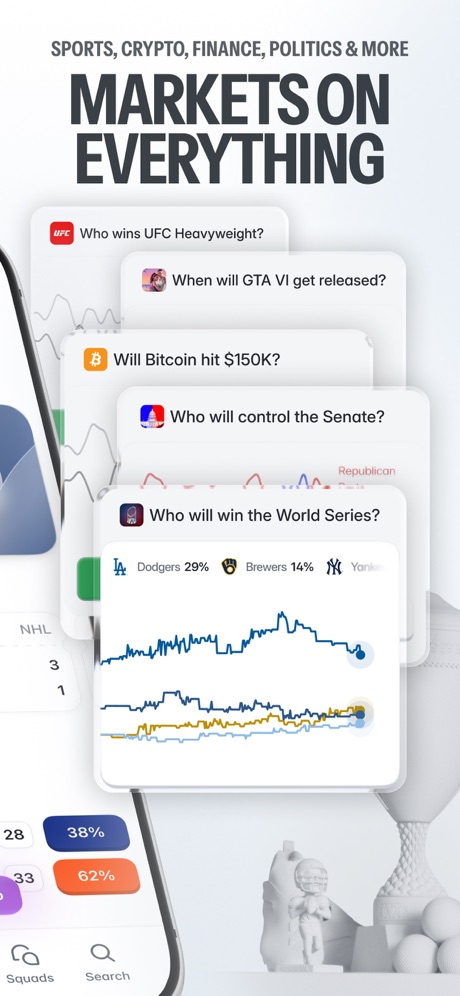
“MARKETS ON EVERYTHING”

“Be in control of your daily finances”

“Schedule payments”
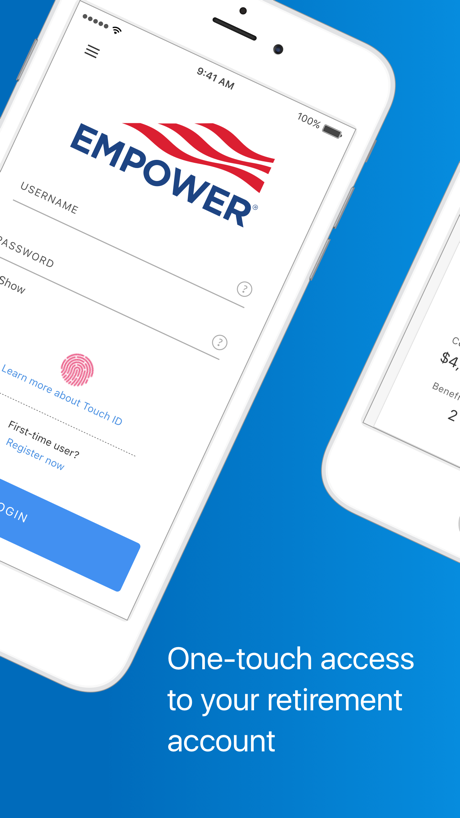
“One-touch access to your retirement account”

“Know”

“Claim Your Signup Bonus*”

“Everything your bank can't do”

“Use Zip online or in-store anywhere Visa is accepted 1”

“Know as soon as you’re eligible for a new account or credit line increase”

“Shop and travel within your budget”

“The #1 rated app for EBT”
What these screenshots say, word for word.
The words on all 31 that carry any, as each app wrote them.
“Securely bank, save and invest with Chase Mobile.”
Chase Mobile®: Bank & Invest · #7 · screenshot 1- SPORTS, CRYPTO, FINANCE, POLITICS & MORE
“MARKETS ON EVERYTHING”
Polymarket: Trade Live Sports · #11 · screenshot 3 “Be in control of your daily finances”
Citi Mobile® · #20 · screenshot 4“Schedule payments”
MySynchrony · #27 · screenshot 4“One-touch access to your retirement account”
Empower ® · #29 · screenshot 1“Know”
why more than 1,000,000 clients gave our app 5 stars.U.S. Bank Mobile Banking · #33 · screenshot 3“Claim Your Signup Bonus*”
Testerup: Test & Earn Rewards · #36 · screenshot 2“Everything your bank can't do”
The world's first AI financial assistantCleo AI: Cash Advance & Budget · #38 · screenshot 1“Use Zip online or in-store anywhere Visa is accepted 1”
Zip - Buy Now, Pay Later · #43 · screenshot 2“Know as soon as you’re eligible for a new account or credit line increase”
Quickly view your account details on your iPhone or Apple WatchCredit One Bank Mobile · #44 · screenshot 2“Shop and travel within your budget”
Find products and deals, and research places to stay and things to do.Albert: Budgeting and Banking · #47 · screenshot 4“The #1 rated app for EBT”
Propel: EBT, SNAP, WIC, & more · #66 · screenshot 1“Become one of the millions using Western Union”
Western Union: Send Money · #67 · screenshot 1“Monitor your Equifax credit report and score.”
myEquifax · #68 · screenshot 2“Bread Financial, at your fingertips”
Bread Financial · #79 · screenshot 2“Get fast cash advances”
Directly to your bank account*FloatMe: Fast Cash Advance App · #83 · screenshot 1“Download for free!”
Super.com Cash Advance, Travel · #85 · screenshot 2“Downloaded by 20M people”
Binance.US - Buy Crypto & BTC · #86 · screenshot 2“Give Every Dollar a Job”
EveryDollar: Budget Management · #93 · screenshot 2“Access your investments seamlessly all in one place”
Vanguard: Save, Invest, Retire · #95 · screenshot 1“Millions of people already do.”
Chase Mobile®: Bank & Invest · #7 · screenshot 2- LIVECHAT
“TRADE & CHAT WITH FRIENDS”
SQUADSPolymarket: Trade Live Sports · #11 · screenshot 5 “Deposit checks in the app,”
or on-the-goCiti Mobile® · #20 · screenshot 5“See your balance and progress toward your retirement income goal, and easily make changes”
Empower ® · #29 · screenshot 2“Your Opinion Pays Off”
Testerup: Test & Earn Rewards · #36 · screenshot 4“Find subscriptions and lower bills”
We’ll find you savings and even negotiate your bills on your behalf.Albert: Budgeting and Banking · #47 · screenshot 5“Your account details at a glance”
Bread Financial · #79 · screenshot 3“See a snapshot of your account in one-easy-to- read screen”
Empower ® · #29 · screenshot 3“Make a payment in just a few taps”
Bread Financial · #79 · screenshot 5“Make changes to your contribution rate, investment choices, and more”
Empower ® · #29 · screenshot 4“Easily lock and unlock your card*”
Bread Financial · #79 · screenshot 6
Top ten Finance apps that do it.
- #7Chase Mobile®: Bank & Invest2 of its 6 screenshots
The same tactic in other categories.
| Category | Apps that do it | Screenshots | Top ten |
|---|---|---|---|
| Graphics & Design | 55% 54 of 99 | 15% 87 of 564 | 6 of 10 |
| Entertainment | 40% 40 of 100 | 11% 60 of 544 | 2 of 10 |
| Utilities | 31% 31 of 100 | 10% 54 of 549 | 3 of 10 |
| Education | 27% 27 of 100 | 9% 50 of 555 | 2 of 10 |
| Photo & Video | 27% 27 of 100 | 7% 41 of 566 | 2 of 10 |
| Social Networking | 27% 27 of 100 | 7% 40 of 554 | 2 of 10 |
| Music | 26% 26 of 100 | 7% 38 of 550 | 1 of 10 |
| Food & Drink | 25% 25 of 100 | 7% 39 of 540 | 2 of 10 |
| Health & Fitness | 24% 24 of 100 | 6% 37 of 574 | 2 of 10 |
| Lifestyle | 23% 23 of 100 | 6% 31 of 556 | 4 of 10 |
| Business | 22% 22 of 100 | 5% 30 of 554 | 1 of 10 |
| News | 21% 21 of 98 | 6% 29 of 517 | 2 of 10 |
| Reference | 21% 21 of 100 | 5% 30 of 566 | 1 of 10 |
| Sports | 21% 21 of 100 | 6% 33 of 558 | 1 of 10 |
| Productivity | 20% 20 of 99 | 4% 24 of 551 | 1 of 10 |
| Finance | 20% 20 of 100 | 5% 31 of 581 | 1 of 10 |
| Games | 18% 18 of 100 | 4% 23 of 567 | 1 of 10 |
| Developer Tools | 17% 17 of 100 | 5% 26 of 507 | 3 of 10 |
| Travel | 17% 17 of 100 | 4% 23 of 561 | 4 of 10 |
| Navigation | 15% 15 of 99 | 4% 21 of 566 | 2 of 10 |
| Weather | 13% 13 of 100 | 5% 28 of 555 | 2 of 10 |
| Medical | 12% 12 of 100 | 4% 21 of 548 | 3 of 10 |
| Shopping | 8% 8 of 100 | 2% 11 of 562 | 1 of 10 |
Related tactics.
Often on the same screenshot
- Watch, iPad or Mac beside it35% of these screenshots, against 2% of all Finance screenshots
- Phone at an angle32% of these screenshots, against 5% of all Finance screenshots
- A photograph45% of these screenshots, against 23% of all Finance screenshots
- Gradient background68% of these screenshots, against 46% of all Finance screenshots
- Blue48% of these screenshots, against 32% of all Finance screenshots
- Zoomed detail of the UI19% of these screenshots, against 6% of all Finance screenshots
More in layout
- Phone drawn100%
- Words at the top95%
- Screen fills the picture94%
- Illustration or mascot85%
- Headline readable at thumbnail size81%
- Whole phone shown79%
- Phone cut off at the foot70%
- A photograph57%
- App icon shown54%
- Words aligned left52%
- Headline too small to read49%
- Arrows or callouts47%
- A person in the picture36%
- A hand holds the phone30%
- Phone cut off at the head30%
- Zoomed detail of the UI29%
- No app screen at all27%
- Screen is small25%
- Phone at an angle24%
- No phone, bare screen23%
- Words at the bottom18%
- Watch, iPad or Mac beside it10%
- Words over the screen10%
- Continues into the next screenshot1%
Questions, answered from the chart.
How many top Finance apps have App Store screenshots with two or more phones?
Which Finance apps have App Store screenshots with two or more phones?
Should my Finance app have App Store screenshots with two or more phones?
See your own app against this.
Pagefully reads your screenshots the same way, and makes a custom product page for each search people type, from your real screens.
Preview your pages