Finance app screenshots with illustrations
Drawn art around the screen. Drawn art gives a set a character of its own, apart from the interface.
From the top 100 free Finance apps on the US App Store, read on October 9, 2026. Screenshots are the developers’ own, shown from Apple’s servers with a link to each app.
The numbers
228 of the 581 Finance screenshots read (39%) do this, across 85 of the top 100 apps (85%). 9 of the top ten do it (90%), against 76 of the other 90 (84%): the top ten do it about as often as the rest. Of the 23 categories read so far, Finance is 3rd for this. It is most common in Games (100% of apps) and least common in Developer Tools (47%).
12 examples from the chart.
12 of the 228 Finance app screenshots with illustrations, one from each app, the highest on the chart first.
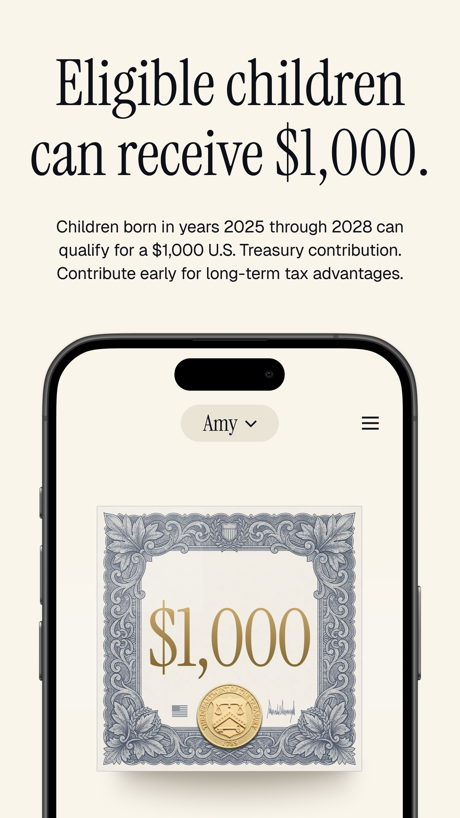
“Eligible children can receive $1,000.”

“Sign in easily with Face ID and Touch ID.”

“Earn 5% back”

“The app for every money move”
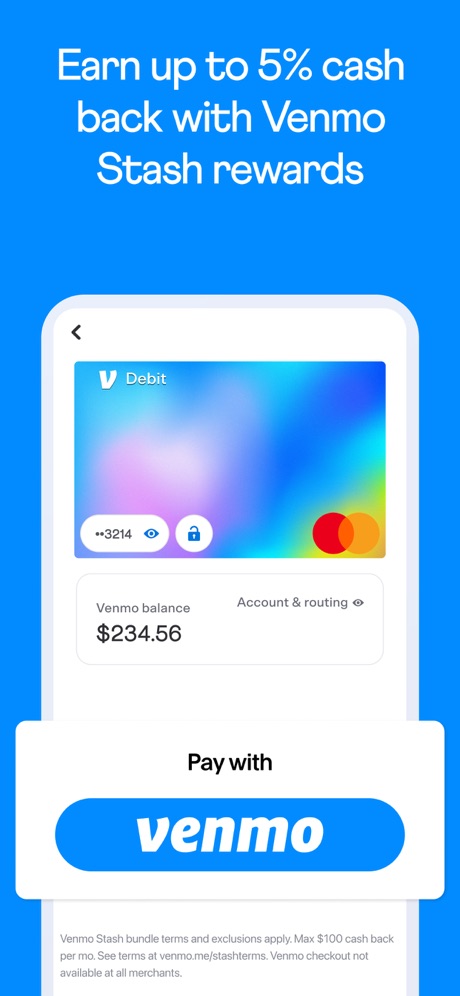
“Earn up to 5% cash back with Venmo Stash rewards”

“Millions of people already do.”
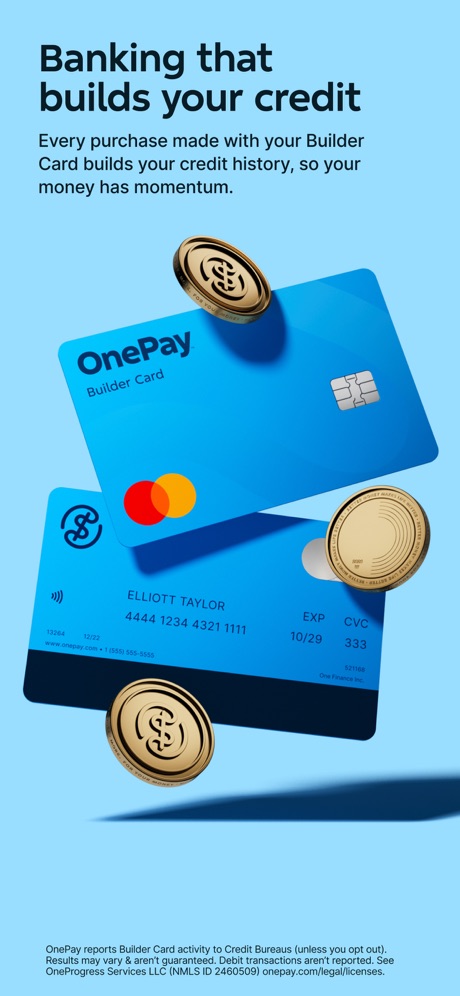
“Banking that builds your credit”

“Serious security and real-time alerts”

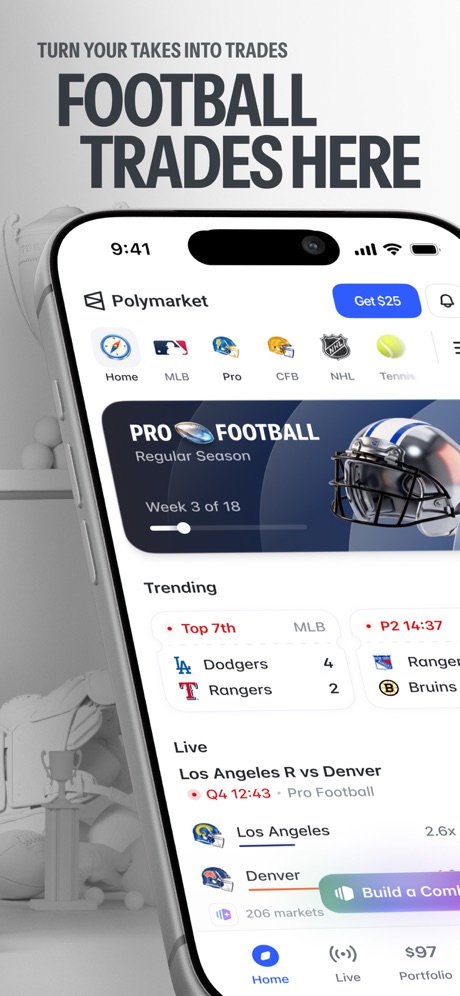
“FOOTBALL TRADES HERE”

“Unlock your membership”

“See your big picture”
What these screenshots say, word for word.
The words on 40 of the 221 that carry any, as each app wrote them.
“Eligible children can receive $1,000.”
Children born in years 2025 through 2028 can qualify for a $1,000 U.S. Treasury contribution. Contribute early for long-term tax advantages.Trump Accounts: Official App · #1 · screenshot 2“Sign in easily with Face ID and Touch ID.”
Capital One Mobile · #3 · screenshot 3“Earn 5% back”
in rewards on a monthly category you choose.*PayPal - Pay, Send, Save · #4 · screenshot 3“The app for every money move”
Cash App · #5 · screenshot 1“Earn up to 5% cash back with Venmo Stash rewards”
Venmo · #6 · screenshot 2“Millions of people already do.”
Chase Mobile®: Bank & Invest · #7 · screenshot 2“Banking that builds your credit”
Every purchase made with your Builder Card builds your credit history, so your money has momentum.OnePay – Mobile Banking · #8 · screenshot 2“Serious security and real-time alerts”
Chime® – Mobile Banking · #9 · screenshot 5- TURN YOUR TAKES INTO TRADES
“FOOTBALL TRADES HERE”
Polymarket: Trade Live Sports · #11 · screenshot 2 “Unlock your membership”
Sign up for a membership and get up to 2% more cashback, plus exclusive deals and travel perks.Klarna: Smarter everyday money · #12 · screenshot 5“See your big picture”
All your accounts in one placeWells Fargo Mobile® · #14 · screenshot 2“Welcome to State Farm”
Manage your policies, claims, bills & more.State Farm® · #15 · screenshot 1“Manage your Bank of America® banking and Merrill® investment accounts in one app”
Bank of America Mobile Banking · #16 · screenshot 1“Get an AI-powered assistant that brings clarity to your money, all via text”
Rocket Money - Bills & Budgets · #17 · screenshot 2- SOFI COACH℠ BETA
“Meet SoFi Coach.”
Your smart personal guide for getting your money right.SoFi: Bank, Invest & Crypto · #19 · screenshot 2 “Check your FICO® Score and 6 month history for free”
Included with select Citi cardsCiti Mobile® · #20 · screenshot 6“Accelerate your progress with Credit Karma Money™”
Intuit Credit Karma · #21 · screenshot 4“Up to $500 in 5 min or less with ExtraCash™1”
Dave: Credit, Cash & Money App · #22 · screenshot 1“Trade anytime, day or night”
Trade your favorite stocks and ETFs 24 hours a day, 5 days a week.Robinhood: Trading & Investing · #23 · screenshot 6“Say hello to your new BFF 6 your Big Financial Friend.”
Experian® · #24 · screenshot 1“#1 in Customer Satisfaction with U.S. Mobile Credit Card Apps”
Amex · #25 · screenshot 1“Discover more ways to shop”
Find local retailers that accept your benefits, or find easy access to shopping online!ebtEDGE NEW! · #26 · screenshot 3“Shop deals from top brands with Synchrony Marketplace”
MySynchrony · #27 · screenshot 2“Atlas Rewards Credit Card”
Atlas - Rewards Credit Card · #28 · screenshot 1“Make changes to your contribution rate, investment choices, and more”
Empower ® · #29 · screenshot 4“Tilt Cash Advance”
Up to $500 instantly,* no interest or credit checkTilt: Cash Advance & Credit · #30 · screenshot 2“Cash advances from $25 to $500*”
Grant Cash Advance · #31 · screenshot 1- SECURELY
“BUY, SELL & HOLD CRYPTO”
Coinbase: Buy Crypto & Stocks · #34 · screenshot 1 “Fee-free Overdraft⁵”
Breeze from payday to payday with access to fee-free overdraft.Current - Mobile Banking · #35 · screenshot 3“Complete Tasks Earn Rewards”
Receive a $5 Signup Bonus*Testerup: Test & Earn Rewards · #36 · screenshot 1“Redeem the most flexible currency”
We offer the industry's most flexible and valuable currency, giving you the freedom to use points for what's most relevant to you.Bilt Rewards · #37 · screenshot 3“Don't play games with your money”
Unless it's Money IQ. New quiz and chance to win* every week.Cleo AI: Cash Advance & Budget · #38 · screenshot 5“Chart, chat and trade”
100M+ Traders and investors use our platformTradingView: Track All Markets · #40 · screenshot 1“Pay later where you want”
Zip - Buy Now, Pay Later · #43 · screenshot 1“Manage Your Accounts”
Quickly view details for all of your accounts in one placeCredit One Bank Mobile · #44 · screenshot 6“Know your pay every day”
DailyPay On-Demand Pay · #45 · screenshot 1“Get $25-$500* in minutes”
Stress less with brigitBrigit: Cash Advance & Credit · #46 · screenshot 1“Access your pay early $20 - $500 with Instacash®”
in interest-free cash advances¹MoneyLion: Cash Advance App · #48 · screenshot 2“Instant $200”
Cash AdvanceLenme: Borrowing and Lending · #49 · screenshot 1“Access up to $750* instantly”
Klover - Instant Cash Advance · #50 · screenshot 1
Top ten Finance apps that do it.
- #1Trump Accounts: Official App2 of its 6 screenshots
- #3Capital One Mobile4 of its 6 screenshots
- #4PayPal - Pay, Send, Save2 of its 6 screenshots
- #5Cash App2 of its 6 screenshots
- #6Venmo1 of its 6 screenshots
- #7Chase Mobile®: Bank & Invest2 of its 6 screenshots
- #8OnePay – Mobile Banking4 of its 6 screenshots
- #9Chime® – Mobile Banking1 of its 6 screenshots
- #10Progressive2 of its 6 screenshots
The same tactic in other categories.
| Category | Apps that do it | Screenshots | Top ten |
|---|---|---|---|
| Games | 100% 100 of 100 | 88% 497 of 567 | 10 of 10 |
| Education | 86% 86 of 100 | 56% 309 of 555 | 10 of 10 |
| Finance | 85% 85 of 100 | 39% 228 of 581 | 9 of 10 |
| Utilities | 80% 80 of 100 | 43% 235 of 549 | 7 of 10 |
| Navigation | 78% 77 of 99 | 39% 220 of 566 | 9 of 10 |
| Graphics & Design | 77% 76 of 99 | 50% 282 of 564 | 8 of 10 |
| Medical | 76% 76 of 100 | 39% 212 of 548 | 6 of 10 |
| Productivity | 73% 72 of 99 | 32% 174 of 551 | 4 of 10 |
| Health & Fitness | 72% 72 of 100 | 39% 223 of 574 | 7 of 10 |
| Music | 71% 71 of 100 | 34% 188 of 550 | 5 of 10 |
| Reference | 70% 70 of 100 | 33% 188 of 566 | 7 of 10 |
| Entertainment | 69% 69 of 100 | 36% 197 of 544 | 8 of 10 |
| Social Networking | 69% 69 of 100 | 34% 188 of 554 | 7 of 10 |
| Travel | 69% 69 of 100 | 31% 173 of 561 | 5 of 10 |
| Business | 67% 67 of 100 | 29% 163 of 554 | 5 of 10 |
| Lifestyle | 67% 67 of 100 | 29% 163 of 556 | 5 of 10 |
| Food & Drink | 64% 64 of 100 | 31% 169 of 540 | 6 of 10 |
| Sports | 62% 62 of 100 | 27% 149 of 558 | 8 of 10 |
| News | 60% 59 of 98 | 25% 128 of 517 | 7 of 10 |
| Shopping | 55% 55 of 100 | 21% 118 of 562 | 7 of 10 |
| Weather | 52% 52 of 100 | 21% 118 of 555 | 5 of 10 |
| Photo & Video | 48% 48 of 100 | 17% 98 of 566 | 5 of 10 |
| Developer Tools | 47% 47 of 100 | 22% 113 of 507 | 3 of 10 |
Related tactics.
Often on the same screenshot
- A word in a different colour36% of these screenshots, against 27% of all Finance screenshots
- Green22% of these screenshots, against 14% of all Finance screenshots
- Uses a number28% of these screenshots, against 21% of all Finance screenshots
- Light65% of these screenshots, against 59% of all Finance screenshots
- Pattern or texture10% of these screenshots, against 5% of all Finance screenshots
- Phone cut off at the foot37% of these screenshots, against 33% of all Finance screenshots
More in layout
- Phone drawn100%
- Words at the top95%
- Screen fills the picture94%
- Headline readable at thumbnail size81%
- Whole phone shown79%
- Phone cut off at the foot70%
- A photograph57%
- App icon shown54%
- Words aligned left52%
- Headline too small to read49%
- Arrows or callouts47%
- A person in the picture36%
- A hand holds the phone30%
- Phone cut off at the head30%
- Zoomed detail of the UI29%
- No app screen at all27%
- Screen is small25%
- Phone at an angle24%
- No phone, bare screen23%
- Two or more screens20%
- Words at the bottom18%
- Watch, iPad or Mac beside it10%
- Words over the screen10%
- Continues into the next screenshot1%
Questions, answered from the chart.
How many top Finance apps have App Store screenshots with illustrations?
Which Finance apps have App Store screenshots with illustrations?
Should my Finance app have App Store screenshots with illustrations?
See your own app against this.
Pagefully reads your screenshots the same way, and makes a custom product page for each search people type, from your real screens.
Preview your pages