Music app screenshots with two or more phones
More than one device or screen in the picture. Two screens in one picture can show a before and after, two steps of a flow, or two features at once.
From the top 100 free Music apps on the US App Store, read on October 9, 2026. Screenshots are the developers’ own, shown from Apple’s servers with a link to each app.
The numbers
38 of the 550 Music screenshots read (7%) do this, across 26 of the top 100 apps (26%). 1 of the top ten do it (10%), against 25 of the other 90 (28%): the top ten do it less than the rest. Of the 23 categories read so far, Music is 7th for this. It is most common in Graphics & Design (55% of apps) and least common in Shopping (8%).
12 examples from the chart.
12 of the 38 Music app screenshots with two or more phones, one from each app, the highest on the chart first.

“IMPORT YOUR PLAYLISTS AND LIKES”

“Play Music”
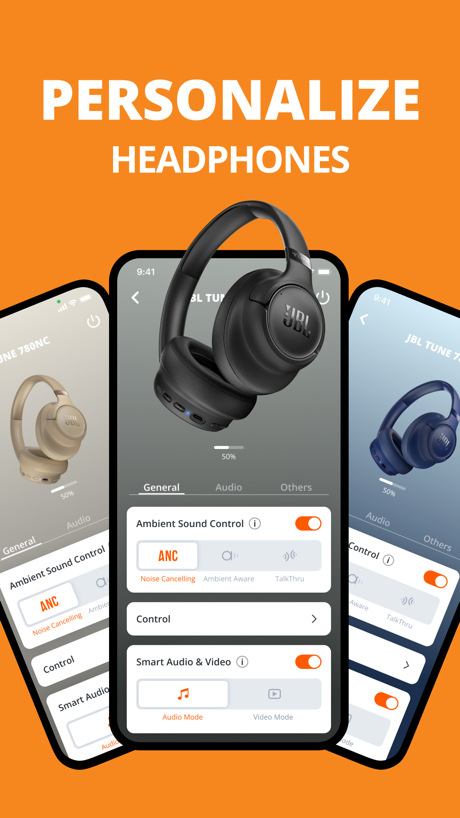
“PERSONALIZE”

“FOR YOU”

“Connect to two devices”

“Immersive Music Listening”

“SIRIUSXM ON CARPLAY”
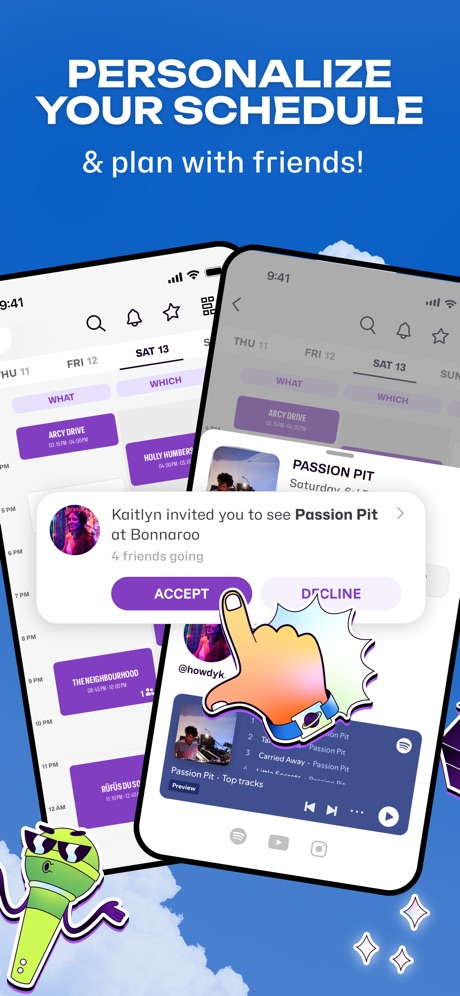
“PERSONALIZE YOUR SCHEDULE”

“Learn melodies in no time”

“The first DJ Masterclass”

“MANAGE SPEAKERS”
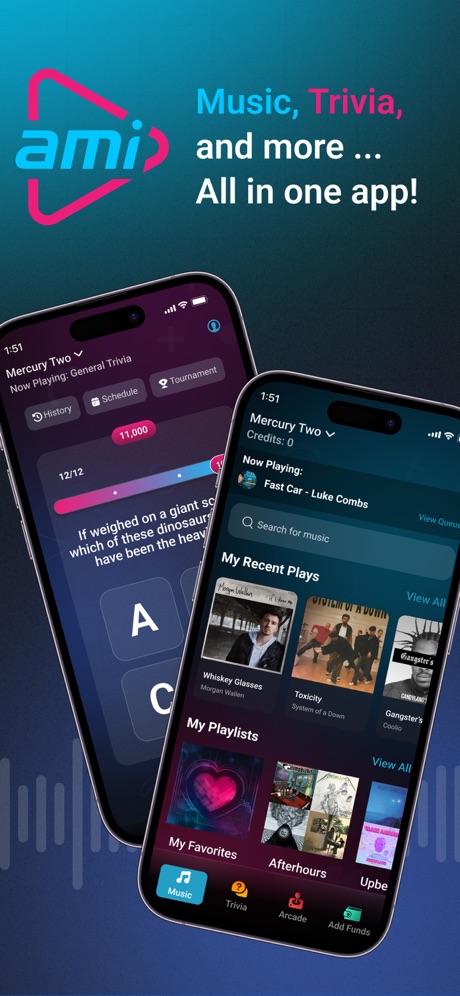
“Music, Trivia,”
What these screenshots say, word for word.
The words on all 38 that carry any, as each app wrote them.
“IMPORT YOUR PLAYLISTS AND LIKES”
SoundCloud: The Music You Love · #4 · screenshot 6“Play Music”
All your songs in one placeMusic : Cloud Music Streaming · #12 · screenshot 1“PERSONALIZE”
HEADPHONESJBL Headphones · #14 · screenshot 2“FOR YOU”
A new kind of Browse, powered by you.Pandora: Music & Podcasts · #15 · screenshot 2“Connect to two devices”
Shokz · #17 · screenshot 3“Immersive Music Listening”
Tunecho Music-Play Offline · #18 · screenshot 3“SIRIUSXM ON CARPLAY”
Your favourite audio. Seamlessly on the road.SiriusXM: Music, Sports & News · #20 · screenshot 6“PERSONALIZE YOUR SCHEDULE”
& plan with friends!Festiverse · #21 · screenshot 3“Learn melodies in no time”
Piano: Keyboard Lessons & Game · #24 · screenshot 3- NEW
“The first DJ Masterclass”
Edjing Mix: DJ Music Mixer App · #28 · screenshot 2 “MANAGE SPEAKERS”
JBL Portable · #31 · screenshot 2“Music, Trivia,”
and more ...AMI Play · #37 · screenshot 1“Customize Keyboard Keys”
Piano ٞ · #42 · screenshot 6“Wallpapers”
with Depth EffectRingtones for iphone: Ringtune · #44 · screenshot 5“Unlimited Music Streaming”
MusiPlayer - Music X Streaming · #55 · screenshot 2“Set as Ringtone”
MP3 Converter - Audio Trimmer · #59 · screenshot 3“Explore what's trending”
Musicana - Organizer & Player · #62 · screenshot 2“Simple Radio”
as simple as it getsSimple Radio - FM AM Stations · #64 · screenshot 2“Play iconic riffs”
Guitar Tuner - Simply Tune · #73 · screenshot 5“Official Audio”
Play along with synchronized original audioSongsterr Tabs & Chords · #74 · screenshot 2“Pick your instrument”
electric, acoustic, ukulele, bassFender Tune: Guitar Tuner App · #75 · screenshot 3“Generate Your Merged Music With Minimal Steps.”
Audio Joiner-Mix&Merge · #82 · screenshot 3“Start your own recording!”
Join someone else's recording!Smule: Sing, Duet & Record · #85 · screenshot 2“Colorful Light Dark Themes”
Melodista Music Offline Player · #86 · screenshot 1“500,000+”
Satisfied Users!Ringtones: for iPhone · #88 · screenshot 2“Your Go-To Karaoke, Battle & Quiz Party Experience”
KaraFun: Karaoke, Battle, Quiz · #89 · screenshot 1“Keep music going while using other apps”
Music : Cloud Music Streaming · #12 · screenshot 2“Supports notification sound settings”
Shokz · #17 · screenshot 4“Master new skills”
Edjing Mix: DJ Music Mixer App · #28 · screenshot 3“Play AMI Trivia for FREE!”
AMI Play · #37 · screenshot 3“Choose light or dark themes”
Musicana - Organizer & Player · #62 · screenshot 6“Learn and practice chords”
Guitar Tuner - Simply Tune · #73 · screenshot 6“Filter & Multiple Instruments”
Most songs have tabs for individual instruments (guitar, bass, drums, vocal, etc)Songsterr Tabs & Chords · #74 · screenshot 6“Chord & Scale Finder”
search 1000s of interactive chartsFender Tune: Guitar Tuner App · #75 · screenshot 4“Bring the Lyrics to Life on Your TV Screen”
KaraFun: Karaoke, Battle, Quiz · #89 · screenshot 4“Metronome & drum beats”
practice with real drum tracksFender Tune: Guitar Tuner App · #75 · screenshot 5“Take Full Control From Any Mobile Device”
KaraFun: Karaoke, Battle, Quiz · #89 · screenshot 5“Battle, singing game with scoring”
KaraFun: Karaoke, Battle, Quiz · #89 · screenshot 6
Top ten Music apps that do it.
- #4SoundCloud: The Music You Love1 of its 6 screenshots
The same tactic in other categories.
| Category | Apps that do it | Screenshots | Top ten |
|---|---|---|---|
| Graphics & Design | 55% 54 of 99 | 15% 87 of 564 | 6 of 10 |
| Entertainment | 40% 40 of 100 | 11% 60 of 544 | 2 of 10 |
| Utilities | 31% 31 of 100 | 10% 54 of 549 | 3 of 10 |
| Education | 27% 27 of 100 | 9% 50 of 555 | 2 of 10 |
| Photo & Video | 27% 27 of 100 | 7% 41 of 566 | 2 of 10 |
| Social Networking | 27% 27 of 100 | 7% 40 of 554 | 2 of 10 |
| Music | 26% 26 of 100 | 7% 38 of 550 | 1 of 10 |
| Food & Drink | 25% 25 of 100 | 7% 39 of 540 | 2 of 10 |
| Health & Fitness | 24% 24 of 100 | 6% 37 of 574 | 2 of 10 |
| Lifestyle | 23% 23 of 100 | 6% 31 of 556 | 4 of 10 |
| Business | 22% 22 of 100 | 5% 30 of 554 | 1 of 10 |
| News | 21% 21 of 98 | 6% 29 of 517 | 2 of 10 |
| Reference | 21% 21 of 100 | 5% 30 of 566 | 1 of 10 |
| Sports | 21% 21 of 100 | 6% 33 of 558 | 1 of 10 |
| Productivity | 20% 20 of 99 | 4% 24 of 551 | 1 of 10 |
| Finance | 20% 20 of 100 | 5% 31 of 581 | 1 of 10 |
| Games | 18% 18 of 100 | 4% 23 of 567 | 1 of 10 |
| Developer Tools | 17% 17 of 100 | 5% 26 of 507 | 3 of 10 |
| Travel | 17% 17 of 100 | 4% 23 of 561 | 4 of 10 |
| Navigation | 15% 15 of 99 | 4% 21 of 566 | 2 of 10 |
| Weather | 13% 13 of 100 | 5% 28 of 555 | 2 of 10 |
| Medical | 12% 12 of 100 | 4% 21 of 548 | 3 of 10 |
| Shopping | 8% 8 of 100 | 2% 11 of 562 | 1 of 10 |
Related tactics.
Often on the same screenshot
- Watch, iPad or Mac beside it42% of these screenshots, against 5% of all Music screenshots
- Headline under five words74% of these screenshots, against 51% of all Music screenshots
- Has a subline39% of these screenshots, against 18% of all Music screenshots
- Headline readable at thumbnail size50% of these screenshots, against 30% of all Music screenshots
- Phone at an angle21% of these screenshots, against 6% of all Music screenshots
- Words aligned left26% of these screenshots, against 12% of all Music screenshots
More in layout
- Screen fills the picture98%
- Phone drawn95%
- Words at the top93%
- Whole phone shown87%
- A photograph86%
- Headline readable at thumbnail size72%
- Illustration or mascot71%
- A person in the picture59%
- Phone cut off at the foot44%
- Headline too small to read42%
- Arrows or callouts38%
- App icon shown37%
- Words aligned left31%
- No phone, bare screen27%
- Phone at an angle26%
- Phone cut off at the head25%
- A hand holds the phone23%
- Zoomed detail of the UI22%
- Watch, iPad or Mac beside it21%
- Screen is small17%
- Words at the bottom17%
- No app screen at all16%
- Words over the screen6%
- Continues into the next screenshot1%
Questions, answered from the chart.
How many top Music apps have App Store screenshots with two or more phones?
Which Music apps have App Store screenshots with two or more phones?
Should my Music app have App Store screenshots with two or more phones?
See your own app against this.
Pagefully reads your screenshots the same way, and makes a custom product page for each search people type, from your real screens.
Preview your pages