Music app screenshots filled by the app’s UI
The app’s screen takes most of the picture. The larger the screen is drawn, the more of the interface can be read.
From the top 100 free Music apps on the US App Store, read on October 9, 2026. Screenshots are the developers’ own, shown from Apple’s servers with a link to each app.
The numbers
426 of the 550 Music screenshots read (77%) do this, across 98 of the top 100 apps (98%). 10 of the top ten do it (100%), against 88 of the other 90 (98%): the top ten do it about as often as the rest. Of the 23 categories read so far, Music is 17th for this. It is most common in Entertainment (100% of apps) and least common in Finance (94%).
12 examples from the chart.
12 of the 426 Music app screenshots filled by the app’s UI, one from each app, the highest on the chart first.

“FIND PODCASTS YOU LOVE”

“Adjust the genre, lyrics, and more”
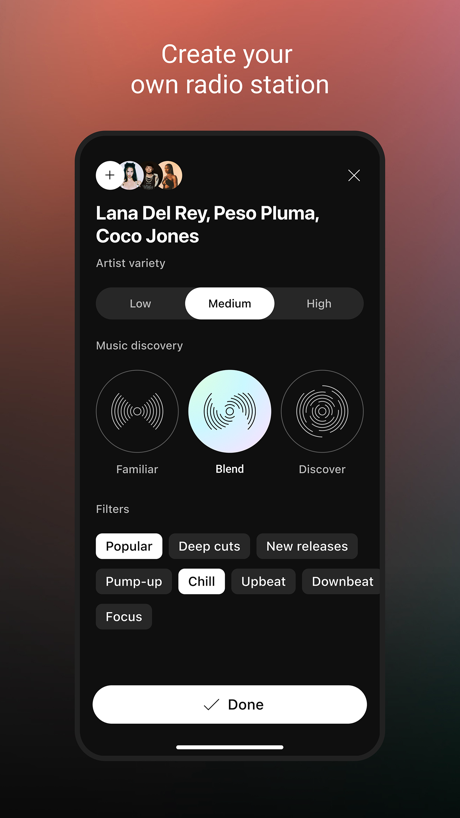
“Create your own radio station”

“MUSIC YOU CAN'T FIND ELSEWHERE”

“Discover music around you”

“The Most Ad-Free Top Podcasts”
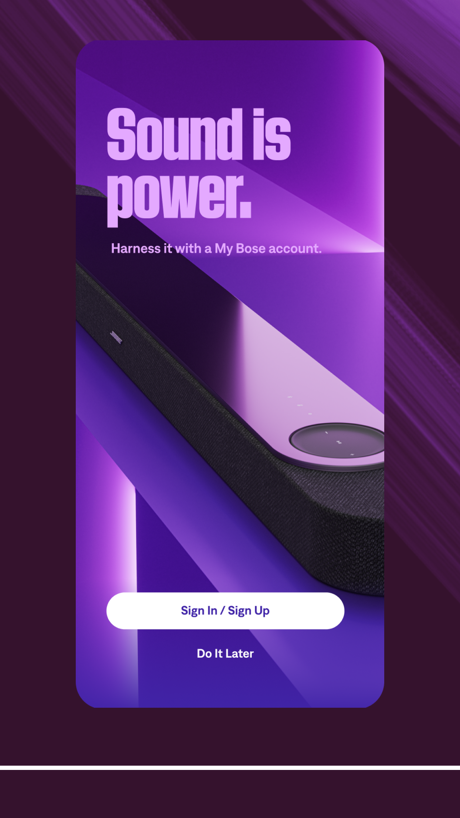
“Sound is power.”

“Record and edit on the fly”

“Stream and Download great new music.”

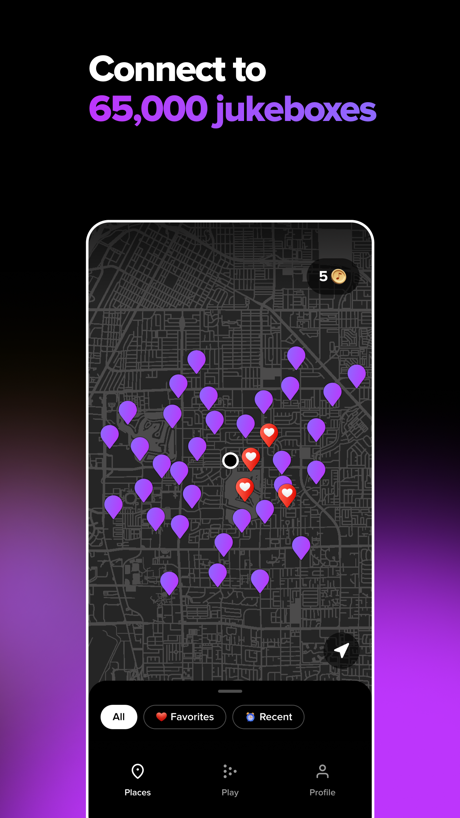
“Connect to 65,000 jukeboxes”
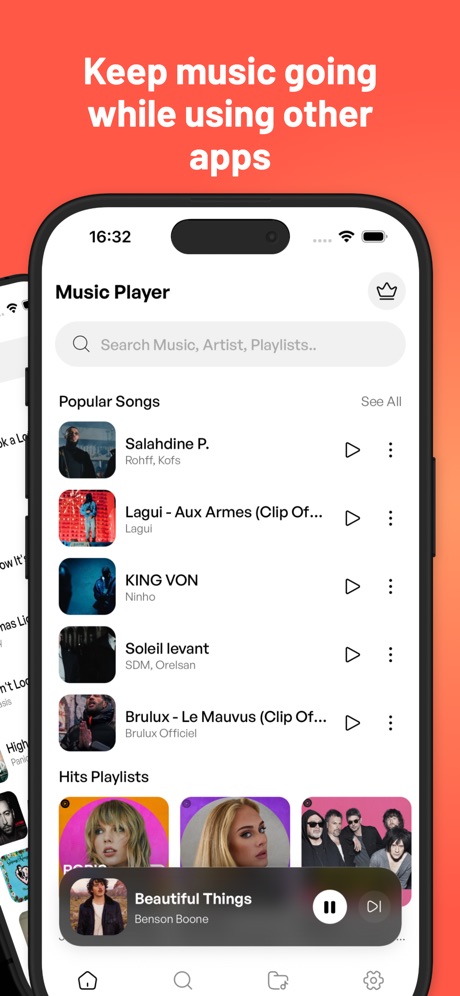
“Keep music going while using other apps”
What these screenshots say, word for word.
The words on 40 of the 376 that carry any, as each app wrote them.
“FIND PODCASTS YOU LOVE”
Spotify: Music and Podcasts · #1 · screenshot 2“Adjust the genre, lyrics, and more”
Suno - AI Songs, Music, Lyrics · #2 · screenshot 2“Create your own radio station”
YouTube Music · #3 · screenshot 1“MUSIC YOU CAN'T FIND ELSEWHERE”
SoundCloud: The Music You Love · #4 · screenshot 1“Discover music around you”
Shazam: Find Music & Concerts · #5 · screenshot 2“The Most Ad-Free Top Podcasts”
Amazon Music: Songs & Podcasts · #6 · screenshot 2“Sound is power.”
Harness it with a My Bose account.Bose · #7 · screenshot 1“Record and edit on the fly”
BandLab – Music Maker & Beats · #8 · screenshot 2“Stream and Download great new music.”
Audiomack - Play Music Offline · #9 · screenshot 1“Connect to 65,000 jukeboxes”
TouchTunes: Jukebox Music · #11 · screenshot 2“Keep music going while using other apps”
Music : Cloud Music Streaming · #12 · screenshot 2“Device Control”
Quickly search and connect devicesAnker soundcore · #13 · screenshot 2“PERSONALIZE”
HEADPHONESJBL Headphones · #14 · screenshot 2“LISTEN”
Personalized listening.Pandora: Music & Podcasts · #15 · screenshot 1“MusiChic”
MusiChic-Offline Music Player · #16 · screenshot 1“Switch sound modes at any time”
Shokz · #17 · screenshot 2“Enjoy High-quality Musics”
Tunecho Music-Play Offline · #18 · screenshot 1“Explore the best events near you”
LOCALLY RELEVANTDICE: Live Shows · #19 · screenshot 2“EVERY MOOD, EVERY MOMENT, AD-FREE.”
We’ve got you covered.SiriusXM: Music, Sports & News · #20 · screenshot 2“PERSONALIZE YOUR SCHEDULE”
& plan with friends!Festiverse · #21 · screenshot 3“Fast, easy and accurate tuning”
GuitarTuna: Tune & Play Guitar · #22 · screenshot 3“Find your voice”
Simply Sing: My Singing App · #23 · screenshot 2“Piano made simple”
Play. Learn. Now. Anywhere.Piano: Keyboard Lessons & Game · #24 · screenshot 1“Welcome to the Skullcandy App”
We've made some improvements and we'd love to show you around.Skullcandy · #25 · screenshot 3“Unlock the ultimate listening experience”
Sonos · #26 · screenshot 1“Import from Video or Recorded Sound”
Musiboot: Get Lossless Music · #27 · screenshot 1“The World #1 DJ App”
Edjing Mix: DJ Music Mixer App · #28 · screenshot 1“LIVE RADIO DIAL”
Scan through thousands of live radio stations hands-freeiHeart: Radio, Music, Podcasts · #29 · screenshot 3“Trusted by millions”
of usersClipTone: Ringtone & AI Cover · #30 · screenshot 1“ADJUST EQUALIZER”
JBL Portable · #31 · screenshot 3“NEW ARRIVAL”
JBL One · #32 · screenshot 1“Discover New Music”
Over 100 million songsDemus: Easy Music Streaming · #34 · screenshot 1“Record Voice, Sound, Anything Fun”
Reverse Audio: Sing Challenge · #35 · screenshot 2“Mix all your favorite songs”
djay - DJ App & AI Mixer · #36 · screenshot 2“Music, Trivia,”
and more ...AMI Play · #37 · screenshot 1“Discover 10.000+”
new ringtonesGarage Ringtones for iPhone · #38 · screenshot 1“Trusted by 200M musicians worldwide”
Ultimate Guitar: Chords & Tabs · #39 · screenshot 5“One Sentence Generates Exclusive Music”
Music Creator - Make Songs · #40 · screenshot 1“Record from microphone”
Reverse Audio · #41 · screenshot 1“Play Piano Keyboard”
Simple to Learn SongsPiano ٞ · #42 · screenshot 1
Top ten Music apps that do it.
- #1Spotify: Music and Podcasts5 of its 6 screenshots
- #2Suno - AI Songs, Music, Lyrics5 of its 6 screenshots
- #3YouTube Music5 of its 5 screenshots
- #4SoundCloud: The Music You Love3 of its 6 screenshots
- #5Shazam: Find Music & Concerts3 of its 6 screenshots
- #6Amazon Music: Songs & Podcasts5 of its 6 screenshots
- #7Bose6 of its 6 screenshots
- #8BandLab – Music Maker & Beats5 of its 6 screenshots
- #9Audiomack - Play Music Offline4 of its 5 screenshots
- #10Head Trip Indio4 of its 4 screenshots
The same tactic in other categories.
| Category | Apps that do it | Screenshots | Top ten |
|---|---|---|---|
| Entertainment | 100% 100 of 100 | 82% 444 of 544 | 10 of 10 |
| Games | 100% 100 of 100 | 95% 536 of 567 | 10 of 10 |
| Health & Fitness | 100% 100 of 100 | 80% 460 of 574 | 10 of 10 |
| Lifestyle | 100% 100 of 100 | 77% 429 of 556 | 10 of 10 |
| Photo & Video | 100% 100 of 100 | 92% 520 of 566 | 10 of 10 |
| Productivity | 100% 99 of 99 | 76% 420 of 551 | 10 of 10 |
| Social Networking | 100% 100 of 100 | 81% 448 of 554 | 10 of 10 |
| Sports | 100% 100 of 100 | 76% 422 of 558 | 10 of 10 |
| Weather | 100% 100 of 100 | 89% 495 of 555 | 10 of 10 |
| Developer Tools | 99% 99 of 100 | 88% 444 of 507 | 10 of 10 |
| Medical | 99% 99 of 100 | 78% 426 of 548 | 10 of 10 |
| Reference | 99% 99 of 100 | 81% 458 of 566 | 10 of 10 |
| Shopping | 99% 99 of 100 | 74% 415 of 562 | 10 of 10 |
| Graphics & Design | 99% 98 of 99 | 88% 495 of 564 | 10 of 10 |
| Navigation | 99% 98 of 99 | 79% 449 of 566 | 10 of 10 |
| News | 99% 97 of 98 | 81% 419 of 517 | 10 of 10 |
| Food & Drink | 98% 98 of 100 | 66% 358 of 540 | 10 of 10 |
| Music | 98% 98 of 100 | 77% 426 of 550 | 10 of 10 |
| Utilities | 98% 98 of 100 | 78% 427 of 549 | 10 of 10 |
| Business | 97% 97 of 100 | 71% 396 of 554 | 9 of 10 |
| Education | 97% 97 of 100 | 75% 414 of 555 | 10 of 10 |
| Travel | 97% 97 of 100 | 70% 393 of 561 | 9 of 10 |
| Finance | 94% 94 of 100 | 61% 352 of 581 | 10 of 10 |
Related tactics.
Often on the same screenshot
- Whole phone shown67% of these screenshots, against 59% of all Music screenshots
- Dark59% of these screenshots, against 57% of all Music screenshots
- Phone drawn89% of these screenshots, against 87% of all Music screenshots
- No words at all12% of these screenshots, against 10% of all Music screenshots
- Black, white or grey28% of these screenshots, against 27% of all Music screenshots
- No phone, bare screen11% of these screenshots, against 9% of all Music screenshots
More in layout
- Phone drawn95%
- Words at the top93%
- Whole phone shown87%
- A photograph86%
- Headline readable at thumbnail size72%
- Illustration or mascot71%
- A person in the picture59%
- Phone cut off at the foot44%
- Headline too small to read42%
- Arrows or callouts38%
- App icon shown37%
- Words aligned left31%
- No phone, bare screen27%
- Phone at an angle26%
- Two or more screens26%
- Phone cut off at the head25%
- A hand holds the phone23%
- Zoomed detail of the UI22%
- Watch, iPad or Mac beside it21%
- Screen is small17%
- Words at the bottom17%
- No app screen at all16%
- Words over the screen6%
- Continues into the next screenshot1%
Questions, answered from the chart.
How many top Music apps have App Store screenshots filled by the app’s UI?
Which Music apps have App Store screenshots filled by the app’s UI?
Should my Music app have App Store screenshots filled by the app’s UI?
See your own app against this.
Pagefully reads your screenshots the same way, and makes a custom product page for each search people type, from your real screens.
Preview your pages