Business app screenshots filled by the app’s UI
The app’s screen takes most of the picture. The larger the screen is drawn, the more of the interface can be read.
From the top 100 free Business apps on the US App Store, read on October 9, 2026. Screenshots are the developers’ own, shown from Apple’s servers with a link to each app.
The numbers
396 of the 554 Business screenshots read (71%) do this, across 97 of the top 100 apps (97%). 9 of the top ten do it (90%), against 88 of the other 90 (98%): the top ten do it about as often as the rest. Of the 23 categories read so far, Business is 20th for this. It is most common in Entertainment (100% of apps) and least common in Finance (94%).
12 examples from the chart.
12 of the 396 Business app screenshots filled by the app’s UI, one from each app, the highest on the chart first.

“Connect with anyone on video meetings and calls”
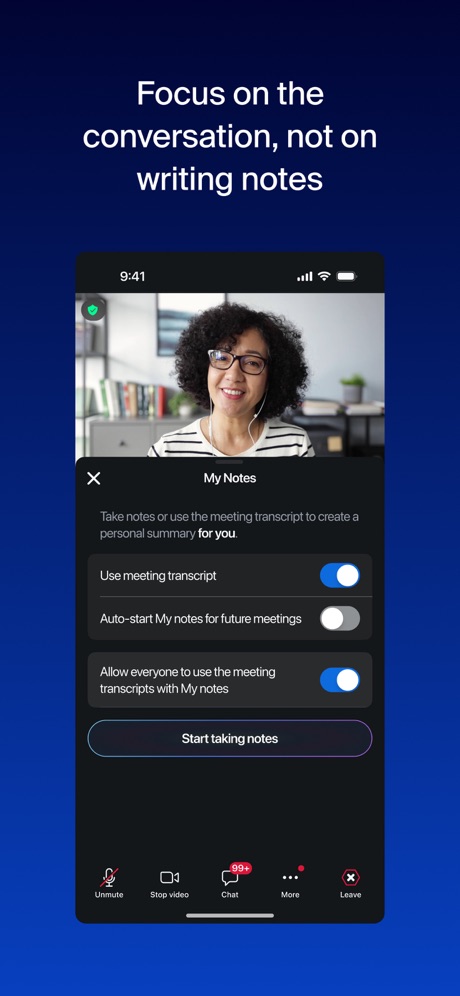
“Focus on the conversation, not on writing notes”

“The network that works for you”
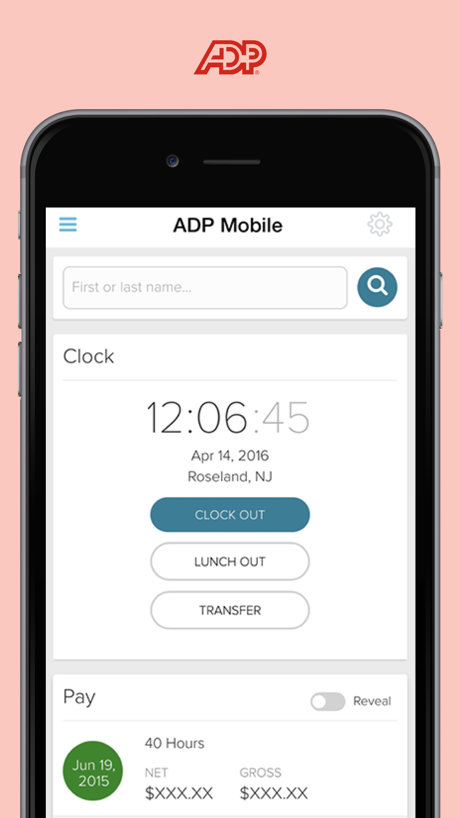

“DELIVER WITH DOORDASH”

“Seamless authentication and device security”
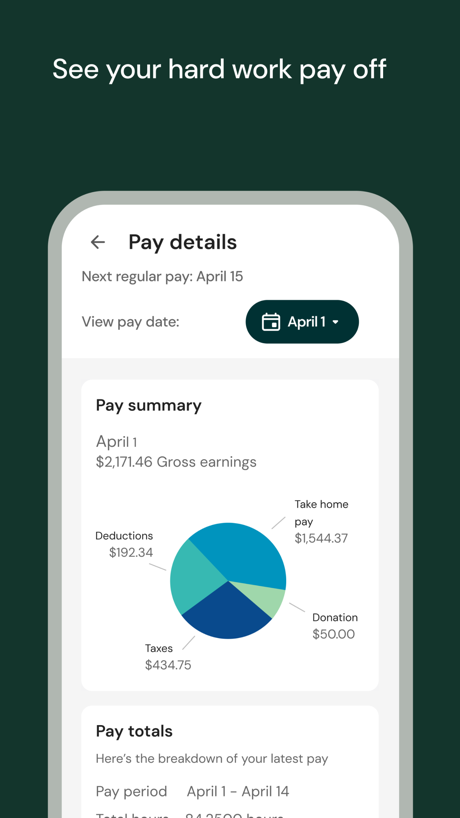
“See your hard work pay off”

“Make work effortless”

“Choose when and where you want to shop/deliver”

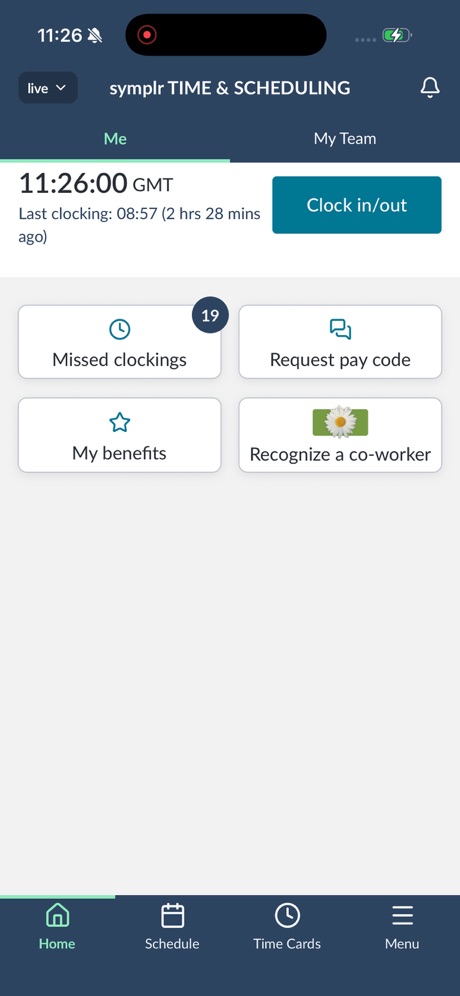
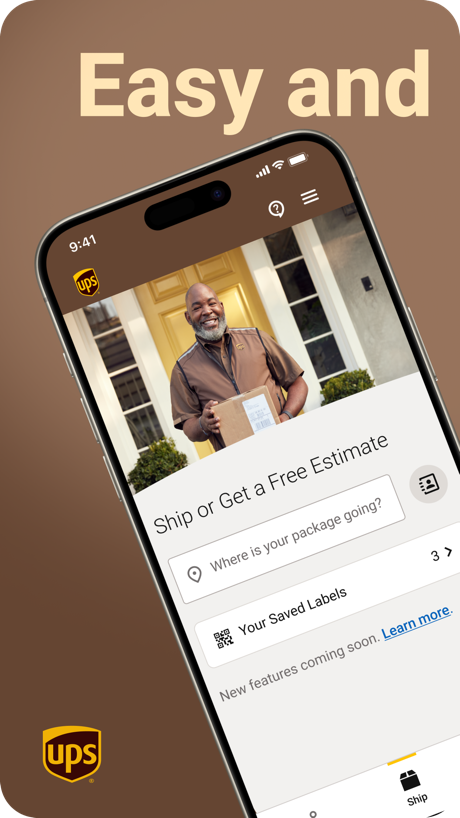
“Easy and”
What these screenshots say, word for word.
The words on 40 of the 331 that carry any, as each app wrote them.
“Connect with anyone on video meetings and calls”
Microsoft Teams · #1 · screenshot 3“Focus on the conversation, not on writing notes”
Zoom Workplace · #3 · screenshot 3“The network that works for you”
LinkedIn: Community & Network · #4 · screenshot 1“DELIVER WITH DOORDASH”
YOUR DOOR TO MOREDoorDash - Dasher · #6 · screenshot 1“Seamless authentication and device security”
Okta Verify · #7 · screenshot 1“See your hard work pay off”
UKG Pro · #8 · screenshot 2“Make work effortless”
Workday · #9 · screenshot 1“Choose when and where you want to shop/deliver”
Spark Driver · #10 · screenshot 3“It's easy to get started in the app”
Uber - Driver: Drive & Deliver · #11 · screenshot 2“Easy and”
UPS · #13 · screenshot 1“Hold deliveries until you are ready to come get them.”
FedEx Mobile · #14 · screenshot 4“Promote offers and updates right in your status”
WhatsApp Business · #15 · screenshot 2“GROW WITH AMAZON”
Amazon Flex · #16 · screenshot 2“One digital space to work on your docs.”
Acrobat Reader: PDF Editor · #17 · screenshot 2“Start your morning with a preview of your day's USPS mail & packages”
Informed Delivery® Mobile · #18 · screenshot 1“Verify it's you with login details”
Duo Mobile · #19 · screenshot 2“Organise your conversations”
Slack · #20 · screenshot 2- Get personalized
“JOB RECS”
Handshake: Jobs & AI work · #21 · screenshot 1 “View All Packages in One Place”
Package Tracker - pkge Mobile · #22 · screenshot 2“Scan Anything to PDF”
Scanner App - Scan PDF & Docs · #23 · screenshot 1“Clock in and out”
Paylocity · #24 · screenshot 3“Discover millions of jobs.”
ZipRecruiter Job Search · #25 · screenshot 4“One app to meet, message and call”
Webex · #26 · screenshot 1“Enable Tap to Pay on iPhone.”
Square Point of Sale (POS) · #27 · screenshot 2- instacart
“Earn money, help others & start shopping”
Instacart Shopper: Earn money · #28 · screenshot 1 “Manage your Facebook, Instagram and WhatsApp marketing from one place”
Meta Business Suite · #29 · screenshot 1“Modern messaging”
Google Chat · #30 · screenshot 1“Your store is one prompt away”
Shopify: Sell. Run a business. · #31 · screenshot 1“Check your work schedule”
Amazon A to Z · #32 · screenshot 3“All your HR and payroll info in one app”
Paycom · #33 · screenshot 1“Work when you want”
Instawork: Work when you want · #34 · screenshot 1“One tap to scan multiple pages.”
Adobe Scan: PDF & Doc Scanner · #35 · screenshot 3“Set up Alpine Ski House access”
Set up your device to access your email, devices, Wi-Fi, and apps for work.Intune Company Portal · #37 · screenshot 1“Your workplace, simplified”
Paychex Flex · #38 · screenshot 1“Multi-language support”
Care for members in the language you know bestHHAeXchange+ · #39 · screenshot 3“Decide when, where, and what items you want to deliver.”
Roadie Driver · #41 · screenshot 1“Act fast on what matters most”
Seller, a Facebook app · #43 · screenshot 1“Employees can easily view pay stubs and tax information”
QuickBooks Workforce · #44 · screenshot 3“Create. Inspire. Get Paid”
Trybe Creators · #45 · screenshot 1“Get paid to shop.”
Reach your goals, pay off debt, and help your community.Drive and Shop with Shipt · #46 · screenshot 1
Top ten Business apps that do it.
- #1Microsoft Teams4 of its 6 screenshots
- #3Zoom Workplace2 of its 6 screenshots
- #4LinkedIn: Community & Network3 of its 6 screenshots
- #5ADP Mobile Solutions5 of its 5 screenshots
- #6DoorDash - Dasher4 of its 4 screenshots
- #7Okta Verify5 of its 5 screenshots
- #8UKG Pro4 of its 6 screenshots
- #9Workday5 of its 6 screenshots
- #10Spark Driver1 of its 4 screenshots
The same tactic in other categories.
| Category | Apps that do it | Screenshots | Top ten |
|---|---|---|---|
| Entertainment | 100% 100 of 100 | 82% 444 of 544 | 10 of 10 |
| Games | 100% 100 of 100 | 95% 536 of 567 | 10 of 10 |
| Health & Fitness | 100% 100 of 100 | 80% 460 of 574 | 10 of 10 |
| Lifestyle | 100% 100 of 100 | 77% 429 of 556 | 10 of 10 |
| Photo & Video | 100% 100 of 100 | 92% 520 of 566 | 10 of 10 |
| Productivity | 100% 99 of 99 | 76% 420 of 551 | 10 of 10 |
| Social Networking | 100% 100 of 100 | 81% 448 of 554 | 10 of 10 |
| Sports | 100% 100 of 100 | 76% 422 of 558 | 10 of 10 |
| Weather | 100% 100 of 100 | 89% 495 of 555 | 10 of 10 |
| Developer Tools | 99% 99 of 100 | 88% 444 of 507 | 10 of 10 |
| Medical | 99% 99 of 100 | 78% 426 of 548 | 10 of 10 |
| Reference | 99% 99 of 100 | 81% 458 of 566 | 10 of 10 |
| Shopping | 99% 99 of 100 | 74% 415 of 562 | 10 of 10 |
| Graphics & Design | 99% 98 of 99 | 88% 495 of 564 | 10 of 10 |
| Navigation | 99% 98 of 99 | 79% 449 of 566 | 10 of 10 |
| News | 99% 97 of 98 | 81% 419 of 517 | 10 of 10 |
| Food & Drink | 98% 98 of 100 | 66% 358 of 540 | 10 of 10 |
| Music | 98% 98 of 100 | 77% 426 of 550 | 10 of 10 |
| Utilities | 98% 98 of 100 | 78% 427 of 549 | 10 of 10 |
| Business | 97% 97 of 100 | 71% 396 of 554 | 9 of 10 |
| Education | 97% 97 of 100 | 75% 414 of 555 | 10 of 10 |
| Travel | 97% 97 of 100 | 70% 393 of 561 | 9 of 10 |
| Finance | 94% 94 of 100 | 61% 352 of 581 | 10 of 10 |
Related tactics.
Often on the same screenshot
- Whole phone shown60% of these screenshots, against 51% of all Business screenshots
- No words at all16% of these screenshots, against 13% of all Business screenshots
- No phone, bare screen15% of these screenshots, against 12% of all Business screenshots
- The app itself is the background9% of these screenshots, against 6% of all Business screenshots
- Light73% of these screenshots, against 71% of all Business screenshots
- Black, white or grey29% of these screenshots, against 27% of all Business screenshots
More in layout
- Phone drawn97%
- Whole phone shown89%
- Words at the top87%
- A photograph80%
- Illustration or mascot67%
- A person in the picture62%
- Headline readable at thumbnail size61%
- Phone cut off at the foot61%
- App icon shown54%
- Headline too small to read51%
- Words aligned left36%
- Arrows or callouts35%
- No phone, bare screen29%
- A hand holds the phone27%
- Phone cut off at the head24%
- Two or more screens22%
- Zoomed detail of the UI22%
- Phone at an angle21%
- No app screen at all18%
- Words at the bottom16%
- Screen is small15%
- Watch, iPad or Mac beside it14%
- Words over the screen5%
Questions, answered from the chart.
How many top Business apps have App Store screenshots filled by the app’s UI?
Which Business apps have App Store screenshots filled by the app’s UI?
Should my Business app have App Store screenshots filled by the app’s UI?
See your own app against this.
Pagefully reads your screenshots the same way, and makes a custom product page for each search people type, from your real screens.
Preview your pages