Utilities app screenshots that name the app
The app’s own name appears in the words. Repeating the name ties the screenshot to the brand wherever the picture is seen.
From the top 100 free Utilities apps on the US App Store, read on October 9, 2026. Screenshots are the developers’ own, shown from Apple’s servers with a link to each app.
The numbers
21 of the 549 Utilities screenshots read (4%) do this, across 17 of the top 100 apps (17%). 3 of the top ten do it (30%), against 14 of the other 90 (16%): the top ten do it more than the rest. Of the 23 categories read so far, Utilities is 14th for this. It is most common in Shopping (34% of apps) and least common in Games (5%).
12 examples from the chart.
12 of the 21 Utilities app screenshots that name the app, one from each app, the highest on the chart first.

“Browse fast with Google Chrome”
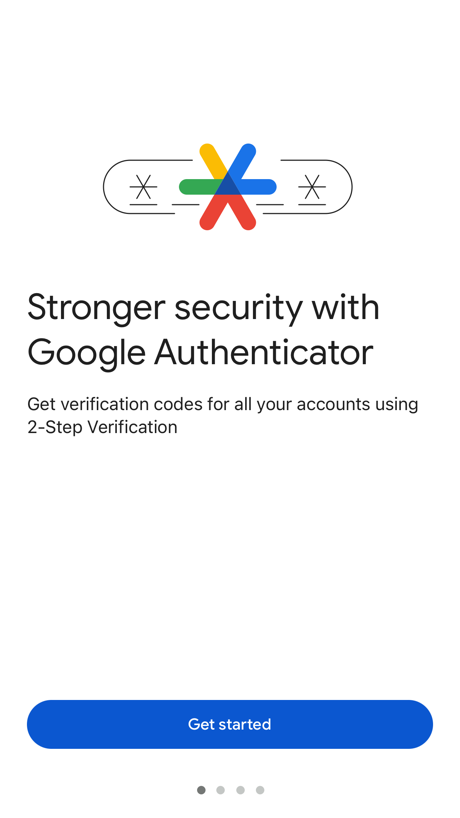
“Stronger security with Google Authenticator”

“Try AT&T WirelessSM free for 30 days”
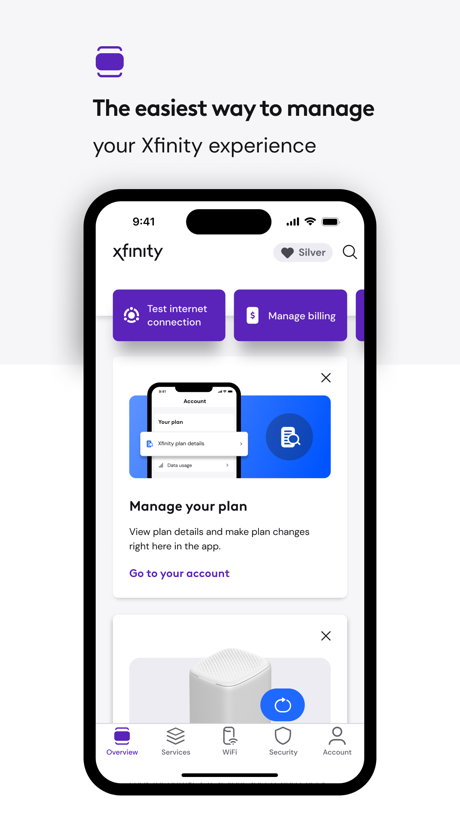
“The easiest way to manage”

“Set up and monitor Starlink”

“UK ETA”
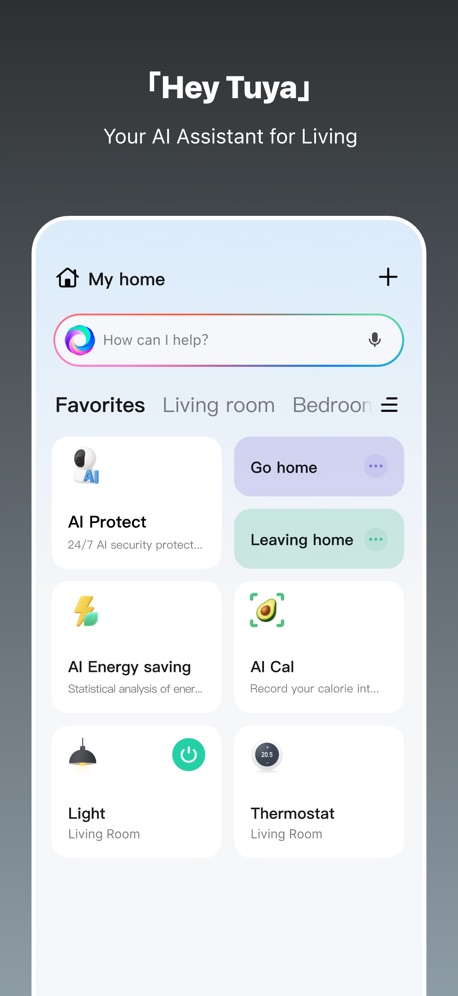
“「Hey Tuya」”

“Your Epic Games account on the go”
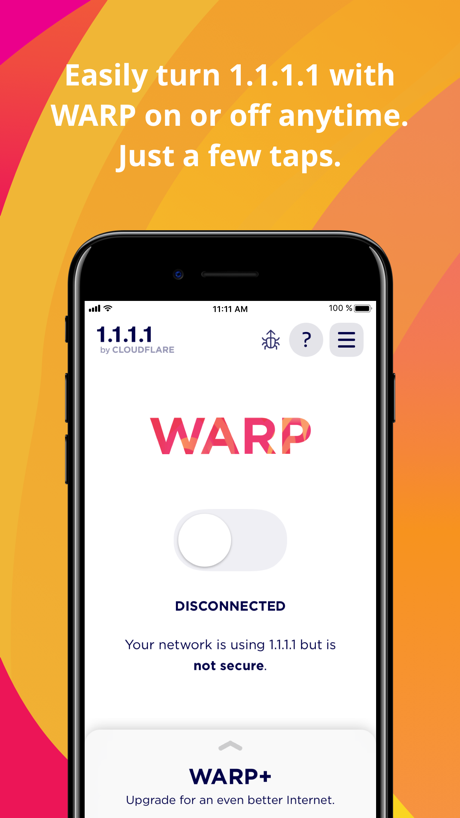
“Easily turn 1.1.1.1 with WARP on or off anytime.”

“Add as many countdowns as you like”

“SCREEN MIRRORING”

“Safe Connection right now”
Real headline examples, word for word.
The words on all 21 that carry any, as each app wrote them.
“Browse fast with Google Chrome”
Google Chrome · #3 · screenshot 1“Stronger security with Google Authenticator”
Get verification codes for all your accounts using 2-Step VerificationGoogle Authenticator · #4 · screenshot 1“Try AT&T WirelessSM free for 30 days”
Get talk, text, and 100GB of data for 30 days. Compatible iPhone required. Terms & restrictions apply.AT&T · #10 · screenshot 4“The easiest way to manage”
your Xfinity experienceXfinity · #11 · screenshot 1“Set up and monitor Starlink”
Starlink · #15 · screenshot 1“UK ETA”
Apply for an Electronic Travel Authorisation to come to the UKUK ETA · #21 · screenshot 1“「Hey Tuya」”
Your AI Assistant for LivingTuya: Smart Life, Smart Living · #26 · screenshot 1“Your Epic Games account on the go”
Epic Games · #32 · screenshot 1“Easily turn 1.1.1.1 with WARP on or off anytime.”
Just a few taps.1.1.1.1: Faster Internet · #52 · screenshot 1“Add as many countdowns as you like”
Countdown · #62 · screenshot 1“SCREEN MIRRORING”
for Smart TVsScreen Mirroring | Cast to TV · #65 · screenshot 1- INCY
“Safe Connection right now”
Support for various protocolsincy · #69 · screenshot 1 “Daybetter”
Make everyday shine betterDayBetter · #70 · screenshot 1“LocFind GPS Family Tracker”
LocFind: GPS Family Tracker · #71 · screenshot 1“The original Burner app”
Verified phone numbersBurner: Second Phone Number · #81 · screenshot 1- Translate AI
“Breaking Language Barriers, Connecting the World”
Translate AI: Voice & Photo · #84 · screenshot 1 “EFFORTLESS”
Make your life easier with Extra Space Storage!Extra Space Storage · #85 · screenshot 4“Cloud syncing”
Google Authenticator can save your codes to your Google AccountGoogle Authenticator · #4 · screenshot 4“Find all your Xfinity services,”
all in one placeXfinity · #11 · screenshot 2“Join 10M+ USERS WORLDWIDE”
“I like Smart Mirroring I'm a bit of a dinosaur, but once I figured it out, it was pretty easy. Now I have screen mirroring turbo. I think this is solving my problems as to getting videos on my TV. Thanks, Smart Mirroring.”Screen Mirroring | Cast to TV · #65 · screenshot 4“INCY”
incy · #69 · screenshot 5
Top ten Utilities apps that do it.
- #3Google Chrome1 of its 6 screenshots
- #4Google Authenticator2 of its 6 screenshots
- #10AT&T1 of its 6 screenshots
The same tactic in other categories.
| Category | Apps that do it | Screenshots | Top ten |
|---|---|---|---|
| Shopping | 34% 34 of 100 | 9% 50 of 562 | 4 of 10 |
| Finance | 33% 33 of 100 | 10% 56 of 581 | 4 of 10 |
| Entertainment | 29% 29 of 100 | 8% 43 of 544 | 2 of 10 |
| Food & Drink | 25% 25 of 100 | 7% 37 of 540 | 2 of 10 |
| News | 24% 24 of 98 | 7% 36 of 517 | 1 of 10 |
| Sports | 24% 24 of 100 | 6% 32 of 558 | 6 of 10 |
| Music | 22% 22 of 100 | 5% 27 of 550 | 4 of 10 |
| Travel | 22% 22 of 100 | 5% 27 of 561 | 0 of 10 |
| Lifestyle | 21% 21 of 100 | 6% 31 of 556 | 3 of 10 |
| Medical | 21% 21 of 100 | 5% 27 of 548 | 1 of 10 |
| Productivity | 19% 19 of 99 | 4% 24 of 551 | 1 of 10 |
| Health & Fitness | 19% 19 of 100 | 4% 24 of 574 | 1 of 10 |
| Reference | 19% 19 of 100 | 5% 27 of 566 | 2 of 10 |
| Business | 17% 17 of 100 | 3% 18 of 554 | 2 of 10 |
| Utilities | 17% 17 of 100 | 4% 21 of 549 | 3 of 10 |
| Weather | 16% 16 of 100 | 3% 19 of 555 | 2 of 10 |
| Social Networking | 15% 15 of 100 | 3% 19 of 554 | 1 of 10 |
| Developer Tools | 14% 14 of 100 | 4% 20 of 507 | 2 of 10 |
| Navigation | 12% 12 of 99 | 3% 16 of 566 | 1 of 10 |
| Photo & Video | 12% 12 of 100 | 2% 12 of 566 | 0 of 10 |
| Graphics & Design | 11% 11 of 99 | 2% 11 of 564 | 0 of 10 |
| Education | 11% 11 of 100 | 2% 12 of 555 | 1 of 10 |
| Games | 5% 5 of 100 | 1% 5 of 567 | 1 of 10 |
Related tactics.
Often on the same screenshot
- Has a subline62% of these screenshots, against 28% of all Utilities screenshots
- Subline explains the headline43% of these screenshots, against 18% of all Utilities screenshots
- Words aligned left38% of these screenshots, against 14% of all Utilities screenshots
- Illustration or mascot62% of these screenshots, against 43% of all Utilities screenshots
- Phone cut off at the foot33% of these screenshots, against 18% of all Utilities screenshots
- Uses a number19% of these screenshots, against 6% of all Utilities screenshots
More in words
- Has a headline96%
- Headline under five words86%
- Tells you to do something73%
- Says “you” or “your”66%
- Has a subline53%
- Headline in Title Case46%
- Headline on one line31%
- Uses a number27%
- Headline in capitals21%
- No words at all15%
- Has a kicker10%
- Headline over eight words8%
- Says “I” or “my”8%
- Exclaims2%
- Names another app2%
- Asks a question1%
- Uses an emoji1%
Questions, answered from the chart.
How many top Utilities apps have App Store screenshots that name the app?
Which Utilities apps have App Store screenshots that name the app?
Should my Utilities app have App Store screenshots that name the app?
See your own app against this.
Pagefully reads your screenshots the same way, and makes a custom product page for each search people type, from your real screens.
Preview your pages