Productivity app screenshots that name the app
The app’s own name appears in the words. Repeating the name ties the screenshot to the brand wherever the picture is seen.
From the top 99 free Productivity apps on the US App Store, read on October 9, 2026. Screenshots are the developers’ own, shown from Apple’s servers with a link to each app.
The numbers
24 of the 551 Productivity screenshots read (4%) do this, across 19 of the top 99 apps (19%). 1 of the top ten do it (10%), against 18 of the other 89 (20%): the top ten do it less than the rest. Of the 23 categories read so far, Productivity is 11th for this. It is most common in Shopping (34% of apps) and least common in Games (5%).
12 examples from the chart.
12 of the 24 Productivity app screenshots that name the app, one from each app, the highest on the chart first.

“Get the best of Gmail on iPhone”
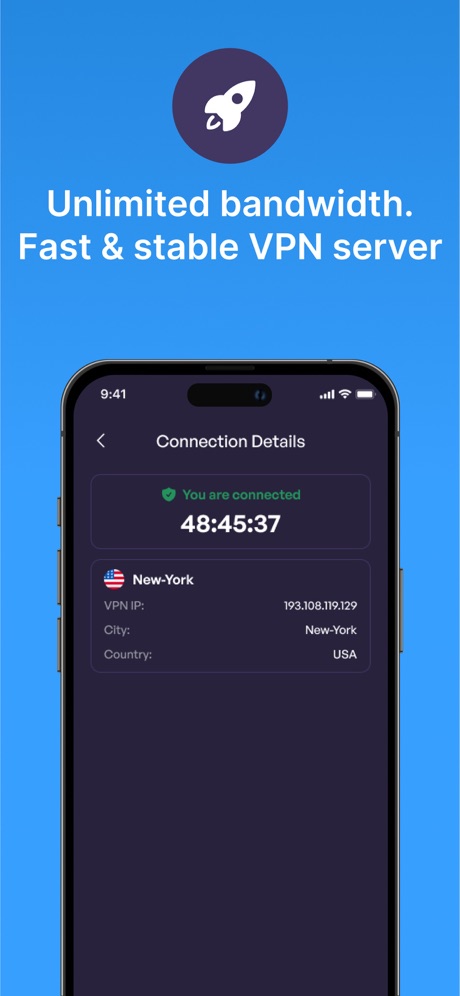
“Unlimited bandwidth. Fast & stable VPN server”

“Save and organize your files securely”

“Send sources to Gemini Notebook from anywhere on your device 📱”

“Never take notes again”

“We protect what matters most, your privacy and safety.”

“Translate All Languages, Connect the World”

“SocialLite”
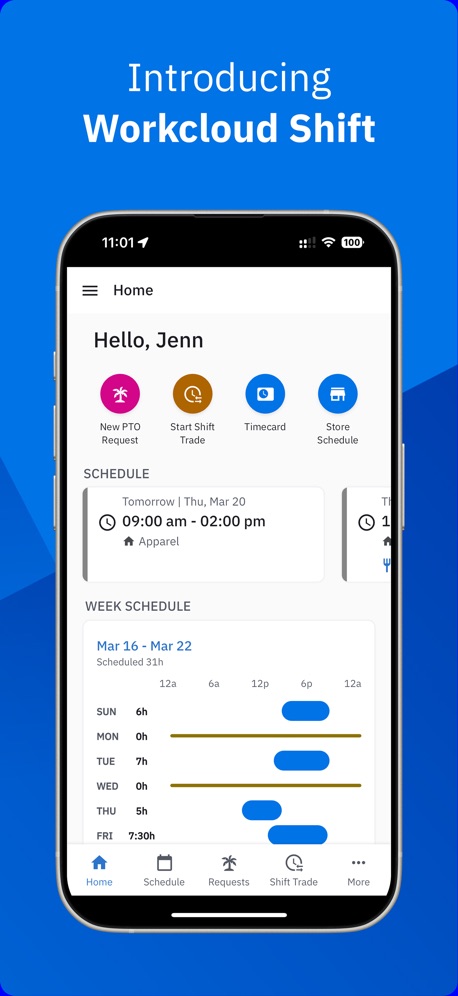
“Introducing Workcloud Shift”

“ButterflyMX”

“Leave your notebook at home”
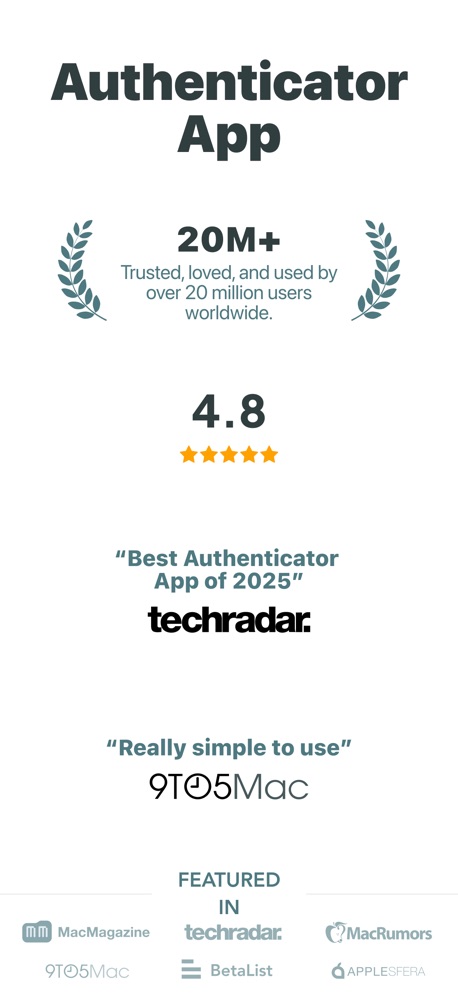
“Authenticator App”
Real headline examples, word for word.
The words on all 24 that carry any, as each app wrote them.
“Get the best of Gmail on iPhone”
Gmail - Email by Google · #5 · screenshot 1“Unlimited bandwidth. Fast & stable VPN server”
VPN - Super Unlimited Proxy · #15 · screenshot 4- Dropbox
“Save and organize your files securely”
Dropbox: Cloud Storage Backup · #28 · screenshot 1 “Send sources to Gemini Notebook from anywhere on your device 📱”
Gemini Notebook · #34 · screenshot 6“Never take notes again”
When recording with (mic icon) Summary AISummary - AI Note Taker · #35 · screenshot 1“We protect what matters most, your privacy and safety.”
Cloaked finds your exposure, removes it, and guards what matters - for you and your family.Cloaked: Protect your privacy · #42 · screenshot 1- TranslateAll: Live Translator
“Translate All Languages, Connect the World”
TranslateAll: Live Translator · #49 · screenshot 1 “SocialLite”
Trusted by 1M+ peopleSocialLite-Block Reels&Shorts · #50 · screenshot 1“Introducing Workcloud Shift”
Workcloud Shift · #56 · screenshot 1“ButterflyMX”
Property access made simpleButterflyMX · #57 · screenshot 1“Leave your notebook at home”
Granola transcribes and takes notes while you focus on the conversationGranola - AI Meeting Notes · #65 · screenshot 1“Authenticator App”
“Best Authenticator App of 2025”Authenticator App · #70 · screenshot 3“PARK SMARTER”
powered by · IPS groupPark Smarter · #77 · screenshot 1“Elevate your ownership with Kia Access”
Kia Access · #79 · screenshot 1“1Password will remember every last detail for you.”
1Password: Password Manager · #81 · screenshot 2- Brick
“Find your focus with a single tap”
Brick - Ditch Distractions · #91 · screenshot 1 “With WasteConnect+, never miss your collection day again!”
View Schedule Pay Your Bill WasteWise Disposal GuideWasteConnect+ · #93 · screenshot 1- IIElevenReader
“Listen to anything”
ElevenReader: Read Books Aloud · #96 · screenshot 1 “Spaces by Wix”
Spaces: Follow Businesses · #99 · screenshot 1“#1 downloaded VPN app globally”
VPN - Super Unlimited Proxy · #15 · screenshot 5“Collaborate and share securely”
“Dropbox has eliminated the need for email, collaboration between my clients and me is professional and consistent”Dropbox: Cloud Storage Backup · #28 · screenshot 4“Then Cloaked cleans it up, for you.”
Removal requests filed, followed up, and verified by us. You never lift a finger.Cloaked: Protect your privacy · #42 · screenshot 3“Securely share anything”
you've stored in 1Password with anyone1Password: Password Manager · #81 · screenshot 4“Brick distractions”
You stay in control of what's off limitsBrick - Ditch Distractions · #91 · screenshot 2
Top ten Productivity apps that do it.
- #5Gmail - Email by Google1 of its 6 screenshots
The same tactic in other categories.
| Category | Apps that do it | Screenshots | Top ten |
|---|---|---|---|
| Shopping | 34% 34 of 100 | 9% 50 of 562 | 4 of 10 |
| Finance | 33% 33 of 100 | 10% 56 of 581 | 4 of 10 |
| Entertainment | 29% 29 of 100 | 8% 43 of 544 | 2 of 10 |
| Food & Drink | 25% 25 of 100 | 7% 37 of 540 | 2 of 10 |
| News | 24% 24 of 98 | 7% 36 of 517 | 1 of 10 |
| Sports | 24% 24 of 100 | 6% 32 of 558 | 6 of 10 |
| Music | 22% 22 of 100 | 5% 27 of 550 | 4 of 10 |
| Travel | 22% 22 of 100 | 5% 27 of 561 | 0 of 10 |
| Lifestyle | 21% 21 of 100 | 6% 31 of 556 | 3 of 10 |
| Medical | 21% 21 of 100 | 5% 27 of 548 | 1 of 10 |
| Productivity | 19% 19 of 99 | 4% 24 of 551 | 1 of 10 |
| Health & Fitness | 19% 19 of 100 | 4% 24 of 574 | 1 of 10 |
| Reference | 19% 19 of 100 | 5% 27 of 566 | 2 of 10 |
| Business | 17% 17 of 100 | 3% 18 of 554 | 2 of 10 |
| Utilities | 17% 17 of 100 | 4% 21 of 549 | 3 of 10 |
| Weather | 16% 16 of 100 | 3% 19 of 555 | 2 of 10 |
| Social Networking | 15% 15 of 100 | 3% 19 of 554 | 1 of 10 |
| Developer Tools | 14% 14 of 100 | 4% 20 of 507 | 2 of 10 |
| Navigation | 12% 12 of 99 | 3% 16 of 566 | 1 of 10 |
| Photo & Video | 12% 12 of 100 | 2% 12 of 566 | 0 of 10 |
| Graphics & Design | 11% 11 of 99 | 2% 11 of 564 | 0 of 10 |
| Education | 11% 11 of 100 | 2% 12 of 555 | 1 of 10 |
| Games | 5% 5 of 100 | 1% 5 of 567 | 1 of 10 |
Related tactics.
Often on the same screenshot
- App icon shown46% of these screenshots, against 16% of all Productivity screenshots
- Laurel or award29% of these screenshots, against 5% of all Productivity screenshots
- States a benefit71% of these screenshots, against 48% of all Productivity screenshots
- Has a subline42% of these screenshots, against 20% of all Productivity screenshots
- Headline readable at thumbnail size50% of these screenshots, against 28% of all Productivity screenshots
- Arrows or callouts33% of these screenshots, against 15% of all Productivity screenshots
More in words
- Has a headline99%
- Tells you to do something93%
- Headline under five words79%
- Says “you” or “your”78%
- Has a subline38%
- Headline in Title Case32%
- Uses a number24%
- Headline on one line22%
- Headline over eight words16%
- Says “I” or “my”10%
- No words at all9%
- Headline in capitals8%
- Has a kicker6%
- Names another app5%
- Exclaims2%
- Uses an emoji1%
Questions, answered from the chart.
How many top Productivity apps have App Store screenshots that name the app?
Which Productivity apps have App Store screenshots that name the app?
Should my Productivity app have App Store screenshots that name the app?
See your own app against this.
Pagefully reads your screenshots the same way, and makes a custom product page for each search people type, from your real screens.
Preview your pages