Productivity app screenshots with a dark background
A dark picture overall. The App Store follows the device’s light or dark appearance, so a dark screenshot stands out in one and blends into the other.
From the top 99 free Productivity apps on the US App Store, read on October 9, 2026. Screenshots are the developers’ own, shown from Apple’s servers with a link to each app.
The numbers
87 of the 551 Productivity screenshots read (16%) do this, across 33 of the top 99 apps (33%). 2 of the top ten do it (20%), against 31 of the other 89 (35%): the top ten do it less than the rest. Of the 23 categories read so far, Productivity is 17th for this. It is most common in Entertainment (79% of apps) and least common in Food & Drink (14%).
12 examples from the chart.
12 of the 87 Productivity app screenshots with a dark background, one from each app, the highest on the chart first.

“Talk it through with voice mode”
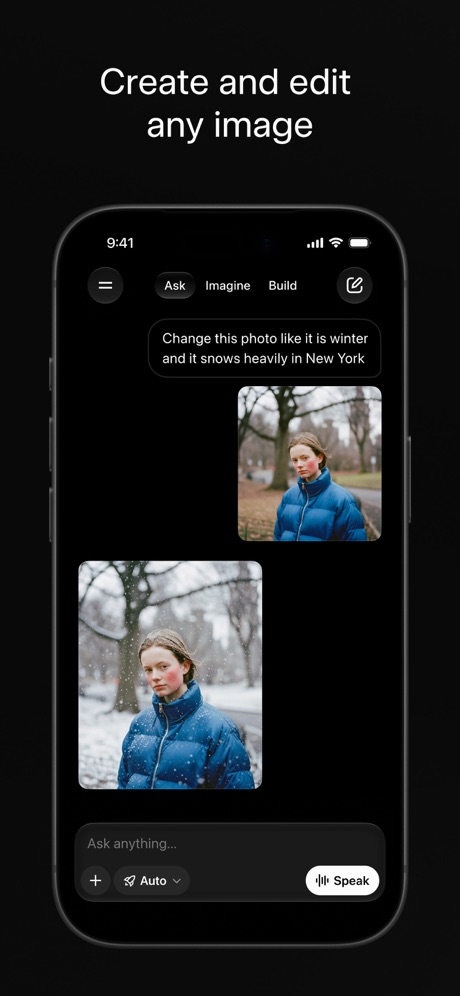
“Create and edit any image”

“Signs in to your tools”
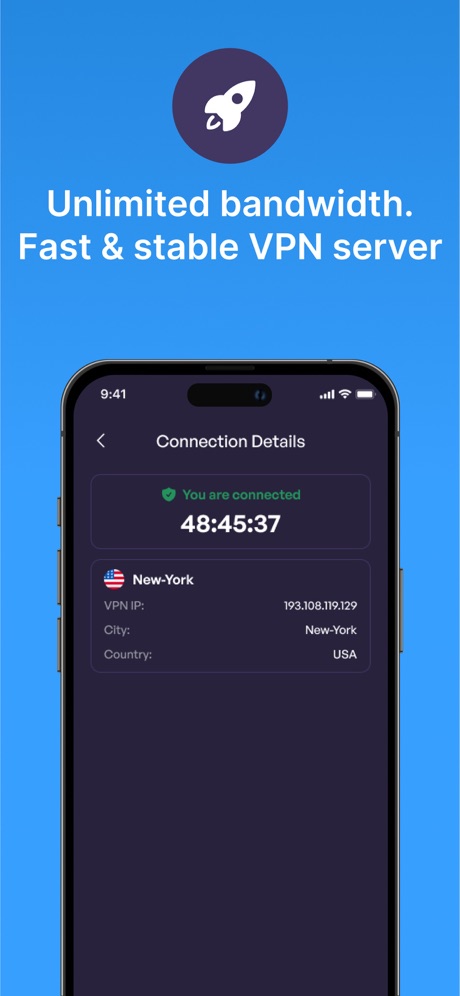
“Unlimited bandwidth. Fast & stable VPN server”

“One Tap”
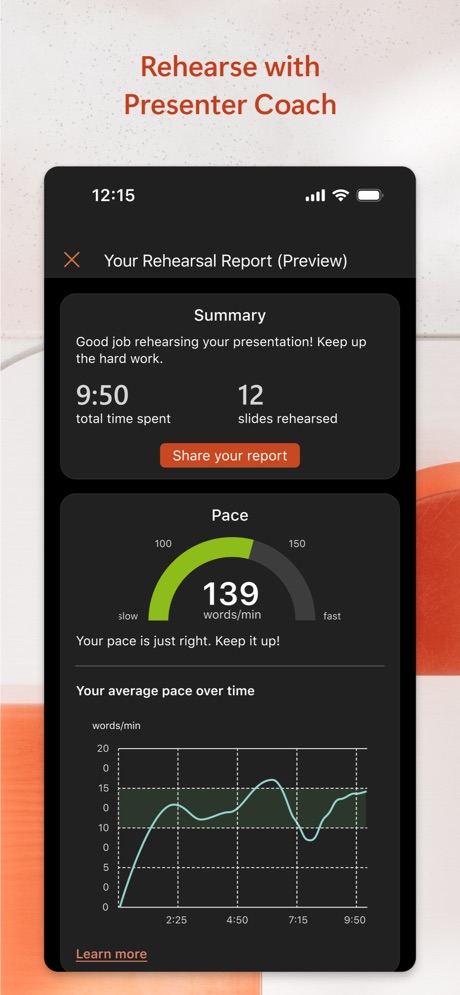
“Rehearse with Presenter Coach”
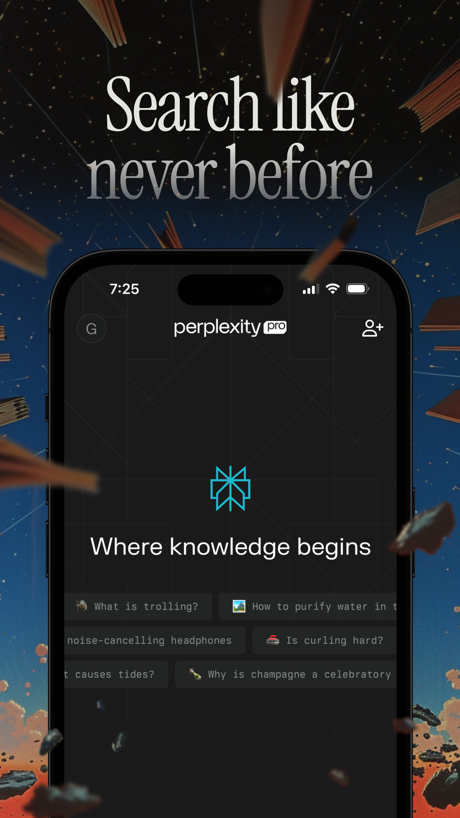
“Search like never before”

“Doomscroll Again”

“YOUR AI ASSISTANT”

“The calendar for you and your friends”

“Turn Anything into an AI podcast”

“Trusted by 40 million people every day”
What these screenshots say, word for word.
The words on 40 of the 87 that carry any, as each app wrote them.
“Talk it through with voice mode”
Claude by Anthropic · #4 · screenshot 2“Create and edit any image”
Grok AI · #8 · screenshot 1“Signs in to your tools”
Grok Bot · #12 · screenshot 4“Unlimited bandwidth. Fast & stable VPN server”
VPN - Super Unlimited Proxy · #15 · screenshot 4“One Tap”
Secure Your PrivacyVPN - Fast & Secure VPN ™ · #26 · screenshot 1“Rehearse with Presenter Coach”
Microsoft PowerPoint · #27 · screenshot 4“Search like never before”
Perplexity - AI Search & Chat · #31 · screenshot 1- NEVER
“Doomscroll Again”
With RemindersBePresent: Screen Time Control · #33 · screenshot 3 “YOUR AI ASSISTANT”
INTO THE UNKNOWNDeepSeek - AI Assistant · #36 · screenshot 1“The calendar for you and your friends”
Saturn Calendar · #37 · screenshot 1“Turn Anything into an AI podcast”
“Based on This new app will help save you hours of time”Speechify – Text to Speech PDF · #39 · screenshot 5“Trusted by 40 million people every day”
Grammarly: AI Keyboard & Voice · #40 · screenshot 1“We protect what matters most, your privacy and safety.”
Cloaked finds your exposure, removes it, and guards what matters - for you and your family.Cloaked: Protect your privacy · #42 · screenshot 1“AI Image Creation”
TeraBox: 1TB Cloud & AI Space · #45 · screenshot 5“All AI Assistants in one app”
Chatbot AI Assistant - Genie · #47 · screenshot 1- TranslateAll: Live Translator
“Translate All Languages, Connect the World”
TranslateAll: Live Translator · #49 · screenshot 1 “Get notified”
whenever you have a visitor or deliveryButterflyMX · #57 · screenshot 2“Sign electronically. Keep it real.”
Docusign - Upload & Sign Docs · #59 · screenshot 4“Connect”
With One TapSurfshark VPN: Fast & Secure · #60 · screenshot 2“Fun & Reliable”
Charge Win: Win Rewards · #61 · screenshot 1“Send and receive files right from your phone”
WeTransfer: Transfer Files · #62 · screenshot 1“#1 AI Chatbot”
Chatbot App: AI Assistant · #63 · screenshot 1“#1 AI Chat”
Built on:AI Chat Assistant – ChatNow · #74 · screenshot 1“Elevate your ownership with Kia Access”
Kia Access · #79 · screenshot 1“One tap. Total focus.”
Opal: Screen Time Control · #85 · screenshot 5“The power of privacy in your pocket”
MEGA: Encrypted Cloud Storage · #87 · screenshot 1“Fast Private Browsers”
Turbo VPN Private Browser · #88 · screenshot 4“The Best AI Tools in One App”
ChatOn AI - Chat Bot Assistant · #89 · screenshot 1“Create anything”
Bring your ideas to life with images and videos in seconds.Dola AI: Smart Personal Helper · #90 · screenshot 4“Be fully present”
Your phone stays distraction-free until you’re readyBrick - Ditch Distractions · #91 · screenshot 4“Secure online privacy with one tap”
VPN Proxy Master - Super VPN · #94 · screenshot 1“Unlimited Devices, One VPN”
Protect every phone, laptop, and tablet, no restrictionsVPN Windscribe: Fast & Secure · #95 · screenshot 1“stories for every mood”
Pick from 30+ genresElevenReader: Read Books Aloud · #96 · screenshot 4“Plug in your everyday tools”
Claude by Anthropic · #4 · screenshot 3“Chat and learn something new”
Grok AI · #8 · screenshot 2“#1 downloaded VPN app globally”
VPN - Super Unlimited Proxy · #15 · screenshot 5“Worldwide”
High-Speed ServersVPN - Fast & Secure VPN ™ · #26 · screenshot 2“Find answers to anything”
Perplexity - AI Search & Chat · #31 · screenshot 2“Compare calendars with friends”
Saturn Calendar · #37 · screenshot 4“See who's selling your data.”
We scan broker sites for your home address, SSN and other personal information.Cloaked: Protect your privacy · #42 · screenshot 2
Top ten Productivity apps that do it.
- #4Claude by Anthropic4 of its 6 screenshots
- #8Grok AI5 of its 5 screenshots
The same tactic in other categories.
| Category | Apps that do it | Screenshots | Top ten |
|---|---|---|---|
| Entertainment | 79% 79 of 100 | 69% 376 of 544 | 10 of 10 |
| Music | 71% 71 of 100 | 57% 311 of 550 | 10 of 10 |
| Weather | 70% 70 of 100 | 48% 266 of 555 | 7 of 10 |
| Sports | 67% 67 of 100 | 52% 288 of 558 | 10 of 10 |
| Developer Tools | 55% 55 of 100 | 41% 208 of 507 | 4 of 10 |
| Photo & Video | 55% 55 of 100 | 41% 232 of 566 | 5 of 10 |
| Graphics & Design | 54% 53 of 99 | 39% 220 of 564 | 6 of 10 |
| News | 50% 49 of 98 | 34% 177 of 517 | 5 of 10 |
| Navigation | 48% 48 of 99 | 26% 146 of 566 | 3 of 10 |
| Social Networking | 45% 45 of 100 | 28% 157 of 554 | 3 of 10 |
| Games | 44% 44 of 100 | 26% 147 of 567 | 5 of 10 |
| Utilities | 44% 44 of 100 | 29% 157 of 549 | 3 of 10 |
| Reference | 41% 41 of 100 | 24% 138 of 566 | 4 of 10 |
| Travel | 38% 38 of 100 | 16% 87 of 561 | 5 of 10 |
| Health & Fitness | 36% 36 of 100 | 23% 134 of 574 | 6 of 10 |
| Finance | 34% 34 of 100 | 15% 89 of 581 | 4 of 10 |
| Productivity | 33% 33 of 99 | 16% 87 of 551 | 2 of 10 |
| Lifestyle | 33% 33 of 100 | 18% 98 of 556 | 3 of 10 |
| Education | 29% 29 of 100 | 13% 73 of 555 | 0 of 10 |
| Shopping | 22% 22 of 100 | 9% 50 of 562 | 1 of 10 |
| Business | 21% 21 of 100 | 6% 32 of 554 | 2 of 10 |
| Medical | 21% 21 of 100 | 9% 48 of 548 | 2 of 10 |
| Food & Drink | 14% 14 of 100 | 6% 35 of 540 | 1 of 10 |
Related tactics.
Often on the same screenshot
- Headline readable at thumbnail size48% of these screenshots, against 28% of all Productivity screenshots
- Gradient background64% of these screenshots, against 49% of all Productivity screenshots
- High contrast words34% of these screenshots, against 20% of all Productivity screenshots
- Headline in Title Case33% of these screenshots, against 19% of all Productivity screenshots
- Illustration or mascot45% of these screenshots, against 32% of all Productivity screenshots
- Black, white or grey53% of these screenshots, against 41% of all Productivity screenshots
More in look
- Light85%
- Gradient background65%
- Background is the icon’s colour60%
- Black, white or grey60%
- A word in a different colour47%
- Blue47%
- Solid background43%
- Low contrast words40%
- High contrast words36%
- Photo background20%
- Orange19%
- Pattern or texture16%
- Teal16%
- Rounded headline type11%
- Green9%
- Serif headline8%
- Purple6%
- Red6%
- Yellow4%
- Pink3%
- The app itself is the background2%
Questions, answered from the chart.
How many top Productivity apps have App Store screenshots with a dark background?
Which Productivity apps have App Store screenshots with a dark background?
Should my Productivity app have App Store screenshots with a dark background?
See your own app against this.
Pagefully reads your screenshots the same way, and makes a custom product page for each search people type, from your real screens.
Preview your pages