Education app screenshots with a highlighted word
One word of the headline is coloured or highlighted. Colouring one word tells the reader which word matters if they read only one.
From the top 100 free Education apps on the US App Store, read on October 9, 2026. Screenshots are the developers’ own, shown from Apple’s servers with a link to each app.
The numbers
160 of the 555 Education screenshots read (29%) do this, across 56 of the top 100 apps (56%). 6 of the top ten do it (60%), against 50 of the other 90 (56%): the top ten do it about as often as the rest. Of the 23 categories read so far, Education is 1st for this. It is most common in Education (56% of apps) and least common in Medical (31%).
12 examples from the chart.
12 of the 160 Education app screenshots with a highlighted word, one from each app, the highest on the chart first.
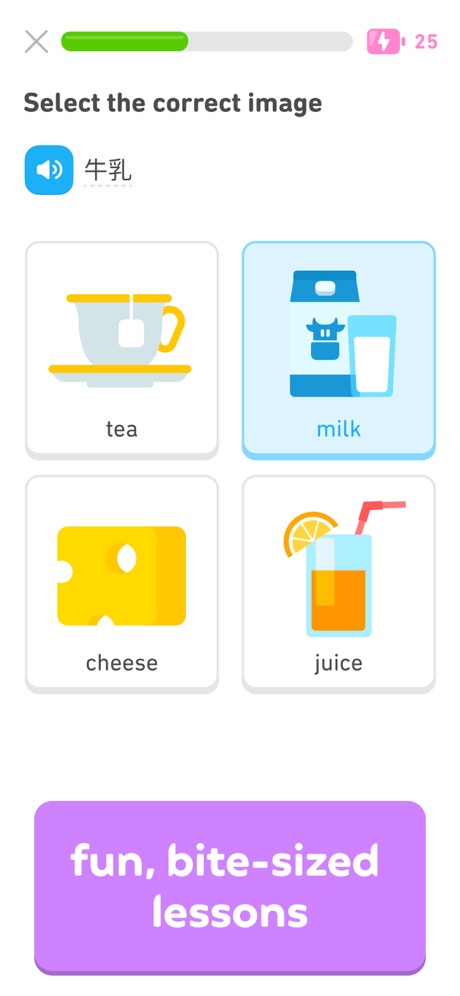
“fun, bite-sized lessons”
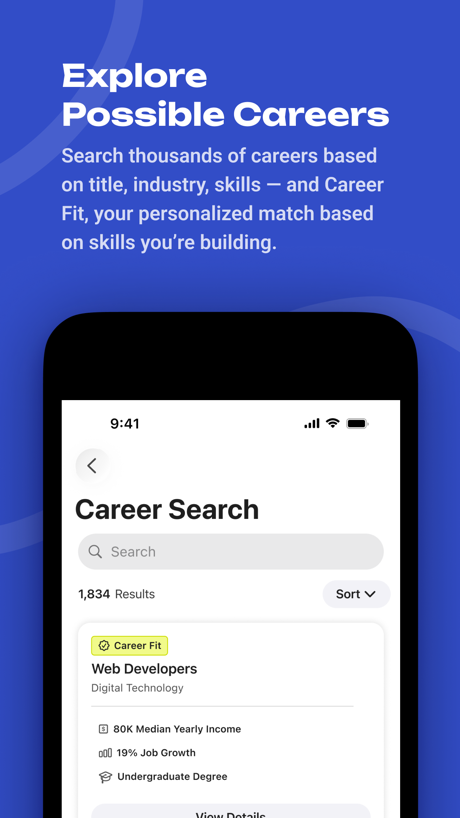
“Explore Possible Careers”
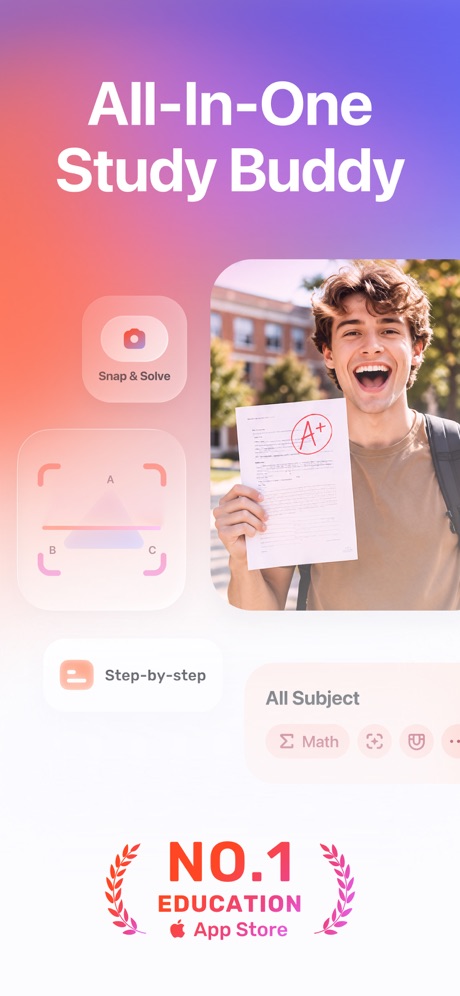
“All-In-One Study Buddy”

“Speak English like a native”
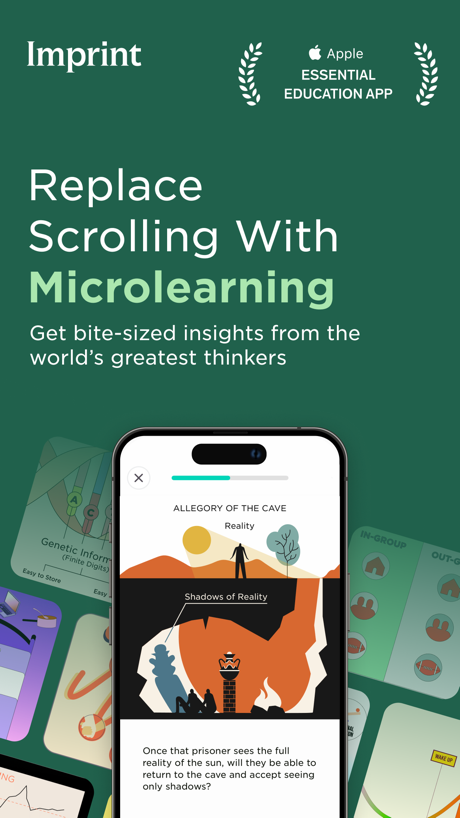
“Replace Scrolling With Microlearning”

“Save time with students' #1 favourite learning brand”

“Replace doom scrolling with microlearning”

“You can learn Anything”

“Translate messages automatically between 90+ languages”

“The Language Learning App That Gets You Speaking.”

“Reviving with Natural Remedies”

“shopping”
What these screenshots say, word for word.
The words on 40 of the 154 that carry any, as each app wrote them.
“fun, bite-sized lessons”
Duolingo: Learn Languages · #1 · screenshot 2“Explore Possible Careers”
Search thousands of careers based on title, industry, skills, and Career Fit, your personalized match based on skills you’re building.BigFuture School · #2 · screenshot 4“All-In-One Study Buddy”
Gauth: AI Study Companion · #3 · screenshot 1“Speak English like a native”
Learna: Speak & Learn English · #4 · screenshot 1“Replace Scrolling With Microlearning”
Get bite-sized insights from the world’s greatest thinkersImprint: Visual Micro Learning · #8 · screenshot 1“Save time with students' #1 favourite learning brand”
Quizlet: More than Flashcards · #9 · screenshot 6“Replace doom scrolling with microlearning”
Deepstash: Smarter Every Day! · #12 · screenshot 2“You can learn Anything”
Gizmo: AI Tutor · #13 · screenshot 1“Translate messages automatically between 90+ languages”
Remind: School Communication · #14 · screenshot 3“The Language Learning App That Gets You Speaking.”
Speak: Language Learning · #15 · screenshot 1“Reviving with Natural Remedies”
PictureThis - Plant Identifier · #16 · screenshot 5- Go
“shopping”
Toca Boca World: Game & Play · #17 · screenshot 2 “Improve with Instant Feedback”
“I'm bad at speaking English”YayTalk: Learn & Speak English · #19 · screenshot 2“Speak English with absolute confidence.”
LangLearn: AI English Tutor · #20 · screenshot 1“Drivers Permit Test 2026”
DMV Practice Test 2026 myDMV · #22 · screenshot 1“Master grammar and vocab”
Lingvano - Learn Sign Language · #23 · screenshot 4“Get better Grades”
Knowunity: AI Study & Homework · #27 · screenshot 1“Scan your Clever badge”
Clever · #28 · screenshot 1“EXPAND YOUR VOCABULARY”
Elevate - Brain Training Games · #29 · screenshot 3“Learn ASL In 10 Minutes a Day.”
Ziggy: Learn ASL Sign Language · #31 · screenshot 1“Only 1 min per day”
Vocabulary - Learn words daily · #32 · screenshot 1“Scan & Solve Any Subject”
Solvely - AI Study Tools · #33 · screenshot 1“with 4000+ FUN activities”
Lingokids: Games & Shows · #34 · screenshot 2“#1 Online Learning App”
Most Downloaded Kids' Education AppABCmouse: Kids Learning Games · #35 · screenshot 1“Easy to follow video lessons”
ASL Bloom - Sign Language · #36 · screenshot 3- IXL
“IXL is the #1 K-12 Learning App”
IXL - Math, English, & More · #44 · screenshot 1 “The Lord is Your Only Guide”
FaithStudy – Bible Study Guide · #45 · screenshot 1“#1 brain training app in the world”
Impulse - Brain Training · #46 · screenshot 2“The Best Books”
From old favorites to new classics, there's so much to explore.Epic - Kids' Books & Reading · #47 · screenshot 3“Speak Spanish”
fastParrot: Learn Spanish Language · #48 · screenshot 1“IDENTIFY”
SPECIES WORLDWIDEiNaturalist · #49 · screenshot 1“Talk to the World”
Practice 260+ languages with over 70 million native speakers from around the worldHelloTalk - Language Learning · #53 · screenshot 1“Take your time on each step”
Photomath · #56 · screenshot 3“Your child will Learn to read”
“1 month in, my son reads full sentences!”Learn to Read - Reading.com · #57 · screenshot 1“Learn to speak a new language in 30 minutes per day”
Pimsleur | Language Learning · #65 · screenshot 2- “Do you mean “I'm bad at speaking English”?”Praktika – AI Language Tutor · #67 · screenshot 2
“Start Your Daily Reading Mission”
Abide-Daily Scripture Study · #71 · screenshot 1“LEARN”
ABOUT THE ORGANISMS ALL AROUND YOUSeek by iNaturalist · #73 · screenshot 3“280+”
FUN & SAFE GAMESPBS KIDS Games · #77 · screenshot 3“Learn words you'll actually use”
Language Learning: Pingo AI · #80 · screenshot 5
Top ten Education apps that do it.
- #1Duolingo: Learn Languages2 of its 6 screenshots
- #2BigFuture School2 of its 6 screenshots
- #3Gauth: AI Study Companion6 of its 6 screenshots
- #4Learna: Speak & Learn English6 of its 6 screenshots
- #8Imprint: Visual Micro Learning6 of its 6 screenshots
- #9Quizlet: More than Flashcards1 of its 6 screenshots
The same tactic in other categories.
| Category | Apps that do it | Screenshots | Top ten |
|---|---|---|---|
| Education | 56% 56 of 100 | 29% 160 of 555 | 6 of 10 |
| Shopping | 56% 56 of 100 | 24% 133 of 562 | 5 of 10 |
| Finance | 53% 53 of 100 | 27% 154 of 581 | 3 of 10 |
| Food & Drink | 53% 53 of 100 | 28% 153 of 540 | 7 of 10 |
| Reference | 53% 53 of 100 | 30% 167 of 566 | 5 of 10 |
| Graphics & Design | 53% 52 of 99 | 27% 153 of 564 | 6 of 10 |
| Utilities | 52% 52 of 100 | 27% 148 of 549 | 8 of 10 |
| Entertainment | 51% 51 of 100 | 29% 156 of 544 | 4 of 10 |
| Sports | 50% 50 of 100 | 28% 154 of 558 | 5 of 10 |
| Photo & Video | 48% 48 of 100 | 21% 119 of 566 | 5 of 10 |
| Productivity | 47% 47 of 99 | 26% 141 of 551 | 3 of 10 |
| Games | 47% 47 of 100 | 24% 136 of 567 | 3 of 10 |
| Music | 47% 47 of 100 | 23% 125 of 550 | 3 of 10 |
| Social Networking | 46% 46 of 100 | 21% 115 of 554 | 4 of 10 |
| Lifestyle | 43% 43 of 100 | 19% 106 of 556 | 3 of 10 |
| News | 43% 42 of 98 | 19% 97 of 517 | 5 of 10 |
| Navigation | 40% 40 of 99 | 23% 130 of 566 | 3 of 10 |
| Health & Fitness | 39% 39 of 100 | 21% 120 of 574 | 4 of 10 |
| Developer Tools | 38% 38 of 100 | 17% 84 of 507 | 3 of 10 |
| Weather | 38% 38 of 100 | 14% 79 of 555 | 3 of 10 |
| Business | 37% 37 of 100 | 20% 112 of 554 | 3 of 10 |
| Travel | 37% 37 of 100 | 12% 70 of 561 | 3 of 10 |
| Medical | 31% 31 of 100 | 17% 92 of 548 | 5 of 10 |
Related tactics.
Often on the same screenshot
- Headline in Title Case37% of these screenshots, against 21% of all Education screenshots
- Words at the top92% of these screenshots, against 80% of all Education screenshots
- Arrows or callouts29% of these screenshots, against 18% of all Education screenshots
- Has a headline96% of these screenshots, against 86% of all Education screenshots
- Background is the icon’s colour61% of these screenshots, against 51% of all Education screenshots
- Headline under five words57% of these screenshots, against 48% of all Education screenshots
More in look
- Light86%
- Background is the icon’s colour79%
- Solid background65%
- Blue62%
- Gradient background62%
- Low contrast words45%
- High contrast words39%
- Orange34%
- Rounded headline type32%
- Black, white or grey30%
- Dark29%
- Green28%
- Teal22%
- The app itself is the background22%
- Pattern or texture21%
- Pink20%
- Purple19%
- Photo background15%
- Red14%
- Serif headline8%
- Yellow3%
- Condensed or display type1%
Questions, answered from the chart.
How many top Education apps have App Store screenshots with a highlighted word?
Which Education apps have App Store screenshots with a highlighted word?
Should my Education app have App Store screenshots with a highlighted word?
See your own app against this.
Pagefully reads your screenshots the same way, and makes a custom product page for each search people type, from your real screens.
Preview your pages