Reference app screenshots with a top-cropped phone
The device runs off the top edge. Cropping the device at the top shows the lower part of the screen larger: tab bars, buttons, keyboards.
From the top 100 free Reference apps on the US App Store, read on October 9, 2026. Screenshots are the developers’ own, shown from Apple’s servers with a link to each app.
The numbers
26 of the 566 Reference screenshots read (5%) do this, across 19 of the top 100 apps (19%). 1 of the top ten do it (10%), against 18 of the other 90 (20%): the top ten do it less than the rest. Of the 23 categories read so far, Reference is 13th for this. It is most common in Finance (30% of apps) and least common in Games (3%).
12 examples from the chart.
12 of the 26 Reference app screenshots with a top-cropped phone, one from each app, the highest on the chart first.

“Scan and Search quickly”

“You decide what distracts”
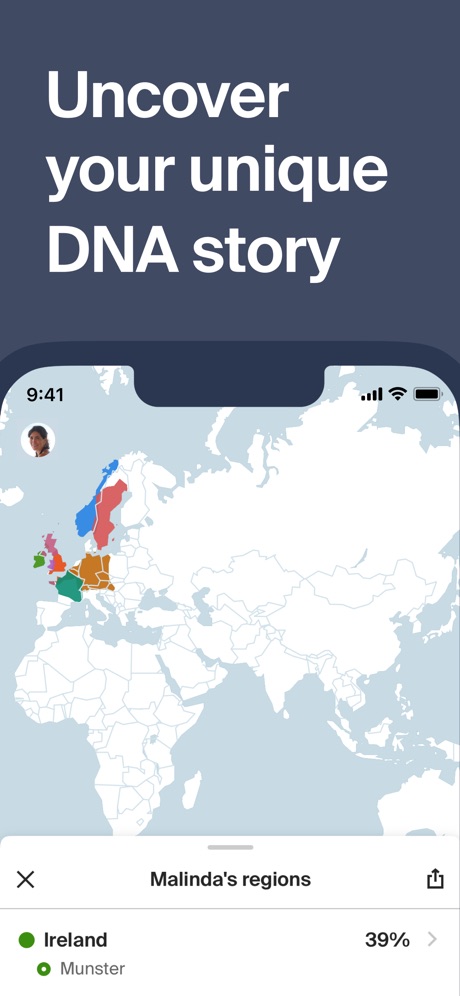
“Uncover your unique DNA story”

“Add knowledge to your Home Screen”

“TYPA - Free Restock Alerts App”

“Chat about burning questions”

“While you listen to Scripture, read along”

“Bible Verse Widgets for Home Screen”
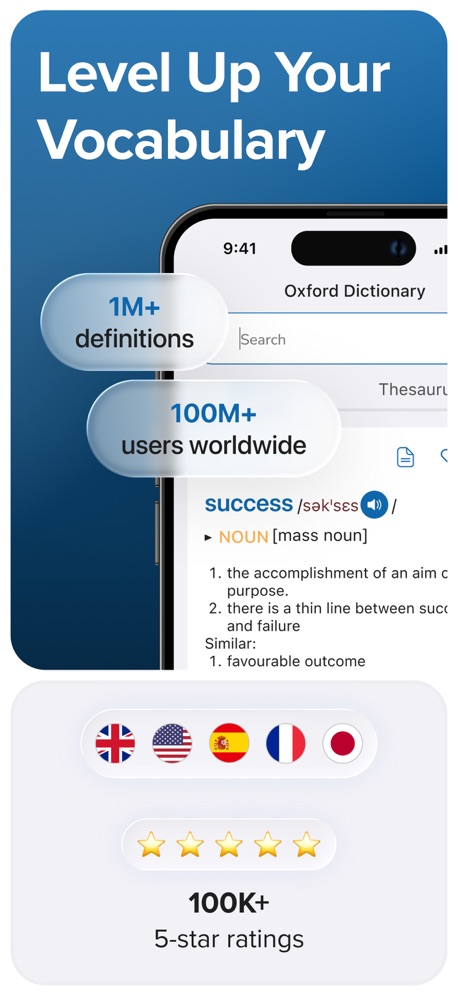
“Level Up Your Vocabulary”

“WHEN TO SEE THE ISS?”

“Start a Reading Plan That Actually Takes You Deeper”
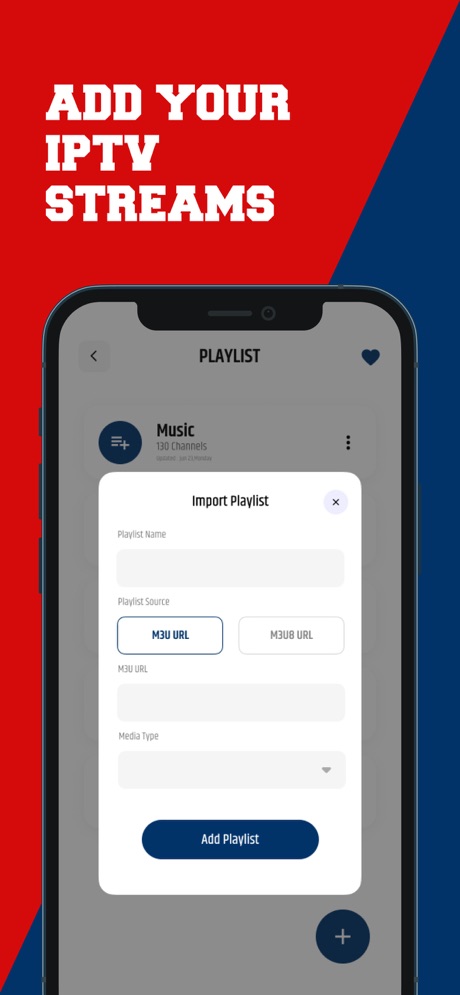
“ADD YOUR IPTV STREAMS”
What these screenshots say, word for word.
The words on all 25 that carry any, as each app wrote them.
“Scan and Search quickly”
Instantly add cards to your collection.Collectr - TCG Collector App · #10 · screenshot 1“You decide what distracts”
BibleScroll: Christian Focus · #22 · screenshot 5“Uncover your unique DNA story”
Ancestry: Family History & DNA · #28 · screenshot 2“Add knowledge to your Home Screen”
Wikipedia · #35 · screenshot 4“TYPA - Free Restock Alerts App”
TYPA - Restock Alerts Tracker · #39 · screenshot 1“Chat about burning questions”
How can I hear God's voice in my life?Faithe: Bible Videos & Stories · #48 · screenshot 5“While you listen to Scripture, read along”
Dwell: Audio Bible · #59 · screenshot 2“Bible Verse Widgets for Home Screen”
#Bible - Verse of the Day · #65 · screenshot 1“Level Up Your Vocabulary”
Oxford Dictionary & Thesaurus · #74 · screenshot 2“WHEN TO SEE THE ISS?”
Sky Tonight - Stargazing Guide · #75 · screenshot 3“Start a Reading Plan That Actually Takes You Deeper”
Logos Bible · #77 · screenshot 3“ADD YOUR IPTV STREAMS”
Streameast - Live sports, IPTV · #80 · screenshot 6“Helped 1,000,000+ people access billions of records...”
BeenVerified: People Search · #84 · screenshot 2“Background music you can turn on or off”
Lectio 365: Daily Bible Prayer · #90 · screenshot 6“Bible Answers”
Get answers to nearly 1,000 Bible questions from experts like Jeff Cavins, Fr. Mike Schmitz, and others right in the BibleAscension: Catholic Bible · #91 · screenshot 6“See your car's stats”
CarDex - Scan & Collect Cars · #92 · screenshot 4- Viva VPN
“Top-Tier VPN. Military-Grade Shield”
Viva VPN - Fast & Secure Proxy · #93 · screenshot 1 “Learn about the History”
The #1 rated antique appAntique Identifier - Relic · #94 · screenshot 2“Missed Church?”
Sunday's sermon, wherever you areVessel: Bible Study & Notes · #98 · screenshot 5“Scan and restore photos”
Ancestry: Family History & DNA · #28 · screenshot 3“All your favorite Bible Versions”
Dwell: Audio Bible · #59 · screenshot 4“WHAT IS A PLANET PARADE?”
Sky Tonight - Stargazing Guide · #75 · screenshot 4“Get the Background on People, Places & Themes”
Logos Bible · #77 · screenshot 5“Connect with One Tap”
Viva VPN - Fast & Secure Proxy · #93 · screenshot 2“Sunday's Message, Monday's Walk”
Specific steps, pulled from the sermonVessel: Bible Study & Notes · #98 · screenshot 6
Top ten Reference apps that do it.
- #10Collectr - TCG Collector App1 of its 6 screenshots
The same tactic in other categories.
| Category | Apps that do it | Screenshots | Top ten |
|---|---|---|---|
| Finance | 30% 30 of 100 | 7% 43 of 581 | 2 of 10 |
| Food & Drink | 26% 26 of 100 | 6% 35 of 540 | 2 of 10 |
| Music | 25% 25 of 100 | 5% 26 of 550 | 2 of 10 |
| Business | 24% 24 of 100 | 6% 33 of 554 | 2 of 10 |
| Travel | 24% 24 of 100 | 6% 33 of 561 | 4 of 10 |
| Health & Fitness | 23% 23 of 100 | 5% 31 of 574 | 2 of 10 |
| Lifestyle | 23% 23 of 100 | 5% 26 of 556 | 3 of 10 |
| Sports | 22% 22 of 100 | 4% 25 of 558 | 0 of 10 |
| Utilities | 22% 22 of 100 | 5% 28 of 549 | 2 of 10 |
| Navigation | 21% 21 of 99 | 5% 26 of 566 | 1 of 10 |
| Entertainment | 20% 20 of 100 | 5% 27 of 544 | 0 of 10 |
| Productivity | 19% 19 of 99 | 4% 23 of 551 | 3 of 10 |
| Reference | 19% 19 of 100 | 5% 26 of 566 | 1 of 10 |
| Education | 18% 18 of 100 | 4% 23 of 555 | 2 of 10 |
| Social Networking | 18% 18 of 100 | 4% 24 of 554 | 2 of 10 |
| News | 16% 16 of 98 | 4% 21 of 517 | 2 of 10 |
| Graphics & Design | 13% 13 of 99 | 3% 15 of 564 | 1 of 10 |
| Developer Tools | 12% 12 of 100 | 3% 15 of 507 | 1 of 10 |
| Medical | 12% 12 of 100 | 2% 13 of 548 | 1 of 10 |
| Photo & Video | 12% 12 of 100 | 2% 14 of 566 | 1 of 10 |
| Shopping | 9% 9 of 100 | 2% 9 of 562 | 3 of 10 |
| Weather | 7% 7 of 100 | 2% 9 of 555 | 1 of 10 |
| Games | 3% 3 of 100 | 1% 4 of 567 | 0 of 10 |
Related tactics.
Often on the same screenshot
- Words at the bottom27% of these screenshots, against 5% of all Reference screenshots
- Says “you” or “your”46% of these screenshots, against 27% of all Reference screenshots
- Words aligned left35% of these screenshots, against 17% of all Reference screenshots
- Two or more screens19% of these screenshots, against 5% of all Reference screenshots
- Phone drawn100% of these screenshots, against 87% of all Reference screenshots
- Watch, iPad or Mac beside it15% of these screenshots, against 2% of all Reference screenshots
More in layout
- Phone drawn99%
- Screen fills the picture99%
- Whole phone shown95%
- Words at the top91%
- A photograph88%
- Headline readable at thumbnail size78%
- Illustration or mascot70%
- Phone cut off at the foot60%
- Arrows or callouts53%
- A person in the picture50%
- Headline too small to read42%
- App icon shown41%
- Words aligned left31%
- A hand holds the phone28%
- No phone, bare screen27%
- Zoomed detail of the UI26%
- No app screen at all21%
- Two or more screens21%
- Phone at an angle14%
- Words at the bottom13%
- Screen is small11%
- Watch, iPad or Mac beside it10%
- Words over the screen8%
Questions, answered from the chart.
How many top Reference apps have App Store screenshots with a top-cropped phone?
Which Reference apps have App Store screenshots with a top-cropped phone?
Should my Reference app have App Store screenshots with a top-cropped phone?
See your own app against this.
Pagefully reads your screenshots the same way, and makes a custom product page for each search people type, from your real screens.
Preview your pages