Developer Tools app screenshots showing the whole phone
The device is shown in full, top to bottom. The whole device shows the whole screen, with nothing cropped.
From the top 100 free Developer Tools apps on the US App Store, read on October 9, 2026. Screenshots are the developers’ own, shown from Apple’s servers with a link to each app.
The numbers
344 of the 507 Developer Tools screenshots read (68%) do this, across 91 of the top 100 apps (91%). 9 of the top ten do it (90%), against 82 of the other 90 (91%): the top ten do it about as often as the rest. Of the 23 categories read so far, Developer Tools is 11th for this. It is most common in Reference (95% of apps) and least common in Games (28%).
12 examples from the chart.
12 of the 344 Developer Tools app screenshots showing the whole phone, one from each app, the highest on the chart first.
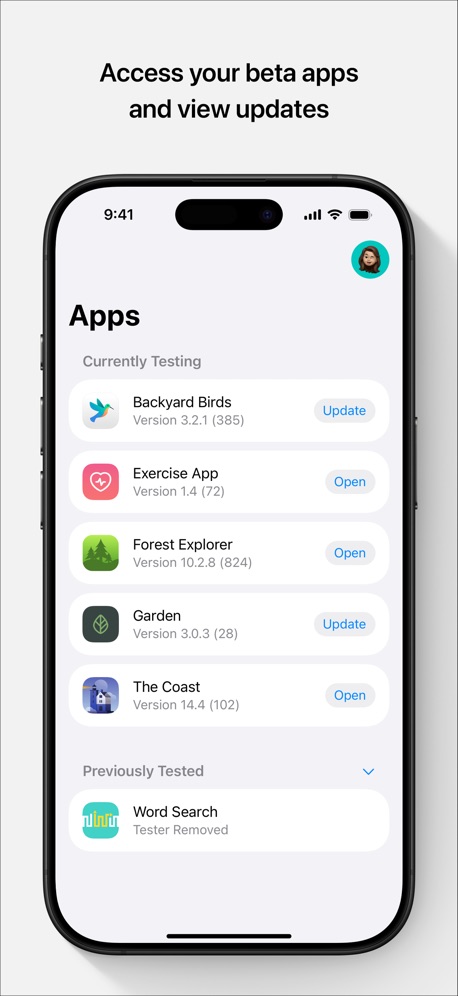
“Access your beta apps and view updates”
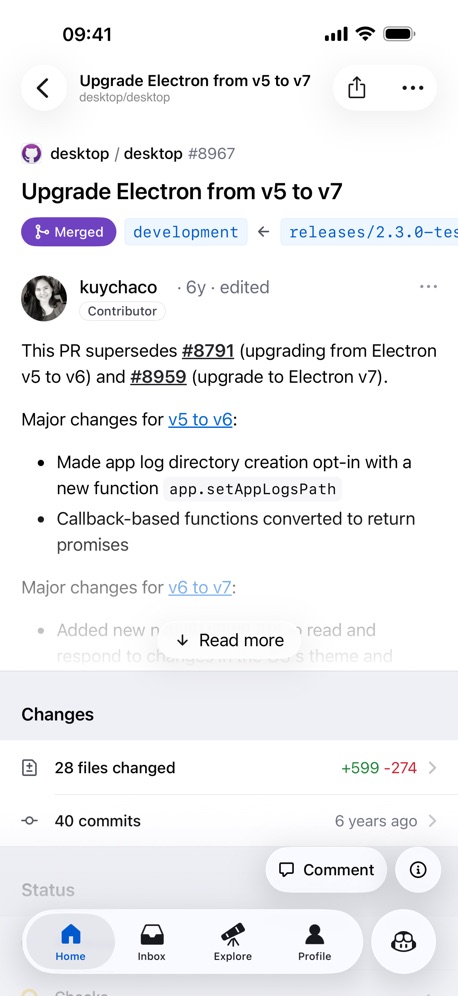

“Create Instantly”
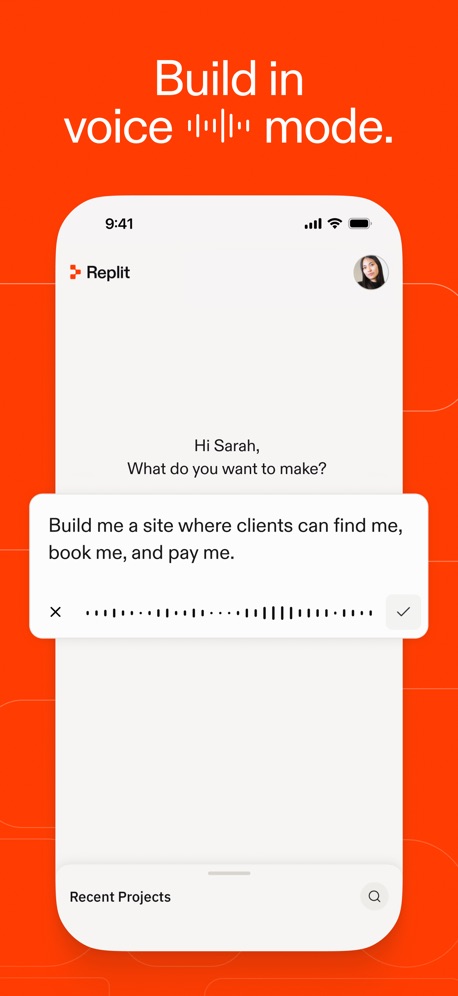
“Build in voice ▂▂▂▂▂ mode.”
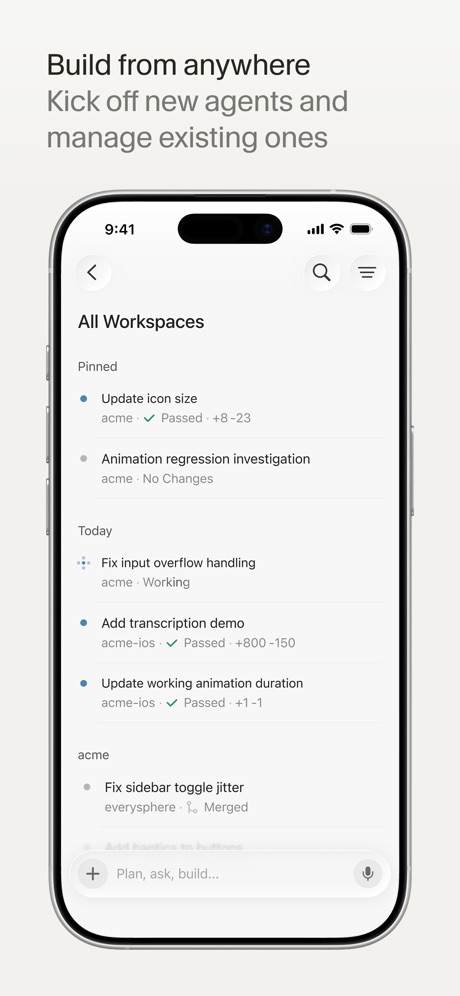
“Build from anywhere”


“Home Efficient Management”
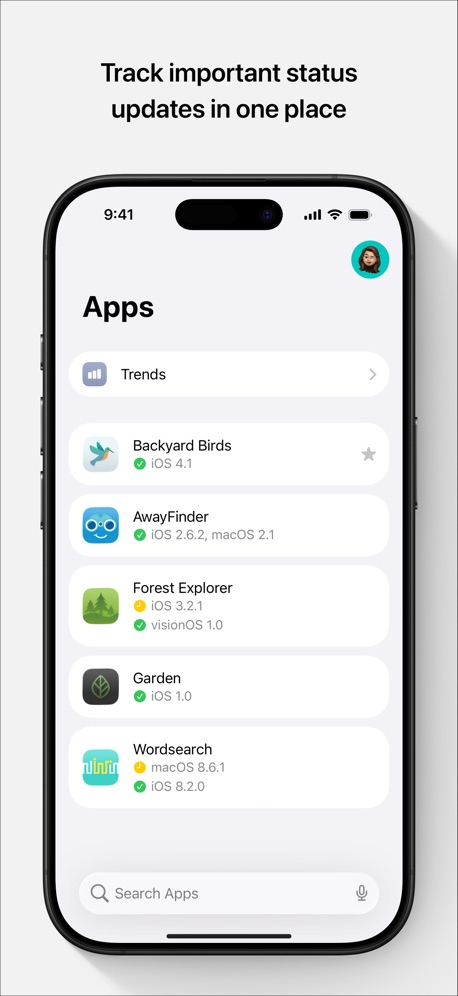
“Track important status updates in one place”

“One click connection”

“你的服务器 随时在手”

What these screenshots say, word for word.
The words on 40 of the 277 that carry any, as each app wrote them.
“Access your beta apps and view updates”
TestFlight · #1 · screenshot 1“Create Instantly”
Sekai: Create · Remix · Play · #3 · screenshot 2“Build in voice ▂▂▂▂▂ mode.”
Replit: Vibe Code with AI Fast · #4 · screenshot 3“Build from anywhere”
Kick off new agents and manage existing onesCursor · #6 · screenshot 1“Home Efficient Management”
Unified management of multiple devices, clear status at a glanceO-KAM Pro · #9 · screenshot 1“Track important status updates in one place”
App Store Connect · #10 · screenshot 1“One click connection”
No re-entering IP addresses, ports, and passwords.Termius - Modern SSH Client · #11 · screenshot 1“你的服务器 随时在手”
Termini - SSH Terminal · #12 · screenshot 1“Python Coding with Code Completion”
Python Coding Editor & IDE App · #16 · screenshot 3“VPN”
NextVPN: Fast & Secure Proxy · #18 · screenshot 3“Every agent, every machine, one inbox.”
T3 Code - Remote Claude & more · #19 · screenshot 1“Build with any agent, anywhere”
Orca IDE · #21 · screenshot 1“Quickly access your KPIs”
Google Play Console · #23 · screenshot 1“Code on the go”
be productive anywhere, anytimeKoder Code Editor · #26 · screenshot 3“Get verification codes in seconds”
Temp Number | Receive SMS · #28 · screenshot 5“Steer your Hermes agent Chat with it and watch it think and work”
Hermex · #30 · screenshot 1“Buddy”
Goiey - Collect, Share, Chat · #32 · screenshot 1“See App Rankings Around the World”
Appboard: App Rankings · #33 · screenshot 1“Vercel Anywhere!”
Rev for Vercel · #34 · screenshot 1“REAL-TIME TESTING ALL BUILD VERSIONS IN YOUR PHONE”
FOR ALL SYSTEMSVibecode Apps IDE - LastApp · #36 · screenshot 3“Digital Neon Night Clock”
Digital Neon Night Clock · #37 · screenshot 1“Bluetooth scanner finds nearby devices.”
See what's around you.“every Bluetooth enabled device around my apartment and other units”Bluetooth Inspector · #38 · screenshot 1“A WORLD”
of quirky, joyful indie gamesGDevelop - Create & Play Games · #39 · screenshot 1“Multi Sessions”
Connect to servers and switch anywhere anytimexTerminal - SSH Terminal Shell · #40 · screenshot 1“Quickly View Your Cookies”
Cookie-Editor · #41 · screenshot 1“Smart Code Editor for Python”
Python Coding · #42 · screenshot 1“Take Netlify With You!”
Dashify for Netlify.com · #43 · screenshot 1“Keep agents running”
Reconnect without losing workMoshi: herdr/tmux on SSH/MOSH · #44 · screenshot 1“DEVICE and SENSOR Information”
View detailed information about your DEVICE.Device Monitor² · #45 · screenshot 1“Your Hermes agent, anywhere.”
Start tasks, monitor progress, and stay in sync from your phone.Hermes Conduit · #46 · screenshot 1“Bluetooth Assistant”
Multi, Device SupportBluetoothAssistant · #47 · screenshot 1“Multi-Protocol Privacy Protection”
V2Lite VPN - Super VPN Proxy · #48 · screenshot 4“Mobile IDE”
File based IDE with code editor, suggestions,and local execution. Includes a Python 3.10 interpreter, with the standard libraries, Cython and more than 100 third party pre-installed packages.Pyto IDE · #49 · screenshot 1“Your Railway projects. In your pocket.”
Railway.com · #51 · screenshot 1- Zhenyi Tan
“And Editing the HTML”
Web Inspector · #52 · screenshot 4 “Code Editor, SFTP Client, SSH Terminal”
Textastic Code Editor · #53 · screenshot 1- In seconds
“Go from idea to build-ready”
"A mobile app for planning day trips with friends. with voting options and"AI App Builder Architect · #54 · screenshot 5 “Linux Terminal”
No Setup RequiredTermiux · #55 · screenshot 2“Run a team of coding agents from your iPhone”
Conductor.build · #56 · screenshot 1- Quick Response
“Don't forget your running tasks”
OpenCode Mobile App · #57 · screenshot 3
Top ten Developer Tools apps that do it.
- #1TestFlight5 of its 5 screenshots
- #2GitHub2 of its 4 screenshots
- #3Sekai: Create · Remix · Play5 of its 6 screenshots
- #4Replit: Vibe Code with AI Fast3 of its 6 screenshots
- #6Cursor6 of its 6 screenshots
- #7Apple Developer2 of its 5 screenshots
- #8Expo Go2 of its 4 screenshots
- #9O-KAM Pro5 of its 5 screenshots
- #10App Store Connect5 of its 5 screenshots
The same tactic in other categories.
| Category | Apps that do it | Screenshots | Top ten |
|---|---|---|---|
| Reference | 95% 95 of 100 | 57% 324 of 566 | 10 of 10 |
| Utilities | 94% 94 of 100 | 59% 325 of 549 | 9 of 10 |
| Graphics & Design | 94% 93 of 99 | 62% 348 of 564 | 10 of 10 |
| Navigation | 94% 93 of 99 | 64% 365 of 566 | 10 of 10 |
| Entertainment | 93% 93 of 100 | 62% 339 of 544 | 10 of 10 |
| Shopping | 93% 93 of 100 | 59% 331 of 562 | 10 of 10 |
| Social Networking | 93% 93 of 100 | 61% 337 of 554 | 10 of 10 |
| Health & Fitness | 92% 92 of 100 | 53% 303 of 574 | 9 of 10 |
| Medical | 92% 92 of 100 | 58% 316 of 548 | 9 of 10 |
| Travel | 92% 92 of 100 | 57% 317 of 561 | 8 of 10 |
| Developer Tools | 91% 91 of 100 | 68% 344 of 507 | 9 of 10 |
| Lifestyle | 91% 91 of 100 | 58% 325 of 556 | 7 of 10 |
| Productivity | 91% 90 of 99 | 59% 323 of 551 | 9 of 10 |
| News | 90% 88 of 98 | 59% 306 of 517 | 8 of 10 |
| Business | 89% 89 of 100 | 51% 284 of 554 | 10 of 10 |
| Education | 89% 89 of 100 | 52% 287 of 555 | 7 of 10 |
| Sports | 89% 89 of 100 | 59% 327 of 558 | 8 of 10 |
| Weather | 89% 89 of 100 | 56% 311 of 555 | 10 of 10 |
| Music | 87% 87 of 100 | 59% 324 of 550 | 8 of 10 |
| Food & Drink | 86% 86 of 100 | 47% 254 of 540 | 9 of 10 |
| Photo & Video | 86% 86 of 100 | 60% 342 of 566 | 10 of 10 |
| Finance | 79% 79 of 100 | 42% 245 of 581 | 7 of 10 |
| Games | 28% 28 of 100 | 15% 85 of 567 | 2 of 10 |
Related tactics.
Often on the same screenshot
- Phone drawn100% of these screenshots, against 85% of all Developer Tools screenshots
- Leads with a feature62% of these screenshots, against 54% of all Developer Tools screenshots
- Words at the top76% of these screenshots, against 68% of all Developer Tools screenshots
- Has a headline81% of these screenshots, against 74% of all Developer Tools screenshots
- Screen fills the picture94% of these screenshots, against 88% of all Developer Tools screenshots
- Plain tone60% of these screenshots, against 54% of all Developer Tools screenshots
More in layout
- Screen fills the picture99%
- Phone drawn94%
- Words at the top75%
- A photograph58%
- Headline readable at thumbnail size55%
- Illustration or mascot47%
- App icon shown44%
- Headline too small to read31%
- No phone, bare screen27%
- Phone cut off at the foot26%
- Words aligned left25%
- Arrows or callouts21%
- Two or more screens17%
- A person in the picture15%
- Zoomed detail of the UI13%
- Phone cut off at the head12%
- Phone at an angle9%
- Words at the bottom9%
- Screen is small8%
- Watch, iPad or Mac beside it8%
- No app screen at all7%
- Words over the screen4%
- A hand holds the phone3%
Questions, answered from the chart.
How many top Developer Tools apps have App Store screenshots showing the whole phone?
Which Developer Tools apps have App Store screenshots showing the whole phone?
Should my Developer Tools app have App Store screenshots showing the whole phone?
See your own app against this.
Pagefully reads your screenshots the same way, and makes a custom product page for each search people type, from your real screens.
Preview your pages