Developer Tools app screenshots with arrows or callouts
Arrows, circles or notes drawn to point at something. A callout points the eye at the one control or number the headline is about.
From the top 100 free Developer Tools apps on the US App Store, read on October 9, 2026. Screenshots are the developers’ own, shown from Apple’s servers with a link to each app.
The numbers
35 of the 507 Developer Tools screenshots read (7%) do this, across 21 of the top 100 apps (21%). 2 of the top ten do it (20%), against 19 of the other 90 (21%): the top ten do it about as often as the rest. Of the 23 categories read so far, Developer Tools is 23rd for this. It is most common in Graphics & Design (70% of apps) and least common in Developer Tools (21%).
12 examples from the chart.
12 of the 35 Developer Tools app screenshots with arrows or callouts, one from each app, the highest on the chart first.

“#1 Interactive Creation Platform”
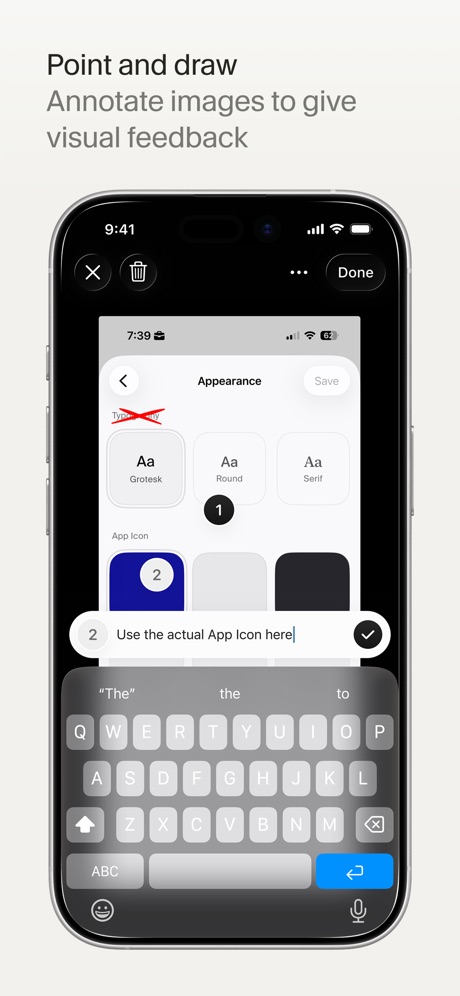
“Point and draw”

“A real terminal, in your pocket.”

“Easy access to your files”

“No sign-up. No SIM. No account.”
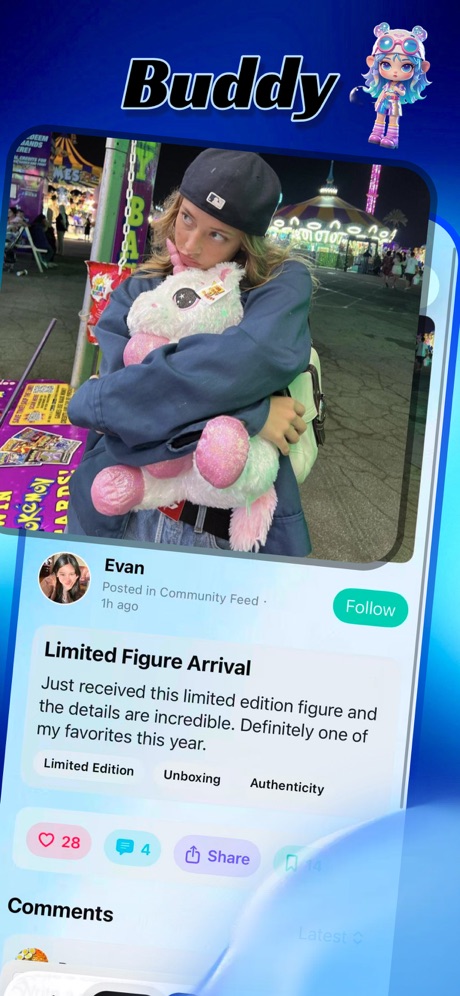
“Buddy”
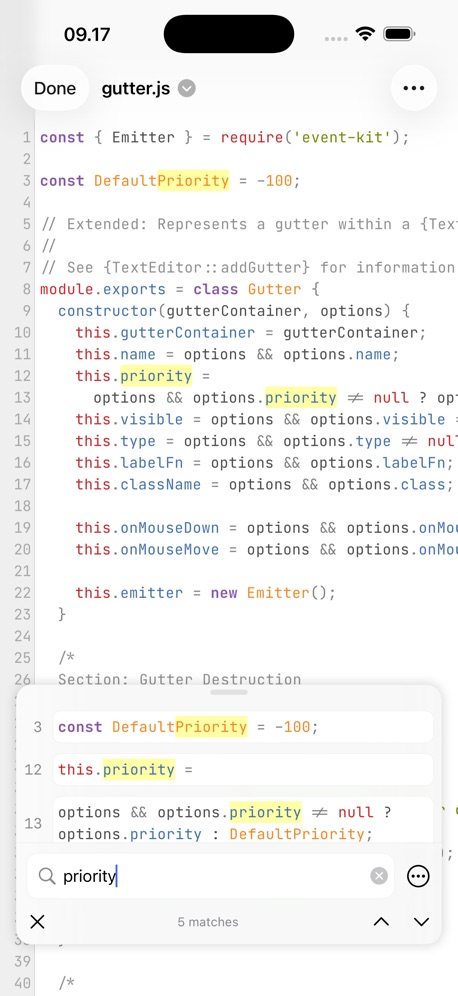

“EDIT APP INSTANTLY USING AI”
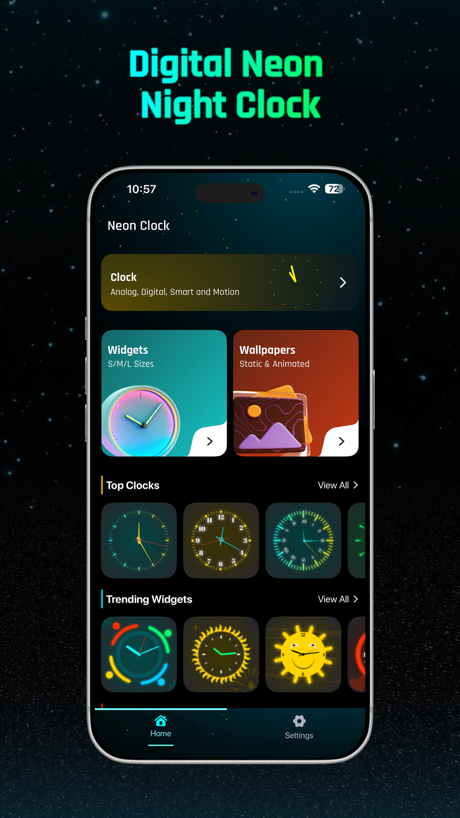
“Digital Neon Night Clock”

“NO CODE APPROACH”

“Multi Sessions”

“Keep agents running”
What these screenshots say, word for word.
The words on all 34 that carry any, as each app wrote them.
“#1 Interactive Creation Platform”
Sekai: Create · Remix · Play · #3 · screenshot 1“Point and draw”
Annotate images to give visual feedbackCursor · #6 · screenshot 3“A real terminal, in your pocket.”
T3 Code - Remote Claude & more · #19 · screenshot 4“Easy access to your files”
Local and RemoteKoder Code Editor · #26 · screenshot 2“No sign-up. No SIM. No account.”
Temp Number | Receive SMS · #28 · screenshot 4“Buddy”
Goiey - Collect, Share, Chat · #32 · screenshot 1“EDIT APP INSTANTLY USING AI”
Dark theme, larger playback controls, add shuffle and loop functionsVibecode Apps IDE - LastApp · #36 · screenshot 4“Digital Neon Night Clock”
Digital Neon Night Clock · #37 · screenshot 1- Language based instructions
“NO CODE APPROACH”
GDevelop - Create & Play Games · #39 · screenshot 4 “Multi Sessions”
Connect to servers and switch anywhere anytimexTerminal - SSH Terminal Shell · #40 · screenshot 1“Keep agents running”
Reconnect without losing workMoshi: herdr/tmux on SSH/MOSH · #44 · screenshot 1“Bluetooth Assistant”
Multi, Device SupportBluetoothAssistant · #47 · screenshot 1“Plan before buildiing”
AI App Builder Architect · #54 · screenshot 2“Bluetooth Connect”
Bluetooth Auto Connect · #64 · screenshot 1“Code With AI.”
Understand your code faster with built-in AI assistance.Pyroid · #80 · screenshot 2“One-tap deploys”
Netli.fyi: Netlify Client · #83 · screenshot 6“C知道定时任务”
你的AI自动化技术情报助理CSDN-技术开发者社区 · #87 · screenshot 2“Live Preview”
HTML Viewer : Editor & Creator · #90 · screenshot 2“Rotate. Zoom. Explore.”
Inspect every angle with smooth controlsSTL & 3D Model Viewer - Mes3D · #98 · screenshot 2“Realtime Voice with multiple sessions”
Happy: Codex & Claude Code App · #99 · screenshot 2“CRAFT THE PERFECT IMPRESSION”
Shopping bag with a smiley face formed from white space, warm colors, simple and modern design, symbolizes happy online shopping.Vibecode Apps IDE - LastApp · #36 · screenshot 5“Talk to your terminal”
Speak into the promptMoshi: herdr/tmux on SSH/MOSH · #44 · screenshot 2“Read Peripherals”
Services & CharacteristicsBluetoothAssistant · #47 · screenshot 2“Waste less AI Credits”
AI App Builder Architect · #54 · screenshot 3“Bluetooth Connect”
Wire-free pairing made simpleBluetooth Auto Connect · #64 · screenshot 2“AI作业”
拍题答疑,知识点溯源与扩充CSDN-技术开发者社区 · #87 · screenshot 5“Multiple Viewing Modes”
Switch between perspective and orthographic viewsSTL & 3D Model Viewer - Mes3D · #98 · screenshot 3“Send images to agents”
Paste, crop, annotate, sendMoshi: herdr/tmux on SSH/MOSH · #44 · screenshot 3“View Details”
Easy DebuggingBluetoothAssistant · #47 · screenshot 4“Skip the UI guesswork”
AI App Builder Architect · #54 · screenshot 4“Customize Your View”
Change colors, backgrounds and wireframeSTL & 3D Model Viewer - Mes3D · #98 · screenshot 4“See agent usage clearly”
Rate limits, reset times, and burn paceMoshi: herdr/tmux on SSH/MOSH · #44 · screenshot 4“Know what agents need”
Track every agent from one feedMoshi: herdr/tmux on SSH/MOSH · #44 · screenshot 5“Control Moshi your way”
Shortcuts, gestures, keyboardMoshi: herdr/tmux on SSH/MOSH · #44 · screenshot 6
Top ten Developer Tools apps that do it.
- #3Sekai: Create · Remix · Play1 of its 6 screenshots
- #6Cursor1 of its 6 screenshots
The same tactic in other categories.
| Category | Apps that do it | Screenshots | Top ten |
|---|---|---|---|
| Graphics & Design | 70% 69 of 99 | 33% 186 of 564 | 5 of 10 |
| Photo & Video | 58% 58 of 100 | 25% 140 of 566 | 6 of 10 |
| Reference | 53% 53 of 100 | 22% 122 of 566 | 7 of 10 |
| Health & Fitness | 52% 52 of 100 | 19% 108 of 574 | 8 of 10 |
| Education | 50% 50 of 100 | 18% 98 of 555 | 5 of 10 |
| Social Networking | 49% 49 of 100 | 17% 96 of 554 | 5 of 10 |
| Utilities | 48% 48 of 100 | 18% 100 of 549 | 3 of 10 |
| Finance | 47% 47 of 100 | 14% 80 of 581 | 7 of 10 |
| Lifestyle | 46% 46 of 100 | 15% 86 of 556 | 5 of 10 |
| Navigation | 45% 45 of 99 | 17% 96 of 566 | 4 of 10 |
| Productivity | 45% 45 of 99 | 15% 82 of 551 | 2 of 10 |
| Entertainment | 39% 39 of 100 | 11% 61 of 544 | 4 of 10 |
| Travel | 39% 39 of 100 | 12% 69 of 561 | 2 of 10 |
| Music | 38% 38 of 100 | 14% 75 of 550 | 2 of 10 |
| Shopping | 38% 38 of 100 | 15% 85 of 562 | 6 of 10 |
| Food & Drink | 37% 37 of 100 | 12% 67 of 540 | 5 of 10 |
| Sports | 36% 36 of 100 | 11% 63 of 558 | 3 of 10 |
| Business | 35% 35 of 100 | 12% 69 of 554 | 2 of 10 |
| Games | 35% 35 of 100 | 8% 48 of 567 | 2 of 10 |
| Weather | 35% 35 of 100 | 12% 67 of 555 | 3 of 10 |
| Medical | 30% 30 of 100 | 9% 47 of 548 | 2 of 10 |
| News | 23% 23 of 98 | 7% 38 of 517 | 2 of 10 |
| Developer Tools | 21% 21 of 100 | 7% 35 of 507 | 2 of 10 |
Related tactics.
Often on the same screenshot
- Illustration or mascot57% of these screenshots, against 22% of all Developer Tools screenshots
- Has a subline60% of these screenshots, against 27% of all Developer Tools screenshots
- Headline under five words83% of these screenshots, against 50% of all Developer Tools screenshots
- Gradient background77% of these screenshots, against 46% of all Developer Tools screenshots
- Subline explains the headline51% of these screenshots, against 21% of all Developer Tools screenshots
- Zoomed detail of the UI34% of these screenshots, against 4% of all Developer Tools screenshots
More in layout
- Screen fills the picture99%
- Phone drawn94%
- Whole phone shown91%
- Words at the top75%
- A photograph58%
- Headline readable at thumbnail size55%
- Illustration or mascot47%
- App icon shown44%
- Headline too small to read31%
- No phone, bare screen27%
- Phone cut off at the foot26%
- Words aligned left25%
- Two or more screens17%
- A person in the picture15%
- Zoomed detail of the UI13%
- Phone cut off at the head12%
- Phone at an angle9%
- Words at the bottom9%
- Screen is small8%
- Watch, iPad or Mac beside it8%
- No app screen at all7%
- Words over the screen4%
- A hand holds the phone3%
Questions, answered from the chart.
How many top Developer Tools apps have App Store screenshots with arrows or callouts?
Which Developer Tools apps have App Store screenshots with arrows or callouts?
Should my Developer Tools app have App Store screenshots with arrows or callouts?
See your own app against this.
Pagefully reads your screenshots the same way, and makes a custom product page for each search people type, from your real screens.
Preview your pages