Orange Utilities app screenshots
Orange is the main colour.
From the top 100 free Utilities apps on the US App Store, read on October 9, 2026. Screenshots are the developers’ own, shown from Apple’s servers with a link to each app.
The numbers
28 of the 549 Utilities screenshots read (5%) do this, across 16 of the top 100 apps (16%). 0 of the top ten do it (0%), against 16 of the other 90 (18%): the top ten do it less than the rest. Of the 23 categories read so far, Utilities is 20th for this. It is most common in Photo & Video (69% of apps) and least common in Developer Tools (12%).
12 examples from the chart.
12 of the 28 orange Utilities app screenshots, one from each app, the highest on the chart first.

“See, hear, and speak right from your smartphone”

“6000+ Emojis”

“STREAMING WITHOUT DELAY”
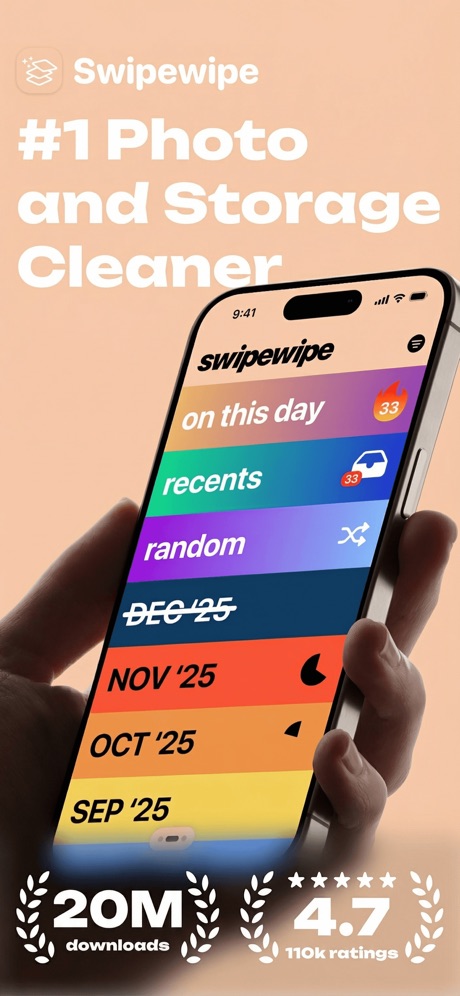
“#1 Photo and Storage Cleaner”

“DAILY VERSE DAILY PRAYER OFFLINE BIBLE”
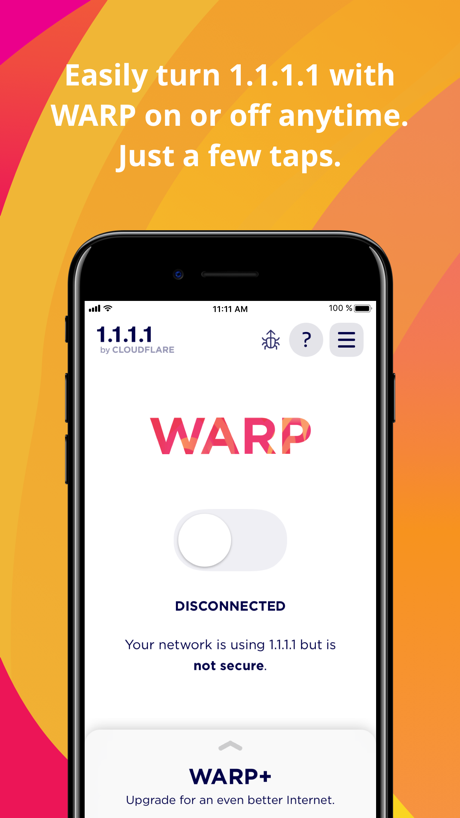
“Easily turn 1.1.1.1 with WARP on or off anytime.”

“Full control for”

“A NEW NETWORK. A NEW CHOICE.”

“Universal TV Remote”
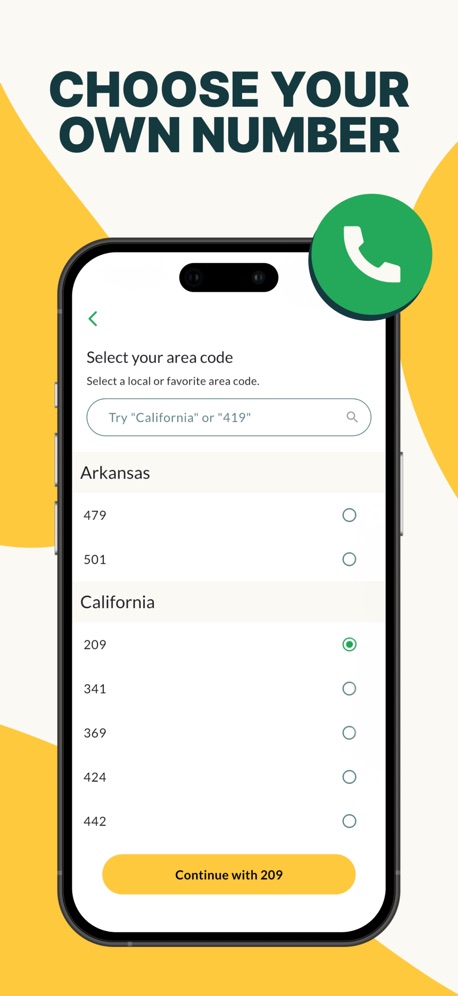
“CHOOSE YOUR OWN NUMBER”
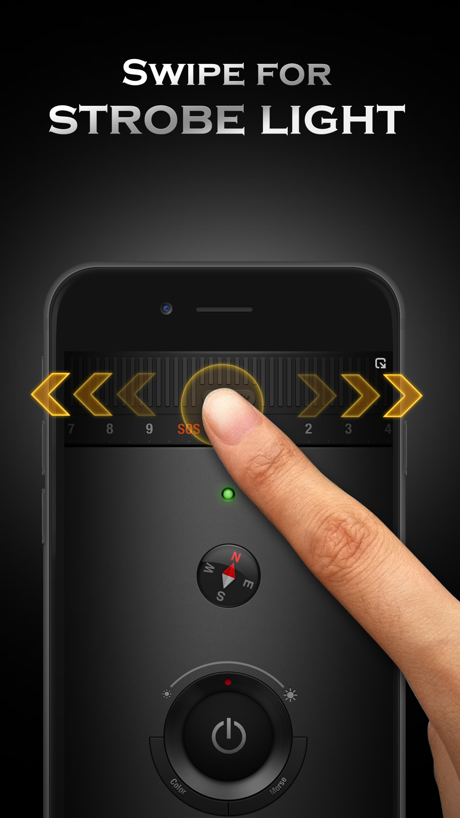
“SWIPE FOR STROBE LIGHT”

“Barcode Scanner”
What these screenshots say, word for word.
The words on all 28 that carry any, as each app wrote them.
“See, hear, and speak right from your smartphone”
Blink Home Monitor · #14 · screenshot 3“6000+ Emojis”
Facemoji AI Emoji Keyboard · #37 · screenshot 3“STREAMING WITHOUT DELAY”
Screen Mirroring App: Smart TV · #40 · screenshot 3“#1 Photo and Storage Cleaner”
Swipewipe: Photo Cleaner · #41 · screenshot 1“DAILY VERSE DAILY PRAYER OFFLINE BIBLE”
Holy Bible Faith:Verse&Audio · #48 · screenshot 1“Easily turn 1.1.1.1 with WARP on or off anytime.”
Just a few taps.1.1.1.1: Faster Internet · #52 · screenshot 1“Full control for”
Power On/Off Channels Touchpad and CursorRemote for Firestick · Fire TV · #58 · screenshot 1“A NEW NETWORK. A NEW CHOICE.”
Boost Mobile · #67 · screenshot 1“Universal TV Remote”
VolumeUniversal TV Remote Control* · #73 · screenshot 1“CHOOSE YOUR OWN NUMBER”
textPlus: Text Message + Call · #77 · screenshot 5“SWIPE FOR STROBE LIGHT”
Flashlight Ⓞ · #79 · screenshot 3“Barcode Scanner”
QR Code Reader+Barcode Scanner · #80 · screenshot 2“Take a Photo to Translation”
Translate AI: Voice & Photo · #84 · screenshot 5“Identify Any Object”
Lens Scan: Identify Anything · #87 · screenshot 1“MORE SOCIAL LESS MEDIA”
frenzy - friends only · #91 · screenshot 3“Real-Time Location Sharing”
Love8 - App for Couples · #97 · screenshot 3“Swipe Right to Keep”
Swipewipe: Photo Cleaner · #41 · screenshot 2“BIBLE TRIVIA”
Strengthen your faith by detailsHoly Bible Faith:Verse&Audio · #48 · screenshot 5“You're seconds away from a more private Internet.”
1.1.1.1: Faster Internet · #52 · screenshot 2“Fire TV & Stick”
Remote for Firestick · Fire TV · #58 · screenshot 2“MANAGE YOUR ACCOUNT.”
Boost Mobile · #67 · screenshot 2“Discover Pet Characteristics”
Lens Scan: Identify Anything · #87 · screenshot 4“Track Your Success”
Swipewipe: Photo Cleaner · #41 · screenshot 5“Remote control for fire tv”
Remote for Firestick · Fire TV · #58 · screenshot 3“SHOP NEW PHONES.”
Boost Mobile · #67 · screenshot 3“Identify Coins And Their Value”
Lens Scan: Identify Anything · #87 · screenshot 5“UPGRADE PLANS.”
Boost Mobile · #67 · screenshot 4“Learn Recipes And Nutritional Value”
Lens Scan: Identify Anything · #87 · screenshot 6
Top ten Utilities apps that do it.
None of the top ten do. The highest app on the chart that does is Blink Home Monitor, at #14.
The same tactic in other categories.
| Category | Apps that do it | Screenshots | Top ten |
|---|---|---|---|
| Photo & Video | 69% 69 of 100 | 33% 186 of 566 | 5 of 10 |
| Graphics & Design | 58% 57 of 99 | 24% 136 of 564 | 5 of 10 |
| Food & Drink | 54% 54 of 100 | 29% 157 of 540 | 4 of 10 |
| Games | 49% 49 of 100 | 28% 156 of 567 | 4 of 10 |
| Shopping | 46% 46 of 100 | 19% 106 of 562 | 6 of 10 |
| Reference | 40% 40 of 100 | 19% 109 of 566 | 4 of 10 |
| Entertainment | 39% 39 of 100 | 14% 77 of 544 | 5 of 10 |
| Education | 34% 34 of 100 | 13% 71 of 555 | 3 of 10 |
| Social Networking | 32% 32 of 100 | 12% 64 of 554 | 2 of 10 |
| Music | 29% 29 of 100 | 10% 54 of 550 | 3 of 10 |
| Health & Fitness | 28% 28 of 100 | 11% 63 of 574 | 3 of 10 |
| Medical | 27% 27 of 100 | 9% 52 of 548 | 3 of 10 |
| Lifestyle | 26% 26 of 100 | 6% 35 of 556 | 6 of 10 |
| Travel | 22% 22 of 100 | 7% 37 of 561 | 3 of 10 |
| Navigation | 20% 20 of 99 | 6% 33 of 566 | 4 of 10 |
| Weather | 20% 20 of 100 | 5% 25 of 555 | 3 of 10 |
| Productivity | 19% 19 of 99 | 5% 30 of 551 | 1 of 10 |
| News | 18% 18 of 98 | 9% 47 of 517 | 2 of 10 |
| Sports | 17% 17 of 100 | 9% 52 of 558 | 1 of 10 |
| Business | 16% 16 of 100 | 7% 40 of 554 | 0 of 10 |
| Finance | 16% 16 of 100 | 4% 21 of 581 | 3 of 10 |
| Utilities | 16% 16 of 100 | 5% 28 of 549 | 0 of 10 |
| Developer Tools | 12% 12 of 100 | 6% 32 of 507 | 1 of 10 |
Related tactics.
Often on the same screenshot
- A photograph61% of these screenshots, against 35% of all Utilities screenshots
- A hand holds the phone32% of these screenshots, against 9% of all Utilities screenshots
- Headline in capitals36% of these screenshots, against 15% of all Utilities screenshots
- High contrast words43% of these screenshots, against 26% of all Utilities screenshots
- Photo background21% of these screenshots, against 5% of all Utilities screenshots
- A word in a different colour39% of these screenshots, against 27% of all Utilities screenshots
More in look
- Gradient background78%
- Light71%
- Background is the icon’s colour55%
- A word in a different colour52%
- Blue51%
- High contrast words47%
- Black, white or grey45%
- Dark44%
- Solid background43%
- Low contrast words42%
- Teal19%
- Rounded headline type14%
- Pattern or texture13%
- Photo background13%
- Green12%
- Purple11%
- Red8%
- The app itself is the background7%
- Pink6%
- Yellow5%
- Serif headline4%
- Condensed or display type3%
Questions, answered from the chart.
How many top Utilities apps have orange App Store screenshots?
Which Utilities apps have orange App Store screenshots?
Should my Utilities app have orange App Store screenshots?
See your own app against this.
Pagefully reads your screenshots the same way, and makes a custom product page for each search people type, from your real screens.
Preview your pages