Lifestyle app screenshots with a solid background
One flat colour behind everything. A flat colour leaves the words and the screen as the only things to look at.
From the top 100 free Lifestyle apps on the US App Store, read on October 9, 2026. Screenshots are the developers’ own, shown from Apple’s servers with a link to each app.
The numbers
160 of the 556 Lifestyle screenshots read (29%) do this, across 43 of the top 100 apps (43%). 5 of the top ten do it (50%), against 38 of the other 90 (42%): the top ten do it about as often as the rest. Of the 23 categories read so far, Lifestyle is 13th for this. It is most common in Food & Drink (68% of apps) and least common in Games (20%).
12 examples from the chart.
12 of the 160 Lifestyle app screenshots with a solid background, one from each app, the highest on the chart first.
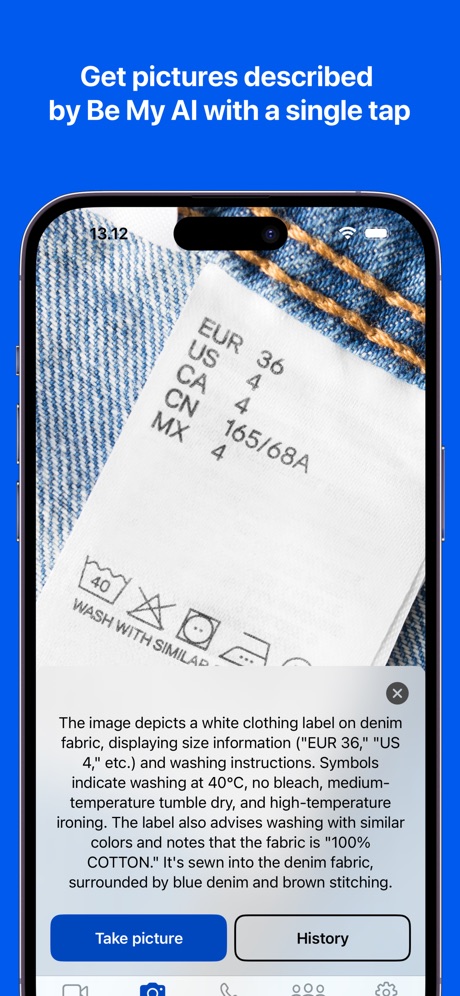
“Get pictures described by Be My AI with a single tap”

“Peace of mind while you are away.”

“Meet someone that also wants to get off dating apps”

“Attract people who actually get you”

“Set your favorites”

“ACTIVITIES FOR TODAY, ENRICHMENT FOR WHAT'S NEXT”

“Talk to Alexa on-the-go”

“#1 BOOKING APP”
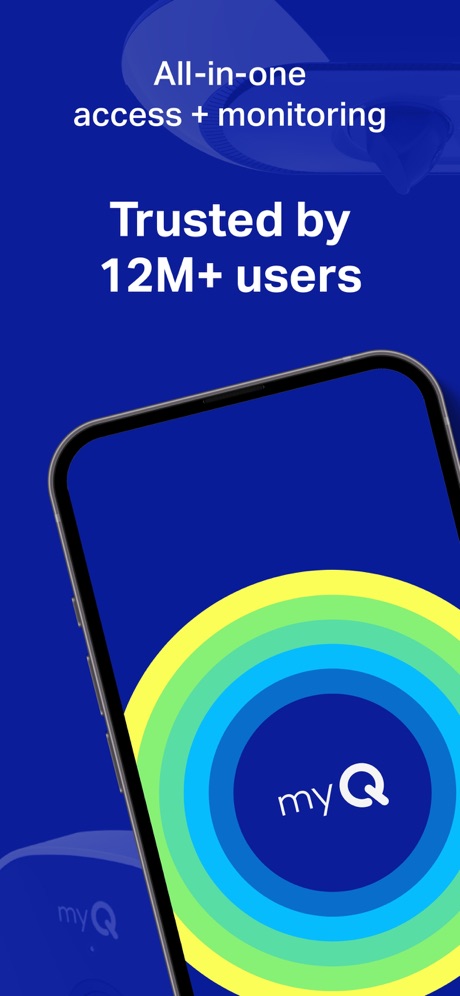
“All-in-one access + monitoring”
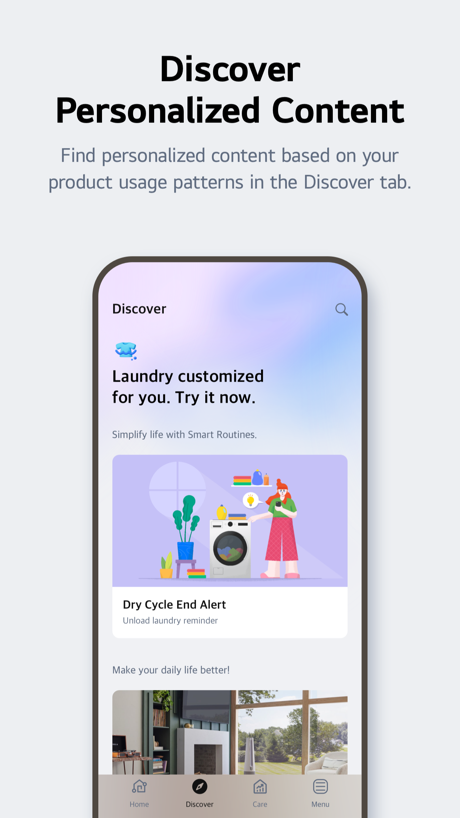
“Discover Personalized Content”

“Convert Photo to PDF by PDF Scan”

What these screenshots say, word for word.
The words on 40 of the 151 that carry any, as each app wrote them.
“Get pictures described by Be My AI with a single tap”
Be My Eyes · #1 · screenshot 1“Peace of mind while you are away.”
Ring - Always Home · #4 · screenshot 1“Meet someone that also wants to get off dating apps”
Hinge Dating App: Match & Date · #7 · screenshot 2“Attract people who actually get you”
“my wardrobe is your wardrobe ... eventually ... | reading at the beach! | a love for spontaneous weekend trips~!”Tinder Dating App: Date & Chat · #8 · screenshot 2“Set your favorites”
Gather the devices, services, and scenes you use the most so you can access them quicklySmartThings · #9 · screenshot 2“ACTIVITIES FOR TODAY, ENRICHMENT FOR WHAT'S NEXT”
KidHub by Unleashed Brands · #11 · screenshot 1“Talk to Alexa on-the-go”
Amazon Alexa · #12 · screenshot 1- The
“#1 BOOKING APP”
ratedBooksy for Customers · #13 · screenshot 1 “All-in-one access + monitoring”
myQ Garage & Access Control · #15 · screenshot 1“Discover Personalized Content”
Find personalized content based on your product usage patterns in the Discover tab.LG ThinQ · #17 · screenshot 3“Convert Photo to PDF by PDF Scan”
PDF Scan · #18 · screenshot 1“No Fake”
Duet Dating App: Chat & Meet · #21 · screenshot 1“SEARCH 15M+ Characters”
CHAI: Social AI Platform- Chat · #23 · screenshot 2“Wake up to your favorite videos”
Alarmy - Loud alarm clock · #25 · screenshot 4“Date as You are”
Hily Dating App: Meet. Date. · #29 · screenshot 1“AAA Mobile”
Membership at your fingertips & customized user experience.AAA Mobile · #37 · screenshot 1“Fresh discoveries every day”
Lemon8 - Lifestyle Community · #41 · screenshot 2“Answer surveys and earn money”
Google Opinion Rewards · #43 · screenshot 1“add items from Any Store”
Giftful - Wishlist & Registry · #45 · screenshot 3“Join 2M+ happy users”
“it's so fun making lists and picking the store you want. Just love the app!”Listful - Wishlist Maker · #48 · screenshot 3“Alipay International”
Explore China with AlipayAlipay - Simplify Your Life · #49 · screenshot 1“Pay securely in the app. No cash needed after your task is complete.”
Taskrabbit - Handyman & more · #50 · screenshot 5“Where you have the freedom to be you.”
Feeld: Dating for the Curious · #52 · screenshot 3“Comfort when you’re home, savings when you’re away”
First Alert by Resideo · #53 · screenshot 3“Locate your vehicle from anywhere”
myChevrolet · #55 · screenshot 3“Get proactive”
maintenance remindersRoomba Home · #57 · screenshot 4“start with something to say.”
Every like can carry a message. No more "hey 👋", say what made you stop scrolling.Nymph: Open-Minded Dating App · #59 · screenshot 2“Talk to experienced & verified Astrologers”
Astrotalk - Talk to Astrologer · #60 · screenshot 2“Find the home that's just right.”
Redfin: Buy, Sell & Rent Homes · #62 · screenshot 1“Monitor What Matters Most.”
Owlet Dream · #67 · screenshot 1“A car buying and selling experience designed for you”
CarMax: Used Cars for Sale · #69 · screenshot 1“Delightful events start here”
Luma: Events & Invites · #71 · screenshot 1“Earn & redeem rewards at participating properties”
Homebody: Better Renting · #74 · screenshot 2“Comfort, security, and resilience at your fingertips.”
ecobee by Generac · #76 · screenshot 1“Connect with real people”
Kismia - Dating App & Chat · #77 · screenshot 2“Answer questions and grow closer”
Cozy Couples: Relationship App · #84 · screenshot 2“Locate your family in one place”
Verizon Family · #89 · screenshot 1“Unlock a World of Convenience”
One Tap Away · #92 · screenshot 1“Browse cards and tap what interests you.”
Gist - Life Well Lived · #95 · screenshot 2“Truth over validation”
"vibe" is the word people use when they don't want to say "hope". you're hoping. that's fine. just call it what it is.Daimon: Personal Advice · #96 · screenshot 2
Top ten Lifestyle apps that do it.
- #1Be My Eyes4 of its 4 screenshots
- #4Ring - Always Home5 of its 5 screenshots
- #7Hinge Dating App: Match & Date5 of its 6 screenshots
- #8Tinder Dating App: Date & Chat4 of its 6 screenshots
- #9SmartThings4 of its 5 screenshots
The same tactic in other categories.
| Category | Apps that do it | Screenshots | Top ten |
|---|---|---|---|
| Food & Drink | 68% 68 of 100 | 48% 257 of 540 | 9 of 10 |
| Medical | 68% 68 of 100 | 48% 265 of 548 | 4 of 10 |
| Education | 65% 65 of 100 | 40% 221 of 555 | 8 of 10 |
| Shopping | 63% 63 of 100 | 47% 264 of 562 | 8 of 10 |
| Finance | 60% 60 of 100 | 41% 240 of 581 | 7 of 10 |
| Business | 58% 58 of 100 | 37% 207 of 554 | 4 of 10 |
| Developer Tools | 58% 58 of 100 | 36% 183 of 507 | 7 of 10 |
| Travel | 58% 58 of 100 | 38% 211 of 561 | 5 of 10 |
| Photo & Video | 57% 57 of 100 | 42% 235 of 566 | 8 of 10 |
| Navigation | 57% 56 of 99 | 36% 206 of 566 | 7 of 10 |
| News | 54% 53 of 98 | 39% 202 of 517 | 7 of 10 |
| Productivity | 43% 43 of 99 | 34% 189 of 551 | 5 of 10 |
| Lifestyle | 43% 43 of 100 | 29% 160 of 556 | 5 of 10 |
| Utilities | 43% 43 of 100 | 25% 135 of 549 | 5 of 10 |
| Social Networking | 42% 42 of 100 | 30% 167 of 554 | 6 of 10 |
| Reference | 39% 39 of 100 | 27% 152 of 566 | 4 of 10 |
| Health & Fitness | 38% 38 of 100 | 26% 148 of 574 | 4 of 10 |
| Music | 38% 38 of 100 | 27% 149 of 550 | 7 of 10 |
| Graphics & Design | 37% 37 of 99 | 23% 129 of 564 | 4 of 10 |
| Sports | 32% 32 of 100 | 17% 96 of 558 | 3 of 10 |
| Weather | 30% 30 of 100 | 14% 75 of 555 | 6 of 10 |
| Entertainment | 25% 25 of 100 | 13% 73 of 544 | 2 of 10 |
| Games | 20% 20 of 100 | 12% 69 of 567 | 2 of 10 |
Related tactics.
Often on the same screenshot
- Blue35% of these screenshots, against 29% of all Lifestyle screenshots
- Light64% of these screenshots, against 59% of all Lifestyle screenshots
- States a benefit54% of these screenshots, against 49% of all Lifestyle screenshots
- Serif headline13% of these screenshots, against 9% of all Lifestyle screenshots
- Leads with a feature55% of these screenshots, against 51% of all Lifestyle screenshots
- Black, white or grey34% of these screenshots, against 30% of all Lifestyle screenshots
More in look
- Light81%
- Gradient background66%
- Background is the icon’s colour58%
- Black, white or grey52%
- Blue48%
- A word in a different colour43%
- High contrast words38%
- Low contrast words37%
- Photo background36%
- Dark33%
- Orange26%
- Rounded headline type23%
- Red21%
- Teal13%
- Green12%
- Pink12%
- Purple12%
- Serif headline11%
- Pattern or texture10%
- Yellow6%
- Condensed or display type3%
- The app itself is the background2%
Questions, answered from the chart.
How many top Lifestyle apps have App Store screenshots with a solid background?
Which Lifestyle apps have App Store screenshots with a solid background?
Should my Lifestyle app have App Store screenshots with a solid background?
See your own app against this.
Pagefully reads your screenshots the same way, and makes a custom product page for each search people type, from your real screens.
Preview your pages