Lifestyle app screenshots that lead with a feature
The headline names what the app has or does. The plainest approach: the words name the thing, and the screen below shows it.
From the top 100 free Lifestyle apps on the US App Store, read on October 9, 2026. Screenshots are the developers’ own, shown from Apple’s servers with a link to each app.
The numbers
283 of the 556 Lifestyle screenshots read (51%) do this, across 89 of the top 100 apps (89%). 9 of the top ten do it (90%), against 80 of the other 90 (89%): the top ten do it about as often as the rest. Of the 23 categories read so far, Lifestyle is 12th for this. It is most common in Health & Fitness (99% of apps) and least common in Weather (63%).
12 examples from the chart.
12 of the 283 Lifestyle app screenshots that lead with a feature, one from each app, the highest on the chart first.
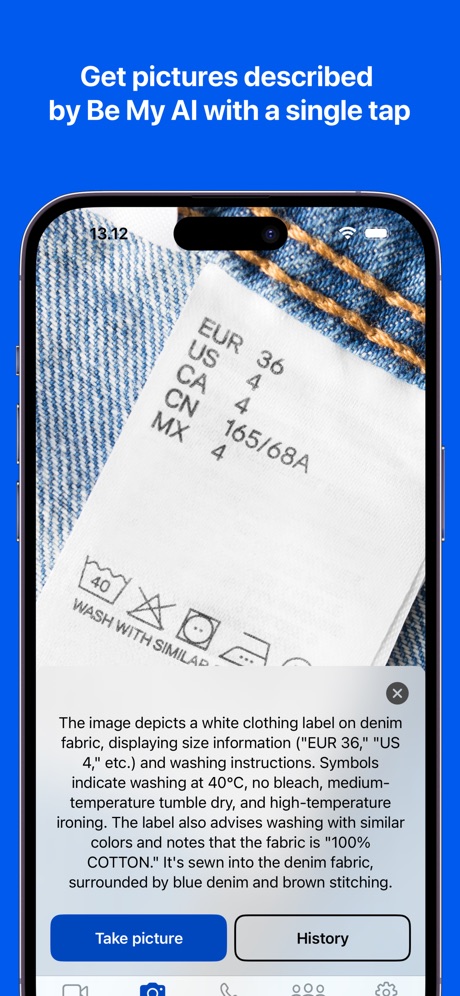
“Get pictures described by Be My AI with a single tap”

“Shop what you see”
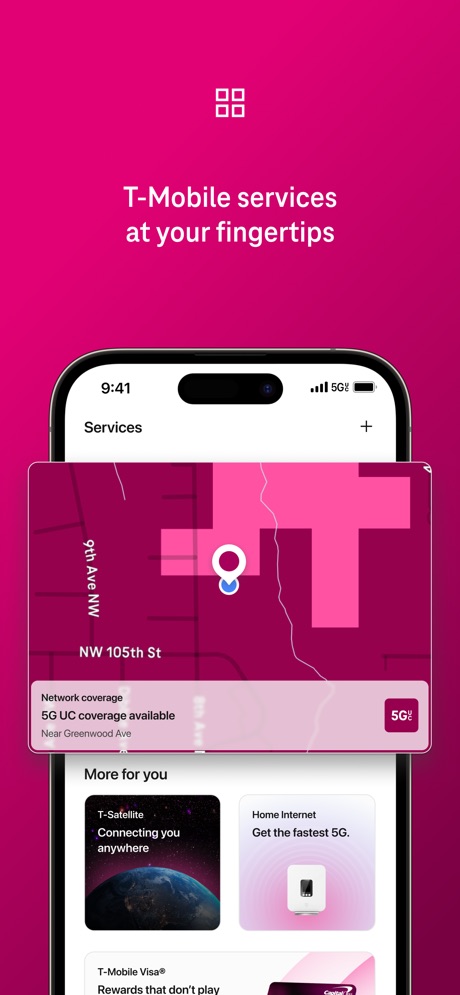
“T-Mobile services at your fingertips”

“See & speak to visitors with Video Doorbells and Security Cameras.”
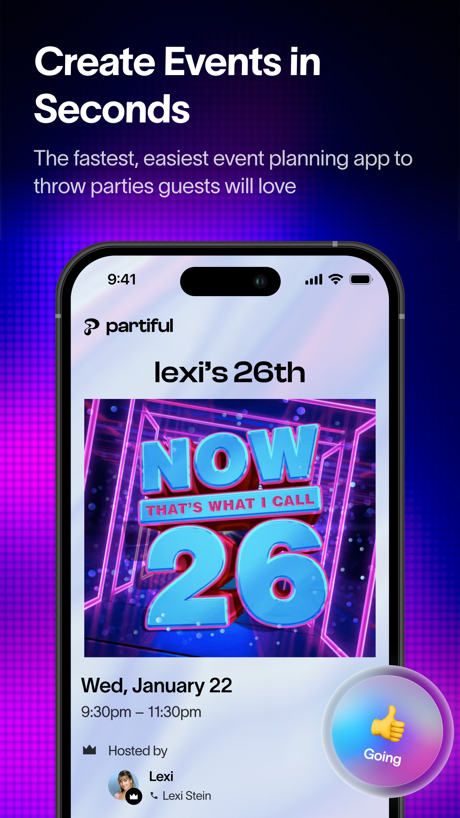
“Create Events in Seconds”
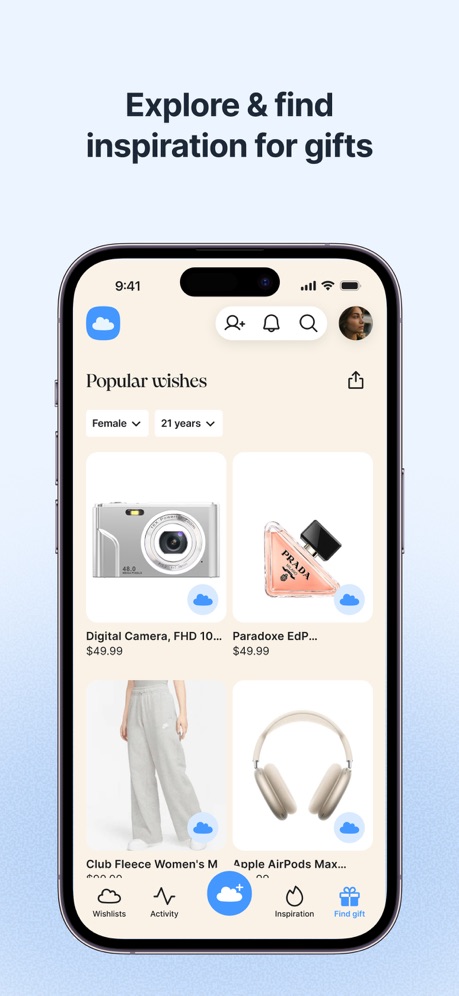
“Explore & find inspiration for gifts”
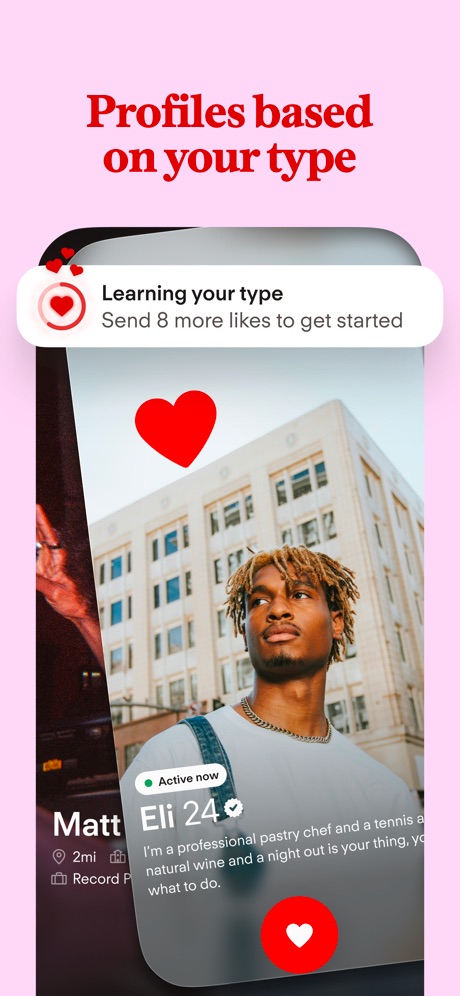
“Profiles based on your type”

“Set your favorites”

“Your personalized 'someday' plan”

“ACTIVITIES FOR TODAY, ENRICHMENT FOR WHAT'S NEXT”

“Talk to Alexa on-the-go”

“BOOK anytime, ANYWHERE”
Real headline examples, word for word.
The words on 40 of the 283 that carry any, as each app wrote them.
“Get pictures described by Be My AI with a single tap”
Be My Eyes · #1 · screenshot 1“Shop what you see”
Pinterest · #2 · screenshot 4“T-Mobile services at your fingertips”
T-Life · #3 · screenshot 6“See & speak to visitors with Video Doorbells and Security Cameras.”
Ring - Always Home · #4 · screenshot 2“Create Events in Seconds”
The fastest, easiest event planning app to throw parties guests will lovePartiful: Party Invite Maker · #5 · screenshot 1“Explore & find inspiration for gifts”
GoWish - Your Digital Wishlist · #6 · screenshot 2“Profiles based on your type”
Tinder Dating App: Date & Chat · #8 · screenshot 5“Set your favorites”
Gather the devices, services, and scenes you use the most so you can access them quicklySmartThings · #9 · screenshot 2“Your personalized 'someday' plan”
Zillow Real Estate & Rentals · #10 · screenshot 2“ACTIVITIES FOR TODAY, ENRICHMENT FOR WHAT'S NEXT”
KidHub by Unleashed Brands · #11 · screenshot 1“Talk to Alexa on-the-go”
Amazon Alexa · #12 · screenshot 1“BOOK anytime, ANYWHERE”
Booksy for Customers · #13 · screenshot 3“Discover the best businesses in beauty, wellness, and fitness.”
Vagaro · #14 · screenshot 1“All-in-one access + monitoring”
myQ Garage & Access Control · #15 · screenshot 1“Effortlessly create automations”
Google Home · #16 · screenshot 3“Discover Personalized Content”
Find personalized content based on your product usage patterns in the Discover tab.LG ThinQ · #17 · screenshot 3“Convert Photo to PDF by PDF Scan”
PDF Scan · #18 · screenshot 1“Start your engine from wherever you are”
Why use a key when your watch will do!Toyota · #20 · screenshot 2“Profiles”
Duet Dating App: Chat & Meet · #21 · screenshot 2“SEARCH 15M+ Characters”
CHAI: Social AI Platform- Chat · #23 · screenshot 2“Beat a mission to stop your alarm”
Alarmy - Loud alarm clock · #25 · screenshot 2- Robot Vacuums
“Advanced mapping capabilities Customize cleaning modes”
Roborock · #26 · screenshot 3 “Choose Your Path & Decide Fate”
Tipsy Chat: Live Your Story · #30 · screenshot 2“One-tap scene control”
SmartLife: Smart Living · #31 · screenshot 2“Remote Control from Anywhere”
Instantly turn connected devices on/off wherever you are through the app.TP-Link Tapo · #32 · screenshot 1“Track Calories & Nutrition”
*This feature may not be available in all regionsVeSync · #33 · screenshot 2“Discover local businesses”
Square Go · #34 · screenshot 3“Set profiles for the family”
eero wifi system · #35 · screenshot 2“Search it how you say it”
"Scenic view with a pool"Realtor.com Real Estate & Rent · #36 · screenshot 5“Membership Card”
Always with you, wherever you go.AAA Mobile · #37 · screenshot 4“Find 300k+ pros in nearly 500 categories.”
Thumbtack pros know homes, so you don’t have to.Thumbtack: Home Service Pros · #39 · screenshot 2“Start, Lock & Unlock Your Ford”
Ford™ · #40 · screenshot 2“Edit with ease Share with one click”
Lemon8 - Lifestyle Community · #41 · screenshot 4“Book tickets. Order food. Research.”
Hark Pro · #42 · screenshot 3“Answer surveys and earn money”
Google Opinion Rewards · #43 · screenshot 1“Measure Heart Rate”
Blood Pressure Log, Heart Rate · #44 · screenshot 1“Create Your Wishlist”
Giftful - Wishlist & Registry · #45 · screenshot 1“INSTANT CASH ADVANCE”
Instant Cash Advance - Zora · #46 · screenshot 1“Watch, save & share your footage”
The Official Wyze App · #47 · screenshot 2“Save from any store”
Listful - Wishlist Maker · #48 · screenshot 2
Top ten Lifestyle apps that do it.
- #1Be My Eyes3 of its 4 screenshots
- #2Pinterest1 of its 6 screenshots
- #3T-Life1 of its 6 screenshots
- #4Ring - Always Home3 of its 5 screenshots
- #5Partiful: Party Invite Maker5 of its 6 screenshots
- #6GoWish - Your Digital Wishlist4 of its 5 screenshots
- #8Tinder Dating App: Date & Chat1 of its 6 screenshots
- #9SmartThings3 of its 5 screenshots
- #10Zillow Real Estate & Rentals4 of its 6 screenshots
The same tactic in other categories.
| Category | Apps that do it | Screenshots | Top ten |
|---|---|---|---|
| Health & Fitness | 99% 99 of 100 | 63% 363 of 574 | 10 of 10 |
| Productivity | 97% 96 of 99 | 63% 348 of 551 | 10 of 10 |
| Food & Drink | 94% 94 of 100 | 54% 294 of 540 | 10 of 10 |
| Graphics & Design | 94% 93 of 99 | 68% 385 of 564 | 9 of 10 |
| Photo & Video | 92% 92 of 100 | 66% 374 of 566 | 10 of 10 |
| Shopping | 92% 92 of 100 | 48% 268 of 562 | 10 of 10 |
| Utilities | 92% 92 of 100 | 58% 318 of 549 | 10 of 10 |
| Reference | 91% 91 of 100 | 60% 341 of 566 | 9 of 10 |
| Travel | 91% 91 of 100 | 50% 283 of 561 | 9 of 10 |
| Navigation | 91% 90 of 99 | 60% 341 of 566 | 9 of 10 |
| Finance | 90% 90 of 100 | 50% 292 of 581 | 8 of 10 |
| Lifestyle | 89% 89 of 100 | 51% 283 of 556 | 9 of 10 |
| Music | 89% 89 of 100 | 62% 342 of 550 | 8 of 10 |
| Sports | 89% 89 of 100 | 55% 309 of 558 | 9 of 10 |
| Social Networking | 88% 88 of 100 | 53% 292 of 554 | 9 of 10 |
| Entertainment | 87% 87 of 100 | 51% 278 of 544 | 9 of 10 |
| Business | 84% 84 of 100 | 53% 291 of 554 | 7 of 10 |
| Education | 83% 83 of 100 | 50% 277 of 555 | 8 of 10 |
| News | 81% 79 of 98 | 51% 265 of 517 | 10 of 10 |
| Medical | 79% 79 of 100 | 58% 319 of 548 | 10 of 10 |
| Developer Tools | 71% 71 of 100 | 54% 273 of 507 | 7 of 10 |
| Games | 71% 71 of 100 | 31% 177 of 567 | 8 of 10 |
| Weather | 63% 63 of 100 | 46% 253 of 555 | 7 of 10 |
Related tactics.
Often on the same screenshot
- Tells you to do something72% of these screenshots, against 58% of all Lifestyle screenshots
- Plain tone87% of these screenshots, against 74% of all Lifestyle screenshots
- Words at the top94% of these screenshots, against 84% of all Lifestyle screenshots
- Phone drawn92% of these screenshots, against 85% of all Lifestyle screenshots
- Has a headline100% of these screenshots, against 94% of all Lifestyle screenshots
- Blue34% of these screenshots, against 29% of all Lifestyle screenshots
More in meaning
- Plain tone94%
- States a benefit89%
- Subline explains the headline36%
- Leads with an outcome28%
- Playful tone28%
- Asks for an action19%
- Names its audience17%
- Leads with trust12%
- Subline adds a second benefit11%
- Compares with something7%
- Urgent tone7%
- Leads with what is new6%
- Leads with a problem4%
- Premium tone4%
- Technical tone4%
- Leads with price2%
- Leads with who it is for1%
Questions, answered from the chart.
How many top Lifestyle apps have App Store screenshots that lead with a feature?
Which Lifestyle apps have App Store screenshots that lead with a feature?
Should my Lifestyle app have App Store screenshots that lead with a feature?
See your own app against this.
Pagefully reads your screenshots the same way, and makes a custom product page for each search people type, from your real screens.
Preview your pages