Lifestyle app screenshots that name their audience
The words say who the app is for. Naming the audience narrows the promise to the people most likely to want the app.
From the top 100 free Lifestyle apps on the US App Store, read on October 9, 2026. Screenshots are the developers’ own, shown from Apple’s servers with a link to each app.
The numbers
19 of the 556 Lifestyle screenshots read (3%) do this, across 17 of the top 100 apps (17%). 4 of the top ten do it (40%), against 13 of the other 90 (14%): the top ten do it more than the rest. Of the 23 categories read so far, Lifestyle is 10th for this. It is most common in Sports (32% of apps) and least common in Games (6%).
12 examples from the chart.
12 of the 19 Lifestyle app screenshots that name their audience, one from each app, the highest on the chart first.
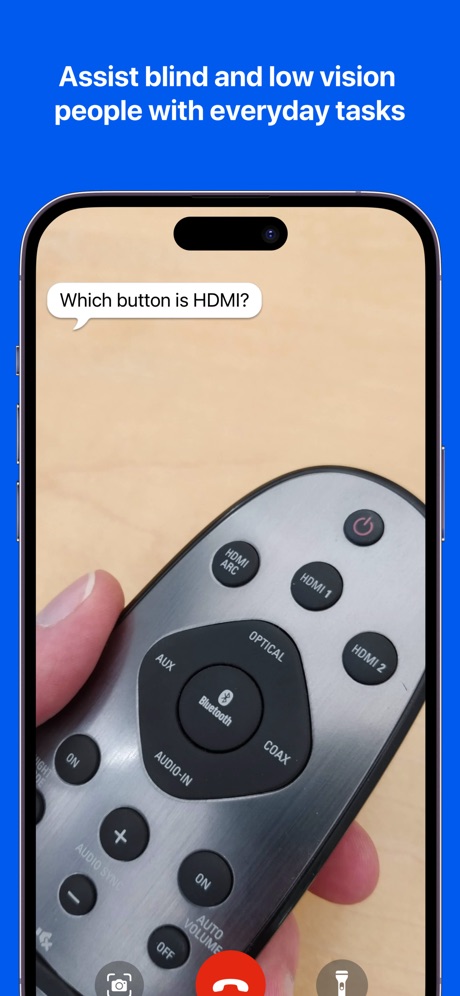
“Assist blind and low vision people with everyday tasks”
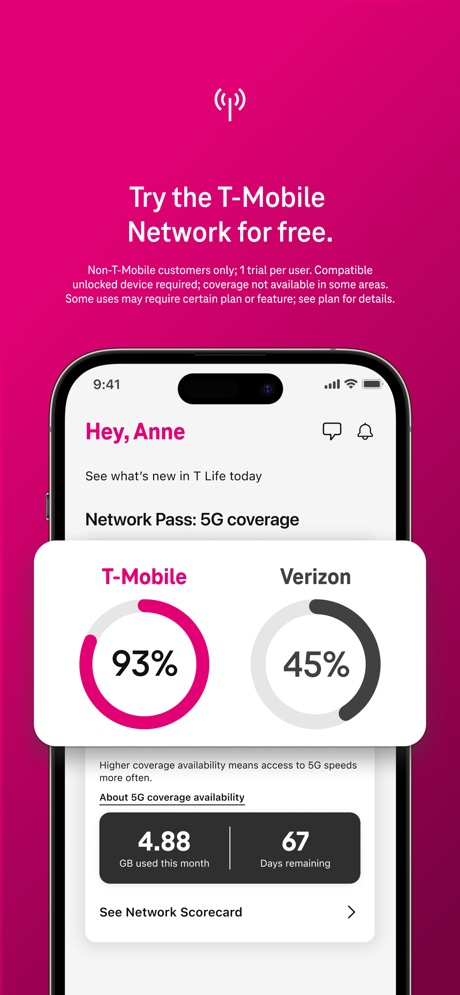
“Try the T-Mobile Network for free.”

“Peace of mind while you are away.”

“Meet someone that also wants to get off dating apps”

“You'll wake up. Always.”

“Share to Your Families”
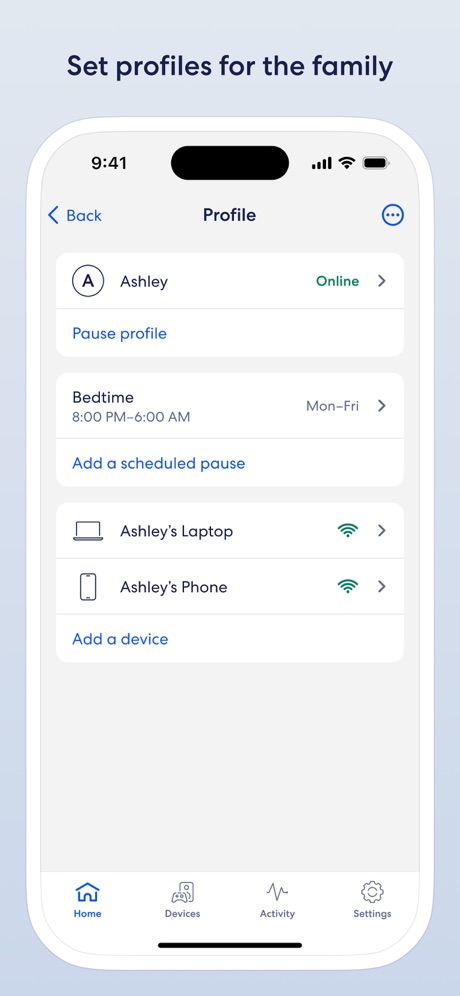
“Set profiles for the family”
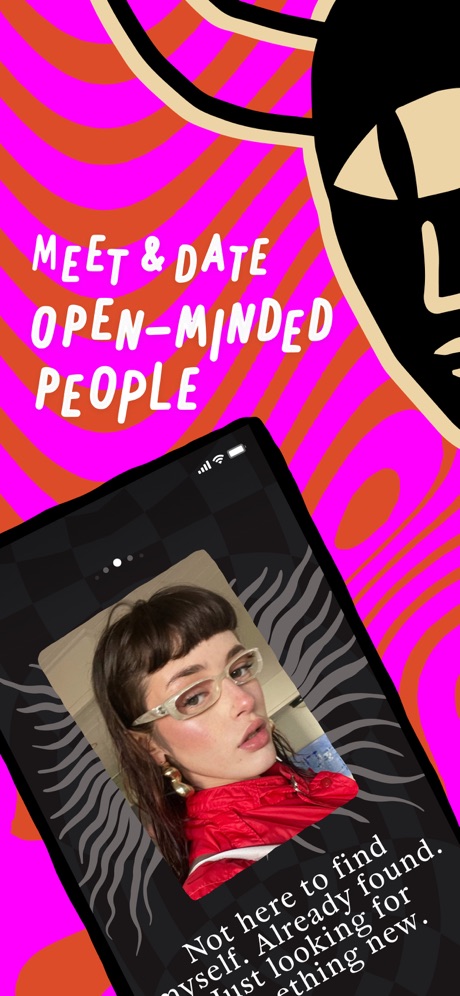
“MEET & DATE OPEN-MINDED PEOPLE”

“A dating app for the curious.”
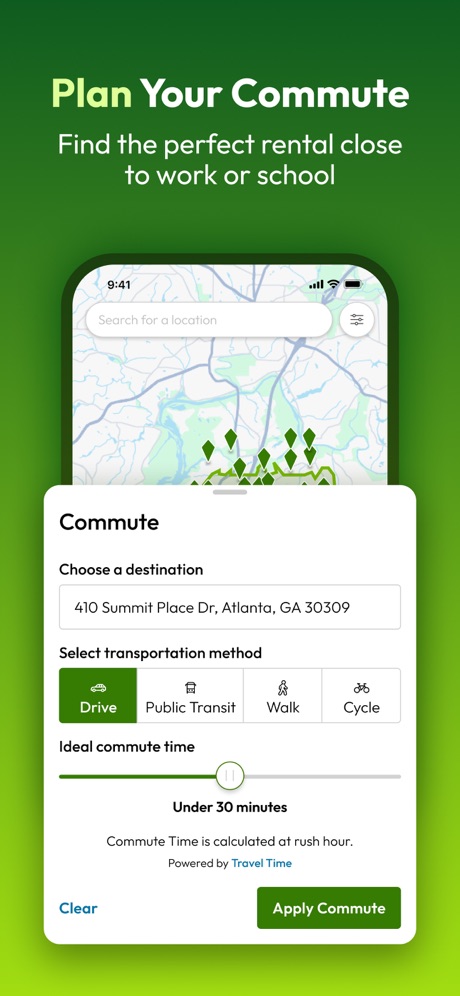
“Plan Your Commute”

“ditch the rules.”

“Medically-Certified Dream Sock™”
Real headline examples, word for word.
The words on all 19 that carry any, as each app wrote them.
“Assist blind and low vision people with everyday tasks”
Be My Eyes · #1 · screenshot 3“Try the T-Mobile Network for free.”
Non-T-Mobile customers only; 1 trial per user. Compatible unlocked device required; coverage not available in some areas. Some uses may require certain plan or feature; see plan for details.T-Life · #3 · screenshot 5“Peace of mind while you are away.”
Ring - Always Home · #4 · screenshot 1“Meet someone that also wants to get off dating apps”
Hinge Dating App: Match & Date · #7 · screenshot 2“You'll wake up. Always.”
Built for Heavy SleepersAlarmy - Loud alarm clock · #25 · screenshot 1“Share to Your Families”
Invite families to manage the device together.TP-Link Tapo · #32 · screenshot 5“Set profiles for the family”
eero wifi system · #35 · screenshot 2“MEET & DATE OPEN-MINDED PEOPLE”
“Not here to find myself. Already found. Just looking for something new.”PURE: Open-Minded Dating App · #38 · screenshot 1“A dating app for the curious.”
Feeld: Dating for the Curious · #52 · screenshot 1“Plan Your Commute”
Find the perfect rental close to work or schoolApartments.com Rental Finder · #58 · screenshot 5“ditch the rules.”
Dating for non-monogamy, polyamory, & everyone in between.Nymph: Open-Minded Dating App · #59 · screenshot 1“Medically-Certified Dream Sock™”
0-18 months 2.5 - 13.6 kgOwlet Dream · #67 · screenshot 2“Discounts”
Car owners get discounts and moreCarMax: Used Cars for Sale · #69 · screenshot 5“Discover exclusive resident offers”
Homebody: Better Renting · #74 · screenshot 4“Single? Let's change that!”
Kismia - Dating App & Chat · #77 · screenshot 1“Build a cozy home for your relationship”
Cozy Couples: Relationship App · #84 · screenshot 1“Keep up with your child's web & app activity”
Verizon Family · #89 · screenshot 3“come as a pair.”
Link profiles with your partner. Date together, separately, or both. Everyone sees who's with who, no surprises.Nymph: Open-Minded Dating App · #59 · screenshot 4“Review your child's call & text history”
Verizon Family · #89 · screenshot 4
Top ten Lifestyle apps that do it.
- #1Be My Eyes1 of its 4 screenshots
- #3T-Life1 of its 6 screenshots
- #4Ring - Always Home1 of its 5 screenshots
- #7Hinge Dating App: Match & Date1 of its 6 screenshots
The same tactic in other categories.
| Category | Apps that do it | Screenshots | Top ten |
|---|---|---|---|
| Sports | 32% 32 of 100 | 7% 40 of 558 | 3 of 10 |
| Education | 30% 30 of 100 | 8% 45 of 555 | 4 of 10 |
| Navigation | 28% 28 of 99 | 8% 45 of 566 | 2 of 10 |
| Shopping | 28% 28 of 100 | 6% 34 of 562 | 3 of 10 |
| Social Networking | 28% 28 of 100 | 7% 39 of 554 | 4 of 10 |
| Medical | 22% 22 of 100 | 7% 37 of 548 | 2 of 10 |
| Business | 21% 21 of 100 | 6% 32 of 554 | 1 of 10 |
| Travel | 19% 19 of 100 | 4% 22 of 561 | 0 of 10 |
| Finance | 18% 18 of 100 | 5% 30 of 581 | 2 of 10 |
| Lifestyle | 17% 17 of 100 | 3% 19 of 556 | 4 of 10 |
| Reference | 16% 16 of 100 | 3% 19 of 566 | 0 of 10 |
| Food & Drink | 15% 15 of 100 | 3% 17 of 540 | 1 of 10 |
| Entertainment | 14% 14 of 100 | 3% 18 of 544 | 2 of 10 |
| Music | 13% 13 of 100 | 3% 15 of 550 | 1 of 10 |
| News | 12% 12 of 98 | 2% 12 of 517 | 3 of 10 |
| Health & Fitness | 12% 12 of 100 | 3% 15 of 574 | 1 of 10 |
| Utilities | 11% 11 of 100 | 3% 14 of 549 | 0 of 10 |
| Photo & Video | 10% 10 of 100 | 2% 12 of 566 | 0 of 10 |
| Graphics & Design | 9% 9 of 99 | 2% 10 of 564 | 1 of 10 |
| Productivity | 9% 9 of 99 | 2% 10 of 551 | 2 of 10 |
| Weather | 9% 9 of 100 | 2% 12 of 555 | 3 of 10 |
| Developer Tools | 7% 7 of 100 | 2% 8 of 507 | 1 of 10 |
| Games | 6% 6 of 100 | 1% 6 of 567 | 1 of 10 |
Related tactics.
Often on the same screenshot
- Words aligned left42% of these screenshots, against 14% of all Lifestyle screenshots
- Headline readable at thumbnail size53% of these screenshots, against 30% of all Lifestyle screenshots
- Has a subline42% of these screenshots, against 21% of all Lifestyle screenshots
- States a benefit68% of these screenshots, against 49% of all Lifestyle screenshots
- Solid background47% of these screenshots, against 29% of all Lifestyle screenshots
- Rounded headline type26% of these screenshots, against 8% of all Lifestyle screenshots
More in meaning
- Plain tone94%
- Leads with a feature89%
- States a benefit89%
- Subline explains the headline36%
- Leads with an outcome28%
- Playful tone28%
- Asks for an action19%
- Leads with trust12%
- Subline adds a second benefit11%
- Compares with something7%
- Urgent tone7%
- Leads with what is new6%
- Leads with a problem4%
- Premium tone4%
- Technical tone4%
- Leads with price2%
- Leads with who it is for1%
Questions, answered from the chart.
How many top Lifestyle apps have App Store screenshots that name their audience?
Which Lifestyle apps have App Store screenshots that name their audience?
Should my Lifestyle app have App Store screenshots that name their audience?
See your own app against this.
Pagefully reads your screenshots the same way, and makes a custom product page for each search people type, from your real screens.
Preview your pages