Education app screenshots that lead with a feature
The headline names what the app has or does. The plainest approach: the words name the thing, and the screen below shows it.
From the top 100 free Education apps on the US App Store, read on October 9, 2026. Screenshots are the developers’ own, shown from Apple’s servers with a link to each app.
The numbers
277 of the 555 Education screenshots read (50%) do this, across 83 of the top 100 apps (83%). 8 of the top ten do it (80%), against 75 of the other 90 (83%): the top ten do it about as often as the rest. Of the 23 categories read so far, Education is 18th for this. It is most common in Health & Fitness (99% of apps) and least common in Weather (63%).
12 examples from the chart.
12 of the 277 Education app screenshots that lead with a feature, one from each app, the highest on the chart first.

“learn 40+ languages for free”
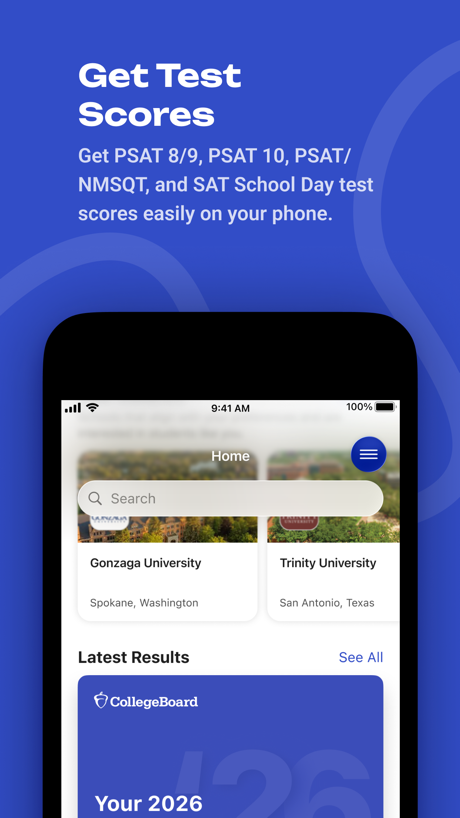
“Get Test Scores”

“Smart Problem Solver”

“your personal AI English tutor”

“Read and respond in your language”

“Access all of your favorited courses and groups!”
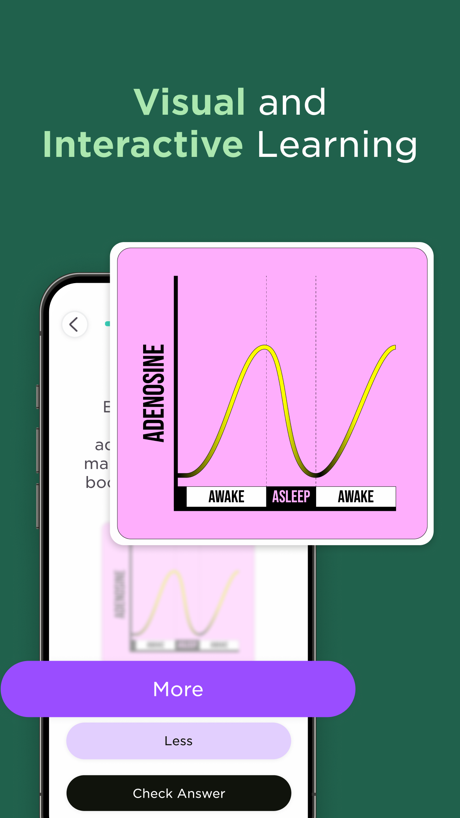
“Visual and Interactive Learning”

“Learn anything with Flashcards”

“Find key insights from books & more”

“Add information Fast”

“Share content from your favorite tools”

“Learn 1000+ Phrases In 7 Days.”
Real headline examples, word for word.
The words on 40 of the 277 that carry any, as each app wrote them.
“learn 40+ languages for free”
Duolingo: Learn Languages · #1 · screenshot 1“Get Test Scores”
Get PSAT 8/9, PSAT 10, PSAT/ NMSQT, and SAT School Day test scores easily on your phone.BigFuture School · #2 · screenshot 1“Smart Problem Solver”
Gauth: AI Study Companion · #3 · screenshot 2“your personal AI English tutor”
Learna is 98% cheaper than a real tutorLearna: Speak & Learn English · #4 · screenshot 2“Read and respond in your language”
ParentSquare · #5 · screenshot 4“Access all of your favorited courses and groups!”
Canvas by Instructure · #7 · screenshot 1“Visual and Interactive Learning”
Imprint: Visual Micro Learning · #8 · screenshot 2“Learn anything with Flashcards”
Quizlet: More than Flashcards · #9 · screenshot 1“Find key insights from books & more”
Deepstash: Smarter Every Day! · #12 · screenshot 3“Add information Fast”
Gizmo: AI Tutor · #13 · screenshot 2“Share content from your favorite tools”
Remind: School Communication · #14 · screenshot 2“Learn 1000+ Phrases In 7 Days.”
Speak: Language Learning · #15 · screenshot 2“Identify Any Plants”
PictureThis - Plant Identifier · #16 · screenshot 1- Go
“shopping”
Toca Boca World: Game & Play · #17 · screenshot 2 “Play, create and host with Kahoot!”
Kahoot! Play & Create Quizzes · #18 · screenshot 1“Improve with Instant Feedback”
“I'm bad at speaking English”YayTalk: Learn & Speak English · #19 · screenshot 2“Learn In Just 10 Minutes A Day”
LangLearn: AI English Tutor · #20 · screenshot 4“Complete solution to manage your center”
brightwheel: Child Care App · #21 · screenshot 2“700+ Permit Questions & Answers”
Specific to your stateDMV Practice Test 2026 myDMV · #22 · screenshot 2“Deaf teacher video lessons”
Practice ASL in real conversationsLingvano - Learn Sign Language · #23 · screenshot 3“Create or access your first-year account”
Common App · #25 · screenshot 2“Learn in 10 Minutes a Day”
Everything You Want to KnowMicro Learning - SmartyMe · #26 · screenshot 1“Learn with best study notes”
Created by A+ students in every subjectKnowunity: AI Study & Homework · #27 · screenshot 4“Scan your Clever badge”
Clever · #28 · screenshot 1“Learn ASL In 10 Minutes a Day.”
Ziggy: Learn ASL Sign Language · #31 · screenshot 1“Only 1 min per day”
Vocabulary - Learn words daily · #32 · screenshot 1“Scan & Solve Any Subject”
Solvely - AI Study Tools · #33 · screenshot 1“with 4000+ FUN activities”
Lingokids: Games & Shows · #34 · screenshot 2“Learn to Read”
with ConfidenceABCmouse: Kids Learning Games · #35 · screenshot 3“Easy to follow video lessons”
ASL Bloom - Sign Language · #36 · screenshot 3“Выбирайте свою тему”
Тёмная тема уже в приложении. Бережёт глаза и экономит батареюГосуслуги Моя школа · #39 · screenshot 3“Manage your student roster at your finger tips”
Procare: Childcare App · #42 · screenshot 2“600+ questions per state”
Zutobi: Permit & Driving Prep · #43 · screenshot 2“Practice 20,000+ skills”
Math, language arts, science, social studies, and SpanishIXL - Math, English, & More · #44 · screenshot 2“Study Bible and Deepen Your Faith”
FaithStudy – Bible Study Guide · #45 · screenshot 2“FUN GAMES FOR YOUR BRAIN”
Impulse - Brain Training · #46 · screenshot 1“Books That Read to Them”
Read-To-Me and audiobooks bring stories to life with fun narration and sound effects.Epic - Kids' Books & Reading · #47 · screenshot 6“Learn by scrolling short videos”
Parrot: Learn Spanish Language · #48 · screenshot 2“IDENTIFY”
SPECIES WORLDWIDEiNaturalist · #49 · screenshot 1“Visualize upcoming activities, manage your time, and stay on top of coursework”
Brightspace Pulse · #50 · screenshot 1
Top ten Education apps that do it.
- #1Duolingo: Learn Languages4 of its 6 screenshots
- #2BigFuture School2 of its 6 screenshots
- #3Gauth: AI Study Companion4 of its 6 screenshots
- #4Learna: Speak & Learn English4 of its 6 screenshots
- #5ParentSquare1 of its 6 screenshots
- #7Canvas by Instructure4 of its 6 screenshots
- #8Imprint: Visual Micro Learning3 of its 6 screenshots
- #9Quizlet: More than Flashcards4 of its 6 screenshots
The same tactic in other categories.
| Category | Apps that do it | Screenshots | Top ten |
|---|---|---|---|
| Health & Fitness | 99% 99 of 100 | 63% 363 of 574 | 10 of 10 |
| Productivity | 97% 96 of 99 | 63% 348 of 551 | 10 of 10 |
| Food & Drink | 94% 94 of 100 | 54% 294 of 540 | 10 of 10 |
| Graphics & Design | 94% 93 of 99 | 68% 385 of 564 | 9 of 10 |
| Photo & Video | 92% 92 of 100 | 66% 374 of 566 | 10 of 10 |
| Shopping | 92% 92 of 100 | 48% 268 of 562 | 10 of 10 |
| Utilities | 92% 92 of 100 | 58% 318 of 549 | 10 of 10 |
| Reference | 91% 91 of 100 | 60% 341 of 566 | 9 of 10 |
| Travel | 91% 91 of 100 | 50% 283 of 561 | 9 of 10 |
| Navigation | 91% 90 of 99 | 60% 341 of 566 | 9 of 10 |
| Finance | 90% 90 of 100 | 50% 292 of 581 | 8 of 10 |
| Lifestyle | 89% 89 of 100 | 51% 283 of 556 | 9 of 10 |
| Music | 89% 89 of 100 | 62% 342 of 550 | 8 of 10 |
| Sports | 89% 89 of 100 | 55% 309 of 558 | 9 of 10 |
| Social Networking | 88% 88 of 100 | 53% 292 of 554 | 9 of 10 |
| Entertainment | 87% 87 of 100 | 51% 278 of 544 | 9 of 10 |
| Business | 84% 84 of 100 | 53% 291 of 554 | 7 of 10 |
| Education | 83% 83 of 100 | 50% 277 of 555 | 8 of 10 |
| News | 81% 79 of 98 | 51% 265 of 517 | 10 of 10 |
| Medical | 79% 79 of 100 | 58% 319 of 548 | 10 of 10 |
| Developer Tools | 71% 71 of 100 | 54% 273 of 507 | 7 of 10 |
| Games | 71% 71 of 100 | 31% 177 of 567 | 8 of 10 |
| Weather | 63% 63 of 100 | 46% 253 of 555 | 7 of 10 |
Related tactics.
Often on the same screenshot
- Plain tone90% of these screenshots, against 72% of all Education screenshots
- Tells you to do something64% of these screenshots, against 49% of all Education screenshots
- Has a headline100% of these screenshots, against 86% of all Education screenshots
- Words at the top94% of these screenshots, against 80% of all Education screenshots
- Phone drawn84% of these screenshots, against 76% of all Education screenshots
- Low contrast words25% of these screenshots, against 18% of all Education screenshots
More in meaning
- Plain tone90%
- States a benefit76%
- Leads with an outcome40%
- Names its audience30%
- Subline explains the headline27%
- Playful tone22%
- Compares with something16%
- Subline adds a second benefit15%
- Asks for an action11%
- Premium tone7%
- Leads with who it is for6%
- Leads with what is new5%
- Leads with trust4%
- Urgent tone4%
- Leads with a problem1%
- Leads with price1%
- Technical tone1%
Questions, answered from the chart.
How many top Education apps have App Store screenshots that lead with a feature?
Which Education apps have App Store screenshots that lead with a feature?
Should my Education app have App Store screenshots that lead with a feature?
See your own app against this.
Pagefully reads your screenshots the same way, and makes a custom product page for each search people type, from your real screens.
Preview your pages