Finance app screenshots with a solid background
One flat colour behind everything. A flat colour leaves the words and the screen as the only things to look at.
From the top 100 free Finance apps on the US App Store, read on October 9, 2026. Screenshots are the developers’ own, shown from Apple’s servers with a link to each app.
The numbers
240 of the 581 Finance screenshots read (41%) do this, across 60 of the top 100 apps (60%). 7 of the top ten do it (70%), against 53 of the other 90 (59%): the top ten do it more than the rest. Of the 23 categories read so far, Finance is 5th for this. It is most common in Food & Drink (68% of apps) and least common in Games (20%).
12 examples from the chart.
12 of the 240 Finance app screenshots with a solid background, one from each app, the highest on the chart first.

“Welcome to Trump Accounts.”

“The easiest decision ever”

“Shop with buyer protection.”

“The app for every money move”
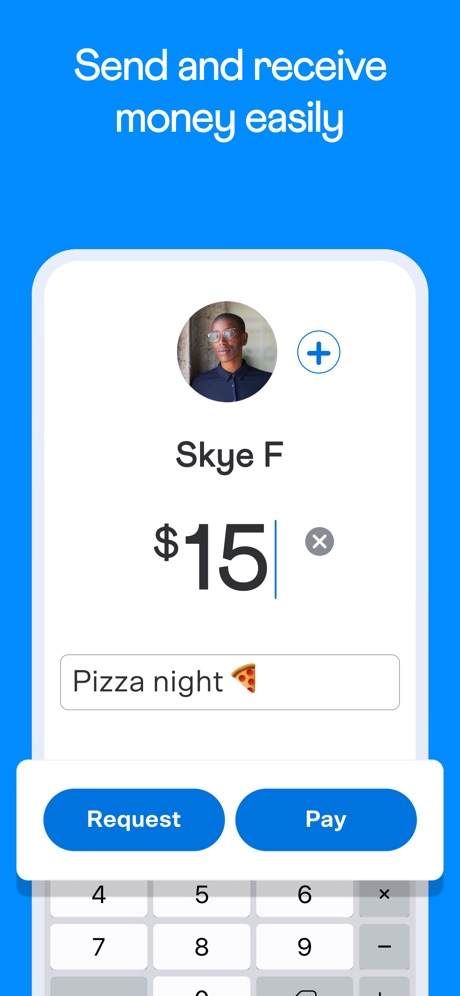
“Send and receive money easily”
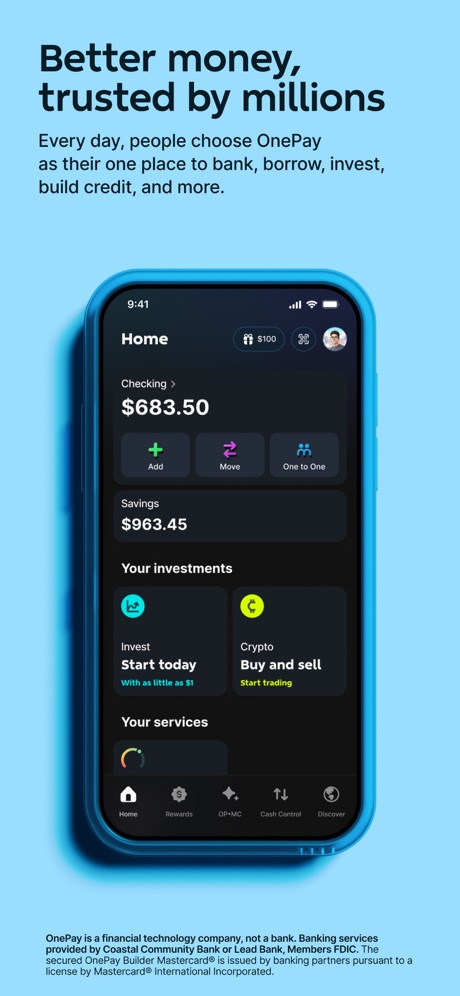
“Better money, trusted by millions”


“Your everyday money app”

“All-in-one app”

“Just ask Fargo®”
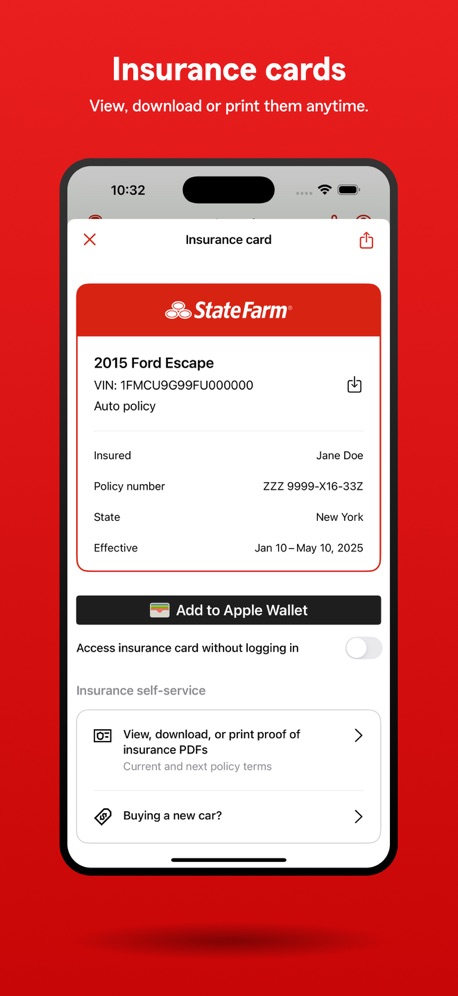
“Insurance cards”

“Keep track of your monthly expenses”
What these screenshots say, word for word.
The words on 40 of the 230 that carry any, as each app wrote them.
“Welcome to Trump Accounts.”
This is the start of a stronger financial future for every child.Trump Accounts: Official App · #1 · screenshot 1“The easiest decision ever”
Manage your money and make payments on the go. Face ID and Touch ID for instant access. Toggle your cards on or off.Capital One Mobile · #3 · screenshot 1“Shop with buyer protection.”
PayPal - Pay, Send, Save · #4 · screenshot 1“The app for every money move”
Cash App · #5 · screenshot 1“Send and receive money easily”
Venmo · #6 · screenshot 1“Better money, trusted by millions”
Every day, people choose OnePay as their one place to bank, borrow, invest, build credit, and more.OnePay – Mobile Banking · #8 · screenshot 1“Your everyday money app”
Klarna: Smarter everyday money · #12 · screenshot 1“All-in-one app”
Manage stocks, ETFs, mutual funds, crypto, and more.Fidelity Investments · #13 · screenshot 1“Just ask Fargo®”
Your AI-powered assistant8 is always ready to help youWells Fargo Mobile® · #14 · screenshot 3“Insurance cards”
View, download or print them anytime.State Farm® · #15 · screenshot 2“Keep track of your monthly expenses”
Rocket Money - Bills & Budgets · #17 · screenshot 4“Insurance Made Easy”
GEICO Mobile - Car Insurance · #18 · screenshot 1“Mobile banking redesigned for everyday life”
See your account balances at-a-glance, search the app and send money with Zelle®.Citi Mobile® · #20 · screenshot 1“Get a big-picture view of your finances”
Intuit Credit Karma · #21 · screenshot 1“Up to $500 in 5 min or less with ExtraCash™1”
Dave: Credit, Cash & Money App · #22 · screenshot 1“Trade all in one place”
Stocks, ETFs, crypto, options, futures, & prediction markets, all on Robinhood.Robinhood: Trading & Investing · #23 · screenshot 1“Find personalized highlights of your Amex accounts on the Overview screen”
Amex · #25 · screenshot 2“Take control of your benefits”
Instantly check your EBT balances, see benefit details, and explore ways to take your funds further.ebtEDGE NEW! · #26 · screenshot 2“Atlas Rewards Credit Card”
Atlas - Rewards Credit Card · #28 · screenshot 1“Tilt Cash Advance”
Up to $500 instantly,* no interest or credit checkTilt: Cash Advance & Credit · #30 · screenshot 2“Secure global money transfers”
Personal transfers and business payments, all in one app.Remitly: Send money & transfer · #32 · screenshot 1“Know all about your money with an all-in-one view of your accounts.”
U.S. Bank Mobile Banking · #33 · screenshot 1“THE WORLD'S MOST TRUSTED EXCHANGE”
Coinbase: Buy Crypto & Stocks · #34 · screenshot 2“View balances, performance, allocation, and more.”
NetBenefits · #39 · screenshot 1“your app for everything”
Allstate® Mobile · #41 · screenshot 1“Up to $250 in minutes¹”
No credit check. No late fees. Fast cash ready when you need it.Rocco - Fast Cash Advance · #42 · screenshot 1“Pay later where you want”
Zip - Buy Now, Pay Later · #43 · screenshot 1“Know your pay every day”
DailyPay On-Demand Pay · #45 · screenshot 1“Get $25-$500* in minutes”
Stress less with brigitBrigit: Cash Advance & Credit · #46 · screenshot 1“Your personal financial assistant”
Genius does it all for you. Financial planning, shopping research, money transfers, and more.Albert: Budgeting and Banking · #47 · screenshot 2“BORROW. EARN. WIN.”
MoneyLion: Cash Advance App · #48 · screenshot 1“Instant $200”
Cash AdvanceLenme: Borrowing and Lending · #49 · screenshot 1“100% FREE BANKING. FINALLY.”
No minimum balance, monthly, or overdraft fees.¹ Plus, free cash deposits and withdrawals in-network.²Varo Bank: Online Banking · #52 · screenshot 1- BRIGHT BUILDER
“Build credit history²”
with on-time paymentsBright: Loans & Credit Builder · #57 · screenshot 2 “BUILT TO PROTECT EVERY CENT”
Wise: Global Money Transfer · #58 · screenshot 3“Welcome to the HealthEquity App”
HealthEquity Mobile · #59 · screenshot 1“Access your pay in real time¹”
Up to $1,500 per pay period²EarnIn: Beyond Cash Advance · #60 · screenshot 1“Complimentary accident detection for safety”
Liberty Mutual Mobile · #62 · screenshot 2- Employer
“Invite and onboard new 👋 employees.”
Gusto Mobile · #63 · screenshot 2 “Save with up to 5.50% APY*”
*Annual Percentage Yield. T&Cs apply.Revolut: send, spend, and save · #65 · screenshot 2
Top ten Finance apps that do it.
- #1Trump Accounts: Official App6 of its 6 screenshots
- #3Capital One Mobile1 of its 6 screenshots
- #4PayPal - Pay, Send, Save5 of its 6 screenshots
- #5Cash App6 of its 6 screenshots
- #6Venmo6 of its 6 screenshots
- #8OnePay – Mobile Banking4 of its 6 screenshots
- #10Progressive2 of its 6 screenshots
The same tactic in other categories.
| Category | Apps that do it | Screenshots | Top ten |
|---|---|---|---|
| Food & Drink | 68% 68 of 100 | 48% 257 of 540 | 9 of 10 |
| Medical | 68% 68 of 100 | 48% 265 of 548 | 4 of 10 |
| Education | 65% 65 of 100 | 40% 221 of 555 | 8 of 10 |
| Shopping | 63% 63 of 100 | 47% 264 of 562 | 8 of 10 |
| Finance | 60% 60 of 100 | 41% 240 of 581 | 7 of 10 |
| Business | 58% 58 of 100 | 37% 207 of 554 | 4 of 10 |
| Developer Tools | 58% 58 of 100 | 36% 183 of 507 | 7 of 10 |
| Travel | 58% 58 of 100 | 38% 211 of 561 | 5 of 10 |
| Photo & Video | 57% 57 of 100 | 42% 235 of 566 | 8 of 10 |
| Navigation | 57% 56 of 99 | 36% 206 of 566 | 7 of 10 |
| News | 54% 53 of 98 | 39% 202 of 517 | 7 of 10 |
| Productivity | 43% 43 of 99 | 34% 189 of 551 | 5 of 10 |
| Lifestyle | 43% 43 of 100 | 29% 160 of 556 | 5 of 10 |
| Utilities | 43% 43 of 100 | 25% 135 of 549 | 5 of 10 |
| Social Networking | 42% 42 of 100 | 30% 167 of 554 | 6 of 10 |
| Reference | 39% 39 of 100 | 27% 152 of 566 | 4 of 10 |
| Health & Fitness | 38% 38 of 100 | 26% 148 of 574 | 4 of 10 |
| Music | 38% 38 of 100 | 27% 149 of 550 | 7 of 10 |
| Graphics & Design | 37% 37 of 99 | 23% 129 of 564 | 4 of 10 |
| Sports | 32% 32 of 100 | 17% 96 of 558 | 3 of 10 |
| Weather | 30% 30 of 100 | 14% 75 of 555 | 6 of 10 |
| Entertainment | 25% 25 of 100 | 13% 73 of 544 | 2 of 10 |
| Games | 20% 20 of 100 | 12% 69 of 567 | 2 of 10 |
Related tactics.
Often on the same screenshot
- Phone cut off at the foot43% of these screenshots, against 33% of all Finance screenshots
- Names the app16% of these screenshots, against 10% of all Finance screenshots
- Black, white or grey32% of these screenshots, against 25% of all Finance screenshots
- Light65% of these screenshots, against 59% of all Finance screenshots
- Subline explains the headline35% of these screenshots, against 29% of all Finance screenshots
- Has a subline48% of these screenshots, against 42% of all Finance screenshots
More in look
- Light78%
- Background is the icon’s colour67%
- Gradient background62%
- A word in a different colour53%
- Black, white or grey45%
- Blue45%
- High contrast words45%
- Dark34%
- Low contrast words31%
- Green20%
- Teal17%
- Orange16%
- Photo background14%
- Rounded headline type14%
- Pattern or texture13%
- Serif headline12%
- Pink10%
- Purple9%
- Red8%
- Yellow8%
- Condensed or display type4%
- The app itself is the background4%
Questions, answered from the chart.
How many top Finance apps have App Store screenshots with a solid background?
Which Finance apps have App Store screenshots with a solid background?
Should my Finance app have App Store screenshots with a solid background?
See your own app against this.
Pagefully reads your screenshots the same way, and makes a custom product page for each search people type, from your real screens.
Preview your pages