Education app screenshots with photography
A photograph as background or beside the screen. A photograph sets the app in the real world: the place, the activity or the result.
From the top 100 free Education apps on the US App Store, read on October 9, 2026. Screenshots are the developers’ own, shown from Apple’s servers with a link to each app.
The numbers
171 of the 555 Education screenshots read (31%) do this, across 64 of the top 100 apps (64%). 7 of the top ten do it (70%), against 57 of the other 90 (63%): the top ten do it about as often as the rest. Of the 23 categories read so far, Education is 20th for this. It is most common in Food & Drink (100% of apps) and least common in Games (24%).
12 examples from the chart.
12 of the 171 Education app screenshots with photography, one from each app, the highest on the chart first.
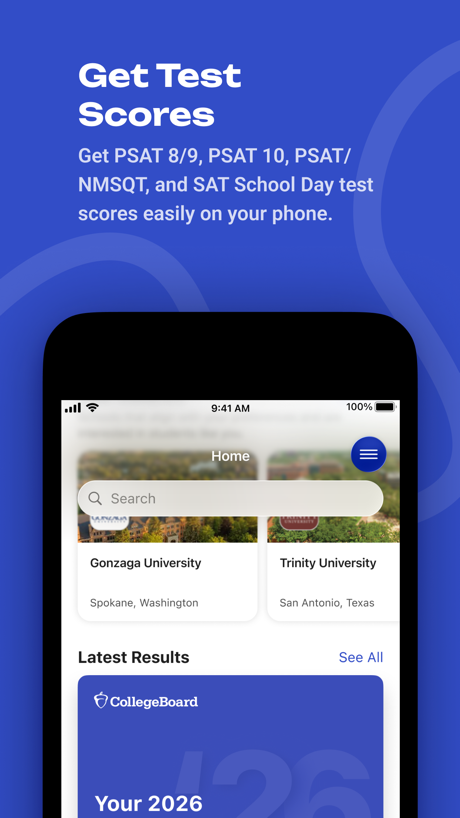
“Get Test Scores”
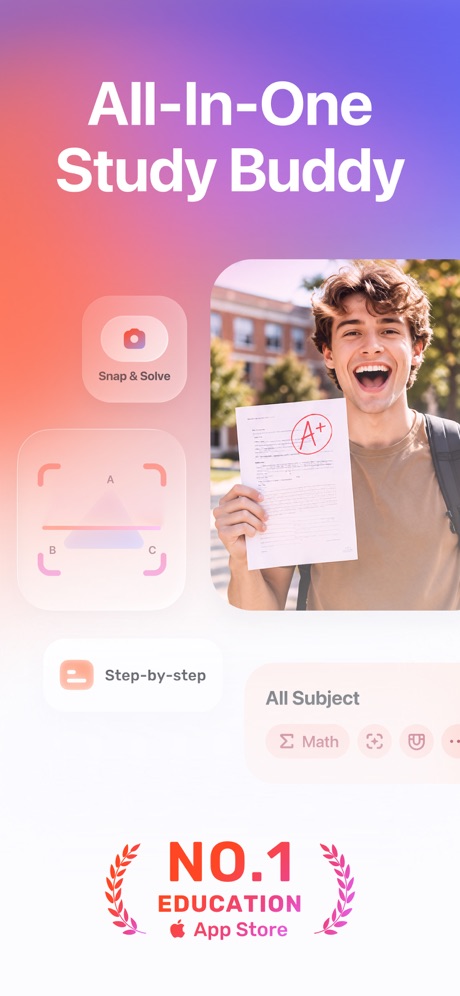
“All-In-One Study Buddy”

“get feedback without fear”
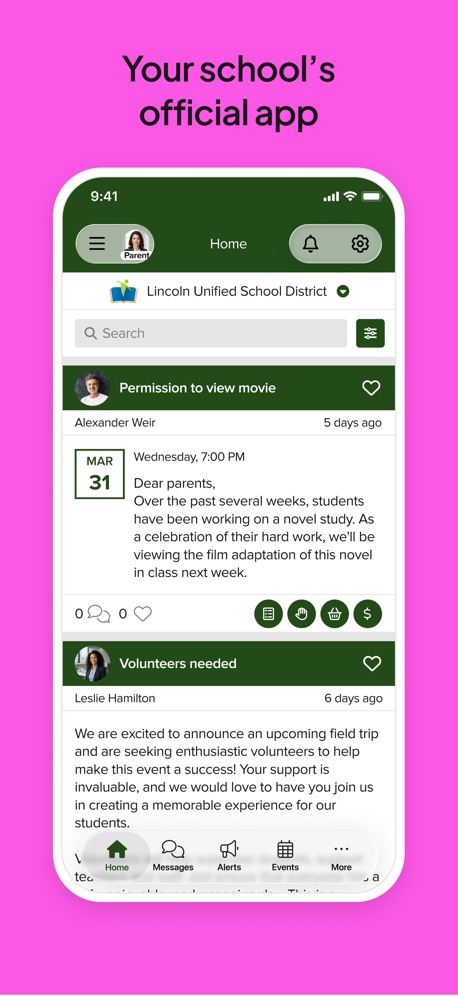
“Your school's official app”


“Access all of your favorited courses and groups!”
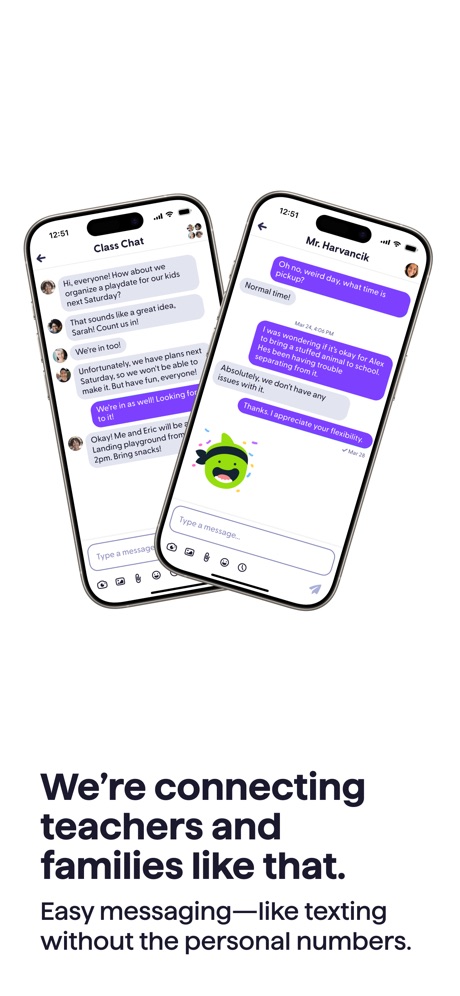
“We're connecting teachers and families like that.”


“Lessons Designed and Taught by Real Humans 👋🏽”

“Identify Any Plants”

“Find and play kahoots on any topic”

“Speak English Confidently with AI Tutors”
What these screenshots say, word for word.
The words on 40 of the 145 that carry any, as each app wrote them.
“Get Test Scores”
Get PSAT 8/9, PSAT 10, PSAT/ NMSQT, and SAT School Day test scores easily on your phone.BigFuture School · #2 · screenshot 1“All-In-One Study Buddy”
Gauth: AI Study Companion · #3 · screenshot 1“get feedback without fear”
Learna: Speak & Learn English · #4 · screenshot 3“Your school's official app”
ParentSquare · #5 · screenshot 2“Access all of your favorited courses and groups!”
Canvas by Instructure · #7 · screenshot 1“We're connecting teachers and families like that.”
Easy messaging, like texting without the personal numbers.ClassDojo · #10 · screenshot 2“Lessons Designed and Taught by Real Humans 👋🏽”
Speak: Language Learning · #15 · screenshot 6“Identify Any Plants”
PictureThis - Plant Identifier · #16 · screenshot 1“Find and play kahoots on any topic”
Kahoot! Play & Create Quizzes · #18 · screenshot 2“Speak English Confidently with AI Tutors”
YayTalk: Learn & Speak English · #19 · screenshot 1“Seek Advice Without Fear”
“Do you mean "Looking forward to seeing you?" Same here”LangLearn: AI English Tutor · #20 · screenshot 3“Early Education Platform”
brightwheel: Child Care App · #21 · screenshot 1“DMV Handbook & Cheat Sheets”
DMV Practice Test 2026 myDMV · #22 · screenshot 4“Learn sign language fast”
With just 10 mins/day of practiceLingvano - Learn Sign Language · #23 · screenshot 1“Study Your Way: Read or Listen”
Micro Learning - SmartyMe · #26 · screenshot 3“Learn with best study notes”
Created by A+ students in every subjectKnowunity: AI Study & Homework · #27 · screenshot 4“Scan your Clever badge”
Clever · #28 · screenshot 1“Real People. Real Signing.”
Ziggy: Learn ASL Sign Language · #31 · screenshot 2“Learn 10,000+ words”
Vocabulary - Learn words daily · #32 · screenshot 2“Learning ASL,”
American Sign LanguageASL Bloom - Sign Language · #36 · screenshot 1“Parents get instant updates and see their child’s feed in real time”
Procare: Childcare App · #42 · screenshot 1“Ace your permit and driving test on the first try”
“Much better than the DMV Book 😃 Brilliant! Passed my permit test!”Zutobi: Permit & Driving Prep · #43 · screenshot 1“Inspire a Love of Reading”
Kids can choose what to read, so they'll keep coming back for more.Epic - Kids' Books & Reading · #47 · screenshot 4“Learn by scrolling short videos”
Parrot: Learn Spanish Language · #48 · screenshot 2“IDENTIFY”
SPECIES WORLDWIDEiNaturalist · #49 · screenshot 1“Visualize upcoming activities, manage your time, and stay on top of coursework”
Brightspace Pulse · #50 · screenshot 1“Start speaking right away”
Babbel - Language Learning · #52 · screenshot 2“Talk to the World”
Practice 260+ languages with over 70 million native speakers from around the worldHelloTalk - Language Learning · #53 · screenshot 1“Your school's official app”
StudentSquare App · #54 · screenshot 4“Discover scholarships backed by 20K+ donors”
Bold.org: Scholarships · #55 · screenshot 1“Learn algebra, arithmetic, geometry & more”
Photomath · #56 · screenshot 1“Your child will Learn to read”
“1 month in, my son reads full sentences!”Learn to Read - Reading.com · #57 · screenshot 1“School Payments Made Easy”
MSB Parent, USA · #59 · screenshot 1“Learn to draw step by step”
Simply Draw: Learn to Draw · #61 · screenshot 1“Over 5000 educational applications”
ClassLink LaunchPad · #63 · screenshot 1“Create notes from videos and PDFs.”
Turbo AI - Learn Faster · #64 · screenshot 4“Pimsleur®”
Pimsleur | Language Learning · #65 · screenshot 1“The most realistic sky at any time”
Stellarium Mobile - Star Map · #68 · screenshot 1“Play 5000+\npopular songs”
Simply Piano: Learn Piano Fast · #69 · screenshot 2“Point your iPhone at the sky to find stars, constellations and more”
SkyView® Lite · #70 · screenshot 1
Top ten Education apps that do it.
- #2BigFuture School2 of its 6 screenshots
- #3Gauth: AI Study Companion1 of its 6 screenshots
- #4Learna: Speak & Learn English2 of its 6 screenshots
- #5ParentSquare3 of its 6 screenshots
- #6Google Classroom3 of its 6 screenshots
- #7Canvas by Instructure2 of its 6 screenshots
- #10ClassDojo2 of its 4 screenshots
The same tactic in other categories.
| Category | Apps that do it | Screenshots | Top ten |
|---|---|---|---|
| Food & Drink | 100% 100 of 100 | 74% 400 of 540 | 10 of 10 |
| Photo & Video | 99% 99 of 100 | 86% 488 of 566 | 10 of 10 |
| Shopping | 99% 99 of 100 | 71% 398 of 562 | 10 of 10 |
| Travel | 94% 94 of 100 | 60% 337 of 561 | 10 of 10 |
| Social Networking | 93% 93 of 100 | 64% 356 of 554 | 9 of 10 |
| News | 89% 87 of 98 | 60% 310 of 517 | 9 of 10 |
| Reference | 88% 88 of 100 | 48% 272 of 566 | 8 of 10 |
| Entertainment | 87% 87 of 100 | 62% 335 of 544 | 10 of 10 |
| Lifestyle | 86% 86 of 100 | 59% 328 of 556 | 9 of 10 |
| Music | 86% 86 of 100 | 49% 269 of 550 | 10 of 10 |
| Weather | 86% 86 of 100 | 50% 276 of 555 | 10 of 10 |
| Graphics & Design | 86% 85 of 99 | 62% 349 of 564 | 9 of 10 |
| Sports | 85% 85 of 100 | 51% 286 of 558 | 10 of 10 |
| Health & Fitness | 83% 83 of 100 | 40% 229 of 574 | 8 of 10 |
| Business | 80% 80 of 100 | 39% 215 of 554 | 9 of 10 |
| Navigation | 76% 75 of 99 | 32% 183 of 566 | 9 of 10 |
| Productivity | 76% 75 of 99 | 38% 209 of 551 | 9 of 10 |
| Medical | 74% 74 of 100 | 31% 168 of 548 | 8 of 10 |
| Utilities | 70% 70 of 100 | 35% 190 of 549 | 9 of 10 |
| Education | 64% 64 of 100 | 31% 171 of 555 | 7 of 10 |
| Developer Tools | 58% 58 of 100 | 24% 121 of 507 | 8 of 10 |
| Finance | 57% 57 of 100 | 23% 131 of 581 | 8 of 10 |
| Games | 24% 24 of 100 | 9% 49 of 567 | 1 of 10 |
Related tactics.
Often on the same screenshot
- A person in the picture63% of these screenshots, against 28% of all Education screenshots
- Photo background13% of these screenshots, against 5% of all Education screenshots
- A hand holds the phone18% of these screenshots, against 11% of all Education screenshots
- Orange19% of these screenshots, against 13% of all Education screenshots
- Star rating shown9% of these screenshots, against 5% of all Education screenshots
- Plain tone75% of these screenshots, against 72% of all Education screenshots
More in layout
- Screen fills the picture97%
- Phone drawn94%
- Whole phone shown89%
- Illustration or mascot86%
- Words at the top85%
- Headline readable at thumbnail size70%
- A person in the picture62%
- Arrows or callouts50%
- Headline too small to read49%
- No phone, bare screen40%
- Phone cut off at the foot38%
- App icon shown37%
- A hand holds the phone36%
- Words aligned left30%
- No app screen at all29%
- Two or more screens27%
- Phone cut off at the head18%
- Zoomed detail of the UI15%
- Phone at an angle13%
- Words at the bottom13%
- Screen is small12%
- Watch, iPad or Mac beside it10%
- Words over the screen7%
Questions, answered from the chart.
How many top Education apps have App Store screenshots with photography?
Which Education apps have App Store screenshots with photography?
Should my Education app have App Store screenshots with photography?
See your own app against this.
Pagefully reads your screenshots the same way, and makes a custom product page for each search people type, from your real screens.
Preview your pages