Education app screenshots with a hand-held phone
A hand or fingers in the picture. A hand gives the device a sense of scale and shows the app in use.
From the top 100 free Education apps on the US App Store, read on October 9, 2026. Screenshots are the developers’ own, shown from Apple’s servers with a link to each app.
The numbers
59 of the 555 Education screenshots read (11%) do this, across 36 of the top 100 apps (36%). 1 of the top ten do it (10%), against 35 of the other 90 (39%): the top ten do it less than the rest. Of the 23 categories read so far, Education is 3rd for this. It is most common in Photo & Video (39% of apps) and least common in Developer Tools (3%).
12 examples from the chart.
12 of the 59 Education app screenshots with a hand-held phone, one from each app, the highest on the chart first.

“Speak English like a native”

“Award winning microlearning app”

“Plant Auto- Diagnosis”

“Open”
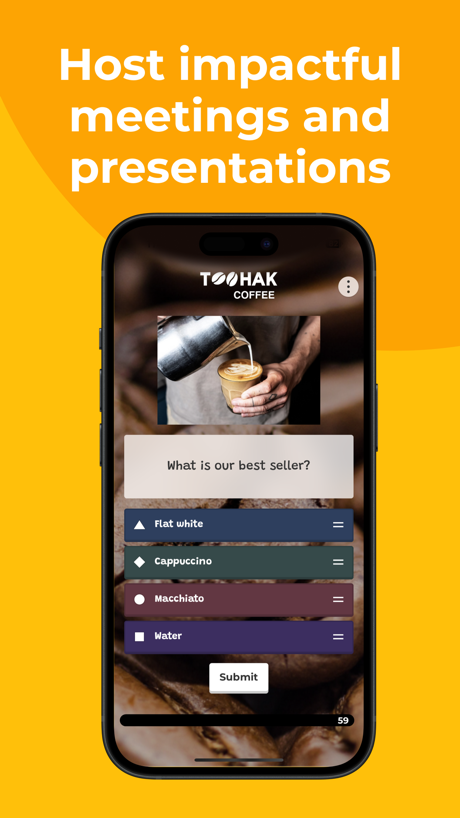
“Host impactful meetings and presentations”

“Speak English Confidently with AI Tutors”
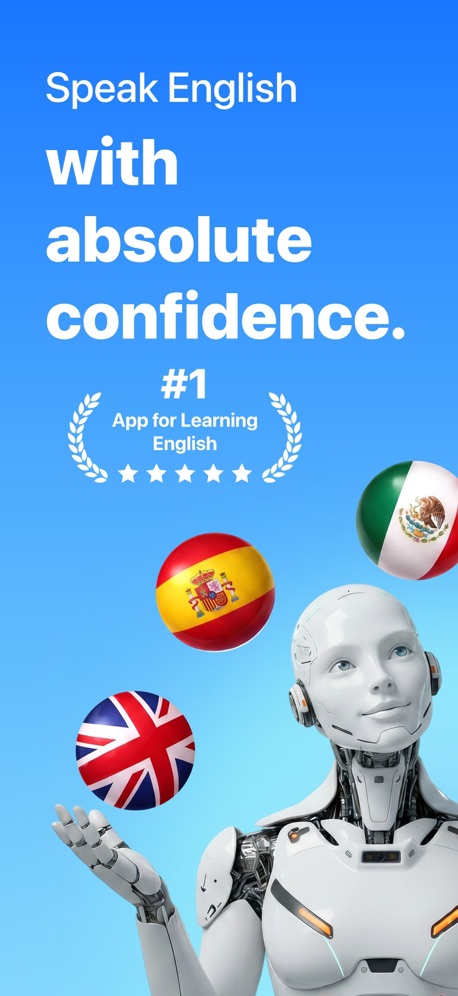
“Speak English with absolute confidence.”

“Perfect for beginners”

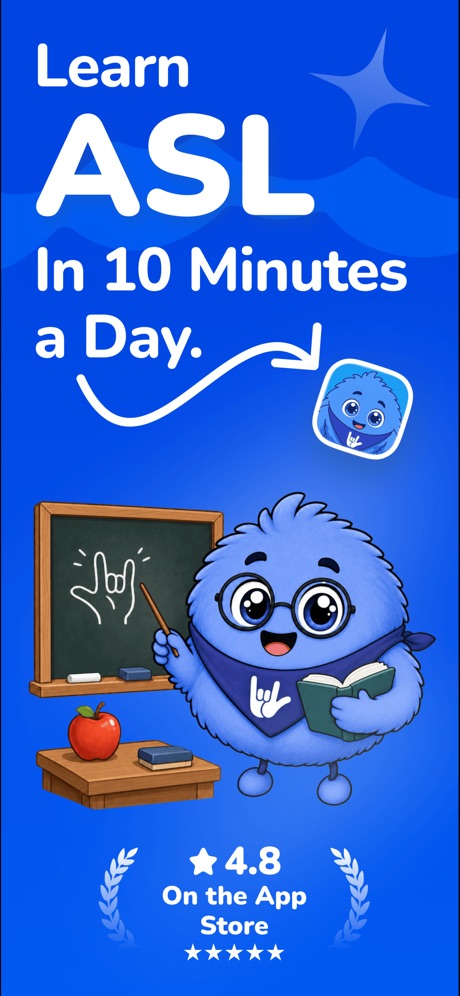
“Learn ASL In 10 Minutes a Day.”

“The interactive app for kids”
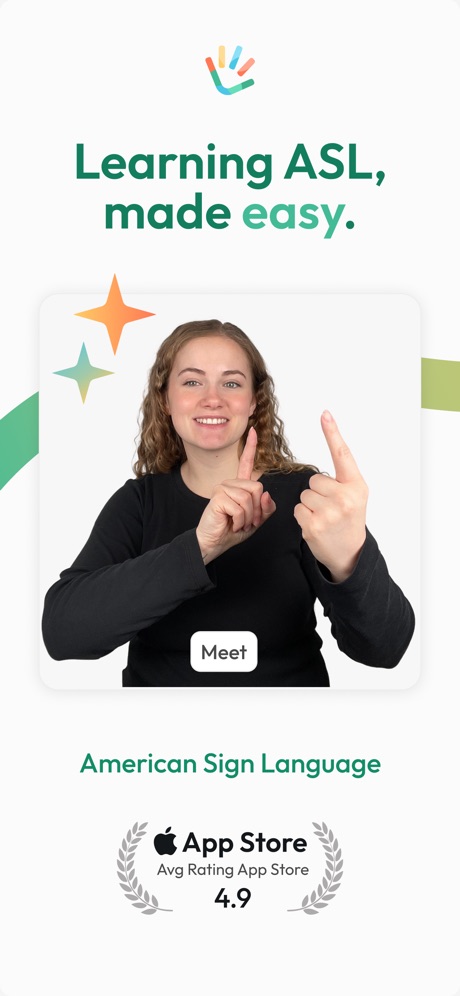
“Learning ASL,”
What these screenshots say, word for word.
The words on 40 of the 56 that carry any, as each app wrote them.
“Speak English like a native”
Learna: Speak & Learn English · #4 · screenshot 1“Award winning microlearning app”
“The mental breakthroughs I've had using this app have changed my decision-making forever.”Deepstash: Smarter Every Day! · #12 · screenshot 6“Plant Auto- Diagnosis”
PictureThis - Plant Identifier · #16 · screenshot 2“Open”
a bakeryToca Boca World: Game & Play · #17 · screenshot 4“Host impactful meetings and presentations”
Kahoot! Play & Create Quizzes · #18 · screenshot 6“Speak English Confidently with AI Tutors”
YayTalk: Learn & Speak English · #19 · screenshot 1“Speak English with absolute confidence.”
LangLearn: AI English Tutor · #20 · screenshot 1“Perfect for beginners”
Start signing in your 1st lessonLingvano - Learn Sign Language · #23 · screenshot 2“Learn ASL In 10 Minutes a Day.”
Ziggy: Learn ASL Sign Language · #31 · screenshot 1“The interactive app for kids”
Lingokids: Games & Shows · #34 · screenshot 1“Learning ASL,”
American Sign LanguageASL Bloom - Sign Language · #36 · screenshot 1“FUN GAMES FOR YOUR BRAIN”
Impulse - Brain Training · #46 · screenshot 1“Inspire a Love of Reading”
Kids can choose what to read, so they'll keep coming back for more.Epic - Kids' Books & Reading · #47 · screenshot 4“Tap any word to get the meaning”
Parrot: Learn Spanish Language · #48 · screenshot 4“Matched Just for You”
Bold.org: Scholarships · #55 · screenshot 2“Learn algebra, arithmetic, geometry & more”
Photomath · #56 · screenshot 1“We guide you. You teach.”
Learn to Read - Reading.com · #57 · screenshot 3“School Payments Made Easy”
MSB Parent, USA · #59 · screenshot 1“Learn to draw step by step”
Simply Draw: Learn to Draw · #61 · screenshot 1“Learn languages with AI tutors”
Praktika – AI Language Tutor · #67 · screenshot 1“Point your iPhone at the sky to find stars, constellations and more”
SkyView® Lite · #70 · screenshot 1“Step By Step Drawing”
Coloring Games for Kids 2-6! · #75 · screenshot 2“PLAY & LEARN AT HOME”
Math, Science & MorePBS KIDS Games · #77 · screenshot 6“Experience is the best teacher”
Track your required driving time, measure performance and produce a state approved driving log.RoadReady · #78 · screenshot 1“...to self-esteem and lifelong success.”
Speech Blubs: Language Therapy · #82 · screenshot 5“Holy cow, this is the best way to learn English!”
@SarahG_24 ★★★★★Talko: Learn English with AI · #84 · screenshot 1“97% Verified Pass Rate”
“Passed my permit exam on the first try! The questions were very similar to the real exam. Super helpful app. Insanely helpful The practice tests, cheat sheets, everything about this app was spot on in helping me pass the test.”DMV: Practice Test before Exam · #86 · screenshot 3“Keep Your Brain Sharp”
Problem-solvingIQ Elevate - Brain Training · #89 · screenshot 2“Learning that adapts to you”
The trusted AI learning platform for studentsStudyFetch: AI Tutor · #90 · screenshot 1“Math & More”
Numbers, counting & shapesKhan Academy Kids · #92 · screenshot 6“Learn ASL through play”
ASL Otty: Signs Language Learn · #95 · screenshot 1“Track your learning progress.”
Preply - Language Learning App · #99 · screenshot 6“Fun, fast & easy way to learn guitar”
Simply Guitar - Learn Guitar · #100 · screenshot 1“your personal AI English tutor”
Learna is 98% cheaper than a real tutorLearna: Speak & Learn English · #4 · screenshot 2“Expanded Care Tools”
PictureThis - Plant Identifier · #16 · screenshot 4“Create characters”
Toca Boca World: Game & Play · #17 · screenshot 6“Build Real Speaking Fluency”
10 min a dayYayTalk: Learn & Speak English · #19 · screenshot 3“Your Personal AI Language Tutor”
Langlearn is 98% cheaper than a real teacherLangLearn: AI English Tutor · #20 · screenshot 2“Master grammar and vocab”
Lingvano - Learn Sign Language · #23 · screenshot 4“Follow Your ASL Path.”
Ziggy: Learn ASL Sign Language · #31 · screenshot 3
Top ten Education apps that do it.
- #4Learna: Speak & Learn English2 of its 6 screenshots
The same tactic in other categories.
| Category | Apps that do it | Screenshots | Top ten |
|---|---|---|---|
| Photo & Video | 39% 39 of 100 | 10% 58 of 566 | 2 of 10 |
| Shopping | 38% 38 of 100 | 8% 47 of 562 | 6 of 10 |
| Education | 36% 36 of 100 | 11% 59 of 555 | 1 of 10 |
| Lifestyle | 35% 35 of 100 | 10% 54 of 556 | 6 of 10 |
| Utilities | 35% 35 of 100 | 9% 49 of 549 | 1 of 10 |
| Social Networking | 33% 33 of 100 | 8% 42 of 554 | 3 of 10 |
| Games | 31% 31 of 100 | 10% 56 of 567 | 3 of 10 |
| Health & Fitness | 31% 31 of 100 | 8% 45 of 574 | 4 of 10 |
| Finance | 30% 30 of 100 | 7% 41 of 581 | 3 of 10 |
| Medical | 30% 30 of 100 | 7% 37 of 548 | 4 of 10 |
| Graphics & Design | 29% 29 of 99 | 10% 54 of 564 | 3 of 10 |
| Reference | 28% 28 of 100 | 8% 44 of 566 | 4 of 10 |
| Business | 27% 27 of 100 | 6% 36 of 554 | 2 of 10 |
| Food & Drink | 26% 26 of 100 | 8% 42 of 540 | 6 of 10 |
| Music | 23% 23 of 100 | 7% 38 of 550 | 1 of 10 |
| Navigation | 15% 15 of 99 | 4% 20 of 566 | 3 of 10 |
| Travel | 15% 15 of 100 | 5% 27 of 561 | 3 of 10 |
| Entertainment | 14% 14 of 100 | 4% 21 of 544 | 2 of 10 |
| Sports | 14% 14 of 100 | 4% 21 of 558 | 2 of 10 |
| Productivity | 12% 12 of 99 | 3% 16 of 551 | 2 of 10 |
| News | 8% 8 of 98 | 2% 9 of 517 | 1 of 10 |
| Weather | 7% 7 of 100 | 2% 9 of 555 | 1 of 10 |
| Developer Tools | 3% 3 of 100 | 1% 3 of 507 | 1 of 10 |
Related tactics.
Often on the same screenshot
- A photograph51% of these screenshots, against 31% of all Education screenshots
- A person in the picture47% of these screenshots, against 28% of all Education screenshots
- No app screen at all24% of these screenshots, against 7% of all Education screenshots
- Rounded headline type34% of these screenshots, against 17% of all Education screenshots
- Arrows or callouts34% of these screenshots, against 18% of all Education screenshots
- Laurel or award20% of these screenshots, against 7% of all Education screenshots
More in layout
- Screen fills the picture97%
- Phone drawn94%
- Whole phone shown89%
- Illustration or mascot86%
- Words at the top85%
- Headline readable at thumbnail size70%
- A photograph64%
- A person in the picture62%
- Arrows or callouts50%
- Headline too small to read49%
- No phone, bare screen40%
- Phone cut off at the foot38%
- App icon shown37%
- Words aligned left30%
- No app screen at all29%
- Two or more screens27%
- Phone cut off at the head18%
- Zoomed detail of the UI15%
- Phone at an angle13%
- Words at the bottom13%
- Screen is small12%
- Watch, iPad or Mac beside it10%
- Words over the screen7%
Questions, answered from the chart.
How many top Education apps have App Store screenshots with a hand-held phone?
Which Education apps have App Store screenshots with a hand-held phone?
Should my Education app have App Store screenshots with a hand-held phone?
See your own app against this.
Pagefully reads your screenshots the same way, and makes a custom product page for each search people type, from your real screens.
Preview your pages