Developer Tools app screenshots with a call to action
Download, start, try, join. A screenshot is a picture and not a button, so a call to action on it can only point at the Get button beside it.
From the top 100 free Developer Tools apps on the US App Store, read on October 9, 2026. Screenshots are the developers’ own, shown from Apple’s servers with a link to each app.
The numbers
8 of the 507 Developer Tools screenshots read (2%) do this, across 8 of the top 100 apps (8%). 2 of the top ten do it (20%), against 6 of the other 90 (7%): the top ten do it more than the rest. Of the 23 categories read so far, Developer Tools is 22nd for this. It is most common in Finance (32% of apps) and least common in Weather (2%).
All 8 examples from the chart.
Every one of the Developer Tools app screenshots with a call to action on the chart, the highest app first.
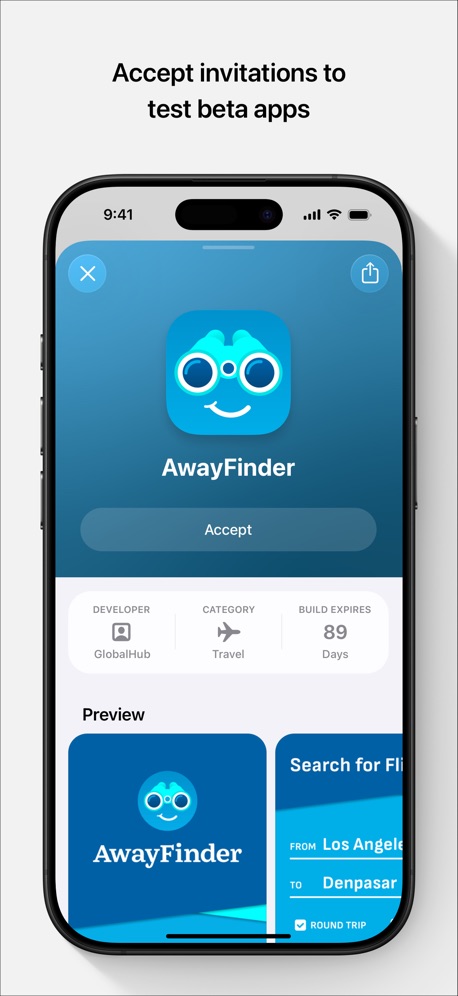
“Accept invitations to test beta apps”

“Get demos of work View screenshots and videos to verify changes”
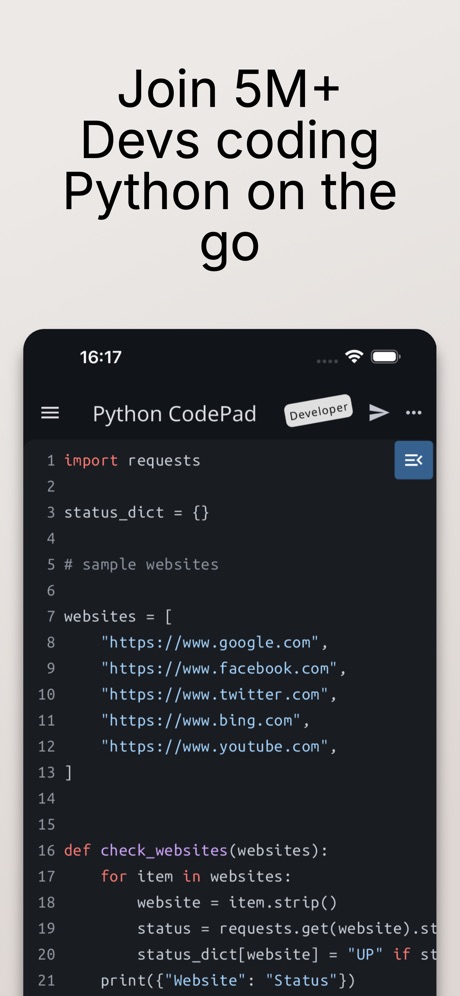
“Join 5M+ Devs coding Python on the go”

“Start a project from anywhere”

“PLAY INDIE GEMS”

“Your Hermes agent, anywhere.”

“Code On the go”
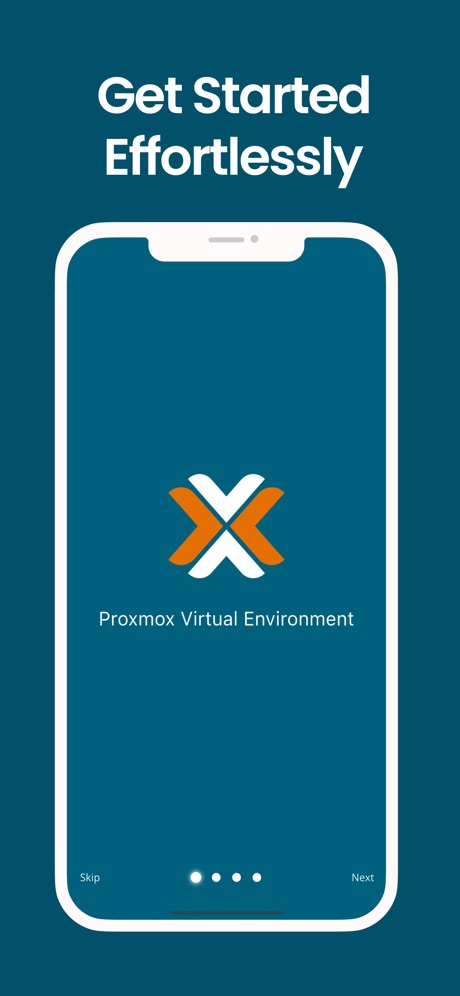
“Get Started Effortlessly”
Real headline examples, word for word.
The words on all 8 that carry any, as each app wrote them.
“Accept invitations to test beta apps”
TestFlight · #1 · screenshot 2“Get demos of work View screenshots and videos to verify changes”
Cursor · #6 · screenshot 4“Join 5M+ Devs coding Python on the go”
Python Coding Editor & IDE App · #16 · screenshot 1“Start a project from anywhere”
Orca IDE · #21 · screenshot 4- Join a community of game passionates
“PLAY INDIE GEMS”
GDevelop - Create & Play Games · #39 · screenshot 3 “Your Hermes agent, anywhere.”
Start tasks, monitor progress, and stay in sync from your phone.Hermes Conduit · #46 · screenshot 1“Code On the go”
Start coding nowOpenCode Mobile App · #57 · screenshot 1“Get Started Effortlessly”
Proxmox VE Companion · #76 · screenshot 2
Top ten Developer Tools apps that do it.
- #1TestFlight1 of its 5 screenshots
- #6Cursor1 of its 6 screenshots
The same tactic in other categories.
| Category | Apps that do it | Screenshots | Top ten |
|---|---|---|---|
| Finance | 32% 32 of 100 | 7% 43 of 581 | 2 of 10 |
| Food & Drink | 31% 31 of 100 | 6% 34 of 540 | 4 of 10 |
| Social Networking | 25% 25 of 100 | 5% 28 of 554 | 4 of 10 |
| News | 24% 24 of 98 | 5% 26 of 517 | 4 of 10 |
| Shopping | 22% 22 of 100 | 4% 24 of 562 | 2 of 10 |
| Lifestyle | 19% 19 of 100 | 4% 21 of 556 | 3 of 10 |
| Entertainment | 18% 18 of 100 | 4% 20 of 544 | 2 of 10 |
| Navigation | 17% 17 of 99 | 3% 17 of 566 | 3 of 10 |
| Music | 16% 16 of 100 | 4% 20 of 550 | 4 of 10 |
| Travel | 16% 16 of 100 | 3% 17 of 561 | 1 of 10 |
| Medical | 15% 15 of 100 | 3% 16 of 548 | 0 of 10 |
| Reference | 15% 15 of 100 | 3% 17 of 566 | 3 of 10 |
| Utilities | 14% 14 of 100 | 3% 16 of 549 | 2 of 10 |
| Graphics & Design | 13% 13 of 99 | 2% 14 of 564 | 2 of 10 |
| Health & Fitness | 13% 13 of 100 | 3% 16 of 574 | 0 of 10 |
| Games | 12% 12 of 100 | 2% 12 of 567 | 1 of 10 |
| Sports | 12% 12 of 100 | 2% 12 of 558 | 2 of 10 |
| Education | 11% 11 of 100 | 3% 14 of 555 | 2 of 10 |
| Productivity | 10% 10 of 99 | 2% 10 of 551 | 1 of 10 |
| Business | 10% 10 of 100 | 2% 10 of 554 | 1 of 10 |
| Photo & Video | 9% 9 of 100 | 2% 11 of 566 | 0 of 10 |
| Developer Tools | 8% 8 of 100 | 2% 8 of 507 | 2 of 10 |
| Weather | 2% 2 of 100 | under 1% 2 of 555 | 0 of 10 |
Related tactics.
Often on the same screenshot
- Tells you to do something75% of these screenshots, against 31% of all Developer Tools screenshots
- States a benefit63% of these screenshots, against 26% of all Developer Tools screenshots
- Words at the top100% of these screenshots, against 68% of all Developer Tools screenshots
- High contrast words50% of these screenshots, against 22% of all Developer Tools screenshots
- Has a headline100% of these screenshots, against 74% of all Developer Tools screenshots
- Words aligned left38% of these screenshots, against 14% of all Developer Tools screenshots
More in meaning
- Plain tone73%
- Leads with a feature71%
- States a benefit58%
- Subline explains the headline36%
- Technical tone21%
- Playful tone10%
- Subline adds a second benefit10%
- Leads with trust9%
- Names its audience7%
- Leads with an outcome5%
- Premium tone4%
- Compares with something3%
- Urgent tone3%
- Leads with a problem2%
- Leads with what is new2%
- Leads with price1%
Questions, answered from the chart.
How many top Developer Tools apps have App Store screenshots with a call to action?
Which Developer Tools apps have App Store screenshots with a call to action?
Should my Developer Tools app have App Store screenshots with a call to action?
See your own app against this.
Pagefully reads your screenshots the same way, and makes a custom product page for each search people type, from your real screens.
Preview your pages