Developer Tools app screenshots with a technical tone
Specifications, formats, precision. Specifications and formats speak to readers who already know what they need and are checking that the app has it.
From the top 100 free Developer Tools apps on the US App Store, read on October 9, 2026. Screenshots are the developers’ own, shown from Apple’s servers with a link to each app.
The numbers
38 of the 507 Developer Tools screenshots read (7%) do this, across 21 of the top 100 apps (21%). 1 of the top ten do it (10%), against 20 of the other 90 (22%): the top ten do it less than the rest. Of the 23 categories read so far, Developer Tools is 1st for this. It is most common in Developer Tools (21% of apps) and least common in Travel (0%).
12 examples from the chart.
12 of the 38 Developer Tools app screenshots with a technical tone, one from each app, the highest on the chart first.

“Real, time HD preview”

“Face ID and FIDO2 for authentication”

“Tools that let you code syntaxhighlight, code autocompletion, find and replace, function list, screen lock, custom extra key, etc”
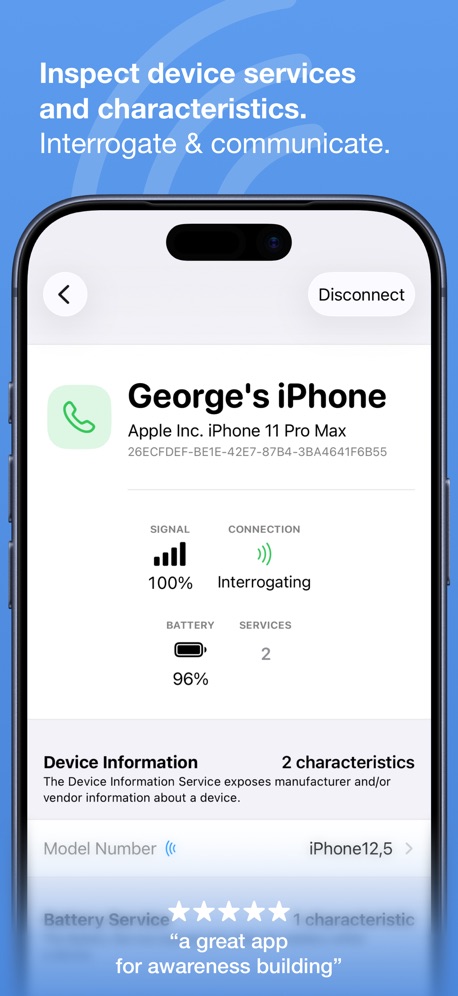
“Inspect device services and characteristics.”

“See agent usage clearly”

“CPU, GPU & NETWORK Monitoring”

“Read Peripherals”

“Multi-Protocol Privacy Protection”

“Mobile IDE”
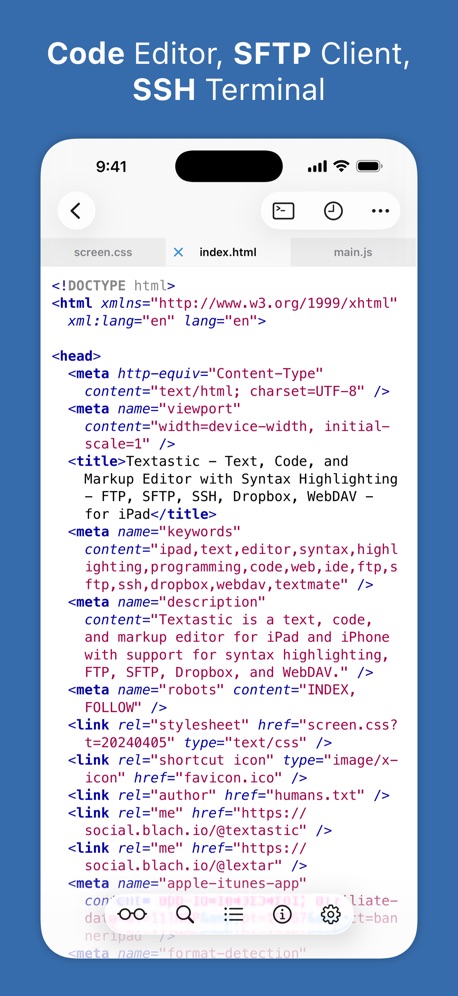
“Code Editor, SFTP Client, SSH Terminal”
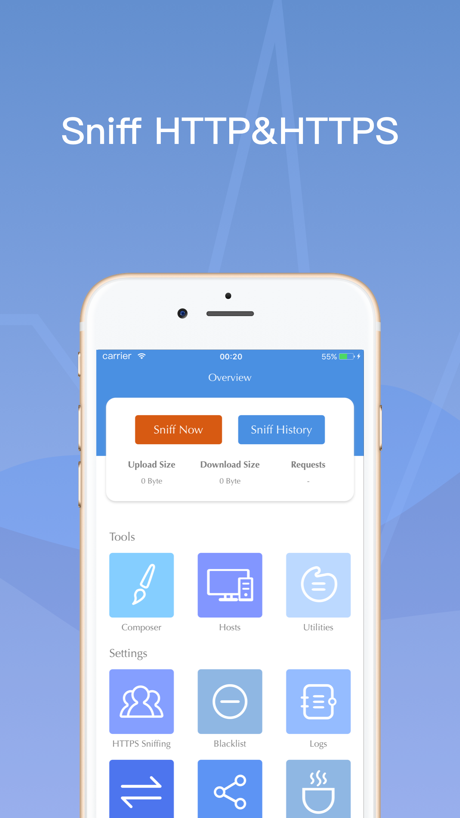
“Sniff HTTP&HTTPS”

“Agentic AI, from query to deploy.”
Real headline examples, word for word.
The words on all 38 that carry any, as each app wrote them.
“Real, time HD preview”
Low latency, remote monitoring with an immersive experienceO-KAM Pro · #9 · screenshot 2“Face ID and FIDO2 for authentication”
Termius - Modern SSH Client · #11 · screenshot 6“Tools that let you code syntaxhighlight, code autocompletion, find and replace, function list, screen lock, custom extra key, etc”
Koder Code Editor · #26 · screenshot 4“Inspect device services and characteristics.”
Interrogate & communicate.“a great app for awareness building”Bluetooth Inspector · #38 · screenshot 2“See agent usage clearly”
Rate limits, reset times, and burn paceMoshi: herdr/tmux on SSH/MOSH · #44 · screenshot 4“CPU, GPU & NETWORK Monitoring”
Track CPU, GPU and NETWORK usage with detailed performance metrics.Device Monitor² · #45 · screenshot 3“Read Peripherals”
Services & CharacteristicsBluetoothAssistant · #47 · screenshot 2“Multi-Protocol Privacy Protection”
V2Lite VPN - Super VPN Proxy · #48 · screenshot 4“Mobile IDE”
File based IDE with code editor, suggestions,and local execution. Includes a Python 3.10 interpreter, with the standard libraries, Cython and more than 100 third party pre-installed packages.Pyto IDE · #49 · screenshot 1“Code Editor, SFTP Client, SSH Terminal”
Textastic Code Editor · #53 · screenshot 1“Sniff HTTP&HTTPS”
Stream - Network Debug Tool · #58 · screenshot 1“Agentic AI, from query to deploy.”
Supanator: Supabase Manager · #61 · screenshot 2“BLE Search”
Detect Low Energy devices instantlyBluetooth Auto Connect · #64 · screenshot 6“SYNTAX HIGHLIGHT FOR 110+ LANGUAGES”
Code Editor - Compiler & IDE · #69 · screenshot 1“190+ Libraries, Preinstalled”
Search and install pure-Python packages.Pyroid · #80 · screenshot 4“Supabase Go”
SECURE MANAGEMENT TERMINALSupabase Go · #82 · screenshot 1“C知道定时任务”
你的AI自动化技术情报助理CSDN-技术开发者社区 · #87 · screenshot 2“Multiple - Themes Search & Replace Custom Font & Size Shortcuts & Tree View”
HTML Viewer : Editor & Creator · #90 · screenshot 3“Provider-agnostic Trojan Client”
avoGate · #93 · screenshot 1“Command Prompt For iOS”
Command Prompt CMD is the ultimate network diagnostic tool for iOS.CMD: SSH, Terminal, DOS, Ping · #95 · screenshot 1“Multiple Viewing Modes”
Switch between perspective and orthographic viewsSTL & 3D Model Viewer - Mes3D · #98 · screenshot 3“Second level message alert”
Abnormal second perception, early detection of security risksO-KAM Pro · #9 · screenshot 4“Write values to set characteristics”
Respond & configure.Bluetooth Inspector · #38 · screenshot 3“Read/Write Data”
HEX & ASCII SupportBluetoothAssistant · #47 · screenshot 5“C Extensions and CLI tools!”
Includes the clang compiler and the llvm bitcode linker and interpreter, with a Python module that provides a project structure for compilation, as well as a bridge between Python and LLVM for importing C/C++ extensions.Pyto IDE · #49 · screenshot 2“Search in Files with Regular Expressions”
Textastic Code Editor · #53 · screenshot 4“HTTP Composer”
Stream - Network Debug Tool · #58 · screenshot 5“SEARCH AND REPLACE WITH REGEX SUPPORT”
Code Editor - Compiler & IDE · #69 · screenshot 4“Manage Access”
Your console is connected via a Personal Access Token (PAT) for secure management.Supabase Go · #82 · screenshot 4“AI 搜索结果”
上亿资料库,深度解答专业问题CSDN-技术开发者社区 · #87 · screenshot 4“Powerful network tools in your pocket”
> Ping, Tracert, Whois, PortScan, and more.CMD: SSH, Terminal, DOS, Ping · #95 · screenshot 3“Intelligent device configuration”
Parameters can be adjusted according to your preferences,making security more satisfactoryO-KAM Pro · #9 · screenshot 5“Shortcuts PRO to scan and interrogate”
Enumerate and read values.Bluetooth Inspector · #38 · screenshot 4“Build basic user interfaces”
PytoUI is a bridge between Python and UIKit, that now includes a graphical UI editor that supports SwiftUI-like space managment.Pyto IDE · #49 · screenshot 3“SUPPORT FTP/GITHUB AND CLOUD STORAGE”
Code Editor - Compiler & IDE · #69 · screenshot 5“Graphical Debugger”
Set breakpoints and inspect the stack or run code while running with PDB or when an exception occurs on your script.Pyto IDE · #49 · screenshot 4“Terminal”
Comes with standard UNIX shell commands, and a built-in Python shell that can run those with os.system and subprocess.Popen, and installed command line tools (Bitcode orPyto IDE · #49 · screenshot 5“Install packages with PyPI”
Comes with pip and a graphical PyPI browser, as well as setuptools for local project managments. pip will try to compile packages C extensions but that can fail due to toPyto IDE · #49 · screenshot 6
Top ten Developer Tools apps that do it.
- #9O-KAM Pro3 of its 5 screenshots
The same tactic in other categories.
| Category | Apps that do it | Screenshots | Top ten |
|---|---|---|---|
| Developer Tools | 21% 21 of 100 | 7% 38 of 507 | 1 of 10 |
| Weather | 17% 17 of 100 | 5% 30 of 555 | 3 of 10 |
| Graphics & Design | 8% 8 of 99 | 2% 9 of 564 | 2 of 10 |
| Health & Fitness | 8% 8 of 100 | 2% 9 of 574 | 0 of 10 |
| Navigation | 7% 7 of 99 | 2% 9 of 566 | 1 of 10 |
| Music | 7% 7 of 100 | 2% 9 of 550 | 0 of 10 |
| Photo & Video | 6% 6 of 100 | 1% 7 of 566 | 2 of 10 |
| Medical | 5% 5 of 100 | 1% 6 of 548 | 0 of 10 |
| Reference | 5% 5 of 100 | 1% 5 of 566 | 0 of 10 |
| Sports | 5% 5 of 100 | 1% 5 of 558 | 0 of 10 |
| Productivity | 4% 4 of 99 | 1% 4 of 551 | 0 of 10 |
| Finance | 4% 4 of 100 | 1% 4 of 581 | 1 of 10 |
| Lifestyle | 4% 4 of 100 | 1% 4 of 556 | 0 of 10 |
| Utilities | 3% 3 of 100 | 1% 3 of 549 | 0 of 10 |
| News | 2% 2 of 98 | 1% 3 of 517 | 0 of 10 |
| Business | 2% 2 of 100 | under 1% 2 of 554 | 0 of 10 |
| Entertainment | 2% 2 of 100 | under 1% 2 of 544 | 1 of 10 |
| Education | 1% 1 of 100 | under 1% 1 of 555 | 0 of 10 |
| Food & Drink | 1% 1 of 100 | under 1% 1 of 540 | 0 of 10 |
| Social Networking | 1% 1 of 100 | 1% 3 of 554 | 0 of 10 |
| Games | 0% 0 of 100 | 0% 0 of 567 | 0 of 10 |
| Shopping | 0% 0 of 100 | 0% 0 of 562 | 0 of 10 |
| Travel | 0% 0 of 100 | 0% 0 of 561 | 0 of 10 |
Related tactics.
Often on the same screenshot
- Has a subline66% of these screenshots, against 27% of all Developer Tools screenshots
- Leads with a feature92% of these screenshots, against 54% of all Developer Tools screenshots
- Gradient background82% of these screenshots, against 46% of all Developer Tools screenshots
- Subline explains the headline50% of these screenshots, against 21% of all Developer Tools screenshots
- Has a headline100% of these screenshots, against 74% of all Developer Tools screenshots
- Low contrast words37% of these screenshots, against 13% of all Developer Tools screenshots
More in meaning
- Plain tone73%
- Leads with a feature71%
- States a benefit58%
- Subline explains the headline36%
- Playful tone10%
- Subline adds a second benefit10%
- Leads with trust9%
- Asks for an action8%
- Names its audience7%
- Leads with an outcome5%
- Premium tone4%
- Compares with something3%
- Urgent tone3%
- Leads with a problem2%
- Leads with what is new2%
- Leads with price1%
Questions, answered from the chart.
How many top Developer Tools apps have App Store screenshots with a technical tone?
Which Developer Tools apps have App Store screenshots with a technical tone?
Should my Developer Tools app have App Store screenshots with a technical tone?
See your own app against this.
Pagefully reads your screenshots the same way, and makes a custom product page for each search people type, from your real screens.
Preview your pages