Why we built Pagefully.
Search the App Store for something specific and the biggest apps do not all show you the same page. They show the one that matches what you typed. Most apps show one page to everyone. We built Pagefully to close that gap for the apps that are not big.
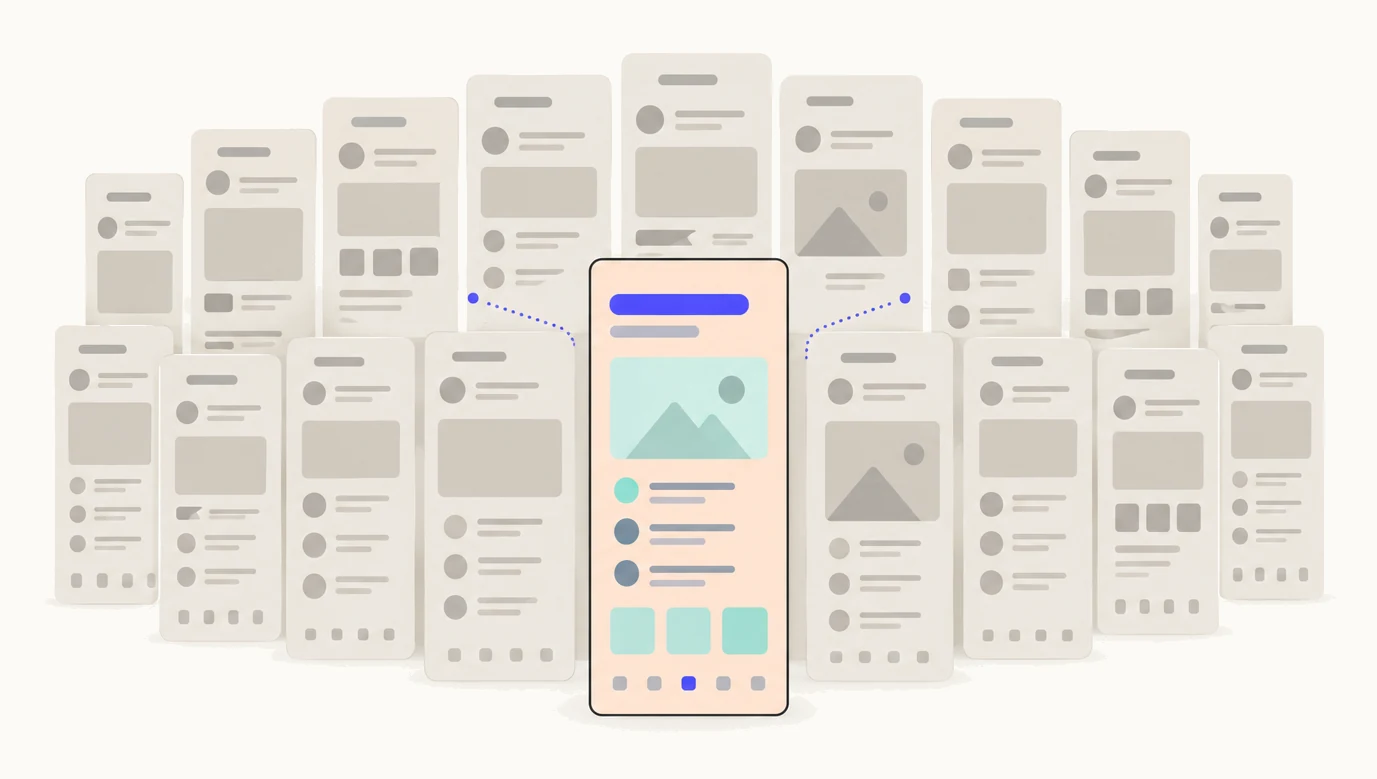
The habit of the top apps
Type “white noise for babies” into the App Store and the sleep app at the top does not lead with its catalogue. It leads with baby sounds. Type “sleep sounds” and the same app leads with something else. That is a custom product page: another version of the app’s own App Store page, under the same name and reviews, with its own screenshots and promotional text, made for one search or one audience. Apple has offered them since December 2021.
In July 2025 Appfigures looked at the top 100 grossing apps and games in the US and found that 83 of them used custom product pages, and 30 ran 30 or more. Appfigures The apps with the most to spend had decided this was worth spending on. Most other apps, in our experience and in the studies we have read, have none.
Why most apps have none
Not because the idea is hard. Everyone who ships an app knows that one screenshot set cannot lead with every reason to download. The gap is production.
Apple allows up to 70 custom product pages per app. Each one is a full set of screenshots, up to 10 per device size, in several device sizes. Ten pages at eight screenshots in three sizes is 240 images to design, export and upload by hand in App Store Connect. The full 70 is well over a thousand. Then the app updates, a screen changes, and every page that shows the old screen is stale. For a studio with a design team, that is a project. For one developer, or a team of three, it is the thing that never gets done.
We know because we are that developer. We make iOS apps, and the custom product pages for our own apps were the part we kept postponing. Choosing them took an afternoon. Making them was the wall.
What changed in 2025
For its first years a custom product page was reached mainly through a link: an ad, a newsletter, a website. If you did not run Apple Ads, the feature was easy to ignore. In July 2025 Apple let developers assign keywords to a custom product page, so that it appears in App Store search for those keywords in place of the default page. Apple In October 2025 it raised the limit from 35 pages to 70.
That turned a paid-acquisition feature into one every app with search traffic can use. The searches you already appear for can each get the page that answers them. The gap between the top apps and everyone else got wider at exactly the moment it got cheaper to close. We have written up how search pages work in custom product pages in App Store search.
What Pagefully does about it
It does the production. You paste your App Store link. Pagefully reads your listing, your keywords, your reviews and the apps beside you, and plans three pages, each with the reason it is worth making. It designs one of them from your real screenshots, with new headlines for that audience, in every size Apple needs, before you sign up and in about a minute.
Nothing is invented. Every page starts from the screenshots on your App Store page, in your typeface, colours and layout; only the words change, and you can change them back. When you approve a page, Pagefully sends it to App Store Connect through a key you provide, and you submit it to Apple for review with one button that says what it will do. When your app changes, your pages are drawn again from the new screens, so the wall does not come back with every release. The whole path is on how it works, and what the key can and cannot do is on security.
What it does not do yet
Results are Apple’s own numbers, not ours: on Pack and Pro, Pagefully reads each page’s views, downloads and conversion from Apple’s analytics reports and sets them beside your default page. Apple withholds a page’s rows until it has had a few users, so a new page stays quiet for a while, and we would rather say so than show a chart we cannot stand behind. Apple reports that developers see a 2.5 percentage point higher conversion rate on average when people are sent to a custom product page, against a 1.6% average on default pages. Apple That figure comes mostly from people arriving through ads and links, so it is not a forecast for search, and it is not a forecast for your app. A page gives the people who already find you a better first look. It does not add keywords or lift your ranking, and we will not tell you it does.
What is free
The preview, with no signup: three pages planned for your app and one designed on your own screens. Then one page free, sent to App Store Connect when you approve it, with one revision, and it stays live whatever you do next. If it earns its place, the Pack is $49 once for 10 pages, and Pro keeps up to 70 pages current from $29 a month billed yearly. Per app, and your pages are yours if you stop. The details are on pricing.
The quickest way to see whether this is for you is to look at your own listing through it: paste the link below. A question, or a page Pagefully got wrong, goes to hello@pagefully.com. We answer every message.
See your first page.
Look up your app. In about a minute you see three pages planned for it and one designed on your own screenshots, before you sign up.