App name and subtitle: what to put in 30 characters each
Your app name and subtitle get 30 characters each, both are read by App Store search, and both appear wherever your app does. Apple’s advice is a simple, distinctive name that hints at what the app does, and a subtitle that explains its value through real features or uses rather than “world’s best app”. After launch, both change with a new version, and both are the same on every custom product page.
| App name | 2 to 30 characters, localized |
|---|---|
| Subtitle | Up to 30 characters, below the name throughout the App Store |
| Read by search | Both, as text relevance beside keywords and primary category |
| Changing the subtitle | When you submit a new version |
| Changing the name | Until first submission; then with a new version or when the version’s status allows |
| On a custom product page | The same as your default page |
What are the limits?
Thirty characters for each. The name must be at least two characters and no more than 30, and is localized: each language can have its own.1 The subtitle can be up to 30 characters and appears under your app’s name on its product page and throughout the App Store.12 Apple’s search page adds that your name, subtitle and screenshots are among the parts of your product page that appear in search results.3
What makes a good app name?
Apple’s own brief: choose a simple, memorable name that is easy to spell and hints at what your app does; be distinctive; avoid names that use generic terms or are too similar to existing app names.2 The name is the one field that has to be both a brand and a clue, in 30 characters.
Apple also suggests the division of labour: use the subtitle, rather than the name, to explain your app’s value in more detail.2 So a name does not need to carry a list of features. A short name with a clear subtitle under it gives search two fields to read and gives people a name they can remember.
What should the subtitle say?
What your app is for, in the words your users would use. Apple says the subtitle is meant to summarize your app in a concise phrase, and to highlight features or typical uses that resonate with your audience, not generic descriptions such as “world’s best app”.2
| Kind of subtitle | Example | Against Apple’s advice |
|---|---|---|
| Generic praise | The best app for everything | Apple names “world’s best app” as what to avoid |
| Unverifiable claim | The #1 sleep app | 2.3.7: no unverifiable product claims |
| Typical use | Sleep sounds and bedtime stories | What Apple asks for: a feature or use |
| Outcome in plain words | Fall asleep faster, every night | A use your audience recognises |
The examples are ours, to show the line; the rules in the right-hand column are Apple’s.24
How do they work in search?
Both count as text. Apple says search results are based on text relevance, matches for your app’s title, subtitle, keywords and primary category, and on user behaviour such as downloads, ratings and reviews.3 Apple does not say how much each field weighs.
The practical rule that follows is Apple’s too: do not repeat words from your name, subtitle or category in your keyword field.3 Every word in the name and subtitle is already read, so the keyword field can be spent on words that appear nowhere else. How to fill it is in the keyword field guide.
What does App Review reject?
Guideline 2.3.7 covers both fields. Choose a unique app name, do not pack metadata with trademarked terms, popular app names, pricing information or other irrelevant phrases to game the system, and keep names to 30 characters. Subtitles must follow the standard metadata rules and should not include inappropriate content, reference other apps, or make unverifiable product claims.4 The same guideline says metadata such as app names, subtitles, screenshots and previews should not include prices, terms or descriptions that are not specific to the metadata type.4
- No other app’s name, in the name or subtitle, even as a comparison.
- No pricing: Apple names pricing information among the things not to pack into metadata.
- No claim you cannot back: “#1”, “best”, “most popular”.
- No keyword list dressed up as a name.
When can you change them?
With a new version, in practice. Apple says you can update your subtitle when submitting a new version of your app, and suggests doing so to find the subtitle that engages people best.2 The name can be edited until you submit the app to App Review; after that, you change it when you create a new version or when the version’s status permits editing.1
So a subtitle test runs at the speed of your releases. Change one thing at a time between versions and read the conversion rate in App Analytics before and after, knowing that a release changes other things too.
What if one subtitle cannot speak to everyone?
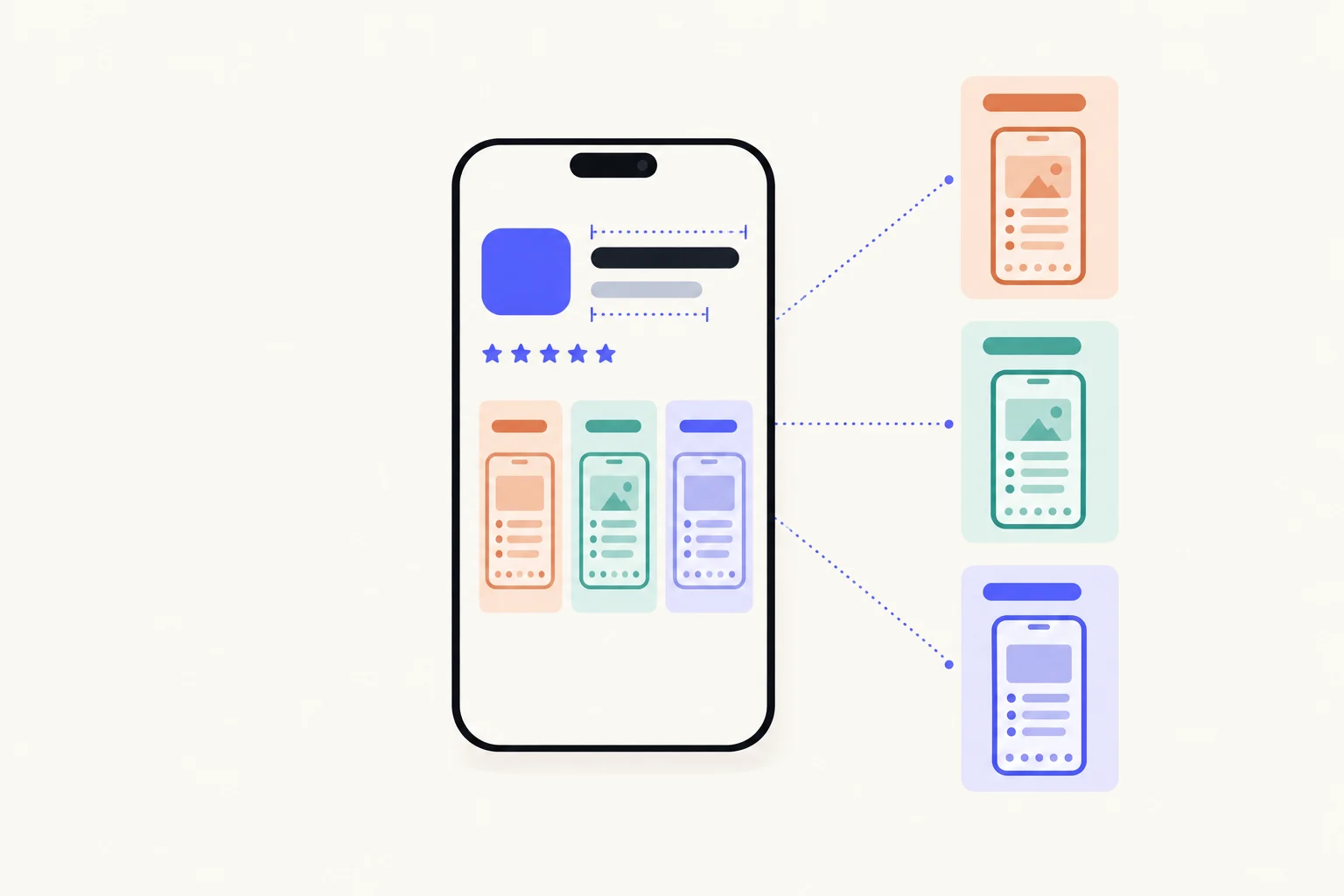
It cannot, and a custom product page will not change it. A page can vary its screenshots, app previews and promotional text, and can have its own keywords and deep link; the name and subtitle are the same on every one.5 If your app serves parents and students and night-shift workers, the subtitle has to stay broad enough for all three.
What changes per audience is everything under it. Someone who searches a term assigned to a custom product page sees that page’s screenshots, so the first screenshot’s headline is where you speak to them directly.5
- Keep the name short and distinctive.A brand and a clue, as Apple puts it.
- Give the subtitle your broadest true use.The one that is right for most people who find you.
- Move every narrower audience to its own page.A page per keyword group, each opening on the screen that group came for.
- Write each page’s first headline for its searcher.That is the line that can change when the subtitle cannot.
How to write that headline is in screenshot headlines for a custom product page, and the full background is the complete guide to custom product pages.
Sources
Questions people ask
How long can an App Store app name be?
How long can an App Store subtitle be?
Do the name and subtitle affect App Store search?
Can I change my subtitle without a new version?
Can a custom product page have a different name or subtitle?
See your first page.
Look up your app. In about a minute you see three pages planned for it and one designed on your own screenshots, before you sign up.