How to write screenshot headlines for a custom product page
The headline on each screenshot is the only text most people read on an App Store page. On a custom product page, the first screenshot’s headline should name the thing that audience came for, in a few words, with the screen below showing it. The second and third support it. Write it from the search, the ad or the channel the page is for, keep it short enough to read at thumbnail size, and check it against Apple’s metadata rules before you submit.
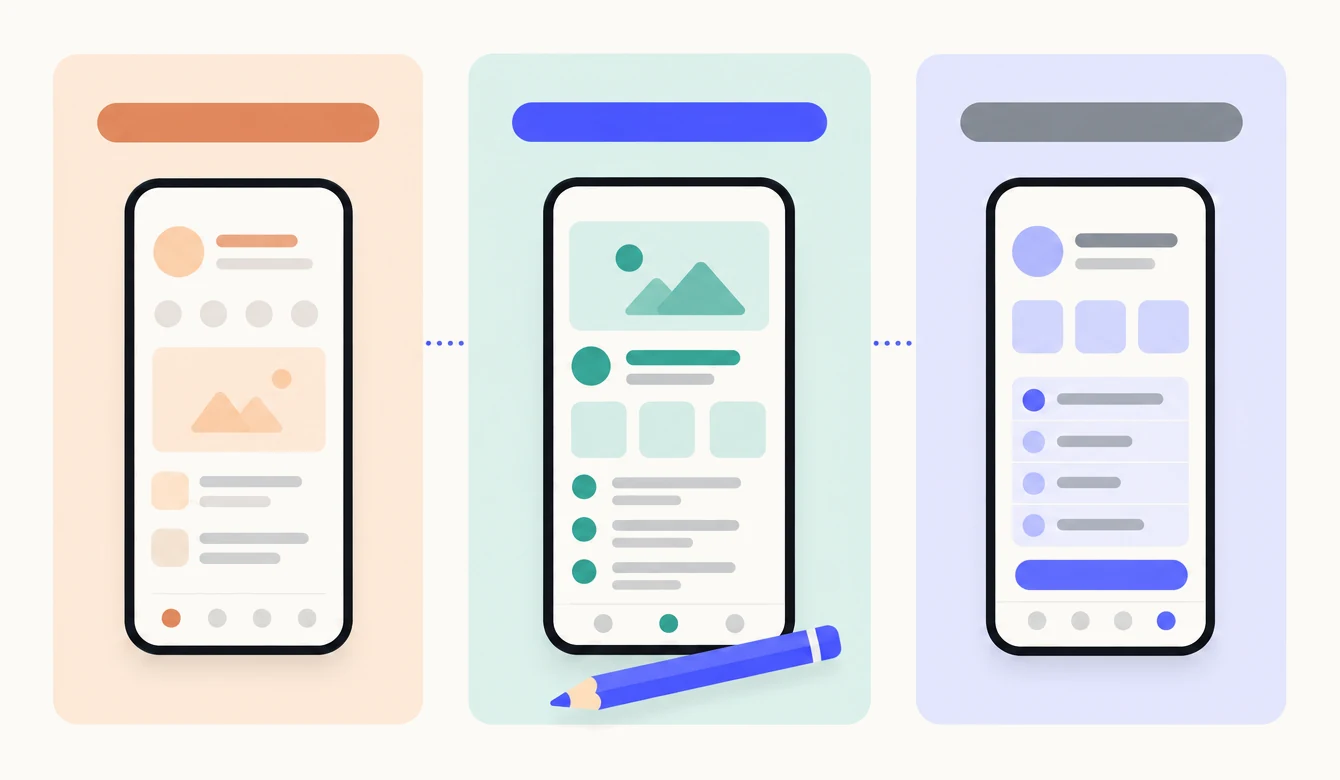
Why does the headline matter more than the screen?
Because the headline is readable when the screen is not. In search results your first screenshots appear at the size of a thumbnail, and the only thing legible at that size is the large text at the top. The interface beneath it is proof, not the message. Someone scanning results reads the headline, decides whether it is about them, and taps or scrolls on.
On a custom product page this matters twice over. Apple lets a page change its screenshots, app previews and promotional text, and nothing else: the name, icon, subtitle, description and price are the same on every page.3 The headline on the first screenshot is therefore the first place a custom page can say something your default page does not. If it says the same thing, the page is a copy. The complete guide covers what else a page can and cannot change.
What should the first screenshot say?
The reason this audience came. A custom product page exists for one search, one ad or one channel, and the first headline should answer it directly, in the words the reader used. Lull, a sleep sounds app, leads its default page with “Relaxing sounds”. Its page for people searching “white noise for babies” leads with “Sounds your baby knows”, over a list that reads shushing, heartbeat, hair dryer. A parent at 2am knows at once that the page is about them.
The second and third screenshots support the first. They do not introduce a new reason to download; they answer the next two questions the first headline raises. For the parents’ page: how do I start it with a baby in one arm (“Start it with one tap”), and will it wake her when it stops (“A timer that fades out”). Read in a row, the three headlines are one short argument. A page where the first headline is specific and the next two are the default page’s general tour loses the thread by the second swipe.
How do you write one?
Start from the reason the page exists, and write the benefit in the reader’s words. These six steps produce a headline you can defend to Apple and to the reader.
- Start from the search, the ad or the channel.Write down the exact words: the keyword the page is assigned, the ad group’s theme, or what the newsletter said. The headline answers those words, not your feature list.
- Write the benefit in the reader’s words.“Sounds your baby knows”, not “Infant audio library”. If a reviewer of your app would say it, it is the right register. Reviews are the best source of these phrases.
- Keep the first line to about five words.It has to read at a fifth of its size. Say the one thing; move a second fact to a smaller line beneath, or to the next screenshot.
- Make a claim the screen below can show.A headline is true of its screenshot or it is not. “120 sounds for sleep” sits over a list of sounds; “Fall asleep faster” sits over the player. Never a screen that shows something else.
- Check it against Apple’s rules.No other app’s name, no ranking or superlative you cannot verify, no price, nothing about another platform. The rules are below.
- Read all three in a row.First, second, third, as a swipe would show them. Each should say something new, and together they should make one argument for this audience. Cut any headline that repeats another.
Before and after: five apps
The same app, a different first headline for each search. The default headline is what the app says to everyone; the custom headline is what it says to the person who typed that search.
| App | The search | Default page headline | Custom page headline | Why it works |
|---|---|---|---|---|
| Sleep sounds app | white noise for babies | Relaxing sounds | Sounds your baby knows | Names the audience and the problem. The list beneath shows shushing, heartbeat and hair dryer, so the claim is visible. |
| Budgeting app | stop overspending | Take control of your money | Know what is safe to spend | Turns the search into the one number the app gives, over the screen that shows it. No promise about outcomes. |
| Workout tracker | beginner gym plan | Track every workout | Beginner programmes, every move shown | Says who it is for and removes the beginner’s fear, over a programme screen with a demonstrated move. |
| Photo editor | remove background | Edit photos like a pro | Background removal, in one tap | The feature the search names, with the effort it takes. The screenshot shows the before and after. |
| Scanner utility | scan to PDF | All your documents, organised | Scan to PDF, straight from the camera | The search is the headline. The camera screen beneath proves it is one step. |
Notice what the custom headlines leave out: the app’s name, how many users it has, and any word like “best”. Each is a plain statement of what the reader gets, and each could be checked against the screen. To see pages written for your own app, look it up below.
What are the rules?
Apple’s App Store Review Guidelines treat screenshots as metadata, and section 2.3, Accurate Metadata, applies to every word on them.1 Four guidelines matter for a headline:
- 2.3.3: the screenshot shows the app in use. Apple’s words: screenshots should show the app in use, and not merely the title art, login page or splash screen. They may include text and image overlays.1 So a headline is allowed, and it must sit over a real screen, not a poster.
- 2.3.7: no prices, no other apps, no unverifiable claims. Metadata such as screenshots and previews should not include prices, terms or descriptions that are not specific to the metadata type, and Apple warns against packing metadata with trademarked terms, popular app names or irrelevant phrases. The same guideline says a subtitle should not reference other apps or make unverifiable product claims; hold a headline to the same standard.1 That rules out “#1 sleep app”, “best white noise”, “only $2.99”, and another app’s name.
- 2.3.1: no misleading marketing. Promoting content or services the app does not offer, or a false price, is grounds for removal.1 A headline about a feature the app does not have is this.
- 2.3.10: nothing about other platforms. No names, icons or imagery of other mobile platforms or alternative app marketplaces in your metadata.1
A custom product page goes through App Review like any other metadata, and a page can be rejected on its own.4 What a rejection looks like, and how to fix one without touching your app, is in why custom product pages get rejected.
What about length and sizes?
It depends on the typeface and the size you set it, so there is no fixed character limit; the practical range is about 18 to 30 characters on one line, and about 45 over two. A 6.9-inch iPhone screenshot is 1290 by 2796 pixels (one of three accepted sizes), and a headline that reads in search results takes a large size and a quarter of the height above the device.2 At that size a semibold sans serif fits roughly 18 to 30 characters on a line, three to five words. Two lines hold about 45 characters before the text starts to crowd the screen it is meant to prove.
The 13-inch iPad screenshot is 2064 by 2752 pixels, closer to square, so the same words fit on fewer lines but there is less height above the device.2 Keep the same headline on every size: the words are the page, and someone who sees the iPhone page and the iPad page should read the same thing. The full list of sizes, how many screenshots Apple accepts per size and which sizes scale from which is in custom product page requirements and screenshot sizes.
Common mistakes
- The default page’s headlines with new screenshots. The screens change, the words do not, and the words are what people read.
- A first headline about the app instead of the reader. “Over 120 sounds” is about the catalogue. “Sounds your baby knows” is about the parent.
- A claim the screen does not show. “Fall asleep faster” over a settings screen. The headline and the screenshot are one unit.
- Too many words. A sentence that fits at full size is unreadable at thumbnail size. Say one thing.
- Keywords stacked as a headline. “White noise baby sleep sounds fan” is a list, and Apple’s 2.3.7 treats it as abuse.1
- Another app’s name. On a page for people switching, describe the difference, never the competitor.
- Three headlines that say the same thing. “Sleep better”, “Better sleep”, “Sleep well”. Each screenshot earns its place by saying something new.
- Different words on iPhone and iPad. One page, one set of headlines, every size.
Sources
Questions people ask
Does every screenshot need a headline?
Can the headline mention a competitor?
Can I put the search keyword in the headline?
Can a custom product page use a different app name or subtitle?
How many words fit in a headline?
See your first page.
Look up your app. In about a minute you see three pages planned for it and one designed on your own screenshots, before you sign up.