How many custom product pages does your app need?
Apple allows up to 70 custom product pages per app. The right number for your app is the number of distinct keyword groups and use cases it serves: one page for each search you already appear for, each reason people download, and each channel or campaign you run. Make them in the order of the traffic behind them, and add one whenever a new audience appears.
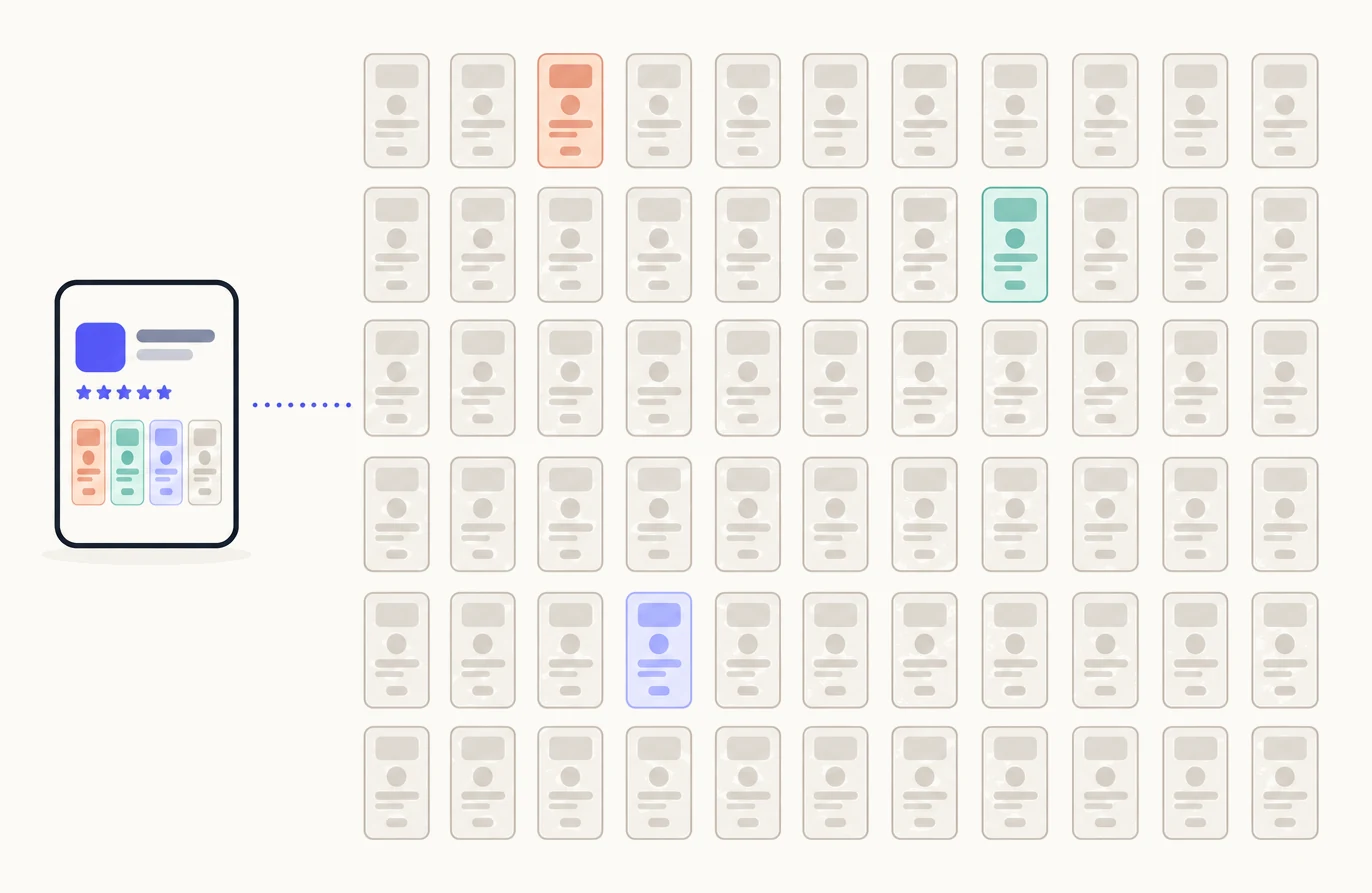
How many are you allowed?
Up to 70 custom product pages per app, on iPhone and iPad.1 The limit was 35 until October 29, 2025, when Apple doubled it, so older articles still quote the lower number.2 The limit is per app, not per account, and Apple phrases it as the number you can create and publish at a given time.2
Every page under that limit has its own link, its own screenshots, app previews and promotional text, and can carry its own keywords and deep link. What a page can and cannot change is in the complete guide to custom product pages.
How many should you make?
One for each distinct keyword group and use case your app serves. People find your app through a set of searches that each want something different, for the reasons they give in reviews, and through the ads you run and the links you share. Each of those is an audience that lands on your default page today and sees a story written for everyone. The number of pages is the number of those audiences, not a round number and not a share of the limit.
| Source | How to count the pages | What each page is for |
|---|---|---|
| Keyword groups | Group your keyword field by what the searcher wants. One page per group | Shown in search for that group’s keywords, leading with the feature they searched for |
| Use cases from reviews | One page for each distinct reason reviewers give for downloading that the default page does not lead with | The screens that prove that reason, reached by its keywords or its link |
| Channels | One page for each place that already sends people to your listing: a site, a newsletter, a creator, a tutorial | Continues what they just read, by its own link |
| Campaigns | One page per Apple Ads ad group theme, season or launch | The same promise as the ad, retired when the campaign ends |
| Competitors | One page for each competitor whose searchers want something your app does better | Their searches, with a page that compares and names nobody |
Two of these follow from Apple’s rules. A page appears in search only for keywords assigned to it, and Apple asks that each keyword combination be unique to a single page, so the number of search pages is the number of keyword groups you can separate cleanly.13 In Apple Ads, an ad variation is built from a custom product page and each ad group can have one active custom ad, so ad pages follow ad groups.4 Languages do not add pages: a page is localizable, so a new market is a localized version of a page you have, not a new one.
How do you list your keyword groups and use cases?
From what people already do, not from your feature list. Your keyword field, your reviews and your traffic sources are the places to look, because each one is a real person who arrived with something in mind.
- Write down the searches you already appear for.Start from your keyword field, since a page for search can only use keywords from your latest approved version. Group them by what the searcher wants, not by the words they share: “white noise baby” and “sleep sounds newborn” are one group; “white noise” and “focus sounds” are two.
- Add the reasons people download.Read your reviews and support email for the thing people say they came for. Each reason your default page does not lead with is a use case, in the user’s own words.
- Add the channels and campaigns you run.Each Apple Ads ad group theme, each site, newsletter or creator that links to you, each season or launch. These pages need no keywords; people reach them by the ad or the link.
- Strike the ones your default page already tells.A custom page is for the people the default page does not lead with.
- Strike the ones you cannot prove with screens.Name the two or three screens that show each item left. The screens, not the words, do the convincing; if there are none, it is not ready for a page.
What is left is your number. For a small app it may be two; for an app with a wide keyword field and several ad groups it may be twenty. Both come from the list rather than from a guess, and most apps find more on the list than they expected.
In what order should you make them?
In the order of the traffic behind each one. Put the keyword group with the most impressions first, then the ad group with the most spend, then the channel that sends the most people, and work down. A page nobody can reach does nothing, so a thin keyword group with no link belongs at the bottom however much you like the idea.3
Give each page its route as you make it: assign its keywords, attach it to its ad group, or put its link where its audience already is. Then wait for data. Apple reports a page once it has five first-time downloads, so the pages with the most traffic behind them are also the first you can judge.5
When is it worth adding more?
Whenever a new audience, keyword group, campaign or channel appears. The list grows as your app does, and each new item is a page when you can name who it is for and how they will reach it. A page with no link, no ad and no keywords pointing to it will not be seen by anyone.3 Good reasons for the next page:
- A keyword group your existing pages don’t fit. People searching it deserve a first look that matches, and the keywords are free. See custom product pages in App Store search.
- A new ad group. Each ad group can run one custom ad, and the ad and its page should make the same promise. See custom product pages for Apple Ads.
- A referral you can count. A tutorial, a newsletter or a creator that already sends people to the App Store.
- A season or a launch. One page for the campaign, retired afterwards.
- A use case your reviews start to mention. When a share of reviewers say they use the app for one thing your pages do not show, that thing is a page.
Bad reasons: a feature you are proud of that nobody searches for, a page that only changes the promotional text, or wanting to use the limit. Every page is more screenshots to keep current when your app changes, which is the real cost of a large count. The only ceiling is Apple’s 70.
What do the top apps do?
They use the feature heavily. Appfigures reported in July 2025 that 83 of the top 100 grossing US apps and games use custom product pages, and that 30 of those run 30 or more pages.6 That is a snapshot from before the limit rose to 70, and it describes apps with ad budgets, large keyword sets and teams to keep dozens of pages current.
Read it as proof that the feature is standard practice at the top, not as a target. A top-100 app with 30 pages has 30 audiences it can reach. Its count is right for the same reason yours is: it matches the keyword groups, use cases, channels and campaigns behind its downloads.
How many pages does Pagefully make?
One page free, ten with the Pack, and up to 70, Apple’s limit, with Pro. All per app. Every plan starts the same way: paste your App Store link, and before you sign up the preview shows three of the pages Pagefully proposes and designs one of them from your app’s real screens.
Whatever you use, the method is the same: list your keyword groups, use cases, channels and campaigns, make one page for each in the order of the traffic behind them, and add the next page when the next audience appears.
Sources
- 1Apple, Custom product pages
- 2Apple, Enhancements to help you submit and market your apps and games (news, October 29, 2025)
- 3Apple, Configure multiple product page versions (App Store Connect Help)
- 4Apple Ads, Create ad variations
- 5Apple, Custom product page analytics (App Store Connect Help)
- 6Appfigures, Custom Product Pages Are the App Store’s Secret Weapon (July 2025) A mid-2025 snapshot of the top 100 grossing US apps and games.
Questions people ask
Is the limit 35 or 70?
Is the limit per app or per account?
Do I need all 70?
Can I have one custom product page?
Does a page count against the limit once it is disabled?
How many pages can Pagefully make?
See your first page.
Look up your app. In about a minute you see three pages planned for it and one designed on your own screenshots, before you sign up.