Custom product pages for Apple Ads
In Apple Ads you can point an ad group at a custom product page, so the ad is built from that page’s screenshots and the person who taps lands on it. The ad and the page then make the same promise. Apple reports a 2.5 percentage point higher conversion rate on average for people referred to a custom product page, mostly from ads and links, and developers have published their own results, each with a caveat worth reading.
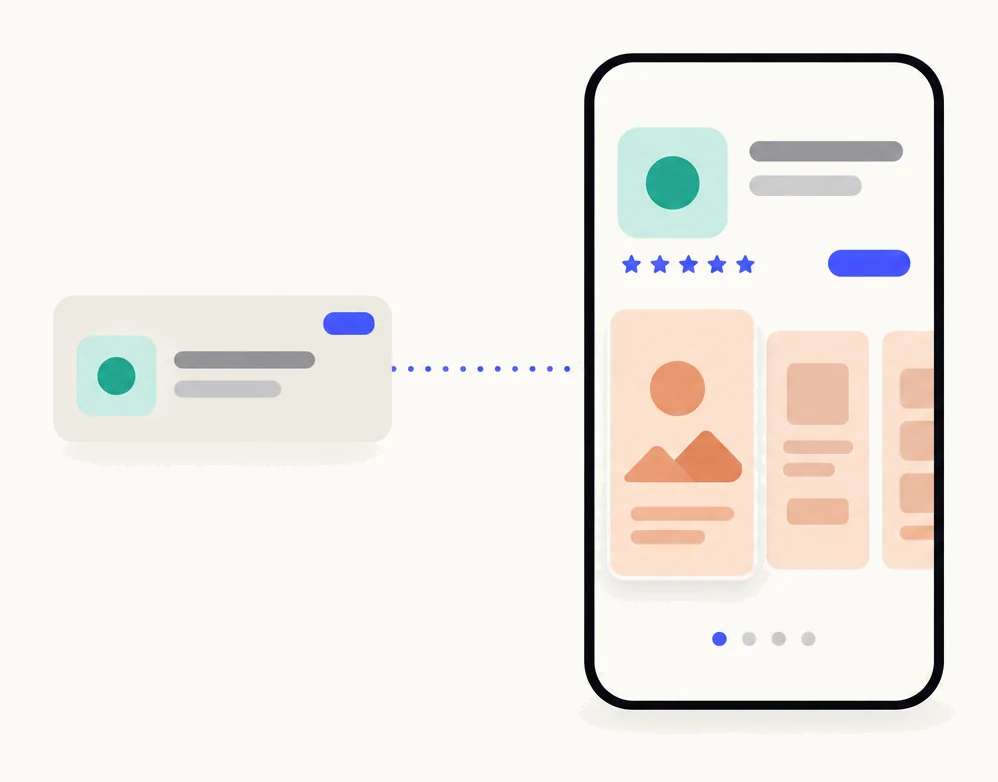
| Search results | A default ad from your default page, or an ad variation from a custom product page |
|---|---|
| Today tab | Each ad uses a custom product page as its tap destination |
| Search tab | Your default page, or a custom product page with a deep link |
| Product page ads | Apple’s placement page does not describe a custom page option |
| Pages available | Approved pages from App Store Connect, with Marketing role access |
| Active custom ads per ad group | One |
How do custom product pages work with Apple Ads?
An ad variation is an ad built from one of your custom product pages. Apple Ads takes the page’s screenshots and app previews for the ad creative, and sends the person who taps to that page.14 The ad and the landing page are the same story by construction.
Without one, Apple Ads makes a default ad from your default App Store page, and that ad runs in any ad group where you have not created a variation.1 That is fine for a brand ad group. It is weaker for an ad group about one feature: the person who searched “sleep tracker for Apple Watch” taps an ad with your general screenshots and lands on a page that never mentions the watch.
Which placements support it is set per placement.2 Search results ads take a default ad or an ad variation from a custom page. Today tab ads use a custom product page as the tap destination, and the page’s assets animate behind the ad.3 Search tab ads can send people to the default page or to a custom page with a deep link. Apple’s placement page does not describe a custom page option for product page ads.
The pages come from App Store Connect. Apple Ads lists your approved pages, and you need Marketing role access to the App Store Connect account.6 The complete guide has the steps to make one.
How do you create an ad from a custom product page?
You create the ad inside an ad group, from the Ads dashboard, by choosing the page. These are the steps from Apple Ads Help, with the App Store Connect step first.1
- Make the page in App Store Connect and get it approved.Screenshots, app previews and promotional text for each localization, then submit it to App Review. Only approved pages appear in Apple Ads, and a page whose link you disable puts its ad on hold.
- In Apple Ads, open the ad group from the Ad Groups dashboard.For search results, pick the ad group whose keyword theme the page was made for. For the Today tab, every ad uses a custom page.
- On the Ads dashboard, click Create Ad.
- Name the ad and select the custom product page that will determine its creative.One page per ad. The ad’s screenshots and previews come from that page.
- Preview the ad, then click Save.Each ad group can have one active custom ad; setting another to active pauses the first.
- Watch it in the Ads dashboard.Impressions, taps, average cost per tap and installs are reported per ad, so the custom ad can be compared with the default ad it replaced.
Statuses tell you when something has changed on the App Store Connect side. Disabled means the page was disabled in App Store Connect; Deleted means the page was deleted.5
How many pages do you need for ads?
One per ad group theme. An ad group is already a set of keywords with one idea behind it, and Apple’s own advice is to connect the page’s content with that keyword theme.6 Since an ad group runs one active custom ad, the question “how many pages?” is the question “how many themes?”.
So the answer is one page per ad group theme, as many themes as you bid on, plus a seasonal or competitor theme where you run one. Our guide on how many custom product pages your app needs covers how to count the keyword groups and use cases behind those themes, and the order to make them in. The same page can serve an ad group and a search keyword set about the same thing.
What should the page say?
The ad’s promise, in the first screenshot. That screenshot is the ad’s creative and the first thing seen after the tap. If the ad group is “sleep tracker apple watch”, it shows the watch and says sleep tracking. Everything else on the page supports that.
| Ad group theme | First screenshot | Promotional text |
|---|---|---|
| Apple Watch sleep tracking | The watch, the sleep graph, “Track sleep from your wrist” | One line about the watch |
| White noise for babies | The baby sounds list, “Sounds your baby knows” | One line for parents |
| Competitor brand | The difference the reviews praise, named plainly and without the competitor’s name | One line on that difference |
| Brand or app name | Default page | Default |
Add a deep link if the feature has a screen of its own. Apple Ads lets a custom page carry a deep link that takes people to the exact place in your app relevant to their search, on iOS 18 or later.67
What results have developers reported?
Better conversion and lower cost per install, in the published cases, with caveats that matter. Here they are, with what each shows.
- Apple’s average. +2.5 percentage points conversion, against a 1.6% default-page average, for people referred to custom product pages.7 Apple does not say over what period or how many apps, and the people counted arrive mostly from ads and links, so it is broad support for focused destinations, not a forecast.
- Pillow. Ad variations focused on its Apple Watch sleep tracking, a feature the default page doesn’t lead with. Apple Ads reports 63% higher tap-through, 83% more installs against its default ad.8 More installs is volume, not conversion or incrementality.
- SoundCloud. Custom pages in Apple Ads campaigns on competitor brand keywords, leading with unlimited skips and fewer ads. AppTweak reports 39% lower cost per install.9 Its conversion rate is installs over impressions, not over page views.
- Apple Ads best practices. Apple cites HelloFresh at 42% higher tap-through and 9% higher conversion for ad variations than its default ad, and Facetune at 45% and 8%.6 Apple’s figures, for two advertisers, against each one’s own default ad.
- MobileAction’s 2025 benchmark. Across its data, Custom-page ad impressions 6.56B → 15.80B; tap-through 1.43% → 1.72%; conversion 55.87% → 47.57%.10 That is more use and changing economics within one dataset, not proof that custom pages cause the improvement; the conversion rate fell as use grew.
None of these is your app. The honest test is one ad group with a custom page beside a similar one without, for long enough to see installs, not taps. All the evidence, with its sources, is on the why page.
What are the common mistakes?
Most problems come from the page and the ad group drifting apart.
- A page that does not match the keywords. A general page behind a specific ad group gives you the default ad’s weakness with extra work. The page should be about the ad group’s theme and nothing else.
- One page for every ad group. One active custom ad per ad group means one page can serve many groups, but then every group gets the same first screenshot. Split themes into groups and give each its own page.
- Judging by taps. A new ad creative often lifts tap-through on its own. Judge the page by installs and cost per install, and give it enough spend to show them.
- Disabling a page that an ad uses. The ad goes on hold.5 Pause the ad or swap its page first.
- Letting the page go stale. After an app update the page, and so the ad, still shows the old screens. Refresh pages when the app changes.
- Forgetting the rest of the listing. The name, icon, subtitle, description and price are the same on every page.11 A custom page cannot fix a weak icon; Apple’s product page optimization can test one, as our comparison explains.
Sources
- 1Apple Ads Help, Create ad variations
- 2Apple Ads Help, Ad placement options
- 3Apple Ads Help, Today tab ads
- 4Apple Ads Help, Search results ads
- 5Apple Ads Help, Manage ad variations
- 6Apple Ads, Ad variations best practices
- 7Apple, Custom product pages People referred to custom product pages, mostly through ads and links. Percentage points, not percent.
- 8Apple Ads, Pillow success story Apple Ads traffic. More installs is volume, not necessarily conversion or incrementality.
- 9AppTweak, SoundCloud case study Apple Ads competitor campaigns. Its conversion is installs over impressions, not page views.
- 10MobileAction, Apple Ads 2026 benchmark: ad variations using custom product pages Year-over-year figures within its dataset, not a comparison with default pages.
- 11Apple, App Store Connect Help: Configure multiple product page versions
Questions people ask
Do I need a custom product page to run Apple Ads?
Can one ad group use several custom product pages?
What happens to the ad if I disable or delete the page?
Does the ad have to be reviewed?
Will a custom product page lower my cost per install?
See your first page.
Look up your app. In about a minute you see three pages planned for it and one designed on your own screenshots, before you sign up.