Custom product pages vs. product page optimization
Custom product pages show different pages to different audiences. Product page optimization tests up to three versions of your default page on a random share of visitors to find the one that converts best. Use custom product pages when you know who you are talking to, and product page optimization when you want to improve the page everyone sees.
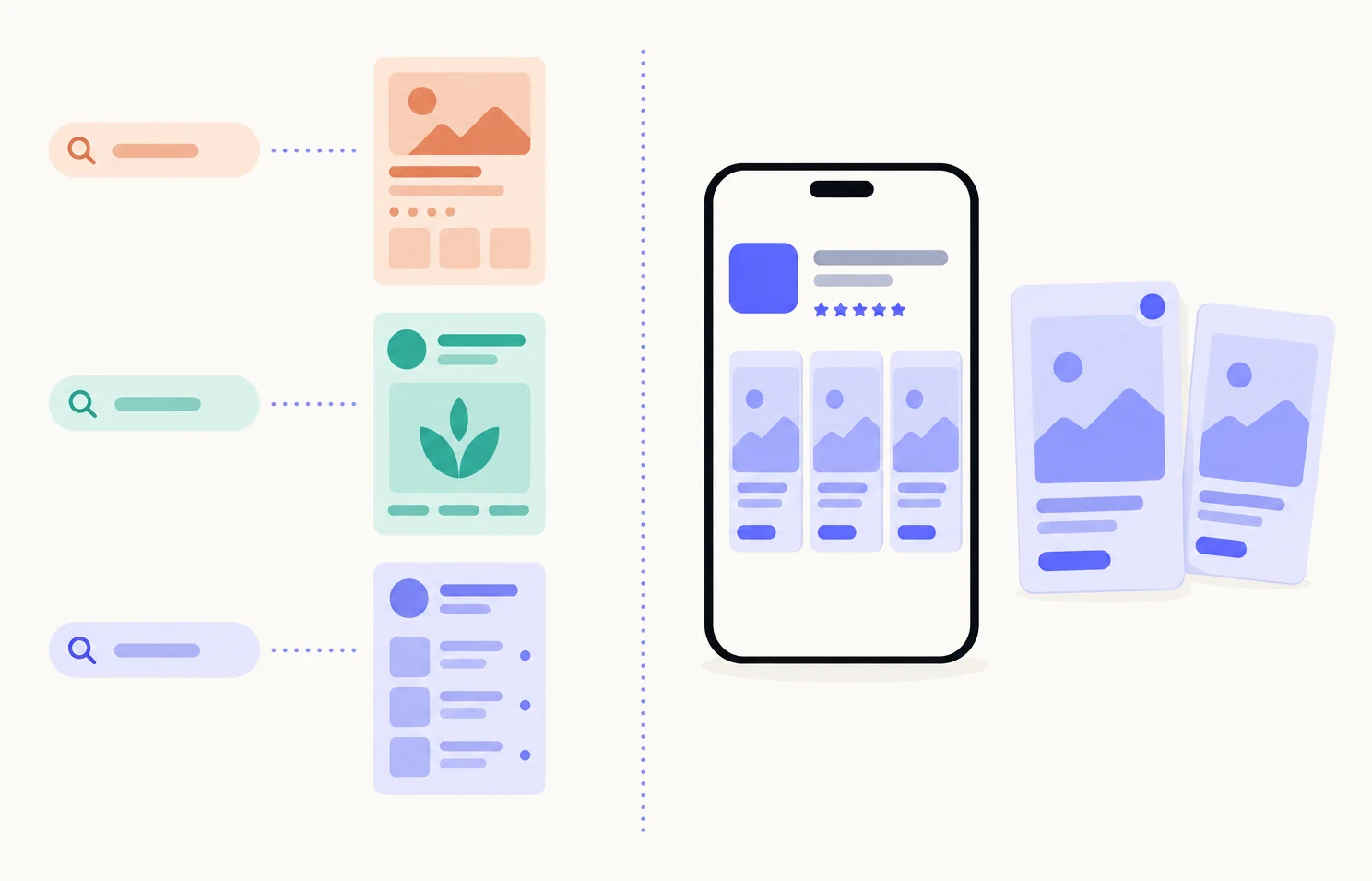
What is a custom product page?
A custom product page is an extra version of your app’s App Store page, aimed at one audience. It can have its own screenshots, app previews and promotional text; the name, icon, subtitle, description, price and reviews stay the same.1 Apple allows up to 70 per app, for iPhone and iPad on iOS 15 or later.7
People reach one in three ways: from its own link, from an Apple Ads ad that uses it, or from App Store search when you assign keywords to it.7 Nobody is picked at random. Everyone who arrives by that route sees that page, for as long as you keep it live. Your default page stays as it is for everyone else. The complete guide covers how to make one; this page is about when to choose it over a test.
What is product page optimization?
Product page optimization is Apple’s built-in A/B test of your default page. You create up to three treatments, each of which can change the icon, the screenshots or the app previews, and Apple shows them to a percentage of randomly selected visitors on iOS and iPadOS 15 or later.23
You choose that percentage. With three treatments and a 30% traffic proportion, each treatment is shown to 10% of your visitors and the original keeps 70%.4 A test runs for 90 days or until you stop it.2 Results appear in App Analytics once the test has five first-time downloads: unique impressions, conversion rate, improvement over the original, and a confidence level, with 90% or more treated as reliable.6 If a treatment wins, you apply it to your original page and everyone sees it.2
Two details matter. A treatment’s icon must already be in your app’s binary as an alternate icon, and anyone who downloads during the test sees that icon on their device, not only in the store.25 And a test cannot touch promotional text: the test varies pictures, a custom page varies pictures and words.5
What is the difference?
A custom product page is a destination. Product page optimization is an experiment. One answers “what should this audience see?”; the other answers “which version of the page everyone sees converts best?”.
| Custom product pages | Product page optimization | |
|---|---|---|
| Purpose | A tailored page per audience | Find the best default page |
| Who sees it | People who arrive from a link, an ad or an assigned keyword | A random share of visitors to your default page |
| What you can change | Screenshots, app previews, promotional text | Icon, screenshots, app previews |
| How many | Up to 70 pages per app | Up to 3 treatments per test, against the original |
| How long it runs | Until you disable or delete it | Up to 90 days, or until you stop it |
| Best for | Ads, search keywords, campaigns, referrals | Improving the conversion of the page everyone sees |
| Where results appear | App Analytics, Product Pages, after 5 first-time downloads on the page | App Analytics, Product Page Optimization, after 5 first-time downloads on the test |
The reporting is different in kind, too. A test gives you a controlled comparison, because the same traffic was split at random.6 A custom page gives you its own views, downloads and conversion rate, but against a different audience from your default page, so a higher rate is useful context, not proof.8
Can you use both at once?
Yes. A product page optimization test only varies your original page; Apple says tests are not available for custom product pages.3 A custom page is a separate thing that sits beside the test, and a visitor who lands on a custom page is not part of it.
So the two do not interfere. You can run a test on the default page while three custom pages serve your ads, your keywords and a newsletter link. The one thing Apple warns about is releasing a new app version mid-test with assets that are being tested, which can affect results.3 Custom pages do not have that problem, because they are submitted and approved on their own.7
Which should you do first?
Start with the one your traffic calls for. If you already have a source with a clear intent, such as an ad group, a search you rank for or a site that sends you visitors, a custom page for it is the faster win, because you know what that audience wants to see. If most of your visitors arrive with no particular intent, a test on the default page helps more people.
- Sort your visitors by where they come from.App Analytics shows views and downloads by source type. Ads, keywords and referrers are audiences; browse is everyone.
- Make one custom page for your clearest audience.One reason to download, led by the first screenshot. See how many pages to make and in what order.
- Run one test on the default page, one element at a time.Three treatments of the first screenshot, or of the icon, give a cleaner answer than three that change everything.
- Read each result in its own place.Product Pages for custom pages, Product Page Optimization for the test. Do not compare one to the other.
- Carry what wins across.A winning treatment becomes the default. A custom page that outperforms tells you what that audience wants, which is worth testing on the default next.
If you are unsure how many custom pages to make, count your keyword groups and use cases, one page for each in the order of the traffic behind them, and add a page for search keywords or Apple Ads when you have a real source for it. The evidence for custom pages, with what each figure does and does not show, is on the why page.
Sources
- 1Apple, Custom product pages
- 2Apple, Product page optimization
- 3Apple, App Store Connect Help: Overview of product page optimization
- 4Apple, App Store Connect Help: Create a test
- 5Apple, App Store Connect Help: Configure test treatments
- 6Apple, App Store Connect Help: View product page optimization results
- 7Apple, App Store Connect Help: Configure multiple product page versions
- 8Apple, App Store Connect Help: Custom product page analytics
Questions people ask
Is a custom product page an A/B test?
Can a product page optimization test include a custom product page?
Can product page optimization change the app icon?
How long does a product page optimization test take?
Do I need a new app version for either?
See your first page.
Look up your app. In about a minute you see three pages planned for it and one designed on your own screenshots, before you sign up.