Health & Fitness app screenshots with a badge
A badge such as Editors’ Choice or Featured. A badge is a small mark of recognition, such as a feature by Apple, set beside the headline or the screen.
From the top 100 free Health & Fitness apps on the US App Store, read on October 9, 2026. Screenshots are the developers’ own, shown from Apple’s servers with a link to each app.
The numbers
57 of the 574 Health & Fitness screenshots read (10%) do this, across 36 of the top 100 apps (36%). 4 of the top ten do it (40%), against 32 of the other 90 (36%): the top ten do it about as often as the rest. Of the 23 categories read so far, Health & Fitness is 8th for this. It is most common in Entertainment (48% of apps) and least common in Developer Tools (20%).
12 examples from the chart.
12 of the 57 Health & Fitness app screenshots with a badge, one from each app, the highest on the chart first.

“WITHDRAW REWARDS AT $1”
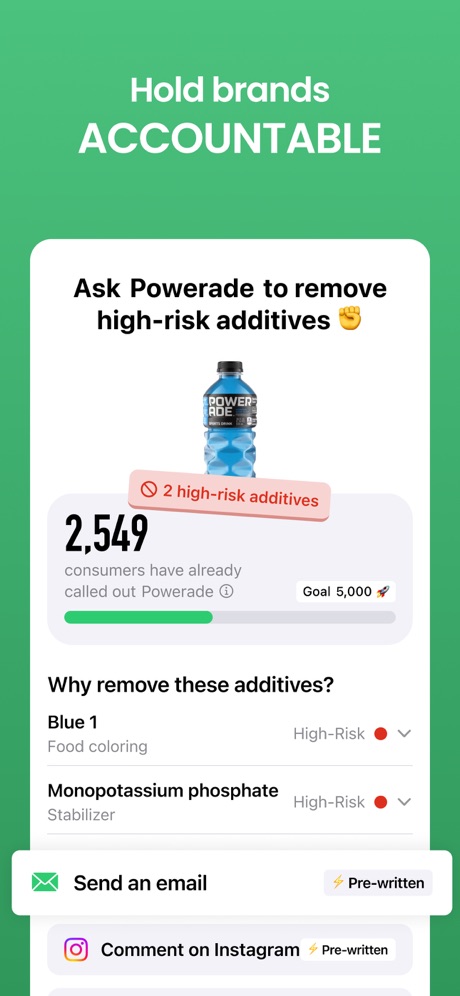
“Hold brands ACCOUNTABLE”

“Track your progress as you go”

“Know What You're Eating”

“Score more. Spend less.”

“The app that converts your steps into rewards”

“Reserve your spot with a tap”

“10+ tasks to wake you up”

“Automatic Step Counter”

“Stay connected anytime, anywhere.”
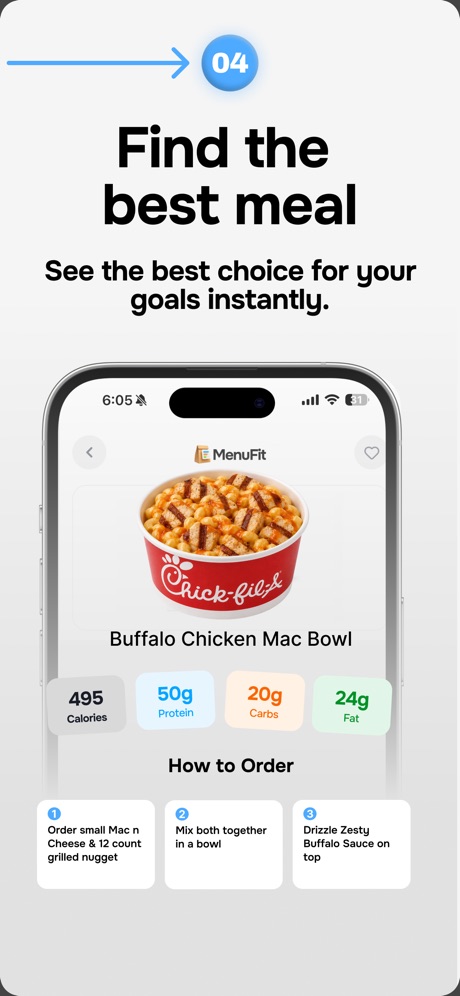
“Find the best meal”

“ANALYZE YOUR WORKOUTS”
Real headline examples, word for word.
The words on 40 of the 56 that carry any, as each app wrote them.
“WITHDRAW REWARDS AT $1”
Scrambly: Earn Money Walking · #4 · screenshot 4“Hold brands ACCOUNTABLE”
Yuka - Food & Cosmetic Scanner · #5 · screenshot 5“Track your progress as you go”
Cal AI - Calorie Tracker · #7 · screenshot 4“Know What You're Eating”
MyFitnessPal: Calorie Counter · #9 · screenshot 2“Score more. Spend less.”
New EōS Fitness · #12 · screenshot 6“The app that converts your steps into rewards”
WeWard - Walking Rewards App · #13 · screenshot 1“Reserve your spot with a tap”
ClassPass: Fitness, Spa, Salon · #19 · screenshot 5“10+ tasks to wake you up”
Wayk: Alarm Clock to Wake Up · #21 · screenshot 3“Automatic Step Counter”
Now with WorkoutsStepsApp Pedometer · #28 · screenshot 1“Stay connected anytime, anywhere.”
Kaiser Permanente · #29 · screenshot 1- 04
“Find the best meal”
See the best choice for your goals instantly.MenuFit - Healthy Eating Out · #30 · screenshot 6 “ANALYZE YOUR WORKOUTS”
Hevy - Workout Tracker Gym Log · #31 · screenshot 3“Get some credit for all that hard work”
Google Health (Fitbit) · #35 · screenshot 6“Get meal feedback anytime”
Nourish: Eating Well Made Easy · #40 · screenshot 6“Calorie & Macro Tracker”
Calorie Counter - MyNetDiary · #41 · screenshot 4“More steps MORE REWARDS”
Sweatcoin Walking Step Counter · #44 · screenshot 3“Find healthier alternatives”
Exposr - Food Product Scanner · #51 · screenshot 3“Track how you feel”
Clue Period & Cycle Tracker · #63 · screenshot 3“Training Plans”
Get your personalized training plan with a variety of exciting workoutsRunna: Running Plans & Coach · #64 · screenshot 1“History Detail”
Cardiora: Blood Pressure · #66 · screenshot 6“Sync Seamlessly with your Partner”
Connect, Support,LoveLively - Period Tracker, Cycle · #68 · screenshot 5“Get your stack rated and analyzed”
SuppCo: Supplement Scanner · #74 · screenshot 2“Professional coaches to help you reach your goals”
AF App · #77 · screenshot 4“Obtain the Awards”
VeryFit · #78 · screenshot 6“INSTANTLY IDENTIFY MUSCLES TO IMPROVE”
Liftoff - Ranked Gym Workouts · #79 · screenshot 5“Join your next session in a tap”
Grow Therapy · #80 · screenshot 3“AI Health Report”
PulseGuard Ai · #81 · screenshot 3“Personalized content every day”
Headspace: Sleep & Meditation · #84 · screenshot 6“Meal Plan Customized For You”
Calo: AI Food Calorie Counter · #85 · screenshot 5“Ready to Commit? Put Your Steps to Work”
Steppa - Step Challenges · #90 · screenshot 3“Navigate”
Find the most beneficial care options for youPersonify Health · #91 · screenshot 3- with AI
“Log meals Naturally”
Calorie Counter by Numify · #92 · screenshot 3 “The Best Meditation App”
New York Times Wirecutter, 2025“New York Times Wirecutter, 2025”Insight Timer: Meditate, Sleep · #93 · screenshot 1“BUILD MUSCLE & LOSE WEIGHT”
Home Workout - No Equipments · #95 · screenshot 1“I don't even have to think about my workouts, I just open the app and go, that's the best part.”
STNDRD Workout & Fitness Plans · #96 · screenshot 2“تابع صيامك بالثانية”
صيامي: صيام ذكي ومتقطع · #100 · screenshot 2“Convert your rewards into cash or gifts”
WeWard - Walking Rewards App · #13 · screenshot 2“Track sleep & wake-up insights”
Wayk: Alarm Clock to Wake Up · #21 · screenshot 5“History & Trends”
StepsApp Pedometer · #28 · screenshot 3“Skip the trip. Get refills fast.”
Kaiser Permanente · #29 · screenshot 3
Top ten Health & Fitness apps that do it.
- #4Scrambly: Earn Money Walking1 of its 6 screenshots
- #5Yuka - Food & Cosmetic Scanner1 of its 6 screenshots
- #7Cal AI - Calorie Tracker1 of its 4 screenshots
- #9MyFitnessPal: Calorie Counter1 of its 6 screenshots
The same tactic in other categories.
| Category | Apps that do it | Screenshots | Top ten |
|---|---|---|---|
| Entertainment | 48% 48 of 100 | 15% 84 of 544 | 3 of 10 |
| Shopping | 48% 48 of 100 | 16% 88 of 562 | 5 of 10 |
| Education | 45% 45 of 100 | 12% 67 of 555 | 7 of 10 |
| Social Networking | 45% 45 of 100 | 13% 74 of 554 | 3 of 10 |
| Finance | 41% 41 of 100 | 9% 52 of 581 | 2 of 10 |
| Travel | 41% 41 of 100 | 12% 70 of 561 | 3 of 10 |
| Food & Drink | 38% 38 of 100 | 10% 52 of 540 | 3 of 10 |
| Health & Fitness | 36% 36 of 100 | 10% 57 of 574 | 4 of 10 |
| Sports | 35% 35 of 100 | 11% 61 of 558 | 5 of 10 |
| Business | 34% 34 of 100 | 9% 51 of 554 | 2 of 10 |
| Lifestyle | 32% 32 of 100 | 8% 45 of 556 | 4 of 10 |
| Reference | 32% 32 of 100 | 8% 44 of 566 | 4 of 10 |
| Graphics & Design | 31% 31 of 99 | 8% 43 of 564 | 3 of 10 |
| Photo & Video | 30% 30 of 100 | 7% 40 of 566 | 3 of 10 |
| Navigation | 28% 28 of 99 | 6% 34 of 566 | 2 of 10 |
| News | 28% 27 of 98 | 8% 39 of 517 | 3 of 10 |
| Games | 25% 25 of 100 | 7% 39 of 567 | 3 of 10 |
| Productivity | 24% 24 of 99 | 6% 31 of 551 | 1 of 10 |
| Music | 24% 24 of 100 | 5% 30 of 550 | 2 of 10 |
| Utilities | 24% 24 of 100 | 5% 27 of 549 | 4 of 10 |
| Medical | 21% 21 of 100 | 5% 27 of 548 | 4 of 10 |
| Weather | 21% 21 of 100 | 5% 30 of 555 | 4 of 10 |
| Developer Tools | 20% 20 of 100 | 5% 23 of 507 | 3 of 10 |
Related tactics.
Often on the same screenshot
- Arrows or callouts35% of these screenshots, against 19% of all Health & Fitness screenshots
- Gradient background70% of these screenshots, against 57% of all Health & Fitness screenshots
- States a benefit54% of these screenshots, against 42% of all Health & Fitness screenshots
- Laurel or award18% of these screenshots, against 6% of all Health & Fitness screenshots
- Screen fills the picture89% of these screenshots, against 80% of all Health & Fitness screenshots
- Whole phone shown61% of these screenshots, against 53% of all Health & Fitness screenshots
More in proof
Questions, answered from the chart.
How many top Health & Fitness apps have App Store screenshots with a badge?
Which Health & Fitness apps have App Store screenshots with a badge?
Should my Health & Fitness app have App Store screenshots with a badge?
See your own app against this.
Pagefully reads your screenshots the same way, and makes a custom product page for each search people type, from your real screens.
Preview your pages