Productivity app screenshots with a badge
A badge such as Editors’ Choice or Featured. A badge is a small mark of recognition, such as a feature by Apple, set beside the headline or the screen.
From the top 99 free Productivity apps on the US App Store, read on October 9, 2026. Screenshots are the developers’ own, shown from Apple’s servers with a link to each app.
The numbers
31 of the 551 Productivity screenshots read (6%) do this, across 24 of the top 99 apps (24%). 1 of the top ten do it (10%), against 23 of the other 89 (26%): the top ten do it less than the rest. Of the 23 categories read so far, Productivity is 18th for this. It is most common in Entertainment (48% of apps) and least common in Developer Tools (20%).
12 examples from the chart.
12 of the 31 Productivity app screenshots with a badge, one from each app, the highest on the chart first.

“Sort your mail”

“Designed to simplify your life”

“the Digital Detox Leaderboard!”

“Never take notes again”
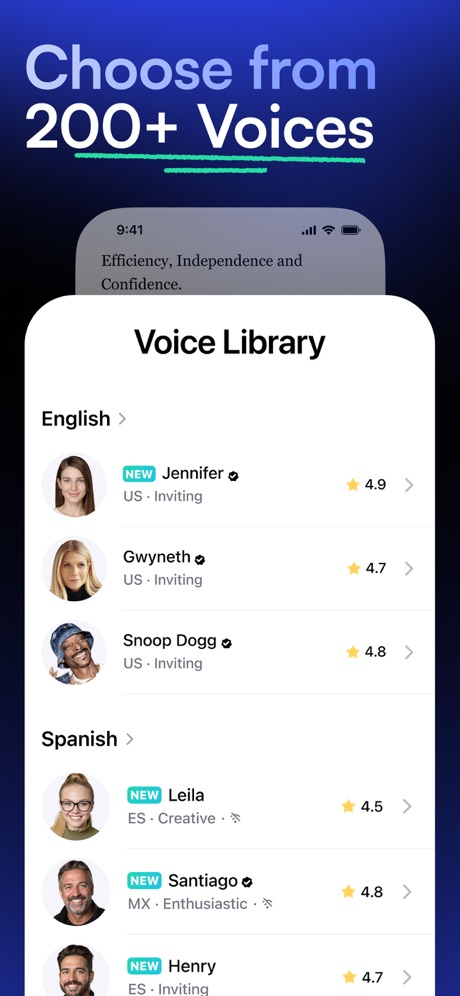
“Choose from 200+ Voices”

“Choose the right words”
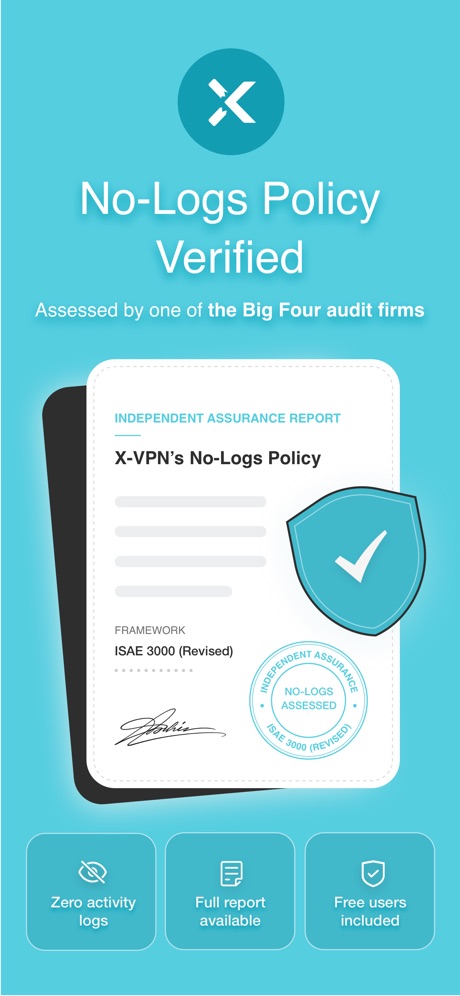
“No-Logs Policy Verified”
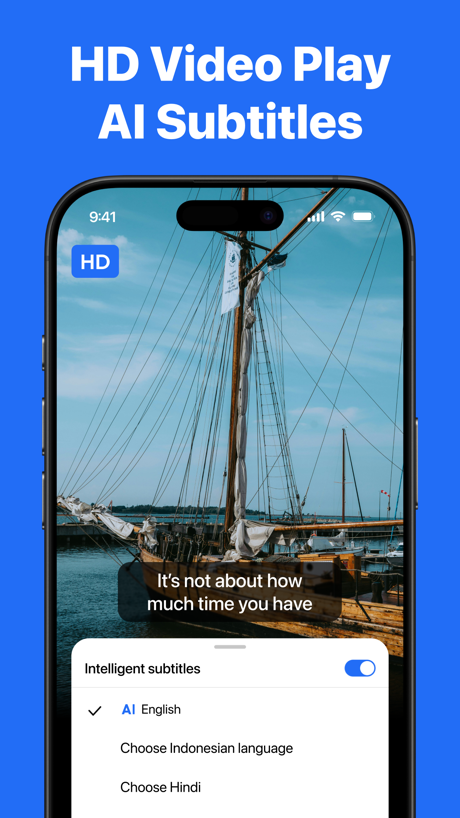
“HD Video Play AI Subtitles”

"The most awesome snack we've ever tried."

“RECOVER Deleted Photos”

“Google Form with Friend Group”

“Unlock VPN”
Real headline examples, word for word.
The words on all 30 that carry any, as each app wrote them.
“Sort your mail”
with a tabbed inboxGmail - Email by Google · #5 · screenshot 2“Designed to simplify your life”
Yahoo Mail: Your Email & Inbox · #21 · screenshot 1- CLIMB
“the Digital Detox Leaderboard!”
BePresent: Screen Time Control · #33 · screenshot 5 “Never take notes again”
When recording with (mic icon) Summary AISummary - AI Note Taker · #35 · screenshot 1“Choose from 200+ Voices”
Speechify – Text to Speech PDF · #39 · screenshot 2“Choose the right words”
Grammarly: AI Keyboard & Voice · #40 · screenshot 3“No-Logs Policy Verified”
Assessed by one of the Big Four audit firmsX-VPN: VPN Fast & Secure · #41 · screenshot 1“HD Video Play AI Subtitles”
“It's not about how much time you have”TeraBox: 1TB Cloud & AI Space · #45 · screenshot 4"The most awesome snack we've ever tried."
Chicago Tribune“The most awesome snack we've ever tried.”Double Good · #53 · screenshot 6“RECOVER Deleted Photos”
Photo Recovery: Deleted Files · #54 · screenshot 1“Google Form with Friend Group”
Forms for Google Docs · #55 · screenshot 2“Unlock VPN”
Unlimited Browsing with high-speedSurfshark VPN: Fast & Secure · #60 · screenshot 4“We don't put ads in your inbox”
so you can focus on what mattersProton Mail - Encrypted Email · #66 · screenshot 3“Find Anyone with AI”
OneSearch: DeepSearch Finder · #68 · screenshot 2“Shared Calendar App”
TimeTree: Shared Calendar · #69 · screenshot 1“#1 AI Chat”
Built on:AI Chat Assistant – ChatNow · #74 · screenshot 1“Ultimate transfer Speed”
An amazing speed of 42M/sSHAREit: Transfer, Share Files · #75 · screenshot 2“One Click Cache Cleanning”
AI Easy Cleaner · #76 · screenshot 1“Entertain Your Digital Life Securely”
Turbo VPN Private Browser · #88 · screenshot 6“Snap & Solve”
ChatOn AI - Chat Bot Assistant · #89 · screenshot 4“Unlimited Devices, One VPN”
Protect every phone, laptop, and tablet, no restrictionsVPN Windscribe: Fast & Secure · #95 · screenshot 1“Listen your way”
ElevenReader: Read Books Aloud · #96 · screenshot 5“Spaces by Wix”
Spaces: Follow Businesses · #99 · screenshot 1“RESCUE”
Lost DataPhoto Recovery: Deleted Files · #54 · screenshot 3“Profile Checking”
OneSearch: DeepSearch Finder · #68 · screenshot 6“0 Data Consumed”
No internet neededSHAREit: Transfer, Share Files · #75 · screenshot 3“Clean Up Useless Space”
AI Easy Cleaner · #76 · screenshot 4“Sync Across Devices”
ChatOn AI - Chat Bot Assistant · #89 · screenshot 6“Trusted by Many”
Hated by a fewVPN Windscribe: Fast & Secure · #95 · screenshot 5“Read Blog Posts”
Spaces: Follow Businesses · #99 · screenshot 4
Top ten Productivity apps that do it.
- #5Gmail - Email by Google1 of its 6 screenshots
The same tactic in other categories.
| Category | Apps that do it | Screenshots | Top ten |
|---|---|---|---|
| Entertainment | 48% 48 of 100 | 15% 84 of 544 | 3 of 10 |
| Shopping | 48% 48 of 100 | 16% 88 of 562 | 5 of 10 |
| Education | 45% 45 of 100 | 12% 67 of 555 | 7 of 10 |
| Social Networking | 45% 45 of 100 | 13% 74 of 554 | 3 of 10 |
| Finance | 41% 41 of 100 | 9% 52 of 581 | 2 of 10 |
| Travel | 41% 41 of 100 | 12% 70 of 561 | 3 of 10 |
| Food & Drink | 38% 38 of 100 | 10% 52 of 540 | 3 of 10 |
| Health & Fitness | 36% 36 of 100 | 10% 57 of 574 | 4 of 10 |
| Sports | 35% 35 of 100 | 11% 61 of 558 | 5 of 10 |
| Business | 34% 34 of 100 | 9% 51 of 554 | 2 of 10 |
| Lifestyle | 32% 32 of 100 | 8% 45 of 556 | 4 of 10 |
| Reference | 32% 32 of 100 | 8% 44 of 566 | 4 of 10 |
| Graphics & Design | 31% 31 of 99 | 8% 43 of 564 | 3 of 10 |
| Photo & Video | 30% 30 of 100 | 7% 40 of 566 | 3 of 10 |
| Navigation | 28% 28 of 99 | 6% 34 of 566 | 2 of 10 |
| News | 28% 27 of 98 | 8% 39 of 517 | 3 of 10 |
| Games | 25% 25 of 100 | 7% 39 of 567 | 3 of 10 |
| Productivity | 24% 24 of 99 | 6% 31 of 551 | 1 of 10 |
| Music | 24% 24 of 100 | 5% 30 of 550 | 2 of 10 |
| Utilities | 24% 24 of 100 | 5% 27 of 549 | 4 of 10 |
| Medical | 21% 21 of 100 | 5% 27 of 548 | 4 of 10 |
| Weather | 21% 21 of 100 | 5% 30 of 555 | 4 of 10 |
| Developer Tools | 20% 20 of 100 | 5% 23 of 507 | 3 of 10 |
Related tactics.
Often on the same screenshot
- Arrows or callouts52% of these screenshots, against 15% of all Productivity screenshots
- Headline in Title Case48% of these screenshots, against 19% of all Productivity screenshots
- Headline under five words77% of these screenshots, against 49% of all Productivity screenshots
- A word in a different colour52% of these screenshots, against 26% of all Productivity screenshots
- Background is the icon’s colour65% of these screenshots, against 45% of all Productivity screenshots
- Has a subline39% of these screenshots, against 20% of all Productivity screenshots
More in proof
Questions, answered from the chart.
How many top Productivity apps have App Store screenshots with a badge?
Which Productivity apps have App Store screenshots with a badge?
Should my Productivity app have App Store screenshots with a badge?
See your own app against this.
Pagefully reads your screenshots the same way, and makes a custom product page for each search people type, from your real screens.
Preview your pages