Lifestyle app screenshots with a badge
A badge such as Editors’ Choice or Featured. A badge is a small mark of recognition, such as a feature by Apple, set beside the headline or the screen.
From the top 100 free Lifestyle apps on the US App Store, read on October 9, 2026. Screenshots are the developers’ own, shown from Apple’s servers with a link to each app.
The numbers
45 of the 556 Lifestyle screenshots read (8%) do this, across 32 of the top 100 apps (32%). 4 of the top ten do it (40%), against 28 of the other 90 (31%): the top ten do it about as often as the rest. Of the 23 categories read so far, Lifestyle is 11th for this. It is most common in Entertainment (48% of apps) and least common in Developer Tools (20%).
12 examples from the chart.
12 of the 45 Lifestyle app screenshots with a badge, one from each app, the highest on the chart first.
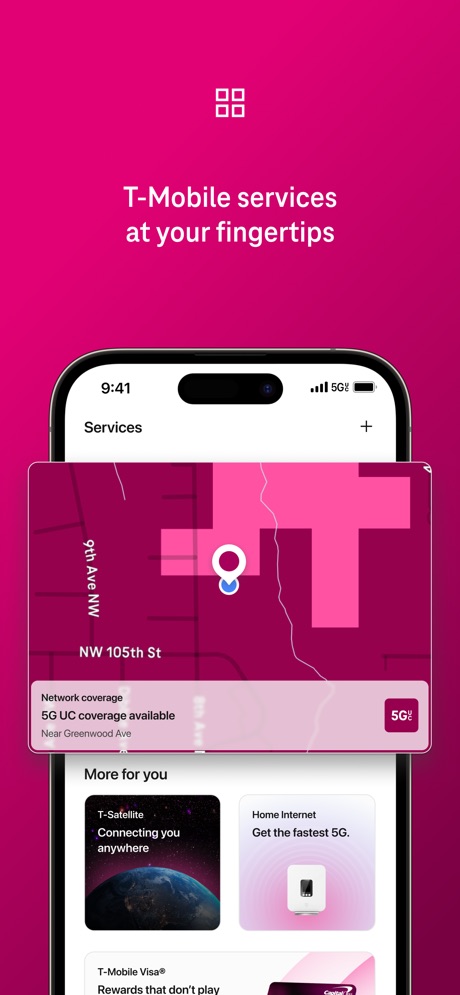
“T-Mobile services at your fingertips”

“Keep the Party Going”

“Meet someone that also wants to get off dating apps”

“First dates hit different with friends”

“TRUSTED BY 50 million CLIENTS”
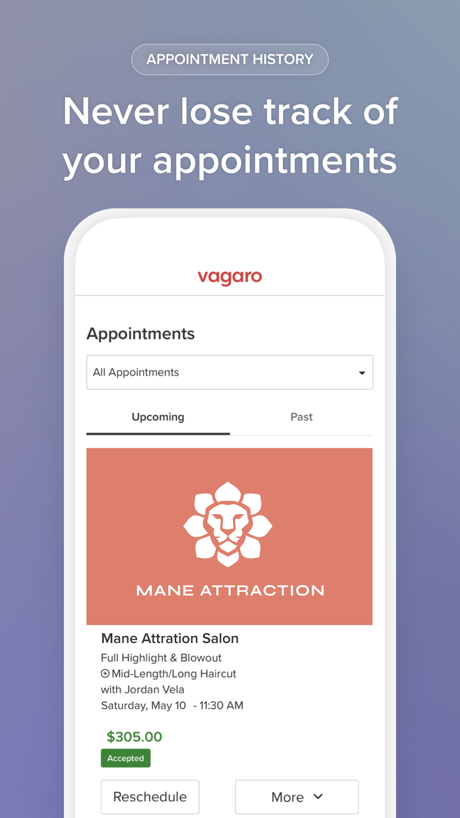
“Never lose track of your appointments”

“Enhance your driving experience”
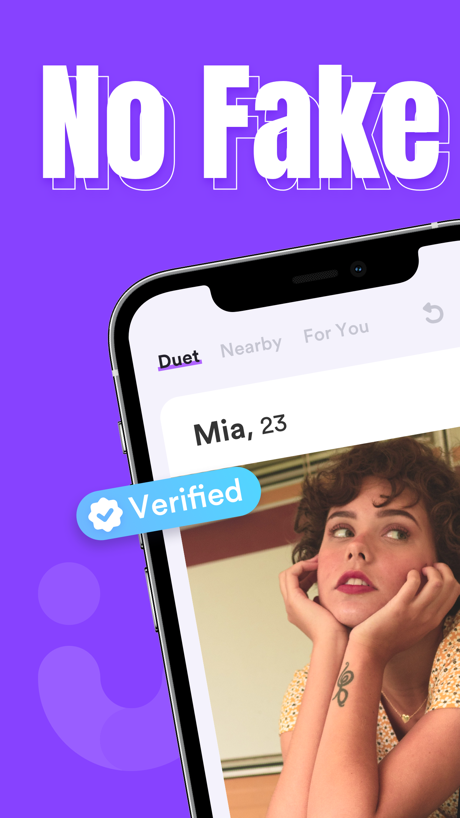
“No Fake”
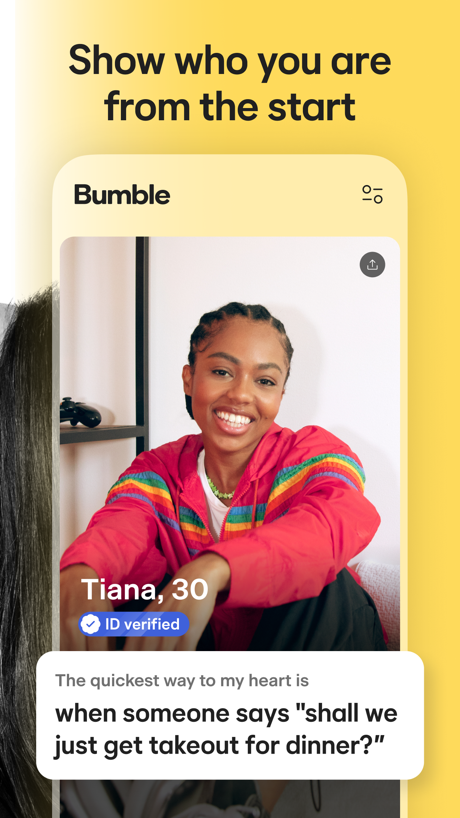
“Show who you are from the start”

“You'll wake up. Always.”

“Rocking Life With You”

“Explore Hundreds of Free Recipes”
Real headline examples, word for word.
The words on 40 of the 45 that carry any, as each app wrote them.
“T-Mobile services at your fingertips”
T-Life · #3 · screenshot 6“Keep the Party Going”
Guests can add comments, post photos, and reply to one anotherPartiful: Party Invite Maker · #5 · screenshot 6“Meet someone that also wants to get off dating apps”
Hinge Dating App: Match & Date · #7 · screenshot 2“First dates hit different with friends”
Tinder Dating App: Date & Chat · #8 · screenshot 3“TRUSTED BY 50 million CLIENTS”
Booksy for Customers · #13 · screenshot 2- APPOINTMENT HISTORY
“Never lose track of your appointments”
Vagaro · #14 · screenshot 5 - "Hey Toyota, find the nearest rest stop."
“Enhance your driving experience”
Use voice control, live agents and cloud navigation to make sure you never get lost again.“Hey Toyota, find the nearest rest stop.”Toyota · #20 · screenshot 6 “No Fake”
Duet Dating App: Chat & Meet · #21 · screenshot 1“Show who you are from the start”
“The quickest way to my heart is when someone says "shall we just get takeout for dinner?"”Bumble Dating App: Meet & Date · #22 · screenshot 2“You'll wake up. Always.”
Built for Heavy SleepersAlarmy - Loud alarm clock · #25 · screenshot 1- roborock
“Rocking Life With You”
Roborock · #26 · screenshot 1 “Explore Hundreds of Free Recipes”
*This feature may not be available in all regionsVeSync · #33 · screenshot 5“Listings you can trust”
Realtor.com Real Estate & Rent · #36 · screenshot 4“Hire the right pro for your project.”
“Lincoln is a very professional young man. He was quick to respond to my voice...”Thumbtack: Home Service Pros · #39 · screenshot 5“Share & reserve wishes”
Listful - Wishlist Maker · #48 · screenshot 4“Get the job done right with trusted Taskers, book instantly and stress less!”
Taskrabbit - Handyman & more · #50 · screenshot 3“Review Unit Details”
View features, pricing, and availability at the unit levelApartments.com Rental Finder · #58 · screenshot 2“verified humans. real vibes.”
Photo-verified profiles. Private mode. Disappearing images. No bots, no catfish, no nonsense.Nymph: Open-Minded Dating App · #59 · screenshot 3“Talk to experienced & verified Astrologers”
Astrotalk - Talk to Astrologer · #60 · screenshot 2“Sophie's 25th”
Wed, September 16 at 7:30 PM Brooklyn, New YorkApple Invites · #61 · screenshot 2“Explore nearby apartments and rentals.”
Redfin: Buy, Sell & Rent Homes · #62 · screenshot 2“open-minded 🔥”
peopleDOWN: The Casual Dating App · #63 · screenshot 2“Medically-Certified Dream Sock™”
0-18 months 2.5 - 13.6 kgOwlet Dream · #67 · screenshot 2“Stress Monitoring & Management”
Wello - Heart Health Monitor · #68 · screenshot 6“Discover events around you”
Luma: Events & Invites · #71 · screenshot 2“Connect with real people”
Kismia - Dating App & Chat · #77 · screenshot 2“Earn 400 bonus points just for creating your pet's profile.”
myPurina – Pet Rewards & Care · #82 · screenshot 2“Grow a tiny bonsai tree together”
Cozy Couples: Relationship App · #84 · screenshot 4“Track vaccinations, lab results, and prescriptions in one place.”
PetDesk · #86 · screenshot 4“Locate your family in one place”
Verizon Family · #89 · screenshot 1“Play Games Keep Playing!”
Swagbucks: Earn Real Rewards · #90 · screenshot 2“Create your brand”
Where your brand becomes your business.Whop · #98 · screenshot 3“Connect with confidence”
with Photo VerificationTinder Dating App: Date & Chat · #8 · screenshot 4“READ and leave verified REVIEWS”
Booksy for Customers · #13 · screenshot 6- DAILY DEALS
“Grab awesome deals and discounts”
Vagaro · #14 · screenshot 6 “Profiles”
Duet Dating App: Chat & Meet · #21 · screenshot 2“Trust your match is the real deal”
Bumble Dating App: Meet & Date · #22 · screenshot 6“Find SUPER loud alarm sounds”
Alarmy - Loud alarm clock · #25 · screenshot 3“Reliable pros at your fingertips.”
Thumbtack: Home Service Pros · #39 · screenshot 6“Search Your Way”
Filter by price, rental type, amenities, and moreApartments.com Rental Finder · #58 · screenshot 6
Top ten Lifestyle apps that do it.
- #3T-Life1 of its 6 screenshots
- #5Partiful: Party Invite Maker1 of its 6 screenshots
- #7Hinge Dating App: Match & Date1 of its 6 screenshots
- #8Tinder Dating App: Date & Chat3 of its 6 screenshots
The same tactic in other categories.
| Category | Apps that do it | Screenshots | Top ten |
|---|---|---|---|
| Entertainment | 48% 48 of 100 | 15% 84 of 544 | 3 of 10 |
| Shopping | 48% 48 of 100 | 16% 88 of 562 | 5 of 10 |
| Education | 45% 45 of 100 | 12% 67 of 555 | 7 of 10 |
| Social Networking | 45% 45 of 100 | 13% 74 of 554 | 3 of 10 |
| Finance | 41% 41 of 100 | 9% 52 of 581 | 2 of 10 |
| Travel | 41% 41 of 100 | 12% 70 of 561 | 3 of 10 |
| Food & Drink | 38% 38 of 100 | 10% 52 of 540 | 3 of 10 |
| Health & Fitness | 36% 36 of 100 | 10% 57 of 574 | 4 of 10 |
| Sports | 35% 35 of 100 | 11% 61 of 558 | 5 of 10 |
| Business | 34% 34 of 100 | 9% 51 of 554 | 2 of 10 |
| Lifestyle | 32% 32 of 100 | 8% 45 of 556 | 4 of 10 |
| Reference | 32% 32 of 100 | 8% 44 of 566 | 4 of 10 |
| Graphics & Design | 31% 31 of 99 | 8% 43 of 564 | 3 of 10 |
| Photo & Video | 30% 30 of 100 | 7% 40 of 566 | 3 of 10 |
| Navigation | 28% 28 of 99 | 6% 34 of 566 | 2 of 10 |
| News | 28% 27 of 98 | 8% 39 of 517 | 3 of 10 |
| Games | 25% 25 of 100 | 7% 39 of 567 | 3 of 10 |
| Productivity | 24% 24 of 99 | 6% 31 of 551 | 1 of 10 |
| Music | 24% 24 of 100 | 5% 30 of 550 | 2 of 10 |
| Utilities | 24% 24 of 100 | 5% 27 of 549 | 4 of 10 |
| Medical | 21% 21 of 100 | 5% 27 of 548 | 4 of 10 |
| Weather | 21% 21 of 100 | 5% 30 of 555 | 4 of 10 |
| Developer Tools | 20% 20 of 100 | 5% 23 of 507 | 3 of 10 |
Related tactics.
Often on the same screenshot
- A person in the picture62% of these screenshots, against 36% of all Lifestyle screenshots
- A photograph84% of these screenshots, against 59% of all Lifestyle screenshots
- Arrows or callouts40% of these screenshots, against 15% of all Lifestyle screenshots
- A word in a different colour38% of these screenshots, against 19% of all Lifestyle screenshots
- Star rating shown18% of these screenshots, against 5% of all Lifestyle screenshots
- Solid background40% of these screenshots, against 29% of all Lifestyle screenshots
More in proof
Questions, answered from the chart.
How many top Lifestyle apps have App Store screenshots with a badge?
Which Lifestyle apps have App Store screenshots with a badge?
Should my Lifestyle app have App Store screenshots with a badge?
See your own app against this.
Pagefully reads your screenshots the same way, and makes a custom product page for each search people type, from your real screens.
Preview your pages