Custom product pages for photo and video apps
Make one custom product page for each edit people come for: removing a background, retouching a portrait, restoring an old photo, cutting a short video with captions, making a collage. Open each page on that edit, before and after, made in your app on pictures you have the rights to, and say plainly which tools need a subscription.
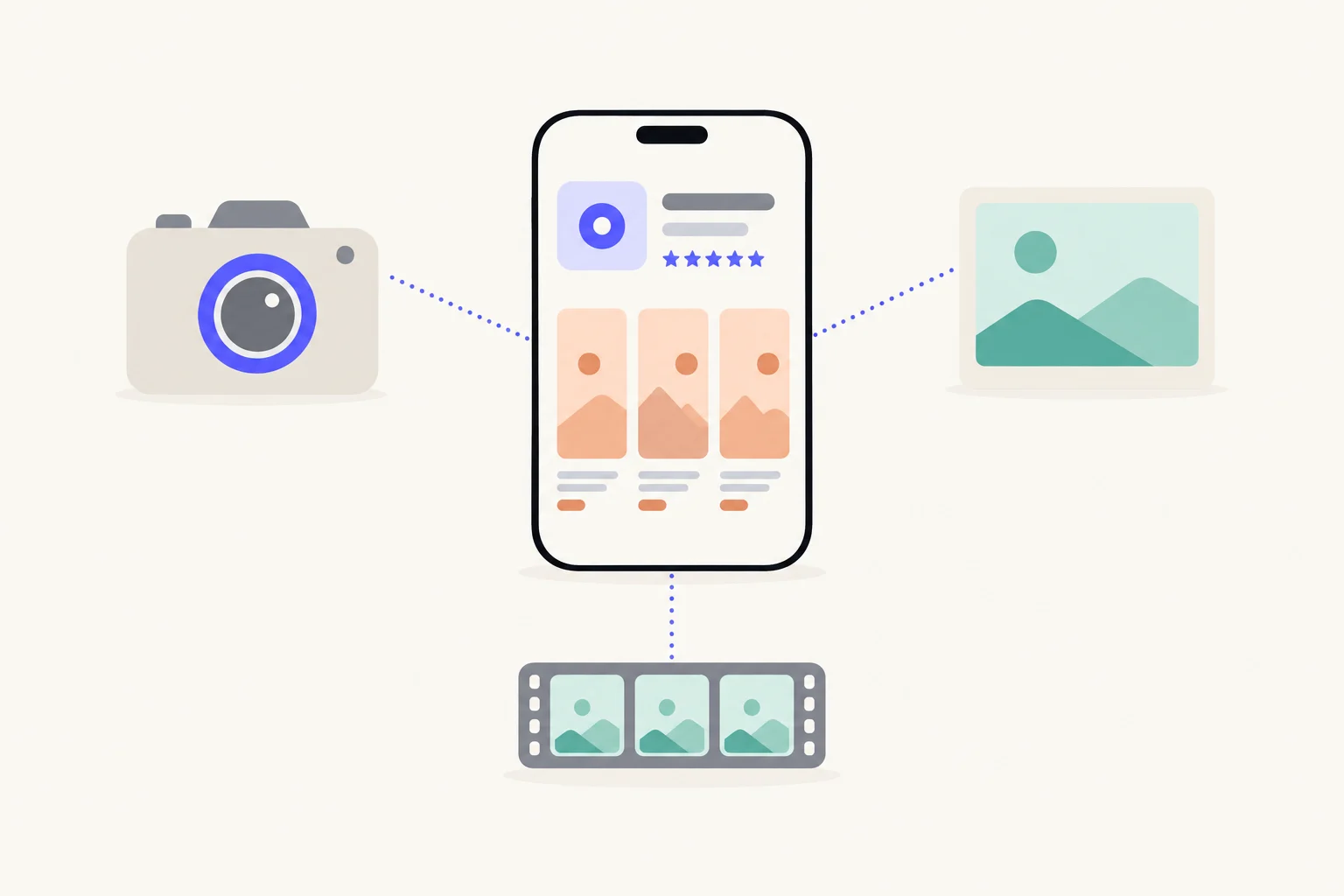
Which pages can a photo or video app make?
One per edit. A photo or video app usually does dozens of things, but each visitor arrives wanting one: a product shot on white, a grandparent’s photo without the scratches, a clip trimmed and captioned. Your default page can only lead with one of them. A custom product page gives each edit its own screenshots, app previews and promotional text, and can carry keywords so it appears in search for that edit.1 App previews earn their place here, since an edit happening is the clearest proof there is. More on the feature in the complete guide to custom product pages.
A plan for Grainlab, a made-up photo and video editor:
| Page | Who arrives | What the first screenshot leads with |
|---|---|---|
| Remove background | Searches like “background remover” or “cut out photo” | A trainer on a kitchen table, then the same trainer on white |
| Restore old photos | Searches like “restore old photos” or “fix blurry photo” | A creased family photo beside its restored version |
| Short video | Searches like “video editor with captions” | A vertical clip on the timeline with captions being placed |
| Film look | Searches like “film filter” or “vintage camera” | One photo in three film looks, side by side |
| Small shops | A seller newsletter or a course for online shops, by the page’s link | A product photo set: cut out, shadow added, ready for a listing |
| Holidays | A seasonal Apple Ads campaign | A collage or a card template with the season’s photos, retired after |
The searches are examples of how people describe these edits, not measured volumes. Your keyword field and ad reports show which ones you appear for.
What do the top 100 Photo & Video apps lead with?
The most common lead is a feature, in 52% of their first screenshots. We read every screenshot of the top 100 free Photo & Video apps on the US App Store on October 9, 2026, 566 in all, and counted the first of each set, the one people see first. The full set, app by app, is on the Photo & Video page of the App Screenshot Index.
| Apps read | 100 |
|---|---|
| Screenshots read | 566 |
| First screenshots with a headline | 94% |
| Median headline length | 4 words |
| Showing proof (a rating, laurel, user count, press logo or user quote) | 12% |
| Read on | October 9, 2026 |
| Leads with | Share of first screenshots | Real headlines from the top apps |
|---|---|---|
| A feature | 52% | “Amazing templates” · “AI Video” · “Unlimited photo storage” |
| An outcome | 3% | “Stand out with your collages” · “Make It HD” |
| A problem | 0% | None in this read |
| Who it is for | 0% | None in this read |
| Trust | 1% | None we can quote without naming the app |
The shares do not add up to 100: a headline can do two of these at once, and some do none (a slogan, a single word, the app’s name). Headlines are quoted as the apps wrote them, without saying whose they are.
In photo and video, 52% of the leaders’ first screenshots lead with a feature, 3% with an outcome and 0% with who the app is for, and 12% show proof. Pictures do most of the work, which is why headlines are short, a median of 4 words. A page for one kind of person, a shop owner or a parent with old albums, has the “who it is for” lead to itself.
These numbers describe what leading apps do, not what causes installs. A top app ranks for its brand, its budget and its age as much as for its screenshots, so read the table as the conventions your page will sit beside in search, and decide whether to match them or stand apart.
What goes in the first screenshot of each page?
The edit, before and after, made in your app:
- Show the change, not the toolbar.A visitor should see what went in and what came out without reading. A grid of tools says you have features; a before and after says what they do.
- Use a picture like the visitor’s own.A background-removal page for shops shows a product on a table, not a studio portrait. You need the rights to whatever you use.
- Make the result with your app, as it is today.If a visitor cannot get the same result in their first minutes, the page has promised too much.
- Name the edit in a short headline.“Remove any background in one tap” or “Bring old photos back”. Two to six words suit a category where the picture leads.
- Lead the preview with the edit happening.A five-second capture of the background lifting away does what no still can.
For headline wording, see writing screenshot headlines.
What will App Review look at?
Every page is reviewed against the App Review Guidelines.1 A photo or video page runs into these most:
- Rights to every picture. You are responsible for securing the rights to all materials in your screenshots and previews.2 That includes faces, stock photos and any music in a preview.
- Previews are screen captures. App previews may only use video screen captures of the app itself, with narration and overlays allowed to explain.3 A rendered showreel of finished videos is not a preview.
- Say which tools are paid. If a featured tool needs a purchase or subscription, screenshots and previews should clearly indicate it.4 This matters for AI tools that run on credits.
- Pictures for all audiences. Screenshots and previews must suit a 4+ age rating even if your app is rated higher.5 Keep body and beauty edits modest.
- No other apps by name. Do not pack metadata with trademarked terms or popular app names.6 Describe the format a social network uses rather than the network.
- No downloading pages. Apps should not let people save, convert or download media from third-party sources without explicit authorization.7 A page for “save videos from” another service describes a feature Apple says apps should not have.
How many pages should you start with?
Start with the searches you already get traffic from. Sort the keywords you already appear for into edits, add the themes of any Apple Ads ad groups you run, and make the page for the edit with the most people behind it first. Then the next, when it has its own route in. The method is in how many custom product pages you need.
How do you know a page works?
App Analytics reports each custom product page’s product page views, downloads and conversion rate beside your default page.8 A page’s data shows once it has at least five first-time downloads.8 Many photo apps earn from subscriptions, so read proceeds per page as well as downloads: Apple reports average proceeds per paying user for each page.18 The steps are in how to measure custom product pages.
Sources
- 1Apple, Custom product pages
- 2Apple, App Review Guidelines 2.3.9 (rights and fictional data in screenshots)
- 3Apple, App Review Guidelines 2.3.4 (app previews)
- 4Apple, App Review Guidelines 2.3.2 (in-app purchases in screenshots)
- 5Apple, App Review Guidelines 2.3.8 (metadata for all audiences)
- 6Apple, App Review Guidelines 2.3.7 (other app names in metadata)
- 7Apple, App Review Guidelines 5.2.3 (audio and video downloading)
- 8Apple, Custom product page analytics (App Store Connect Help)
Questions people ask
Can I use stock photos or a model in my before and after screenshots?
Can my page say it makes videos for a particular social network?
Can an app preview show the final edited photo in motion?
Should each filter or effect get its own page?
See your first page.
Look up your app. In about a minute you see three pages planned for it and one designed on your own screenshots, before you sign up.