How to measure a custom product page in App Analytics
In App Store Connect, open your app, click the Analytics tab and, under Acquisition, click Product Pages: each custom product page has its own row with product page views, total downloads, conversion rate, proceeds and average proceeds per paying user, and over 100 metrics behind it. Data appears once a page has five first-time downloads. Compare a page with your default page as context, not as a controlled test: the two pages see different people.
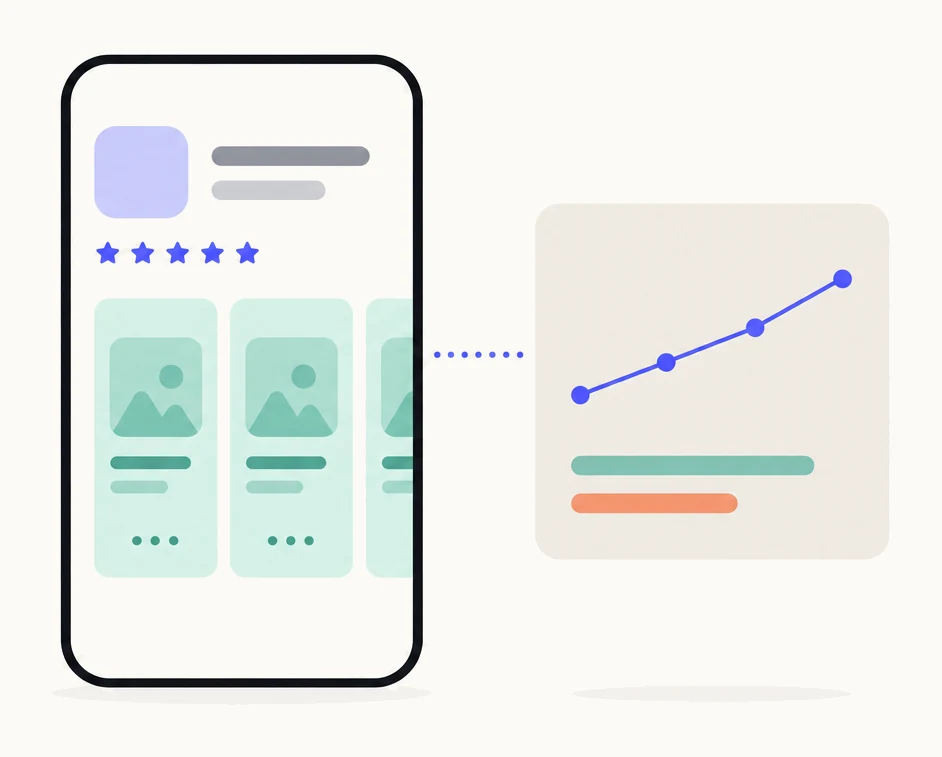
| Where | App Store Connect: the app, the Analytics tab, Acquisition, Product Pages |
|---|---|
| Headline metrics | Product page views, total downloads, conversion rate, proceeds, average proceeds per paying user |
| Also reported | Impressions, redownloads, first-time downloads, retention, and over 100 metrics in the dropdown |
| Data appears | After five first-time downloads on that page |
| Filters | Territory, device, source type, date range |
| Export | Detailed analytics reports in the App Store Analytics API |
| What it is not | A controlled test. Product page optimization is the controlled test of your default page |
Where do custom product page results appear?
Under Product Pages, in the Acquisition section of the Analytics tab of your app in App Store Connect. These are Apple’s steps, in Apple’s words.1
- In Apps, select the app you want to view.
- Click the Analytics tab.
- In the sidebar under Acquisition, click Product Pages.The product page dashboard lists all your custom product pages. Click a page name to view its data.
- Read the page’s dashboard.It shows product page views, total downloads and conversion rate, then a proceeds graph of daily revenue and a chart of average proceeds per paying user across retention milestones.
- For more, go to the metrics tab.Use the filters to select individual pages or compare several side by side, choose from over 100 metrics in the dropdown, segment by territory or device, and set a date range.
Each page is listed by its reference name, which Apple says exists to identify the page in App Analytics.6 A page named after its audience is easy to find; “Page 2” is not.
Which metrics does Apple report?
Views, downloads, conversion, money and retention, for the people who came through each page. Apple’s definitions, shortened, and what each tells you about a page:2
| Metric | Apple’s definition, in short | What it tells you |
|---|---|---|
| Impressions | Times the app was viewed for more than a second on the Today, Games, Apps and Search tabs; includes product page views | How often the page was on screen at all |
| Product page views | Times the product page was viewed, including when an app loads it with StoreKit | How many people opened the page |
| Conversion rate | Total downloads and pre-orders divided by unique device impressions | What share of people who saw it installed |
| First-time downloads | First-time downloads on iOS, macOS, tvOS or visionOS devices | New people, the number that gates whether data appears |
| Redownloads | Downloads by people who had the app before, by the redownload button; not auto-updates or restores | Returning people, worth separating from new ones |
| Total downloads | First-time downloads plus redownloads | The number on the dashboard |
| Proceeds | Estimated proceeds after taxes and Apple’s commission | Whether the page’s people pay |
| Average proceeds per paying user | Proceeds per paying user, shown across retention milestones | How valuable a page’s people are over time |
| Retention | The share of devices that installed on a day and opened the app a given number of days later | Whether the page’s promise held after install |
Apple describes this as measuring each page across the full customer journey, so you see not only which page converts best but which brings in the highest-value users.1 That second question is often the useful one: a page that converts a little worse and retains much better is the better page.
When does data appear?
After five first-time downloads. Apple’s rule is that data for a particular custom product page appears once it receives at least five first-time downloads.16 Until then the row is empty, which is not the page failing: it may have been viewed hundreds of times. A page with no route to it, no shared link, no ad and no keywords, never gets there.6
Once data shows, you can filter it by territory, source type and device, and choose a date range.1 Give a page time to settle; a week of a small page is a handful of installs and a conversion rate that swings with each one.
How do you compare a page with your default page?
Side by side, on the same metric, over the same dates, and then carefully. The metrics tab lets you compare several pages at once.1 Apple’s conversion rate is downloads over unique device impressions;2 if you compute your own, divide total downloads by product page views on each page, with the same formula for both. Then read the result like this:
- The audiences differ. Your default page is seen by everyone who finds the app. A custom page is seen only by people who followed its link, tapped an ad that uses it, or searched a keyword assigned to it.67 People who arrive with a reason convert better on any page.
- A higher rate means the page and its route work together. It does not mean the page would raise conversion if every visitor saw it, or that it brought installs you would not otherwise have had.
- A lower rate is the useful signal. A page made for one audience that converts below your general page has first screenshots that are not answering that audience. Fix it or disable it.
- Watch money and retention too. Average proceeds per paying user and retention say whether the page’s people stay and pay, which a conversion rate cannot.15
For a controlled answer about your default page, use product page optimization: a random share of the same visitors sees up to three treatments against your original for up to 90 days, and Apple reports improvement with a confidence level.89 When to use which is in custom product pages vs. product page optimization.
How do you measure a search page vs an ad page vs a link page?
With the source type filter, as far as it goes. Apple attributes each product page view and first-time download to the source the person tapped from: App Store search, App Store browse, app referrer, web referrer, institutional purchase, or unavailable.34 For a page you share by link, filter to web referrer or app referrer (a link in an app, including Messages); for a page on Apple Ads or keywords, filter to App Store search.
Two limits. Apple counts views and downloads from ads in search results under App Store search,4 so a page used both for an ad group and for assigned keywords cannot be split by source type; use one page per route if you need to tell them apart, and read the ad’s own installs in Apple Ads. And Apple does not document how impressions are attributed to a page shown in search results for its keywords, so take a search page’s conversion rate as Apple reports it rather than reconstructing it. How each route works is in custom product pages in App Store search and custom product pages for Apple Ads.
What does Pagefully do here?
What should you change when a page trails?
The first screenshots, then the route, then the promise. In that order:
- The first two screenshots. Most people decide there. Make the first one show the thing the audience came for, with a headline that says it.
- The route. If a search page trails, check that its keywords are the ones that audience types and that no other page shares them. If an ad page trails, check that the ad group and the page tell the same story.
- The promise. A page that converts but retains badly promised something the app does not do well. Narrow it to what the app does.
- The staleness. After an app update, a page still shows the old screens. Refresh it.
- The page itself. If a revised page still trails for its own audience, disable it; its link falls back to the default page.6
How to make a page is in the complete guide; what other developers have measured is in custom product page statistics.
Sources
- 1Apple, Custom Product Pages (App Store Connect Analytics help) The steps, the dashboard, the filters and the five first-time downloads rule.
- 2Apple, Metric definitions (App Store Connect Analytics help)
- 3Apple, Filters and dimensions (App Store Connect Analytics help)
- 4Apple, Acquisition (App Store Connect Analytics help) The source types and their definitions.
- 5Apple, App retention (App Store Connect Analytics help)
- 6Apple, Configure multiple product page versions (App Store Connect Help) The reference name, visibility, and who sees a page.
- 7Apple, Custom product pages
- 8Apple, Product page optimization The random traffic split, up to three treatments, 90 days.
- 9Apple, Product Page Optimization (App Store Connect Analytics help) Treatment, baseline, improvement and confidence.
Questions people ask
Why does my custom product page show no data?
How is conversion rate calculated for a custom product page?
Can I see which keyword brought someone to a custom product page?
Can I export custom product page data?
Is a custom product page an A/B test?
See your first page.
Look up your app. In about a minute you see three pages planned for it and one designed on your own screenshots, before you sign up.