Alternatives to making custom product pages by hand
Disclosure: we make Pagefully, one of the routes compared here.
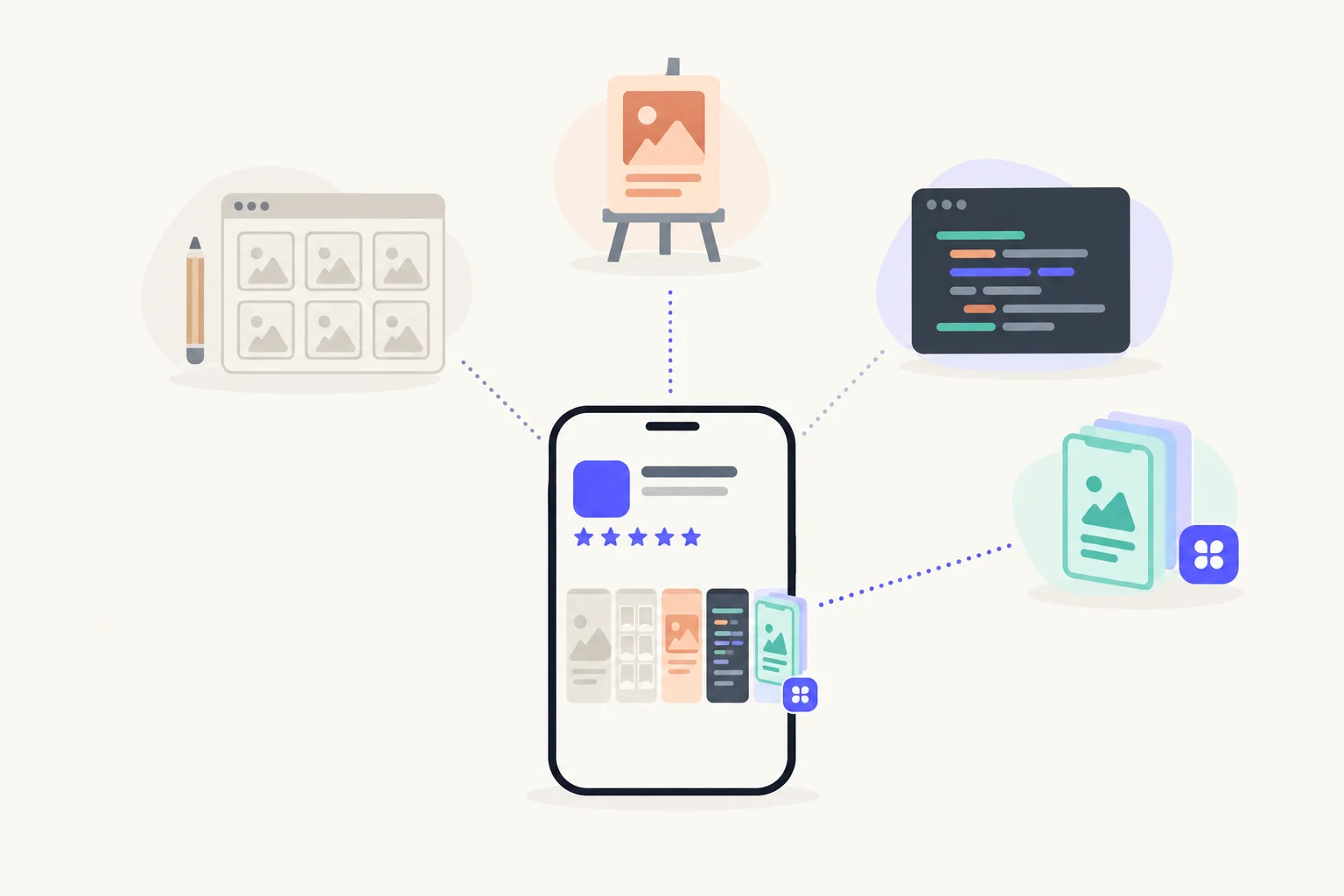
Besides making each page by hand in App Store Connect, you can work from a Figma or Canva screenshot template, hire a designer or ASO agency, write scripts on the App Store Connect API or fastlane, or use a tool like Pagefully that plans and designs pages from your own screens. An ASO suite helps you decide what to build, but it reports on pages rather than making them. The right route depends on how many pages you need, how often your app changes, and whether you have a designer or an engineer to spare.
How do the routes compare?
Every route ends in the same place. Apple allows up to 70 custom product pages per app, each with its own screenshots, app previews and promotional text, and each reviewed before it goes live.1 What differs is who designs the screenshots, who puts them into App Store Connect, and who redoes them when your app changes.
| Route | Who does the work | Time per page | Money | Right when |
|---|---|---|---|---|
| By hand in App Store Connect | You: design, export, upload, assign keywords, submit | The most, every time | Free | One to three pages that rarely change |
| Figma or Canva template | You, from a template you set up once | Less after the first page; still a full export and upload each time | The design tool’s plan, or free | A handful of pages and someone who likes to design |
| Designer or ASO agency | Them, with your input and review | Little of yours; their turnaround | A quote per page and per update; varies widely | A new look, a big team, or research and testing as a service |
| Scripts on the API or fastlane | An engineer, once; then the pipeline | Near zero to upload, after the build | Free, plus engineering time to build and maintain | Many apps and a pipeline that already makes screenshots |
| ASO suite | It reports; something else makes the pages | Not a way to make pages | A subscription | Researching competitors’ pages and running Apple Ads |
| Pagefully | Pagefully plans, designs and sends with keywords; you approve and submit | Minutes to review each page | 1 page free; Pack $49 once for 10; Pro $29/month billed yearly or $59 monthly for up to 70. Per app. | Several pages made from the screens your app already has |
For named tools and what each costs, see the custom product page tools compared.
When is doing it by hand the right choice?
When you need one to three pages and your screens rarely change. App Store Connect is free and gives you full control over each page. You create the page, start blank or copy an existing product page, add screenshots, app previews and promotional text, pick keywords from your latest approved version, then submit it for review.2 Once your app is approved, a page can go to review without a new app version.3
Where it gets slow: you design every screenshot elsewhere, in every size, for every page and every language. An app update that changes a screen means redoing each page that shows it. The complete guide walks through each step.
When is a screenshot template the right choice?
When you, or someone on your team, likes to design and you want a handful of pages. You build a template in Figma or Canva once, then duplicate it per page, rewrite the headlines for that page’s search, and reorder which screen leads. The first page takes the longest. The rest go faster, but each still needs a full export in every size and an upload in App Store Connect.
Templates stop being quick when the page count climbs, when every release changes your screens, or when you add languages. Each of those multiplies the exports. The template guide covers the steps.
When is a designer or ASO agency the right choice?
When you need something new rather than variations: a new brand, a new screenshot style, or research and testing done for you. A good designer gives you a look you cannot get from a template. An ASO agency adds keyword research, a plan for which pages to make, and a way to measure them.
The cost is real money and a wait for each round of changes. Prices vary, so ask for a quote per page and per update before you start. The designer and agency guide lists what to ask them for.
When are scripts the right choice?
When you have many apps, an engineer, and a pipeline that already produces screenshots. The App Store Connect API can create pages, upload media, assign keywords and submit for review. Many teams already use fastlane’s deliver, which uploads screenshots, app previews and metadata to App Store Connect, and build their page scripts beside it.4 Once built, a rerun after each release costs almost nothing.
What a script does not do: decide which pages to make, or design the screenshots. It uploads what you give it, and it is yours to maintain when Apple changes the API. The order of calls and the gotchas are in how to automate custom product pages.
Where does an ASO suite fit?
Before and after the pages, not in place of them. ASO suites show which pages competitors run, which keywords bring them up, and how your Apple Ads perform per page. That helps you choose pages worth making. It does not design, upload or submit them, so pair a suite with one of the other routes.
Apple’s own App Analytics already reports each page’s impressions, downloads and conversion rate against your default page, at no cost.1 If you do not run Apple Ads, you can start without a suite.
When is Pagefully the right choice?
When you want several pages and your app’s own screens are what you want to show. Enter your app’s name or App Store link. With no sign-up, Pagefully plans three pages with a reason for each, then designs one from your real screenshots in every size Apple needs. It keeps your app’s design and rewrites the headlines and which screen leads. After you sign up and connect an App Manager key, it sends each page you approve to App Store Connect. The page arrives with its keywords assigned and unsubmitted: you submit it to Apple there, since Pagefully leaves that click to you. How it works shows each step.
Pricing is per app: one page free, the Pack at $49 once for 10 pages, or Pro at $29 a month billed yearly ($59 monthly) for up to 70. See pricing.
When not to use it: if you need new artwork or a new brand, a designer is the better choice. If you only ever need one page, the free page or App Store Connect by hand is enough. If you already have a screenshot pipeline and an engineer, scripts may cost you less.
How do you pick a route?
Count the pages, the updates and the people. Four questions settle most cases.
- How many pages do you need?One to three: by hand, maybe with a template. More than that: a template if you enjoy design, a tool if you would rather approve than build, scripts if you have the engineer.
- How often do your screens change?Every release that changes a screen means redoing each page that shows it. Count that work, not just the first round.
- Do you need a new look?If your current screenshots are not the style you want, start with a designer. Every other route works from what you already have.
- Who has time?A designer: templates. An engineer: scripts. A budget and no time: an agency or a tool. Nobody: start with one free page and see.
Whatever you pick, Apple reviews every page before it goes live, and you can withdraw a submission to edit it.3
Sources
Questions people ask
Is making custom product pages by hand ever the best way?
Can an ASO suite make custom product pages for me?
Do I need an engineer to automate custom product pages?
Which route is cheapest?
Can I mix routes?
See your first page.
Look up your app. In about a minute you see three pages planned for it and one designed on your own screenshots, before you sign up.