How to track App Store installs by channel without an SDK
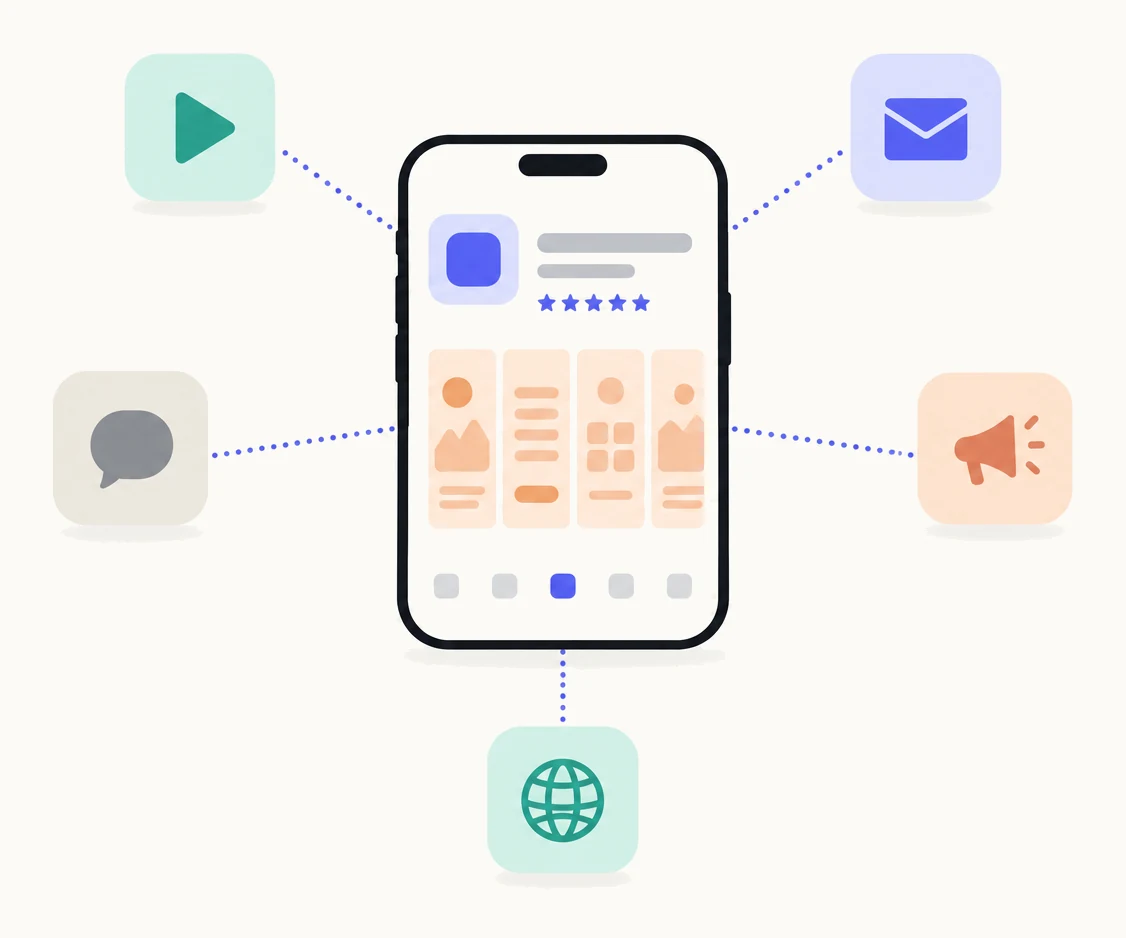
Give each channel its own custom product page and share that page’s link there. App Store Connect reports product page views and downloads for each page separately, so you see what TikTok, your newsletter, a creator or your website brought, with no SDK and no attribution tool. Each audience also lands on a page that matches what sent them.
How does this work?
Every custom product page has its own link, and Apple reports each page on its own. When you create a page in App Store Connect, Apple generates a unique URL for it: your default product page’s URL with a product page ID parameter added.12 Apple’s own suggestion is to share that URL in your communication channels, such as social media ads, promotions and email campaigns.1
The counting happens in App Analytics. On the Acquisition tab, under Custom Product Pages, each page shows its product page views, downloads, redownloads and conversion rate, and you can compare a page against your default page and against other pages.13 The same dashboard carries proceeds, retention and average proceeds per paying user for people who came through that page, and you can filter by territory, source type and device.3
So a page shared only on TikTok is a count of what TikTok brought. A page shared only in your newsletter is a count of what the newsletter brought. The person who follows the link sees the page, and nobody else does: Apple is explicit that a custom product page is visible only to people who follow its link or search a keyword you have assigned to it.2 One condition: data for a page appears once it has received at least five first-time downloads.23
What a page is and how it works everywhere else is in the complete guide to custom product pages.
Which channels should get a page?
Any channel where you control the link and the audience shares a reason for downloading. A page costs screenshots to make and keep current, so give one to each channel that sends real traffic.
| Channel | What the page leads with | Where the link goes | What you learn |
|---|---|---|---|
| TikTok or Instagram | The one feature your videos show, in the first screenshot | The link in your bio, and the link sticker on stories | Views and downloads from short video, and whether the people who come convert |
| Newsletter | The use case your readers signed up for | Every issue’s call to action, in place of the plain App Store link | Downloads per issue over time, and what a mention is worth |
| A creator or partner | Whatever the creator demonstrated | The link you give that creator, and nobody else | What the partnership brought, in Apple’s numbers rather than the creator’s |
| Your website | The promise your landing page makes | The download button on the site | How many site visitors reach the store and install |
| Support and documentation | The feature the help article is about | The install link in your help centre and in reply templates | Whether people who read about the app install it |
| A podcast or talk | The story you told | A short URL that redirects to the page | What a spoken mention brings, which is otherwise invisible |
Start with the two or three channels that already send people to the App Store, and judge each page before you add more. How to decide what to make first is in how many custom product pages does your app need.
How do you set it up?
Make the page, submit it, take its link from App Store Connect, put the link where the channel lives, and read the page’s row in App Analytics. You need the Account Holder, Admin, App Manager or Marketing role, and your app must have the Ready for Distribution status in at least one country or region.24
- Create the page in App Store Connect.Under your app, open Custom Product Pages and create one. Give it a reference name after the channel, such as “Newsletter” or “TikTok”, because that name is how App Analytics labels it.
- Add screenshots and promotional text that match the channel.The first screenshot should show what the audience just saw. Only the screenshots, app previews and promotional text change; name, icon, price and reviews stay the same.
- Submit the page for review.Once your app is approved, a page can be submitted with or without an app version, so you never wait for a release.
- Copy the page’s link.Apple generates the unique URL when the page is created and shows it on the page in App Store Connect. People can open it once the submission is approved.
- Put the link in the channel, and only there.The bio, the newsletter button, the creator’s brief, the site’s download button. A short URL that redirects to the page is fine for spoken or printed mentions.
- Read Acquisition, then Custom Product Pages.Each page is a row: views, downloads, conversion rate, and further down proceeds and retention for the people it brought. Data appears after five first-time downloads.
Steps 1, 3, 4 and 6 are Apple’s.234 Where the numbers live and how to read them fairly is in how to measure a custom product page in App Analytics.
How is this different from an attribution SDK?
An attribution SDK measures what happens inside your app after an install, and ties paid campaigns to it; a page per channel counts views and downloads of a page, in Apple’s own numbers, with nothing added to your app. They answer different questions, and for many indie apps the second question is the one that matters. Disclosure: we make Pagefully, which makes pages, not SDKs.
| A custom product page per channel | An attribution SDK | |
|---|---|---|
| What it measures | Product page views, downloads, redownloads and conversion rate per page, plus proceeds and retention for the people each page brought | Installs and in-app events (sign-ups, purchases) attributed to a campaign, ad network or link |
| Paid campaigns | Counts a page used in Apple Ads, but does not attribute across ad networks | Built for it: ad network integrations, cost data, return on ad spend |
| In-app events | Not measured, beyond the proceeds and retention Apple reports per page | Measured, with your own event definitions |
| Privacy | No device identifiers and nothing added to your app; Apple reports aggregate numbers | Depends on the vendor; on iOS, cross-app attribution is limited by App Tracking Transparency and relies on Apple’s privacy-preserving frameworks |
| Setup | Make a page, submit it, share its link | Add the SDK, release a build, configure links and postbacks |
| Cost | Free in App Store Connect. The work is the screenshots | Free tiers exist; paid plans scale with installs or events |
| Where the numbers are | App Analytics, per page | The vendor’s dashboard |
If you run paid campaigns across several networks and need cost per event, you need an SDK. If you want to know what your newsletter and your TikTok are worth in installs, a page each does it, and also improves the page those people land on.
What are the limits?
The method counts per page, not per link, and only on iPhone and iPad. Know these before you rely on it:
- No split within one page. Two links to the same page are one row. If you want to tell a creator’s post from your bio link, give each its own page. Each one uses one of your 70.2
- Keyword search counts separately. If you also assign keywords to a page, the people who find it in search are counted on that page too, so a channel page should carry no keywords. How keywords work is in custom product pages in App Store search.2
- iPhone and iPad. Custom product pages are an App Store feature for iPhone and iPad.1 They arrived with iOS 15, so an older device shows the default page.
- The link opens the App Store. The page’s URL is your App Store URL with a parameter, so on an iPhone it opens in the App Store app.1 On a desktop browser the reader sees the web listing, and only an install on the device counts.
- Five first-time downloads before you see anything. A small channel can take weeks to show data.23
- Impressions are reported, but not explained. Apple lists impressions among a page’s metrics without documenting how an impression is counted for a page reached by a link.1 Read views and downloads; treat impressions as context.
- Each page is reviewed. A page’s screenshots and promotional text go through App Review before the link works.14 What a page needs is in custom product page requirements.
Sources
Questions people ask
Do I need an SDK or an attribution tool to track installs by channel this way?
Can I see which TikTok post or which newsletter issue brought the install?
When will the numbers show up?
Does the person see anything different?
Can I use the same page for a channel and for Apple Ads?
See your first page.
Look up your app. In about a minute you see three pages planned for it and one designed on your own screenshots, before you sign up.