Custom product pages for email and win-back campaigns
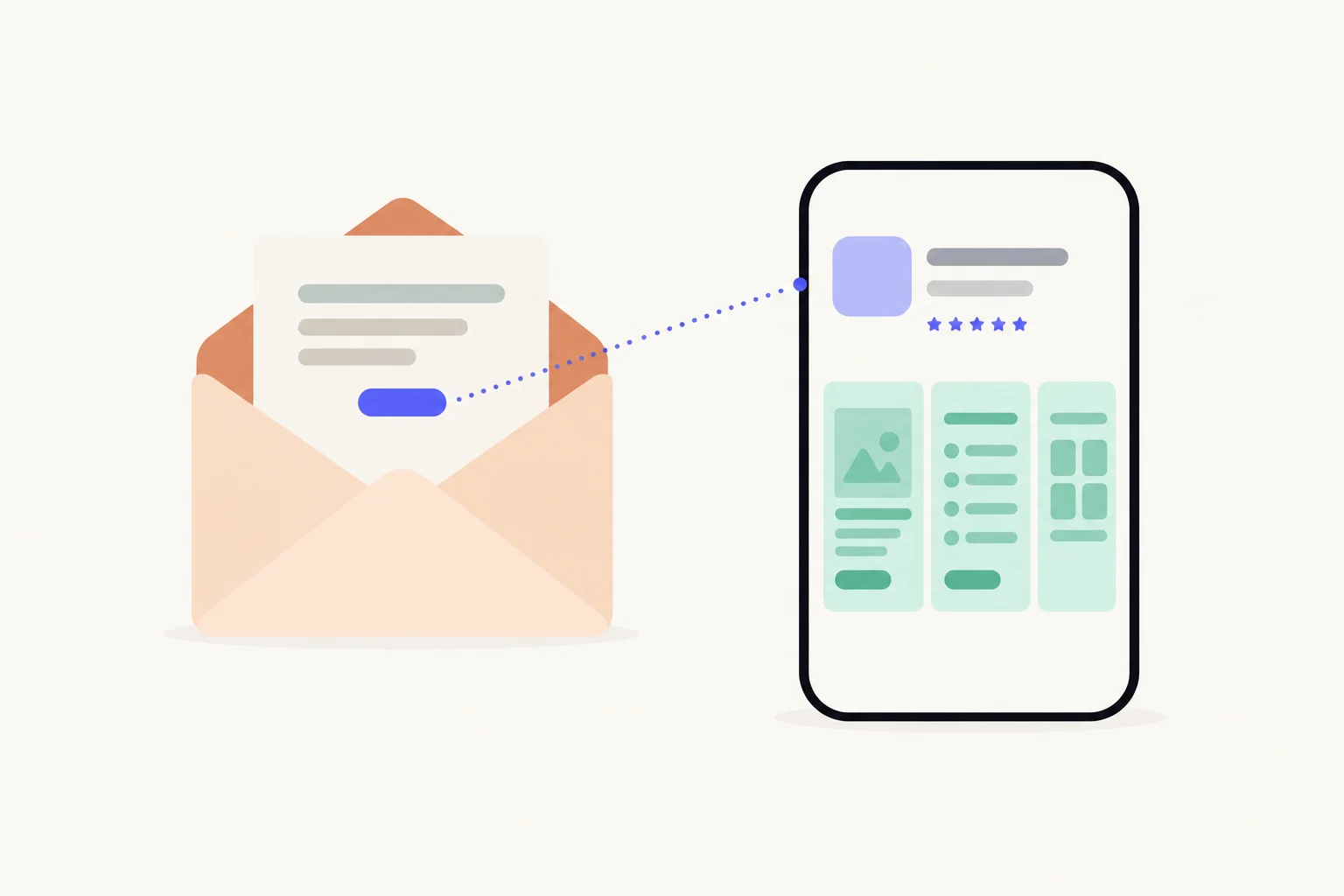
Use a custom product page’s URL as the App Store link in each campaign, and make the page lead with what the email promised: the new feature in a launch email, the reason to come back in a win-back email. Readers who already have the app see Open on that page, and a deep link on the page can take them to the right screen on iOS 18 or later. App Analytics counts each page’s views and downloads, redownloads included.
Which emails should get a page?
Any email whose call to action is the App Store, and whose promise differs from your default page’s. Apple suggests exactly this: its example is promoting a sports team in an email campaign and linking to the custom product page that highlights that team.1 The page’s own URL is the link.12
Three kinds of email carry most app installs and returns. Each wants a different page:
| Campaign | Who reads it | What the email promises | What the page leads with | Deep link |
|---|---|---|---|---|
| Newsletter | Subscribers, many without the app | Better sleep, one tip at a time | The sleep player: “Fall asleep faster” | Optional: the sleep player |
| Launch email | Subscribers and current users | New: focus sounds for work | The focus player: “Sound to focus by” | Yes: the new focus screen |
| Win-back email | People who stopped using the app | A sleep timer that fades out | The timer: “Stay asleep all night” | Yes: the timer |
A newsletter is a standing channel: give it one page, and update the page when the story changes rather than making a page per issue. A launch or a win-back is a campaign with its own promise and its own audience, so it gets its own page. The general case, a page per channel, is in how to track app installs by channel.
What should the page lead with?
The sentence the reader tapped on. An email makes one argument and ends with one button. If the button says “Try focus sounds” and the App Store opens on your general screenshots, the argument stops at the tap. The page’s first screenshot should be the screen the email described, with the email’s words in the headline.
- A launch email leads with the new feature, on the screen it lives on. Readers who already have the app also need a reason to update or reopen; say what is new, not what the app is.
- A win-back email leads with the reason to return: the thing that changed since they left, or the thing they never found. The page is for someone who already decided once, so skip the introduction.
- A newsletter leads with the use the readers signed up for. Your readers chose a topic; the page should be about that topic.
What a page can vary is its screenshots, app previews and promotional text.1 Writing that first headline is in screenshot headlines.
What happens when the reader already has the app?
They land on the page like anyone else, with Open in place of Get. What happens next depends on the deep link and on their iOS version, and Apple documents only part of it, so here is what it does say.
- With a deep link, on iOS 18 or iPadOS 18 or later: Apple says that when people on those versions tap Open on your custom product page, the deep link takes them to specific content in your app.2 That is how a launch email lands a current user on the new feature.
- Without a deep link, or on an older version: the app opens where it normally does. Apple supports deep links on custom product pages only from iOS 18 and iPadOS 18.1
- If they deleted the app: they get it again from the page, and Apple counts that as a redownload.4
For a reader who has the app, the App Store page is one extra step before the app. If most of a list already has the app and you only want them in the app, a link that opens your app directly may suit that email better, with the page kept for readers who do not. Apple does not document a deep link that survives an install when the person later opens the app from the Home Screen rather than from Open, so do not plan on that. More in deep links on custom product pages.
How do you set up an email page?
Make the page, get it approved, then put its URL behind the email’s button. Apple’s part is the same as any page; what is particular to email is the timing and the test.
- Create the page in App Store Connect and name it after the campaign.Apple says the reference name is how you identify the page in App Analytics. “Email · Focus launch” reads better in six months than “CPP 3”.
- Lead with what the email promises, and add a deep link where one applies.The deep link is a universal link or a custom URL your app already handles, and must be approved with the page before it works.
- Submit the page well before the send date.Once your app is approved, a page can be submitted with or without a new app version. People can open its URL only after approval.
- Copy the URL into the email’s button and any text links.Leave keywords off this page, so its numbers come only from the email.
- Test it on an iPhone, twice.Once from a device without the app (you should see Get and the right first screenshot), once from a device with it (Open, and the deep link’s screen if you set one).
- Send, and note the date.Then read the page’s days in App Analytics against the send.
Steps 1 to 3 are Apple’s.25 After approval you can still edit the page by creating a new version, and its URL stays the same, so a newsletter page can change with each season without touching old issues.2
How do you read the results?
In App Analytics, under Acquisition, then Custom Product Pages, on the campaign page’s row: product page views, total downloads, conversion rate and proceeds, filterable by territory, source type and device.3 Figures appear once the page has at least five first-time downloads.23
Read each campaign for what it was meant to do. A newsletter or launch page is about first-time downloads. A win-back page is mostly redownloads, since total downloads is first-time downloads plus redownloads, and Apple counts a redownload when a customer taps the redownload button.4 A reader who still had the app and tapped Open is a product page view without a download, so count those returns in your own app’s analytics. Apple also reports retention for people who came through a page, which is the number that tells you whether a win-back worked.1 The rest of reading a page fairly is in how to measure a custom product page.
Sources
Questions people ask
Can I put a custom product page link in an email?
What does a reader who already has the app see?
Will App Analytics count people who reopen the app from my email?
Should every newsletter issue get its own page?
What if a reader opens the email on a computer?
See your first page.
Look up your app. In about a minute you see three pages planned for it and one designed on your own screenshots, before you sign up.