Custom product pages for creator and influencer links
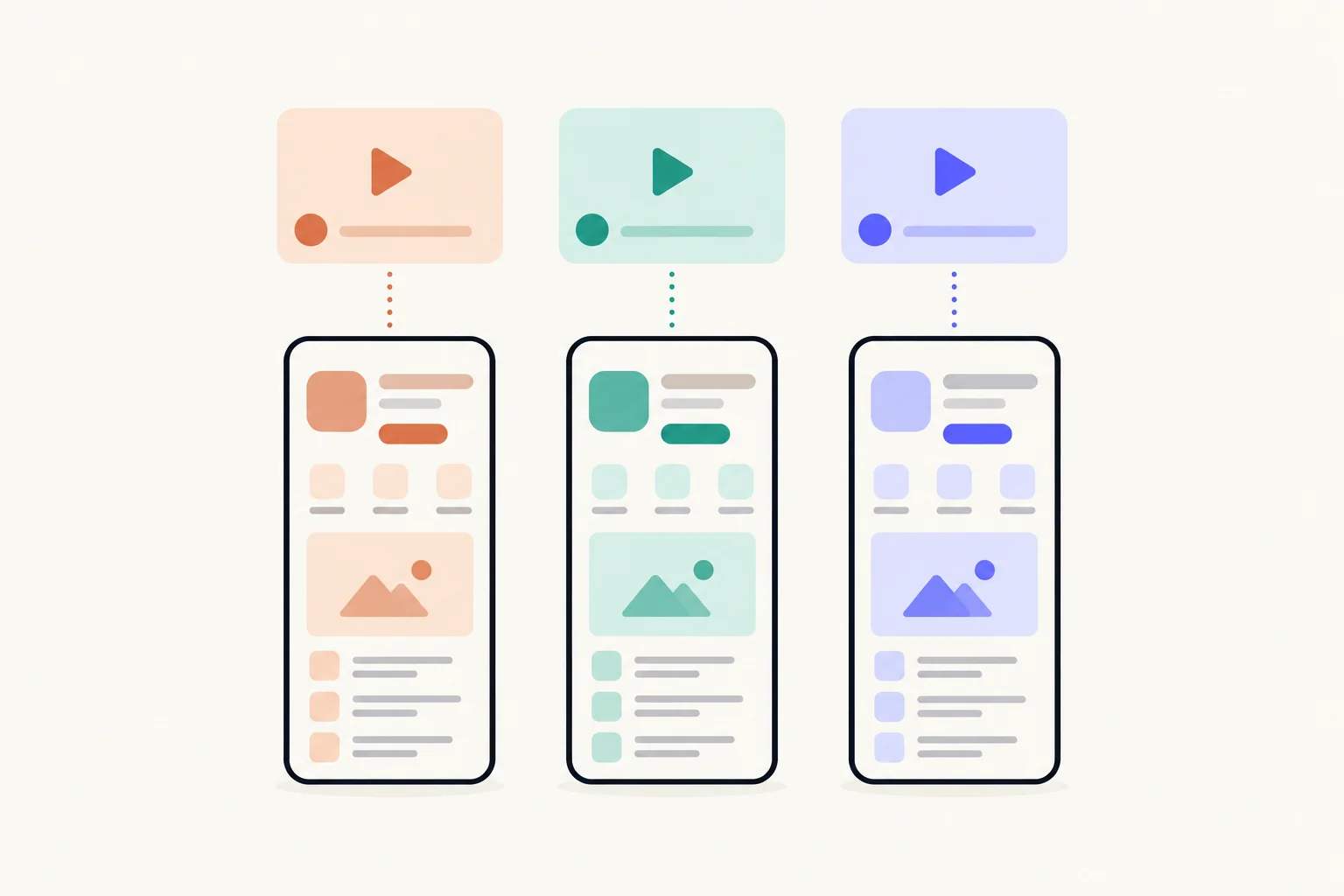
Give each creator their own custom product page, and their own link, which is that page’s URL. The page leads with what the creator showed, so their audience lands on the same thing they just watched. App Analytics then counts each creator’s product page views and downloads separately, once a page has five first-time downloads, and the link keeps working when you update the page.
| The link | The page’s own URL: your App Store URL with a product page ID added |
|---|---|
| Who sees the page | Only people who follow its link, or search a keyword you assign to it |
| When the link works | Once App Review approves the page |
| Editing later | An approved page can be edited and resubmitted without changing its URL |
| When figures appear | After at least five first-time downloads |
Why give each creator a page?
Two reasons: their audience lands on a page about what they saw, and you get the creator’s results in Apple’s numbers rather than a screenshot of their dashboard. Each custom product page has its own URL and is reported on its own in App Analytics.12 A creator who gets their own page gets their own row.
A page is invisible to everyone else. Apple shows it only to people who follow its link or search a keyword you assign to it; everyone else sees your default page.2 So a creator’s page can be as specific as the creator’s video without changing what anyone else sees. How the counting works across all your channels is in how to track app installs by channel; this guide covers what is particular to creators.
What should a creator’s page lead with?
With what the creator showed, in their order. A creator’s audience taps because of a moment in the video: the baby who fell asleep, the timer that faded out, the rain sound they played on camera. The first screenshot should show that moment’s screen with a headline that says the same thing.
Here is Lull, a made-up sleep sounds app, working with three creators:
| Creator shows | Page’s first screenshot | Second screenshot | Reference name |
|---|---|---|---|
| Their baby asleep to the shushing sound | Baby sounds list: “Sounds your baby knows” | One-tap player: “Start it with one tap” | Creator · Parent vlog |
| A study session with brown noise | Focus player: “Sound to focus by” | Session timer: “Work in timed sessions” | Creator · Study channel |
| Their night routine with rain sounds | Sleep player: “Fall asleep faster” | Sleep timer: “Stay asleep all night” | Creator · Night routine |
Watch the creator’s draft, or their last few posts about apps, before you design the page, so the page meets the video rather than your own pitch. A good first headline is covered in screenshot headlines. If the feature has a screen of its own, a deep link on the page can open it when someone taps Open, on iOS 18 or later; see deep links on custom product pages.
Does the link change when you update the page?
No. Apple says an approved custom product page can be edited and submitted for review without affecting its unique URL, and the edited page replaces the current one once approved.2 That matters with creators more than anywhere else, because their link lives in posts you cannot edit: a bio, a pinned comment, a video description from last spring.
So you can refresh the screenshots after an app update, or sharpen the headline once you see what the audience responds to, and every old post still lands on the current page. To edit, open the page in App Store Connect, click Create New Version, make your changes and submit them.2 And if you stop working with a creator, disabling the page’s link sends anyone who opens it to your default product page instead.2
How do you count each creator’s downloads?
Open App Analytics, go to Acquisition, then Custom Product Pages, and read the creator’s row. Each page shows product page views, total downloads, conversion rate and proceeds, and you can filter by territory, source type and device.3 Apple also reports retention and average proceeds per paying user for a page, which tells you whether a creator’s audience stays, not only whether it installs.1
Two things to know before you judge a creator:
- The five-download threshold. Apple shows a page’s metrics once it has received at least five first-time downloads.23 Until then the row stays empty, which says nothing about whether the post worked.
- Downloads include redownloads. Total downloads is first-time downloads plus redownloads, so a creator whose audience already tried your app can show up as redownloads.5
Name each page after the creator, because the reference name is how App Analytics labels it.2 Reading the numbers fairly, and over what period, is in how to measure a custom product page.
What do you send the creator?
The approved link, and a short note that tells them what the page shows. Send nothing until App Review has approved the page: the URL exists from the moment you create the page, but people can open it only after approval.24
- Make the page and name it after the creator.In App Store Connect, under Custom Product Pages. You need the Account Holder, Admin, App Manager or Marketing role.
- Lead with what they will show, and submit the page.Once your app is approved, a page can be submitted with or without a new app version.
- Open the link on an iPhone once it is approved.Check the first screenshot is the one you meant, and that Open lands where you expect if the page has a deep link.
- Send the creator the link and one line on what the page shows.“Your link opens our App Store page on the baby sounds, the same screen you’ll show.” Ask them to use it everywhere they mention the app.
- Ask for the post dates.Then you can read the page’s days in App Analytics against what was posted when.
Steps 1 and 2 are Apple’s.24 A long App Store URL is fine in a bio or description. For a spoken mention, a short address on your own site that redirects to the page is easier to say.
What are the limits?
- One row per page, not per post. A creator’s three videos on one link are one row. If you need them apart, each needs its own page.
- 70 pages per app. Creators who post once may not need a page of their own; group them by what they show.1
- iPhone and iPad. Custom product pages are an App Store feature for iPhone and iPad, on iOS 15 and iPadOS 15 or later.12
- Each version is reviewed. A new headline goes through App Review before it replaces the live page.2 What a page must follow is in custom product page requirements.
- Keep keywords off creator pages. A page with assigned keywords also appears in search, and those visitors would be counted on the creator’s row.2
Sources
Questions people ask
Does each creator need their own page, or just their own link?
Why does a creator’s page show no numbers yet?
Can I change the page after the creator has posted?
What happens to the link when the partnership ends?
Can the page show the creator?
See your first page.
Look up your app. In about a minute you see three pages planned for it and one designed on your own screenshots, before you sign up.