Graphics & Design app screenshots with a small app screen
The app’s screen takes under a third of the picture. A small screen leaves most of the picture to the words, a photograph or an illustration.
From the top 99 free Graphics & Design apps on the US App Store, read on October 9, 2026. Screenshots are the developers’ own, shown from Apple’s servers with a link to each app.
The numbers
14 of the 564 Graphics & Design screenshots read (2%) do this, across 11 of the top 99 apps (11%). 0 of the top ten do it (0%), against 11 of the other 89 (12%): the top ten do it less than the rest. Of the 23 categories read so far, Graphics & Design is 17th for this. It is most common in Food & Drink (30% of apps) and least common in Games (2%).
12 examples from the chart.
12 of the 14 Graphics & Design app screenshots with a small app screen, one from each app, the highest on the chart first.
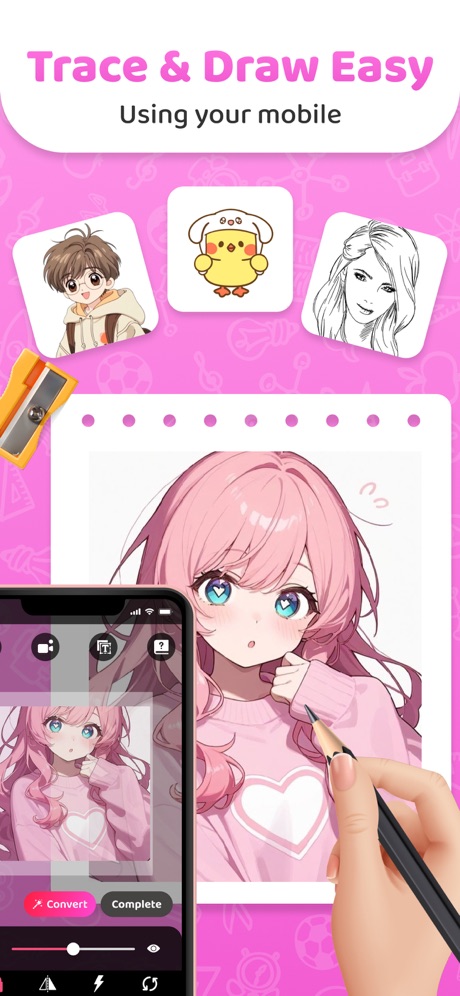
“Trace & Draw Easy”
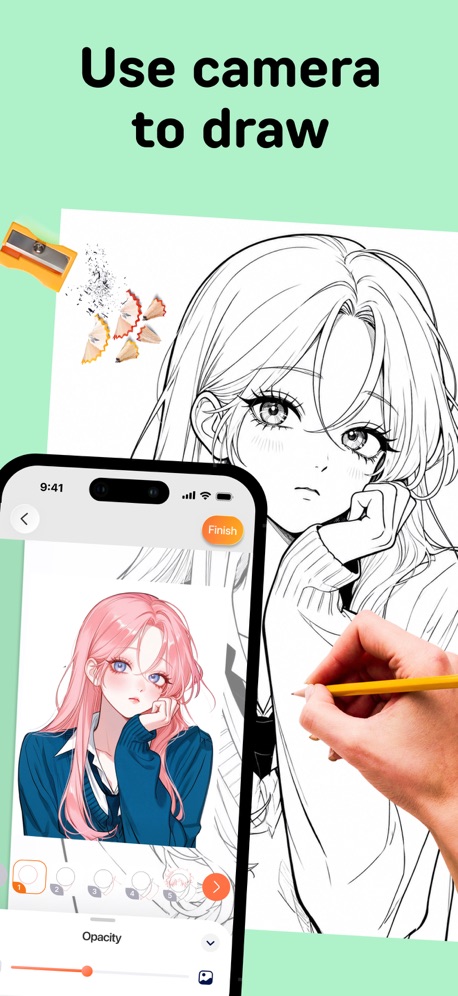
“Use camera to draw”
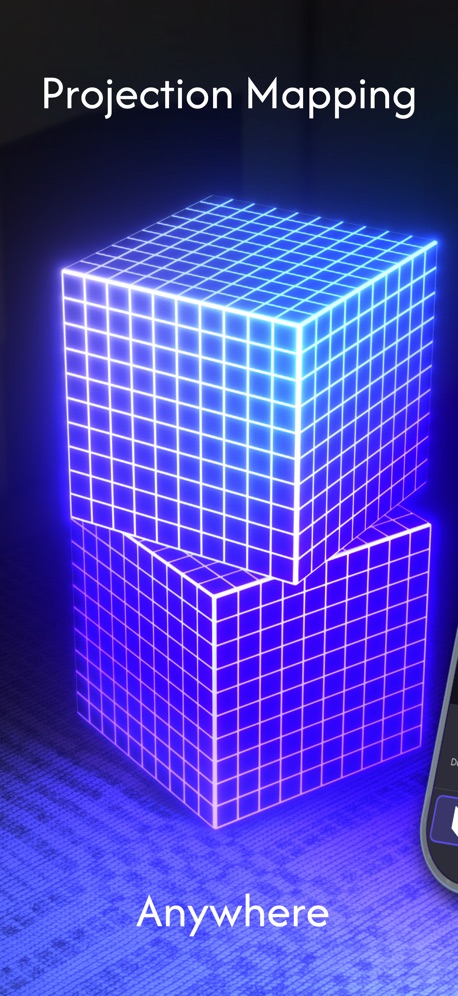
“Projection Mapping”
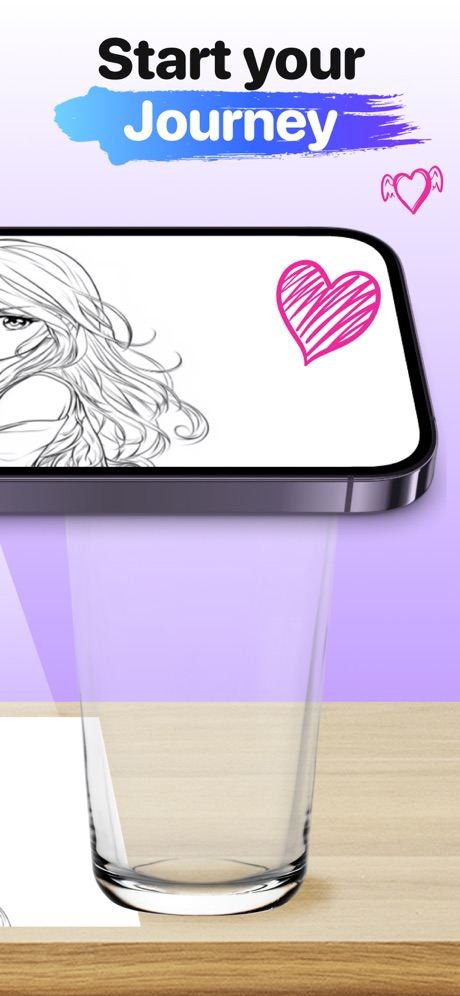
“Start your Journey”
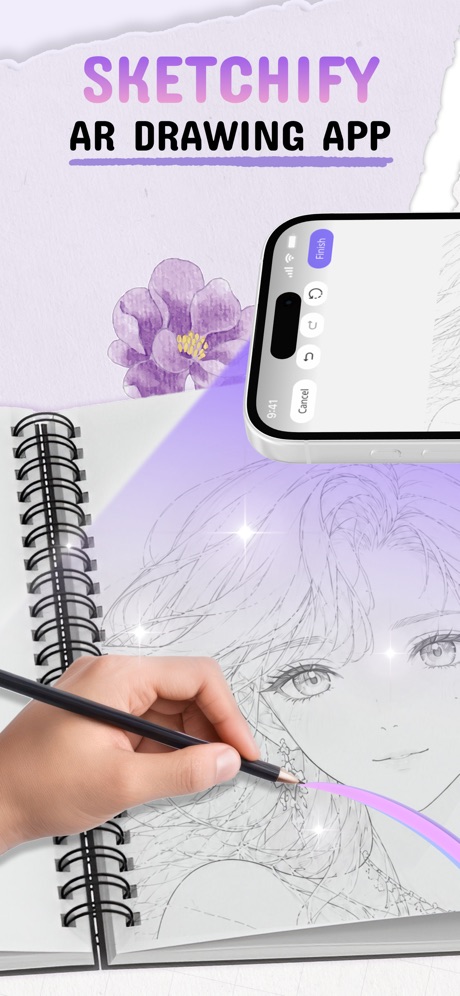
“SKETCHIFY”

“Easy Setup”

“• Anime drawing • Learn how to draw • Trace & Sketch • 500+ Templates”

“DRAW AMAZING AR ART”

“AR DRAWING SKETCHES”
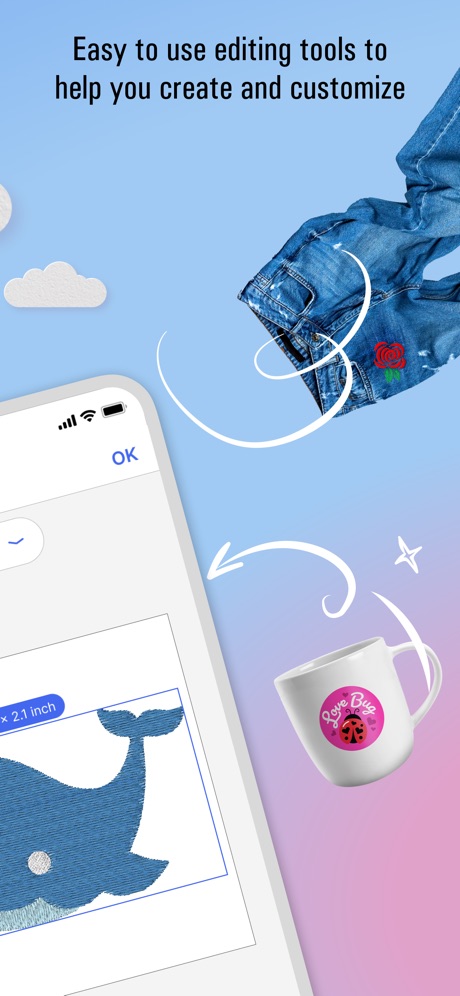
“Easy to use editing tools to help you create and customize”
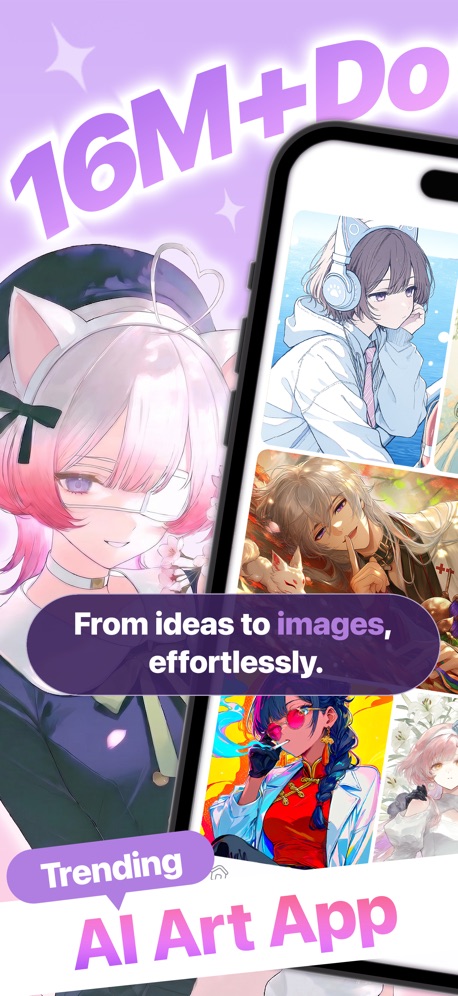
“From ideas to images, effortlessly. AI Art App”

“Draw image on paper”
What these screenshots say, word for word.
The words on all 13 that carry any, as each app wrote them.
“Trace & Draw Easy”
Using your mobileArtrace: AR Drawing & Sketch · #18 · screenshot 1“Use camera to draw”
PicTrace®: AR Drawing & Sketch · #26 · screenshot 1“Projection Mapping”
AnywhereLazy Lighting · #46 · screenshot 1“Start your Journey”
ARtie Lab: AR Drawing & Sketch · #47 · screenshot 3“SKETCHIFY”
AR DRAWING APPAR Drawing App - Sketchify · #49 · screenshot 1“Easy Setup”
Setup your phone and drawDa Vinci Eye: AR Trace & Draw · #66 · screenshot 2“• Anime drawing • Learn how to draw • Trace & Sketch • 500+ Templates”
AR Drawing Sketch AI - ArtEasy · #72 · screenshot 2“DRAW AMAZING AR ART”
Drawsy: AR Draw for Sketching · #76 · screenshot 1“AR DRAWING SKETCHES”
AR Projector Tracing & Drawing · #79 · screenshot 1“Easy to use editing tools to help you create and customize”
Brother Artspira · #81 · screenshot 3- Trending
“From ideas to images, effortlessly. AI Art App”
PixAI - AI Anime Art Generator · #86 · screenshot 1 “Draw image on paper”
PicTrace®: AR Drawing & Sketch · #26 · screenshot 3“wnloads”
From text or image, generate your way!PixAI - AI Anime Art Generator · #86 · screenshot 2
Top ten Graphics & Design apps that do it.
None of the top ten do. The highest app on the chart that does is Artrace: AR Drawing & Sketch, at #18.
The same tactic in other categories.
| Category | Apps that do it | Screenshots | Top ten |
|---|---|---|---|
| Food & Drink | 30% 30 of 100 | 6% 35 of 540 | 3 of 10 |
| Finance | 25% 25 of 100 | 6% 35 of 581 | 4 of 10 |
| Medical | 24% 24 of 100 | 5% 28 of 548 | 4 of 10 |
| Travel | 21% 21 of 100 | 5% 27 of 561 | 2 of 10 |
| Utilities | 21% 21 of 100 | 4% 24 of 549 | 1 of 10 |
| Lifestyle | 18% 18 of 100 | 4% 21 of 556 | 0 of 10 |
| Sports | 18% 18 of 100 | 4% 21 of 558 | 3 of 10 |
| Navigation | 17% 17 of 99 | 4% 22 of 566 | 0 of 10 |
| Music | 17% 17 of 100 | 4% 22 of 550 | 0 of 10 |
| Shopping | 16% 16 of 100 | 4% 21 of 562 | 4 of 10 |
| News | 15% 15 of 98 | 4% 21 of 517 | 2 of 10 |
| Productivity | 15% 15 of 99 | 3% 18 of 551 | 1 of 10 |
| Business | 15% 15 of 100 | 3% 16 of 554 | 1 of 10 |
| Entertainment | 15% 15 of 100 | 3% 16 of 544 | 0 of 10 |
| Social Networking | 14% 14 of 100 | 3% 15 of 554 | 1 of 10 |
| Education | 12% 12 of 100 | 3% 18 of 555 | 1 of 10 |
| Graphics & Design | 11% 11 of 99 | 2% 14 of 564 | 0 of 10 |
| Health & Fitness | 11% 11 of 100 | 2% 12 of 574 | 0 of 10 |
| Reference | 11% 11 of 100 | 2% 11 of 566 | 0 of 10 |
| Weather | 11% 11 of 100 | 2% 13 of 555 | 2 of 10 |
| Developer Tools | 8% 8 of 100 | 2% 12 of 507 | 1 of 10 |
| Photo & Video | 5% 5 of 100 | 1% 5 of 566 | 0 of 10 |
| Games | 2% 2 of 100 | 1% 3 of 567 | 0 of 10 |
Related tactics.
Often on the same screenshot
- Phone cut off at the foot57% of these screenshots, against 14% of all Graphics & Design screenshots
- Illustration or mascot93% of these screenshots, against 50% of all Graphics & Design screenshots
- Headline readable at thumbnail size71% of these screenshots, against 29% of all Graphics & Design screenshots
- A hand holds the phone50% of these screenshots, against 10% of all Graphics & Design screenshots
- Light79% of these screenshots, against 48% of all Graphics & Design screenshots
- Phone at an angle29% of these screenshots, against 4% of all Graphics & Design screenshots
More in layout
- Screen fills the picture99%
- Phone drawn96%
- Whole phone shown94%
- Words at the top94%
- A photograph86%
- Illustration or mascot77%
- Arrows or callouts70%
- Headline readable at thumbnail size69%
- A person in the picture65%
- Two or more screens55%
- Phone cut off at the foot47%
- Zoomed detail of the UI47%
- Headline too small to read40%
- No phone, bare screen38%
- App icon shown37%
- A hand holds the phone29%
- No app screen at all19%
- Phone at an angle17%
- Phone cut off at the head13%
- Words aligned left11%
- Watch, iPad or Mac beside it7%
- Words at the bottom5%
- Words over the screen3%
Questions, answered from the chart.
How many top Graphics & Design apps have App Store screenshots with a small app screen?
Which Graphics & Design apps have App Store screenshots with a small app screen?
Should my Graphics & Design app have App Store screenshots with a small app screen?
See your own app against this.
Pagefully reads your screenshots the same way, and makes a custom product page for each search people type, from your real screens.
Preview your pages