Red Navigation app screenshots
Red is the main colour.
From the top 99 free Navigation apps on the US App Store, read on October 9, 2026. Screenshots are the developers’ own, shown from Apple’s servers with a link to each app.
The numbers
35 of the 566 Navigation screenshots read (6%) do this, across 11 of the top 99 apps (11%). 0 of the top ten do it (0%), against 11 of the other 89 (12%): the top ten do it less than the rest. Of the 23 categories read so far, Navigation is 17th for this. It is most common in Food & Drink (33% of apps) and least common in Developer Tools (3%).
12 examples from the chart.
12 of the 35 red Navigation app screenshots, one from each app, the highest on the chart first.

“Top-up your Navigo pass on the go”

“Fuel Your Journey, Go the ExtraMile™”
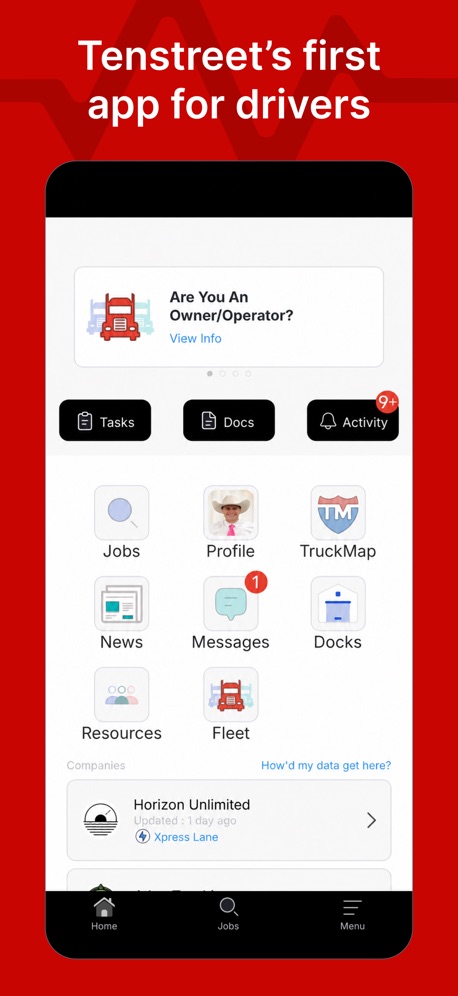
“Tenstreet’s first app for drivers”

“Learn from hunters in every state.”

“Space”

“Live bus arrivals”

“Easily purchase your eSIM, essential for traveling in Japan”
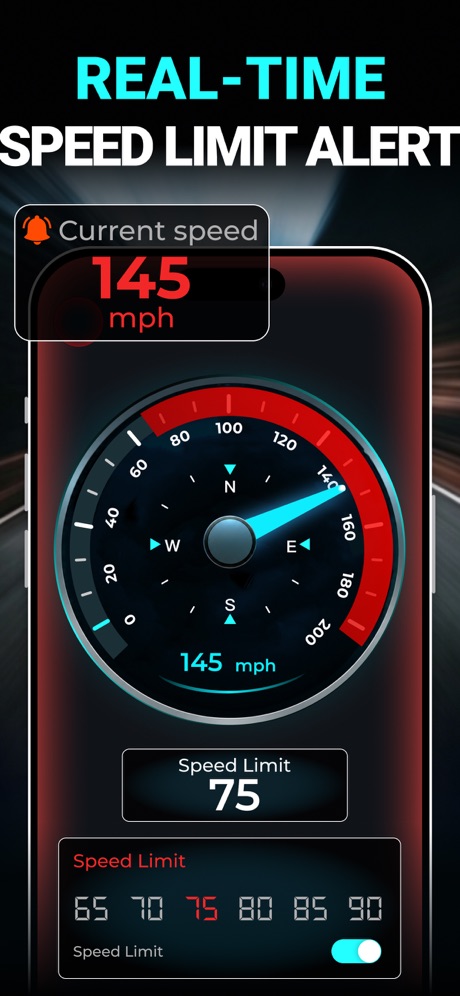
“REAL-TIME SPEED LIMIT ALERT”
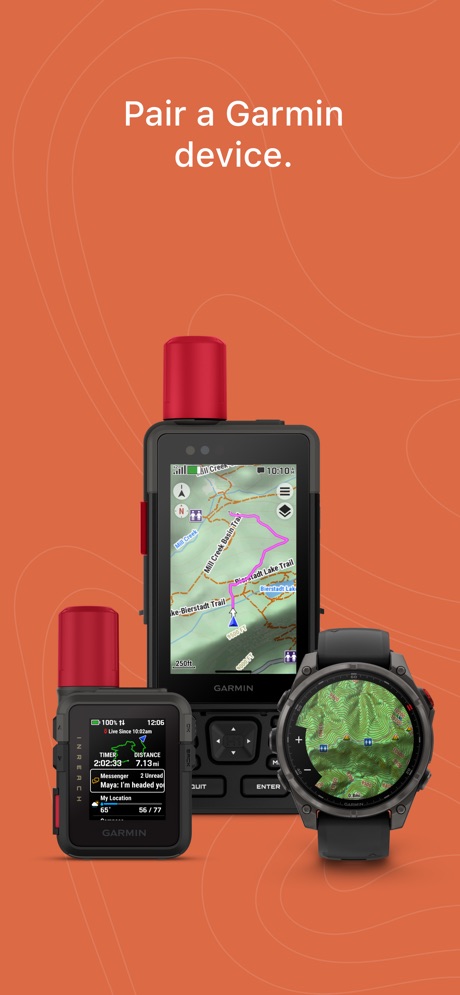
“Pair a Garmin device.”
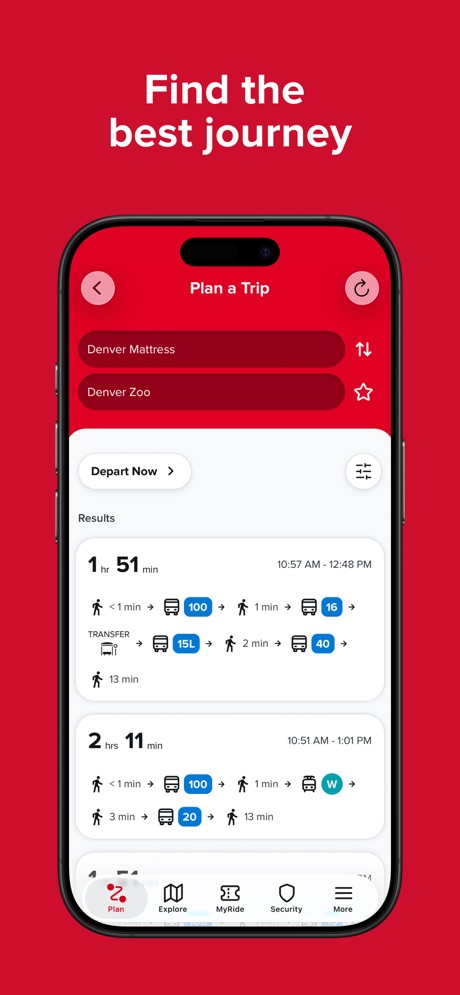
“Find the best journey”

“CarPlay now has Step-by-Step mode for when GPS acts up”

“Ride Lime, Dott and Voi scooters”
What these screenshots say, word for word.
The words on all 35 that carry any, as each app wrote them.
“Top-up your Navigo pass on the go”
Bonjour RATP · #32 · screenshot 3“Fuel Your Journey, Go the ExtraMile™”
ExtraMile® · #45 · screenshot 1“Tenstreet’s first app for drivers”
Driver Pulse by Tenstreet · #46 · screenshot 1“Learn from hunters in every state.”
GOHUNT: Research & Maps · #50 · screenshot 2“Space”
Search for parking near your destinationPremium Parking · #65 · screenshot 1“Live bus arrivals”
TfL Go: Plan, Pay, Travel · #66 · screenshot 4“Easily purchase your eSIM, essential for traveling in Japan”
Japan Travel - Smart Transit · #69 · screenshot 5“REAL-TIME SPEED LIMIT ALERT”
Speedometer GPS : MPH Tracker · #85 · screenshot 4“Pair a Garmin device.”
Garmin Explore™ · #89 · screenshot 1“Find the best journey”
RTD NextRide · #95 · screenshot 1“CarPlay now has Step-by-Step mode for when GPS acts up”
Yandex Navi – navigation, maps · #98 · screenshot 6“Ride Lime, Dott and Voi scooters”
Bonjour RATP · #32 · screenshot 6“Get special New Member Rewards when you sign up”
ExtraMile® · #45 · screenshot 2“Turn-By-Turn truck GPS”
Driver Pulse by Tenstreet · #46 · screenshot 2“Know your odds before you apply.”
GOHUNT: Research & Maps · #50 · screenshot 4“for you”
Real-time location occupancy reportsPremium Parking · #65 · screenshot 2“Easily locate geographic points and see popular routes.”
Garmin Explore™ · #89 · screenshot 2“Plan your trip with live updates”
RTD NextRide · #95 · screenshot 2“Participate in ExtraMile Clubs and track Club card punches digitally”
ExtraMile® · #45 · screenshot 6“Search over 3,400 carriers for jobs”
Driver Pulse by Tenstreet · #46 · screenshot 3“Get reminders and extend time remotely”
Premium Parking · #65 · screenshot 3“Stream maps over cellular or Wi‑Fi. Download maps for offline use when outside of cell range.”
Garmin Explore™ · #89 · screenshot 3“Easily check all stops near you”
RTD NextRide · #95 · screenshot 3“Manage your personal fleet”
Driver Pulse by Tenstreet · #46 · screenshot 4“Easily manage your vehicles and view parking history”
Premium Parking · #65 · screenshot 4“Plan your outdoor adventure. Scout ahead before you leave.”
Garmin Explore™ · #89 · screenshot 4“Every bus stop in detail”
RTD NextRide · #95 · screenshot 4“Keep your fleet on track”
Driver Pulse by Tenstreet · #46 · screenshot 5“Plan ahead and reserve parking... or park and pay upon arrival”
Premium Parking · #65 · screenshot 5“See map thumbnails to easily recognize your trips.”
Garmin Explore™ · #89 · screenshot 5“Purchase fares and passes”
RTD NextRide · #95 · screenshot 5“Stay up to date on important tasks”
Driver Pulse by Tenstreet · #46 · screenshot 6“Buy and manage monthly parking subscriptions”
Premium Parking · #65 · screenshot 6“High-Res Satellite Imagery shows routes and terrain.”
Garmin Explore™ · #89 · screenshot 6“Check your favorites on one page”
RTD NextRide · #95 · screenshot 6
Top ten Navigation apps that do it.
None of the top ten do. The highest app on the chart that does is Bonjour RATP, at #32.
The same tactic in other categories.
| Category | Apps that do it | Screenshots | Top ten |
|---|---|---|---|
| Food & Drink | 33% 33 of 100 | 20% 109 of 540 | 4 of 10 |
| Graphics & Design | 31% 31 of 99 | 9% 49 of 564 | 4 of 10 |
| Photo & Video | 29% 29 of 100 | 7% 40 of 566 | 2 of 10 |
| Entertainment | 26% 26 of 100 | 11% 62 of 544 | 3 of 10 |
| Shopping | 24% 24 of 100 | 12% 70 of 562 | 2 of 10 |
| Lifestyle | 21% 21 of 100 | 8% 44 of 556 | 2 of 10 |
| Music | 19% 19 of 100 | 7% 38 of 550 | 6 of 10 |
| Travel | 19% 19 of 100 | 7% 41 of 561 | 0 of 10 |
| Weather | 18% 18 of 100 | 6% 35 of 555 | 3 of 10 |
| Social Networking | 17% 17 of 100 | 6% 36 of 554 | 0 of 10 |
| Reference | 16% 16 of 100 | 7% 40 of 566 | 1 of 10 |
| Education | 14% 14 of 100 | 3% 17 of 555 | 2 of 10 |
| News | 13% 13 of 98 | 6% 32 of 517 | 2 of 10 |
| Games | 13% 13 of 100 | 3% 15 of 567 | 0 of 10 |
| Health & Fitness | 13% 13 of 100 | 6% 34 of 574 | 1 of 10 |
| Sports | 13% 13 of 100 | 7% 39 of 558 | 3 of 10 |
| Navigation | 11% 11 of 99 | 6% 35 of 566 | 0 of 10 |
| Medical | 11% 11 of 100 | 4% 22 of 548 | 2 of 10 |
| Business | 9% 9 of 100 | 4% 23 of 554 | 2 of 10 |
| Finance | 8% 8 of 100 | 3% 18 of 581 | 1 of 10 |
| Utilities | 8% 8 of 100 | 3% 19 of 549 | 2 of 10 |
| Productivity | 6% 6 of 99 | 3% 14 of 551 | 0 of 10 |
| Developer Tools | 3% 3 of 100 | 1% 3 of 507 | 1 of 10 |
Related tactics.
Often on the same screenshot
- Background is the icon’s colour77% of these screenshots, against 40% of all Navigation screenshots
- Solid background60% of these screenshots, against 36% of all Navigation screenshots
- Pattern or texture31% of these screenshots, against 14% of all Navigation screenshots
- Phone cut off at the foot34% of these screenshots, against 17% of all Navigation screenshots
- Says “you” or “your”43% of these screenshots, against 26% of all Navigation screenshots
- Words at the top100% of these screenshots, against 85% of all Navigation screenshots
More in look
- Light65%
- Solid background57%
- Background is the icon’s colour53%
- Gradient background52%
- High contrast words51%
- Blue48%
- Dark48%
- Black, white or grey47%
- A word in a different colour40%
- Photo background30%
- Low contrast words27%
- Pattern or texture25%
- Green22%
- Teal22%
- Rounded headline type21%
- Orange20%
- Condensed or display type8%
- The app itself is the background6%
- Yellow6%
- Pink3%
- Purple2%
Questions, answered from the chart.
How many top Navigation apps have red App Store screenshots?
Which Navigation apps have red App Store screenshots?
Should my Navigation app have red App Store screenshots?
See your own app against this.
Pagefully reads your screenshots the same way, and makes a custom product page for each search people type, from your real screens.
Preview your pages