Should your app icon and name be in your App Store screenshots?
Most top apps leave both off most of their screenshots. Of 2,295 top free apps in 23 US App Store categories, 42% show their app icon on at least one of their first six screenshots and 20% write the app’s name in the words; 52% do one or the other. Where the icon appears it is most often on the first screenshot (21% of first screenshots, against 11% of the rest), and 62% of the apps that show it do so only once. It ranges from 58% of apps in Finance to 13% in Games.
What does the App Store already show?
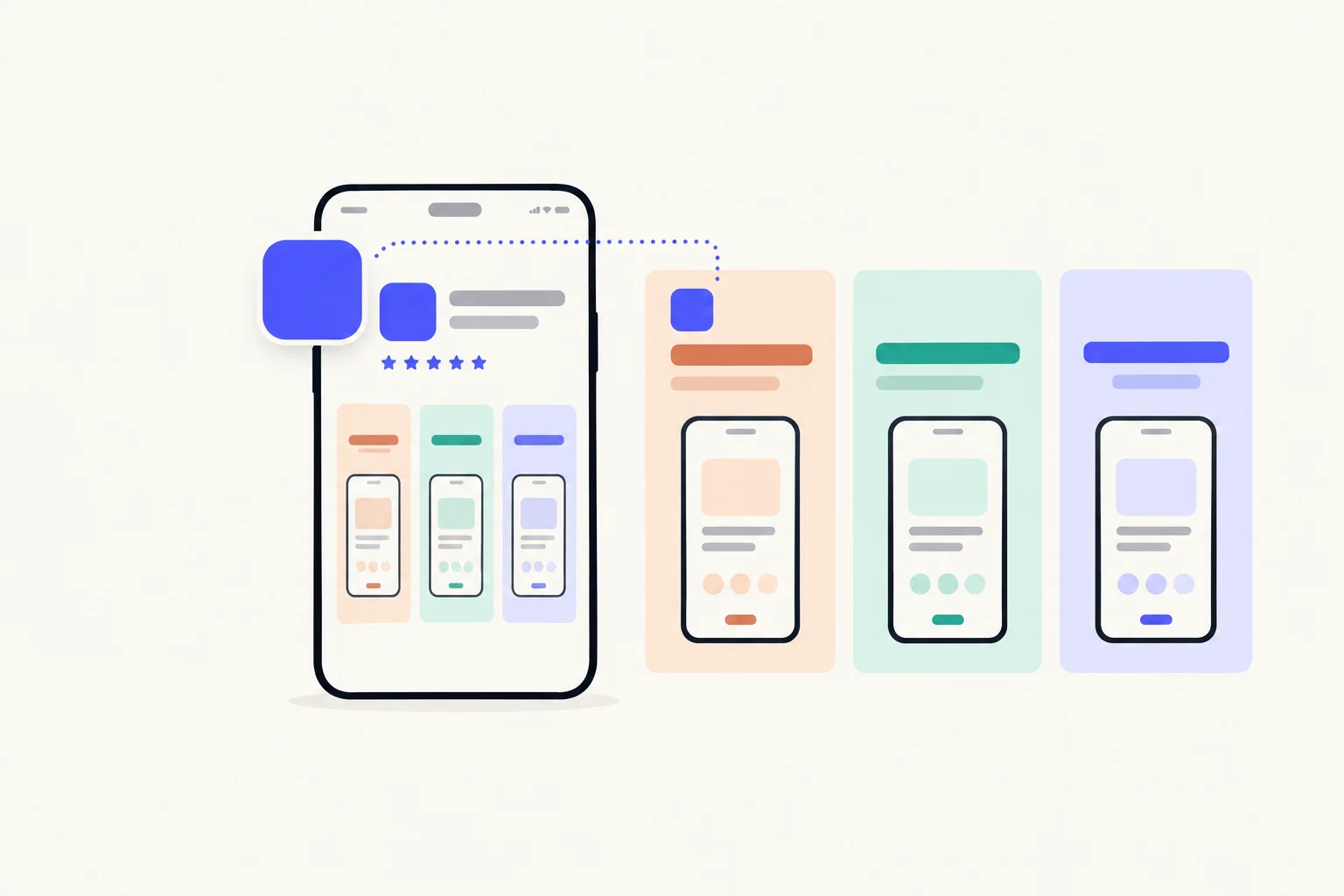
Your app’s name, icon and subtitle are part of the product page itself, set in App Store Connect, and they appear with your screenshots on the product page and in search results.1 So a shopper looking at your screenshots has already seen your icon and name next to them. Apple’s guidelines on accurate metadata also ask that screenshots show the app in use, not merely title art, a login page or a splash screen.2 A screenshot that is only a logo is the case that line describes.
How was this counted?
From the App Screenshot Index: the top 100 free apps in 23 US App Store categories, 2,295 apps and 12,787 screenshots, up to the first six of each app, each one read and tagged. A screenshot shows the icon when the app’s icon appears in the picture, outside the app’s own screen; it names the app when the app’s name appears in the headline, subline or label; and its background is the icon’s colour when the picture’s main colour matches the icon’s. A share of apps is the share with at least one screenshot that does it. The counts for every tag are on the Index’s data page.
These numbers describe what top-ranked apps show, not what causes installs.
How many top apps show their icon or name?
972 of 2,295 apps (42%) show their icon on at least one screenshot, and 448 (20%) write their name. Counted by screenshot it is rarer: 13% of all screenshots show the icon. Of the apps that show it, 62% do so on one screenshot only. Matching the icon’s colour is more common than showing the icon: 59% of apps have a screenshot whose main colour is the icon’s, and 40% of all screenshots do.
| On at least one screenshot | Apps | Share of apps |
|---|---|---|
| The app’s icon | 972 | 42% |
| The app’s name in the words | 448 | 20% |
| Either one | 1,190 | 52% |
| Both | 230 | 10% |
On which screenshot?
The first. 21% of first screenshots show the app’s icon and 11% name the app; from the second screenshot on, the icon is on about 11% and the name on 3%.
| Screenshot | Screenshots read | Shows the icon | Names the app |
|---|---|---|---|
| 1 | 2,295 | 21% | 11% |
| 2 | 2,287 | 11% | 3% |
| 3 | 2,279 | 11% | 3% |
| 4 | 2,218 | 11% | 3% |
| 5 | 2,029 | 11% | 3% |
| 6 | 1,679 | 10% | 4% |
Some first screenshots show no app screen at all: 241 apps open on a picture with no screen in it, such as a photograph, a logo or a slogan, and 73 of those show the icon. The later positions hold fewer screenshots because not every app has six.
Do the biggest apps do it more?
About the same. Among the ten highest-ranked apps in each category (230 apps), 43% show their icon and 19% their name; among the rest of the top 100, 42% and 20%. With this few apps at the top, a gap of a few points could easily be chance. Which differences between the top ten and the rest do hold up is in the top 10 apps against the rest.
Which categories do it most?
The icon is commonest in Finance (58%), Business (54%), News (52%) and Productivity (52%), and rarest in Games (13%), Photo & Video (24%) and Medical (27%). Writing the app’s name is commonest in Shopping (35%) and Finance (32%).
| Category | Apps | Shows the icon | Icon on the first screenshot | Names the app | Either | Icon’s colour (share of screenshots) |
|---|---|---|---|---|---|---|
| Finance | 99 | 58% | 29% | 32% | 71% | 50% |
| Business | 100 | 54% | 30% | 17% | 58% | 47% |
| News | 98 | 52% | 22% | 24% | 59% | 39% |
| Productivity | 99 | 52% | 26% | 19% | 58% | 45% |
| Entertainment | 100 | 51% | 32% | 29% | 63% | 43% |
| Food & Drink | 100 | 51% | 22% | 26% | 62% | 47% |
| Sports | 100 | 51% | 22% | 24% | 62% | 44% |
| Weather | 100 | 48% | 23% | 16% | 53% | 38% |
| Social Networking | 100 | 47% | 25% | 15% | 57% | 43% |
| Utilities | 100 | 47% | 25% | 17% | 57% | 43% |
| Developer Tools | 100 | 44% | 18% | 14% | 50% | 23% |
| Health & Fitness | 100 | 41% | 18% | 19% | 51% | 39% |
| Lifestyle | 100 | 41% | 18% | 20% | 57% | 35% |
| Reference | 100 | 41% | 22% | 19% | 50% | 49% |
| Education | 100 | 40% | 26% | 9% | 43% | 49% |
| Navigation | 99 | 40% | 24% | 12% | 45% | 40% |
| Travel | 100 | 40% | 22% | 22% | 50% | 44% |
| Graphics & Design | 100 | 39% | 12% | 14% | 47% | 25% |
| Music | 100 | 37% | 19% | 22% | 50% | 41% |
| Shopping | 100 | 37% | 15% | 35% | 55% | 33% |
| Medical | 100 | 27% | 14% | 21% | 42% | 46% |
| Photo & Video | 100 | 24% | 12% | 12% | 31% | 22% |
| Games | 100 | 13% | 6% | 10% | 22% | 38% |
Each category has about 100 apps, so a difference of a few points is noise. Each name opens that category’s screenshots that show the icon, in the Index. The screenshots that show the icon, across every category, are on the icon shown tactic page.
Cite this data: “Should your app icon and name be in your App Store screenshots?”, Pagefully App Screenshot Index, https://pagefully.com/guides/app-icon-in-app-store-screenshots.
What should you do on yours?
Give the space to the app unless your name is a reason to download. The store puts your icon and name beside the screenshots already; what it cannot show without you is what the app does.
- Lead with what the app does, not with its logo.A first screenshot that is only the logo shows nothing of the app, which Apple’s guidelines ask screenshots to show.
- Show the icon once if you show it.62% of the top apps that show it do so on a single screenshot, and the first screenshot is where it appears most.
- Name the app where the name carries weight.A name people already search for, a known brand, is the case for writing it into a headline.
- Use your icon’s colour if you want the set to feel like yours.Matching the background to the icon ties the screenshots to it without spending a word.
- Read your category’s row before deciding.The category table above shows how often top apps in yours show the icon and the name.
A custom product page keeps your app’s name and changes the screenshots,3 so there is no need to repeat the name on a page made for one search. What else the top apps put in their first screenshot is in what the top apps put in their first screenshot, and what goes in the name and subtitle is in app name and subtitle.
Sources
Questions people ask
Do top apps put their app icon in their App Store screenshots?
Do top apps write their app name in their screenshots?
Which screenshot do top apps put their icon on?
Does showing the app icon in screenshots get more installs?
See your first page.
Look up your app. In about a minute you see three pages planned for it and one designed on your own screenshots, before you sign up.