How the top 10 apps’ screenshots differ from the rest of the top 100
Hardly at all. Across all 23 categories in the App Screenshot Index, the 230 apps ranked one to ten use the same screenshot tactics as the 2,065 ranked 11 to 100, at nearly the same rates: no tactic is more than 11 points apart. Ten apps picked at random from each chart give gaps of up to 10 points, so almost every difference you could point to is the size chance produces.
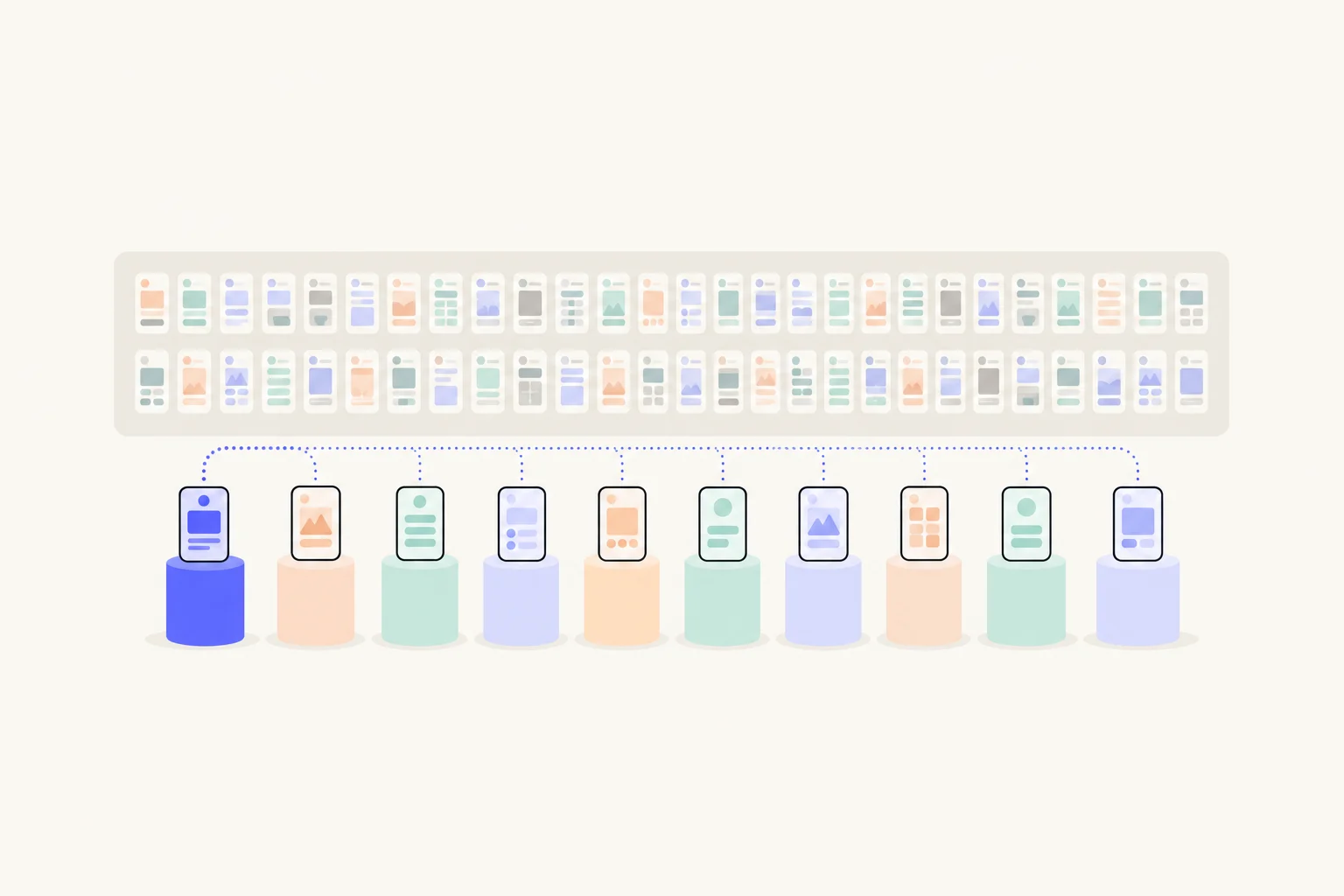
How do you compare the top 10 with the rest?
By chart position, with a test for chance. The App Screenshot Index reads every screenshot of the top 100 free apps in each US App Store category and tags what each one does: what the headline leads with, how the phone is shown, the colours, the proof. We split each chart at position ten and asked, for every tactic, what share of the top ten apps use it on at least one screenshot, and what share of the apps below them do. That is the same measure the Index’s data page uses, so the numbers agree with it.
The trouble is sample size. Ten apps per category is small: one app is ten points. Even pooled, a gap of a few points between two groups can come from nowhere, and with about ninety tactics to look at, some will show a gap by luck alone. So we drew the line from the data itself.
- Shuffle the chart 200 times.In each category, ten apps are picked at random and called the top ten, and the rest are the rest. Each chart keeps its own size.
- Note the widest gap each time.Across every tactic, the largest difference a random top ten shows. That is what luck alone looks like.
- Keep only what beats luck.Pooled across every category, the widest random gap was 10 points or less in 19 shuffles out of 20 (8 in a typical one). In one category alone it was up to 49 points (37 typically). A real gap has to be wider than that to mean anything.
| Categories | 23 |
|---|---|
| Top 10 apps (positions 1 to 10) | 230 apps, 1,306 screenshots |
| The rest (positions 11 to 100) | 2,065 apps, 11,439 screenshots |
| Widest gap on any tactic, pooled | 11 points |
| Widest gap luck gives, pooled (19 in 20) | 10 points |
| Widest gap luck gives, one category (19 in 20) | 49 points |
These numbers describe what top-ranked apps do, not what causes installs. Read every table below with that in mind.
What do the top 10 do more, and less?
Only one tactic clears the chance bar of 10 points: a person in the picture (67% of top-ten apps against 56%), and only just. The twelve widest gaps are below. A plus means the top ten do it more.
| Tactic | Kind | Top 10 apps | The rest | Gap (points) | Beats chance? | Top 10 do it more in | Screenshots, top 10 / rest |
|---|---|---|---|---|---|---|---|
| A person in the picture | Layout | 67% | 56% | +11 | Yes | 19 of 23 categories | 29% / 26% |
| Headline in Title Case | Words | 27% | 36% | -9 | No | 5 of 23 categories | 15% / 19% |
| A photograph | Layout | 87% | 79% | +8 | No | 18 of 23 categories | 52% / 47% |
| No words at all | Words | 13% | 21% | -8 | No | 5 of 23 categories | 7% / 11% |
| Solid background | Look | 55% | 47% | +8 | No | 17 of 23 categories | 40% / 31% |
| States a benefit | Meaning | 87% | 79% | +8 | No | 19 of 23 categories | 49% / 41% |
| Zoomed detail of the UI | Layout | 15% | 23% | -8 | No | 5 of 23 categories | 4% / 6% |
| Gradient background | Look | 56% | 63% | -7 | No | 5 of 23 categories | 40% / 46% |
| Headline on one line | Words | 21% | 28% | -7 | No | 3 of 23 categories | 8% / 12% |
| Headline over eight words | Words | 23% | 16% | +7 | No | 14 of 23 categories | 7% / 5% |
| Headline too small to read | Layout | 50% | 43% | +7 | No | 15 of 23 categories | 16% / 13% |
| Leads with an outcome | Meaning | 25% | 18% | +7 | No | 16 of 23 categories | 5% / 4% |
Two things hold the table together. First, the direction is steady even where the size is small: a person in the picture is more common in the top ten in 19 of 23 categories, and headline in Title Case is less common in 17 of them. A gap that points the same way in most categories is less likely to be one chart’s accident. Second, the size is small everywhere. The share of screenshots, the last column, moves by 9 points at most, so a visitor scrolling a search result would not see the top ten as a different kind of page.
One plausible reading is about who is in the top ten rather than what they draw. The top of a chart is full of household names, with the budget for photography and real people in their marketing, which fits a person in the picture in 67% of them and fewer sets with screenshots that carry no words at all (13% against 21%). That describes big apps. It is not advice for small ones.
Which gap is widest in each kind of tactic?
Small in every group. The Index sorts its tactics into five kinds: what the words mean, the words themselves, the layout, the look and the proof. Here is the widest gap each way in each kind, so you can see that no corner of the screenshot hides a big difference.
| Kind | Top 10 do more | Top 10 / rest | Top 10 do less | Top 10 / rest |
|---|---|---|---|---|
| Meaning | States a benefit | 87% / 79% (+8) | Subline adds a second benefit | 14% / 17% (-3) |
| Words | Headline over eight words | 23% / 16% (+7) | Headline in Title Case | 27% / 36% (-9) |
| Layout | A person in the picture | 67% / 56% (+11) | Zoomed detail of the UI | 15% / 23% (-8) |
| Look | Solid background | 55% / 47% (+8) | Gradient background | 56% / 63% (-7) |
| Proof | Guarantee | 6% / 3% (+3) | Laurel or award | 11% / 15% (-4) |
Social proof is a useful case. You might expect the most downloaded apps to lean on ratings and awards, or to need them least. Neither shows: no proof tactic is more than 4 points apart. The social proof guide has those numbers category by category.
Does it hold inside each category?
In 2 of 23 categories one gap is wider than chance allows, and in the other 21 none is. Inside one chart, ten apps against ninety, a random draw gives a widest gap of 37 points on a typical shuffle. So the table below, the widest gap in each category, mostly shows noise of about that size, and any of those rows could flip when the chart is read again.
Where a category does clear the bar (leads with an outcome in Business and headline under five words in Productivity), it still rests on ten apps, so a handful of them make the whole difference, and the next read of the chart may not repeat it. Look at those apps on the category’s page of the Index, screenshot by screenshot, before you treat it as a rule.
Why is this not a recipe?
Because rank is caused by many things, and screenshots are a small one. An app is in the top ten of its chart because of its brand, its advertising budget, its years on the store, its press, its word of mouth and how good it is. Many of the top ten are names people search for directly: they arrive already decided, and the screenshots have less work to do. The chart is also a ranking of free downloads on the day it was read, not of how well a page converts.
That cuts both ways. A tactic the top ten use more is not proven to work, and a tactic they use less is not proven to fail. What the data does show is narrower and still useful: the top of every chart dresses its screenshots much like the middle, so there is no hidden convention the leaders share that you are missing.
What should you do with it?
Stop looking upward for the answer and look at your own visitors. In practice:
- Do not copy the number one app.Its screenshots work for people who already know it. Yours have to work for people who do not.
- Match the page to the search.A page that answers what someone typed does more than any tactic in the table. Custom product pages let a search, an ad or a link land on a page made for it.
- Use the category conventions as a map, not a rule.The design by category guide shows what your neighbours in search look like, so you can choose to fit in or stand apart.
- Test on your own traffic.Product page optimization runs up to three treatments against your original page for up to 90 days. That is the only number that tells you what works for your app.
Apple’s product page optimization compares different icons, screenshots and app previews with up to three treatments in a test, which runs for up to 90 days.1 Custom product pages let you make further versions of your page, each with its own screenshots, and send people to them from a search, a campaign or a link.2 For what to put on the first screenshot of each, see what the top apps put in their first screenshot, and for the whole topic, the complete guide to custom product pages.
Sources
Questions people ask
Do the top 10 apps have better screenshots?
Why not compare the top 10 and the rest in one category?
Should I copy the screenshots of the number one app in my category?
How do I find out what works for my own app?
See your first page.
Look up your app. In about a minute you see three pages planned for it and one designed on your own screenshots, before you sign up.