Social proof in App Store screenshots: who uses it, and how
Less often than you might expect, and mostly on the first screenshot. 28% of the top apps in the App Screenshot Index show a star rating, a laurel, a press logo, a user count or a user quote on any of their screenshots, and only 7% of all screenshots carry one. When they do, it leads: 16% of first screenshots show proof, against 5% to 7% further in.
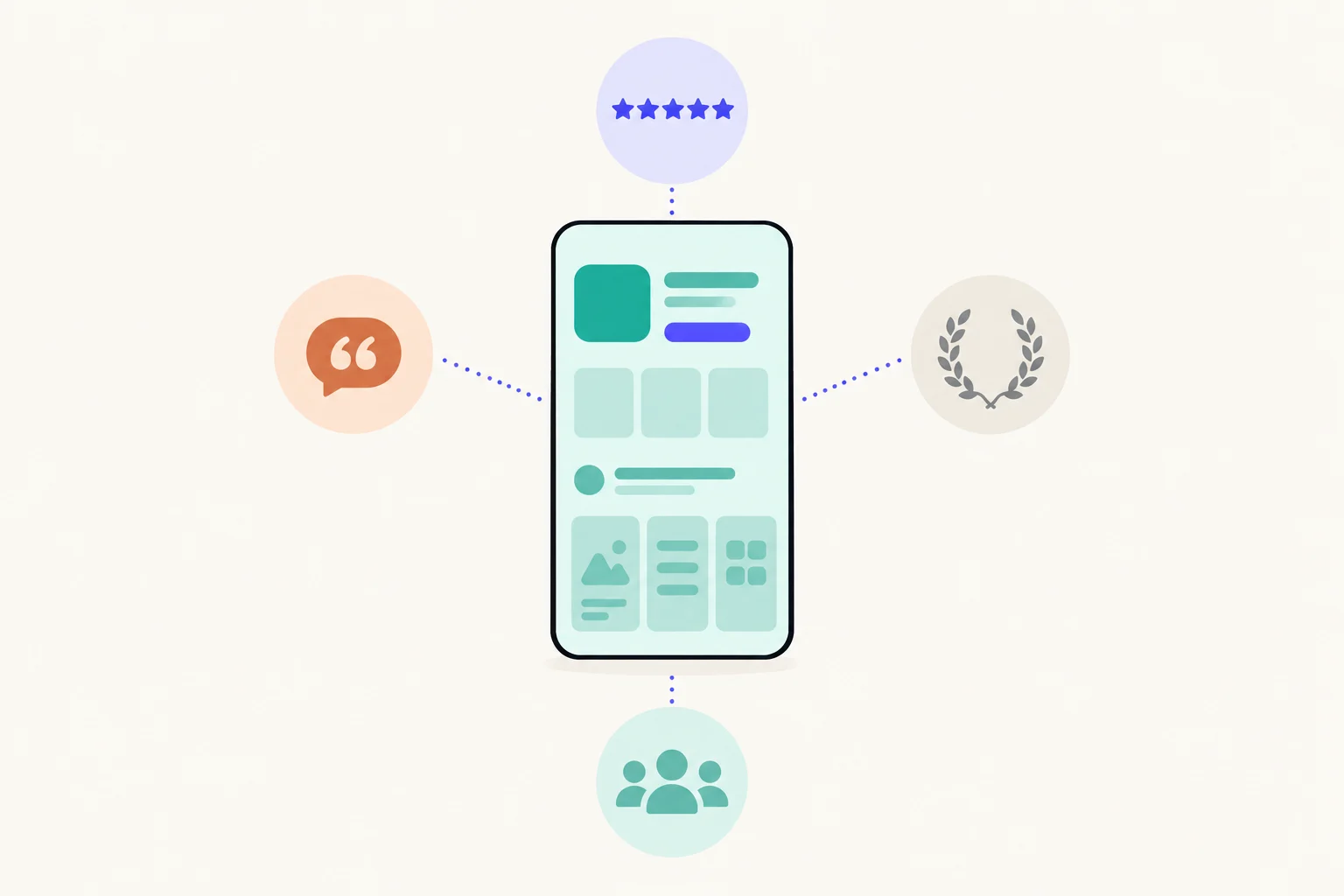
How often do top apps show social proof?
On 28% of apps and 7% of screenshots. We counted five kinds as proof, the same five the App Screenshot Index counts on every category page: a star rating, a laurel or award, a press logo, a user or download count, and a quote from a user. The Index reads the first six iPhone screenshots of the top 100 free apps in 23 US categories, 12,745 screenshots from 2,295 chart places, and tags each one.
| Apps showing any proof, anywhere in the set | 28% (653 of 2,295) |
|---|---|
| Screenshots showing proof | 7% (925 of 12,745) |
| First screenshots showing proof | 16% |
| Last screenshots showing proof | 5% |
| Proof screenshots that are the first of their set | 39% |
| Top 10 apps showing proof, against the rest | 30% against 28% |
The most common kind is a star rating, on 17% of apps. The full list, with the proof the Index tags but does not count in that total, is below. Each tactic links to its examples across every category.
| Proof | Share of apps | Share of screenshots | Share of first screenshots | Counted as proof |
|---|---|---|---|---|
| Star rating shown | 17% | 4% | 7% | Yes |
| Laurel or award | 15% | 3% | 11% | Yes |
| User or download count | 13% | 3% | 6% | Yes |
| Press logo | 4% | 1% | 2% | Yes |
| User quote | 3% | 1% | 0% | Yes |
| Badge | 33% | 9% | 10% | No |
| Ranking claim | 16% | 3% | 8% | No |
| Quotation marks | 5% | 1% | 1% | No |
| Guarantee | 3% | 1% | 0% | No |
| Press quote | under 1% | under 1% | 0% | No |
Two notes on reading it. A star rating is counted wherever stars appear in the picture, and that includes stars inside the app’s own screen, such as a product’s reviews in a shopping app, so it overstates ratings used as marketing. The badge tag, on 33% of apps, catches any badge-shaped mark, much of it inside the app’s screen, which is why it is left out of the proof total. The ranking claim tag reads the words, so a headline that says “best” or “#1” counts whether or not anything backs it, and it is left out of the total too.
The top ten of each chart show proof about as often as the 90 below them, 30% against 28%. Big apps do not lean on proof more, and do not drop it either. The top 10 against the rest guide explains why a gap that small is within chance.
Where in the set does proof go?
First. 16% of first screenshots show proof, and at every later position it falls to between 5% and 7%. Put the other way, 39% of all the screenshots with proof on them are the first of their set, and of the apps that use proof at all, 55% put it on screenshot one.
| Position | Screenshots read | Showing proof |
|---|---|---|
| First | 2,295 | 16% |
| Screenshot 2 | 2,287 | 7% |
| Screenshot 3 | 2,277 | 5% |
| Screenshot 4 | 2,217 | 5% |
| Screenshot 5 | 2,018 | 5% |
| Screenshot 6 | 1,651 | 5% |
That fits how the first screenshot is used. In search results, people see the first screenshots before anything else, and proof is a short way to say “other people chose this”. You might expect the last screenshot to carry proof as a closing argument. It does not: 5% of last screenshots show proof, no more than the middle of the set. For what else the first screenshot carries, see what the top apps put in their first screenshot.
Which categories use proof most, and least?
Most in Shopping (44%), Health & Fitness (43%) and Education (42%), least in Games (13%), Developer Tools (13%) and Sports (19%), by the share of apps that show any proof. The spread is wide: Shopping apps are 3.4 times as likely to show proof as Games apps. The most used kind differs too.
The kind of proof changes with the category: a star rating is the most used kind in 12 of 23 categories, and the rest split between the others. And in every category proof is a minority habit: even Shopping, at the top, leaves 56% of its apps without any. To see what that looks like in your own category, open its page in the Index, where every number in the table leads to the screenshots behind it.
What does Apple let you claim?
Only what is true and yours to use. Apple asks that your metadata, screenshots included, accurately reflect the app’s core experience and be kept up to date with new versions.1 Marketing an app in a misleading way, such as promoting content or services it does not offer or a false price, is grounds for removal.2 For proof, that becomes a short list:
- Ratings. A star figure in a screenshot should match what a visitor sees on the store, which changes. If you cannot keep it current, leave the figure out.1
- User counts. A count is a figure you should be able to show if asked. Apple’s guideline on subtitles already rules out unverifiable product claims there,3 and the same caution suits a screenshot.
- Press logos and quotes. You are responsible for the rights to everything in your screenshots,4 and Apple says not to use protected third-party material such as trademarks without permission.5 A publication’s logo is its trademark.
- User quotes. Use a real review you have permission to use, and Apple asks for fictional account information instead of a real person’s data,4 so leave out names and photos you have no rights to.
- Ranking claims. “#1” needs a ranking that is true, named and current. A headline that says “best” proves nothing and reads as a claim.
If a page comes back from review, what to do when a custom product page is rejected covers the fix.
Should your screenshots show proof?
Only if you have proof worth showing, and then on the first screenshot. Most top apps manage without any, so leaving it out does not make a set look unfinished. These numbers describe what top-ranked apps do, not what causes installs. A sensible order of work:
- Check what you can stand behind.A real award, a rating you will keep current, a count you can prove, a review you have permission to quote. Anything else stays off.
- Pick one kind, not five.One clear mark reads at search-result size. A laurel, a rating and a press logo together read as noise.
- Put it on the first screenshot, beside the headline.That is where the top apps put it, and it is the screenshot most people see. Keep the headline about the app, with the proof as a line or a mark next to it.
- Match the proof to the visitor.On a custom product page for one audience, proof from that audience (a teacher’s quote on a page for teachers) does more than a general count.
- Test it.Run the set with and without proof as a product page optimization test, and let your own visitors decide.
For the numbers behind every tactic, category by category, the Index’s data page and the laurel, rating and user count pages show the screenshots themselves.
Sources
- 1Apple, App Review Guidelines 2.3 (accurate metadata)
- 2Apple, App Review Guidelines 2.3.1 (misleading marketing)
- 3Apple, App Review Guidelines 2.3.7 (metadata and unverifiable claims)
- 4Apple, App Review Guidelines 2.3.9 (rights to materials in screenshots)
- 5Apple, App Review Guidelines 5.2.1 (third-party trademarks)
Questions people ask
How many top apps show ratings or awards in their screenshots?
Where should social proof go in an App Store screenshot set?
Can I put my App Store rating in my screenshots?
Can I show a magazine’s logo or a press quote?
See your first page.
Look up your app. In about a minute you see three pages planned for it and one designed on your own screenshots, before you sign up.