How top apps order their App Store screenshots
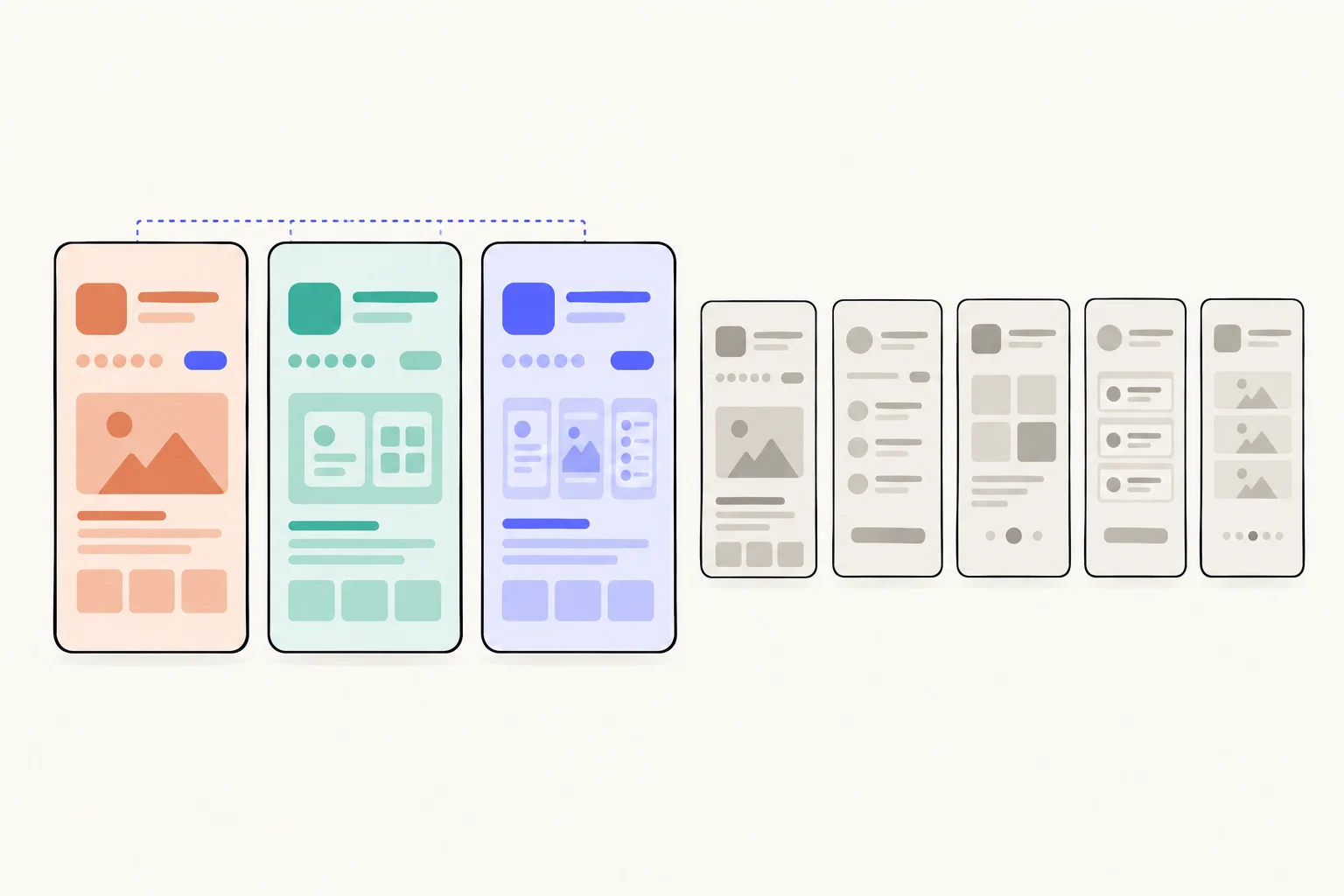
The first screenshot does a different job from the rest. Across the first six screenshots of 2,295 top apps, 16% of first screenshots carry proof and 38% lead with a feature. Screenshots four to six settle into one pattern: about 60% lead with a feature, 60% show the whole phone and 5% show proof. 28% of the apps have fewer than six screenshots.
How was this counted?
From the App Screenshot Index, read on October 9, 2026: the top 100 free apps in 23 US App Store categories, 2,295 apps and 12,745 screenshots, each read and tagged. The Index reads the first six iPhone screenshots of each app, in order, and no more. So this page cannot say how many screenshots an app has in all, only whether it has fewer than six; it compares screenshots by their place in the set. The counts across every tactic are on the Index’s data page.
These numbers describe what top-ranked apps do, not what causes installs. Rank comes from many things, brand, budget, age and ads among them, so read them as the conventions your set will sit beside.
What do the first three do that the fourth to sixth do not?
Less of the plain product, more of everything else. Set the first three screenshots against the fourth to sixth and the early ones lead with a feature less often (50% against 60%), show the whole phone less (51% against 60%), and carry more proof (9% against 5%) and more numbers (10% against 6%). The headlines are the same length, a median of 4 words early and 4 late.
| Measure | Screenshots 1 to 3 | Screenshots 4 to 6 |
|---|---|---|
| Screenshots read | 6,859 | 5,886 |
| Has a headline | 88% | 91% |
| Leads with a feature | 50% | 60% |
| Tells you to do something | 43% | 51% |
| Whole phone shown | 51% | 60% |
| No phone, bare screen | 16% | 13% |
| No app screen at all | 5% | 2% |
| Proof (rating, laurel, user count, press logo, user quote) | 9% | 5% |
| Uses a number | 10% | 6% |
| Headline readable at thumbnail size | 33% | 30% |
Most of that gap is the first screenshot alone, as the place-by-place table below shows, with the second part of the way between (proof 7%, feature lead 53%). By the third, the set looks like the sixth: the top apps design one screenshot to sell and the rest to show.
What changes from the first screenshot to the sixth?
The first screenshot changes; the rest barely do. 16% of first screenshots show proof, 7% of second ones, and 5% of the fourth to sixth. 10% of first screenshots show no app screen at all, and by the third that is 2%. The feature lead climbs from 38% on the first to 53% on the second and 60% on the third, then holds.
| Screenshot | Screenshots read | Headline | Feature lead | Whole phone | Bare screen | No app screen | Proof | Readable headline | Number |
|---|---|---|---|---|---|---|---|---|---|
| 1 | 2,295 | 88% | 38% | 42% | 20% | 10% | 16% | 39% | 13% |
| 2 | 2,287 | 85% | 53% | 52% | 14% | 3% | 7% | 30% | 9% |
| 3 | 2,277 | 90% | 60% | 60% | 14% | 2% | 5% | 30% | 7% |
| 4 | 2,217 | 90% | 60% | 61% | 13% | 2% | 5% | 30% | 6% |
| 5 | 2,018 | 91% | 60% | 60% | 13% | 2% | 5% | 30% | 6% |
| 6 | 1,651 | 92% | 60% | 60% | 13% | 3% | 5% | 29% | 6% |
From the third screenshot to the sixth, no column moves more than 1 point for the feature lead, the whole phone or proof. The top apps treat everything after the second as one kind of screenshot: a feature, on a phone, with a command for a headline about half the time.
Proof and scenes without the app are what the first screenshot owns: proof is 16% there against 5% on the fourth to sixth, and no app screen 10% against 2%. The proof counted here is a rating, a laurel, a user count, a press logo or a user’s quote; more on who uses which is in social proof in App Store screenshots.
What story does a set tell?
Feature after feature, more than anything else. The Index also keeps one best guess for what each screenshot leads with, and reads the set as a sequence. That guess is forced to pick one kind per screenshot, so its shares differ from the tags above; “none of these” covers screenshots with no words and words that lead with something else, such as the app’s name. The most common opening, in 25% of 2,277 sets of three or more, is feature, then feature, then feature.
| Screenshots 1, 2 and 3 lead with | Sets | Share of sets |
|---|---|---|
| feature, then feature, then feature | 580 | 25% |
| none of these, then feature, then feature | 283 | 12% |
| none of these, then none of these, then none of these | 251 | 11% |
| none of these, then none of these, then feature | 119 | 5% |
| feature, then none of these, then feature | 113 | 5% |
| outcome, then feature, then feature | 86 | 4% |
25% of sets lead with the same kind of thing on every screenshot, and 15% are features from first to last. The other 75% change what they lead with at least once, most often between a feature and a screenshot that leads with none of these, as the openings above show. In the look, few sets keep one template: 15% use the same place for the words, the same phone, the same main colour and background on at least four in five screenshots, from 24% in Developer Tools to 6% in Education.
Do top apps use panoramas?
Almost never. A picture that continues from one screenshot into the next appears in 11 of 2,295 sets (under 1%), across 21 screenshots, in Games (4), Travel (2), Entertainment (1), Finance (1), Health & Fitness (1), Music (1) and Photo & Video (1). That is too few to say anything about a category. A panorama is a design you will rarely see beside yours in search. If you use one, make sure each screenshot still reads on its own.
How many apps have fewer than six screenshots?
A minority. The Index stops at six, so it sees whether an app has six or more but not how many beyond that. 28% of the top apps have fewer than six, most of them five (16% of all apps), and 3% have three or fewer. Apple allows up to ten per device size, and at least one is required.1 That is also why fewer screenshots are counted at the fourth to sixth places than at the first.
| Screenshots | Apps | Share of apps |
|---|---|---|
| 1 | 8 | under 1% |
| 2 | 10 | under 1% |
| 3 | 60 | 3% |
| 4 | 199 | 9% |
| 5 | 367 | 16% |
| All 6 read (six or more on the store) | 1,651 | 72% |
Fewer than six is most common in Developer Tools (48%) and least in Finance (14%). A set of three or fewer is uncommon in every category (at most 13%), so leaving slots empty puts you in a small minority among the apps you compete with.
How do sets differ by category?
In how much the first screenshot stands apart. The gap between proof on the first screenshot and on the rest is widest in Education (27 points) and narrowest in Shopping (where later screenshots carry 2 points more proof than the first). The climb in feature leads after the first screenshot is steepest in News (31 points) and flattest in Finance (4). Each category has about 100 apps, so treat a gap of a few points as noise.
| Category | Apps | Fewer than six | Three or fewer | One template | Feature lead: 1st / later | Proof: 1st / later | Bare screen: 1st / later |
|---|---|---|---|---|---|---|---|
| Business | 100 | 29% | 4% | 13% | 29% / 58% | 10% / 4% | 20% / 10% |
| Developer Tools | 100 | 48% | 13% | 24% | 45% / 56% | 7% / 3% | 16% / 14% |
| Education | 100 | 29% | 3% | 6% | 32% / 54% | 32% / 5% | 23% / 16% |
| Entertainment | 100 | 39% | 3% | 14% | 40% / 54% | 13% / 8% | 25% / 9% |
| Finance | 100 | 14% | 2% | 16% | 47% / 51% | 22% / 4% | 5% / 7% |
| Food & Drink | 100 | 42% | 3% | 13% | 33% / 59% | 9% / 10% | 17% / 6% |
| Games | 100 | 28% | 1% | 16% | 26% / 32% | 6% / 2% | 79% / 76% |
| Graphics & Design | 99 | 20% | 2% | 9% | 59% / 70% | 27% / 3% | 20% / 11% |
| Health & Fitness | 100 | 17% | 1% | 18% | 48% / 66% | 29% / 8% | 13% / 9% |
| Lifestyle | 100 | 28% | 3% | 17% | 30% / 55% | 14% / 7% | 18% / 8% |
| Medical | 100 | 30% | 4% | 16% | 39% / 63% | 9% / 4% | 14% / 12% |
| Music | 100 | 30% | 3% | 17% | 45% / 66% | 20% / 4% | 14% / 8% |
| Navigation | 99 | 19% | 2% | 14% | 41% / 64% | 11% / 4% | 9% / 6% |
| News | 98 | 35% | 9% | 16% | 26% / 57% | 15% / 5% | 21% / 14% |
| Photo & Video | 100 | 22% | 1% | 11% | 52% / 69% | 12% / 2% | 26% / 22% |
| Productivity | 99 | 29% | 3% | 20% | 43% / 67% | 21% / 6% | 6% / 7% |
| Reference | 100 | 19% | 3% | 14% | 48% / 63% | 23% / 5% | 14% / 8% |
| Shopping | 100 | 27% | 3% | 15% | 33% / 51% | 11% / 13% | 23% / 9% |
| Social Networking | 100 | 31% | 1% | 18% | 32% / 57% | 17% / 7% | 14% / 6% |
| Sports | 100 | 26% | 4% | 17% | 33% / 60% | 9% / 4% | 20% / 10% |
| Travel | 100 | 25% | 1% | 11% | 33% / 54% | 16% / 11% | 16% / 11% |
| Utilities | 100 | 31% | 4% | 20% | 39% / 62% | 16% / 3% | 13% / 7% |
| Weather | 100 | 27% | 5% | 12% | 31% / 49% | 11% / 3% | 32% / 24% |
Each category name opens its screenshots in the Index, where each app’s set is shown in order.
How should you order yours?
Spend your effort on the first two and keep the rest honest. The top apps’ sets have a clear shape: one screenshot that sells, then a run that shows features. You can take that shape and make each part work harder:
- Make the first screenshot the reason to stay.It is the one the top apps change most. Lead with what your visitor came for, and put your proof there if you have it.
- Use the second to show the screen that keeps the promise.The second screenshot is where the top apps move to the product: a feature lead on 53% of them, against 38% on the first.
- Give each later screenshot one feature, in the order people need them.From the third on, the top apps’ screenshots look alike. A feature per screenshot, said as what it does for the reader, is the convention.
- Do not stop early.28% of the top apps have fewer than six screenshots. Apple allows ten per device size, and every slot you leave empty is a screen you did not show.
- Build the order around the search on each custom product page.A page for one search can reorder the same screens: the one that answers that search goes first, the rest follow.
Custom product pages can have their own screenshots, so a page for one search, ad or link can open on a different screen from your default page and keep the same app behind it.2 What goes on that first screenshot is in what the top apps put in their first screenshot, and how many pages to make is in how many custom product pages you need. The full background is the complete guide to custom product pages.
Sources
Questions people ask
How many App Store screenshots should I use?
Which screenshot matters most?
Should every screenshot use the same template?
Do these numbers show what gets installs?
See your first page.
Look up your app. In about a minute you see three pages planned for it and one designed on your own screenshots, before you sign up.