Utilities app screenshots that lead with an outcome
The headline names how life is after: Sleep through the night. The words describe the result the reader wants, and leave the how to the screen.
From the top 100 free Utilities apps on the US App Store, read on October 9, 2026. Screenshots are the developers’ own, shown from Apple’s servers with a link to each app.
The numbers
9 of the 549 Utilities screenshots read (2%) do this, across 9 of the top 100 apps (9%). 1 of the top ten do it (10%), against 8 of the other 90 (9%): the top ten do it about as often as the rest. Of the 23 categories read so far, Utilities is 19th for this. It is most common in Education (40% of apps) and least common in News (4%).
All 9 examples from the chart.
Every one of the Utilities app screenshots that lead with an outcome on the chart, the highest app first.

“Stay focus with Chat”

“Stay connected to your home from anywhere”
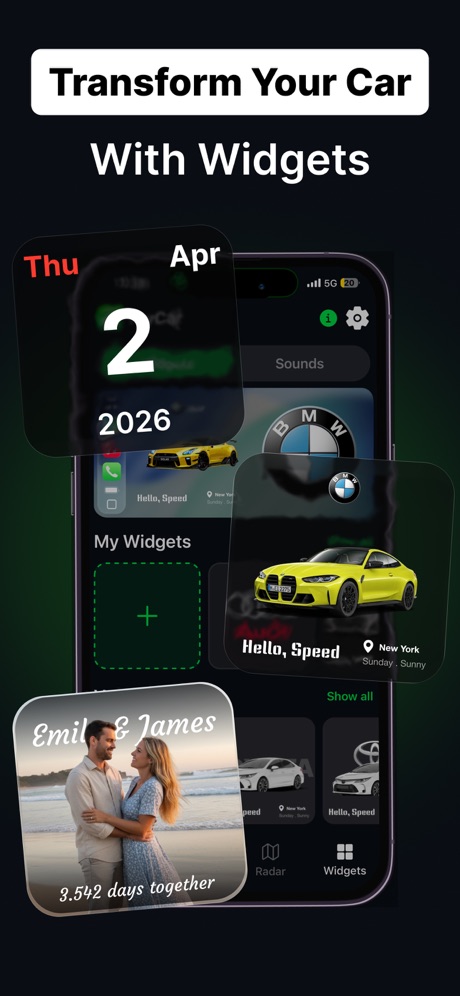
“Transform Your Car”
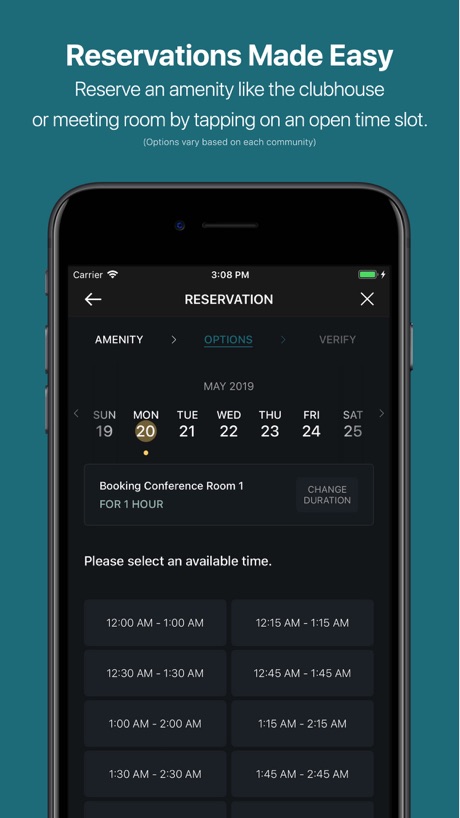
“Reservations Made Easy”

“Never lose devices again”

“Never miss another birthday”
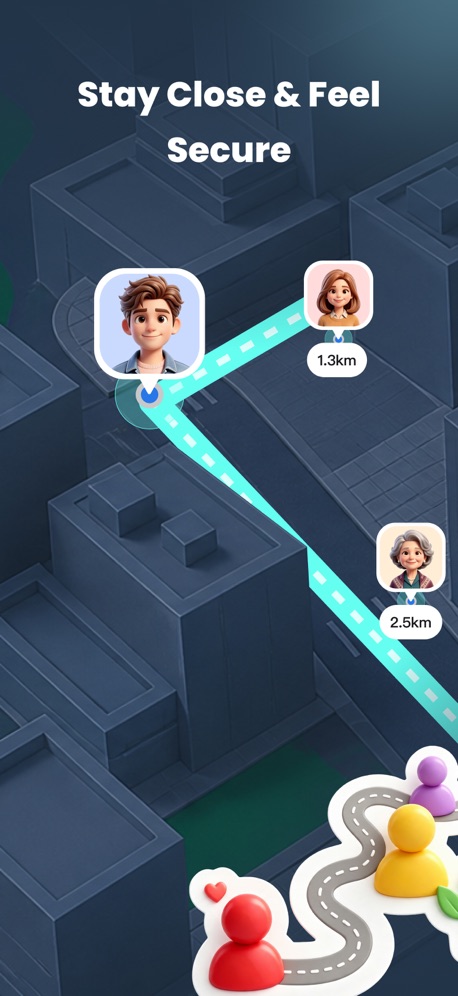
“Stay Close & Feel Secure”

“EFFORTLESS”
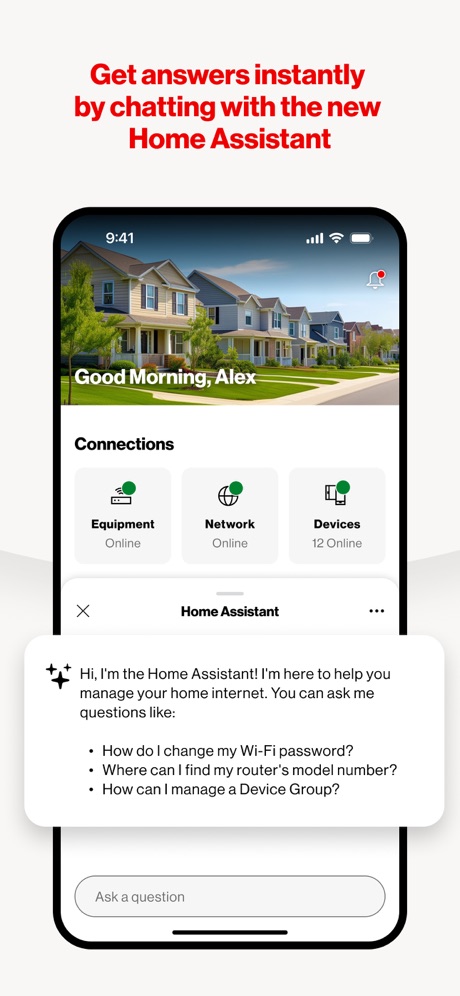
“Get answers instantly by chatting with the new Home Assistant”
Real headline examples, word for word.
The words on all 9 that carry any, as each app wrote them.
“Stay focus with Chat”
and search in one placeMicrosoft Edge · #7 · screenshot 3“Stay connected to your home from anywhere”
Blink Home Monitor · #14 · screenshot 5“Transform Your Car”
With WidgetsmyCar: Car Widgets & Dashboard · #43 · screenshot 2“Reservations Made Easy”
Reserve an amenity like the clubhouse or meeting room by tapping on an open time slot. (Options vary based on each community)RentCafe Resident · #44 · screenshot 3“Never lose devices again”
4.6 users favourite star rating with 1.7M+ downloadsFind Air - My Device Tracker · #50 · screenshot 1“Never miss another birthday”
Countdown · #62 · screenshot 6“Stay Close & Feel Secure”
LocFind: GPS Family Tracker · #71 · screenshot 3“EFFORTLESS”
Make your life easier with Extra Space Storage!Extra Space Storage · #85 · screenshot 4“Get answers instantly by chatting with the new Home Assistant”
Verizon Home · #88 · screenshot 2
Top ten Utilities apps that do it.
- #7Microsoft Edge1 of its 6 screenshots
The same tactic in other categories.
| Category | Apps that do it | Screenshots | Top ten |
|---|---|---|---|
| Education | 40% 40 of 100 | 11% 59 of 555 | 4 of 10 |
| Business | 34% 34 of 100 | 9% 51 of 554 | 8 of 10 |
| Finance | 34% 34 of 100 | 8% 46 of 581 | 4 of 10 |
| Productivity | 29% 29 of 99 | 7% 39 of 551 | 5 of 10 |
| Health & Fitness | 29% 29 of 100 | 6% 36 of 574 | 2 of 10 |
| Lifestyle | 28% 28 of 100 | 6% 34 of 556 | 4 of 10 |
| Reference | 27% 27 of 100 | 6% 34 of 566 | 3 of 10 |
| Navigation | 26% 26 of 99 | 5% 29 of 566 | 5 of 10 |
| Travel | 19% 19 of 100 | 4% 22 of 561 | 2 of 10 |
| Photo & Video | 18% 18 of 100 | 4% 24 of 566 | 2 of 10 |
| Games | 17% 17 of 100 | 3% 18 of 567 | 1 of 10 |
| Shopping | 17% 17 of 100 | 4% 22 of 562 | 3 of 10 |
| Medical | 15% 15 of 100 | 3% 17 of 548 | 3 of 10 |
| Social Networking | 15% 15 of 100 | 3% 16 of 554 | 1 of 10 |
| Music | 12% 12 of 100 | 2% 13 of 550 | 2 of 10 |
| Sports | 12% 12 of 100 | 3% 14 of 558 | 2 of 10 |
| Entertainment | 11% 11 of 100 | 2% 12 of 544 | 2 of 10 |
| Graphics & Design | 9% 9 of 99 | 2% 10 of 564 | 0 of 10 |
| Utilities | 9% 9 of 100 | 2% 9 of 549 | 1 of 10 |
| Weather | 9% 9 of 100 | 2% 11 of 555 | 2 of 10 |
| Food & Drink | 7% 7 of 100 | 1% 8 of 540 | 0 of 10 |
| Developer Tools | 5% 5 of 100 | 1% 5 of 507 | 1 of 10 |
| News | 4% 4 of 98 | 1% 4 of 517 | 0 of 10 |
Related tactics.
Often on the same screenshot
- States a benefit89% of these screenshots, against 42% of all Utilities screenshots
- A photograph67% of these screenshots, against 35% of all Utilities screenshots
- Has a subline56% of these screenshots, against 28% of all Utilities screenshots
- Headline readable at thumbnail size56% of these screenshots, against 36% of all Utilities screenshots
- High contrast words44% of these screenshots, against 26% of all Utilities screenshots
- A person in the picture33% of these screenshots, against 16% of all Utilities screenshots
More in meaning
- Plain tone95%
- Leads with a feature92%
- States a benefit85%
- Subline explains the headline38%
- Leads with trust34%
- Subline adds a second benefit22%
- Asks for an action14%
- Names its audience11%
- Playful tone7%
- Leads with what is new6%
- Leads with who it is for6%
- Urgent tone6%
- Compares with something5%
- Leads with price5%
- Premium tone4%
- Technical tone3%
- Leads with a problem1%
Questions, answered from the chart.
How many top Utilities apps have App Store screenshots that lead with an outcome?
Which Utilities apps have App Store screenshots that lead with an outcome?
Should my Utilities app have App Store screenshots that lead with an outcome?
See your own app against this.
Pagefully reads your screenshots the same way, and makes a custom product page for each search people type, from your real screens.
Preview your pages